
Infinity Plus
Infinity Plus is a modpack inspired by 20w14infinite and powered by the incredible Infinite Dimensions mod.
Screenshots

Über dieses Modpack

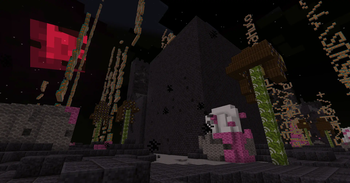
Infinity Plus is a Fabric 1.21 modpack inspired by 20w14infinite, the April Fools snapshot for the never-released Ultimate Content Update.
Infinity Plus is powered by the Infinite Dimensions mod.
Infinity Plus has released! Due to the nature of Infinite Dimensions, regular backups are encouraged.
What is 20w14infinite?
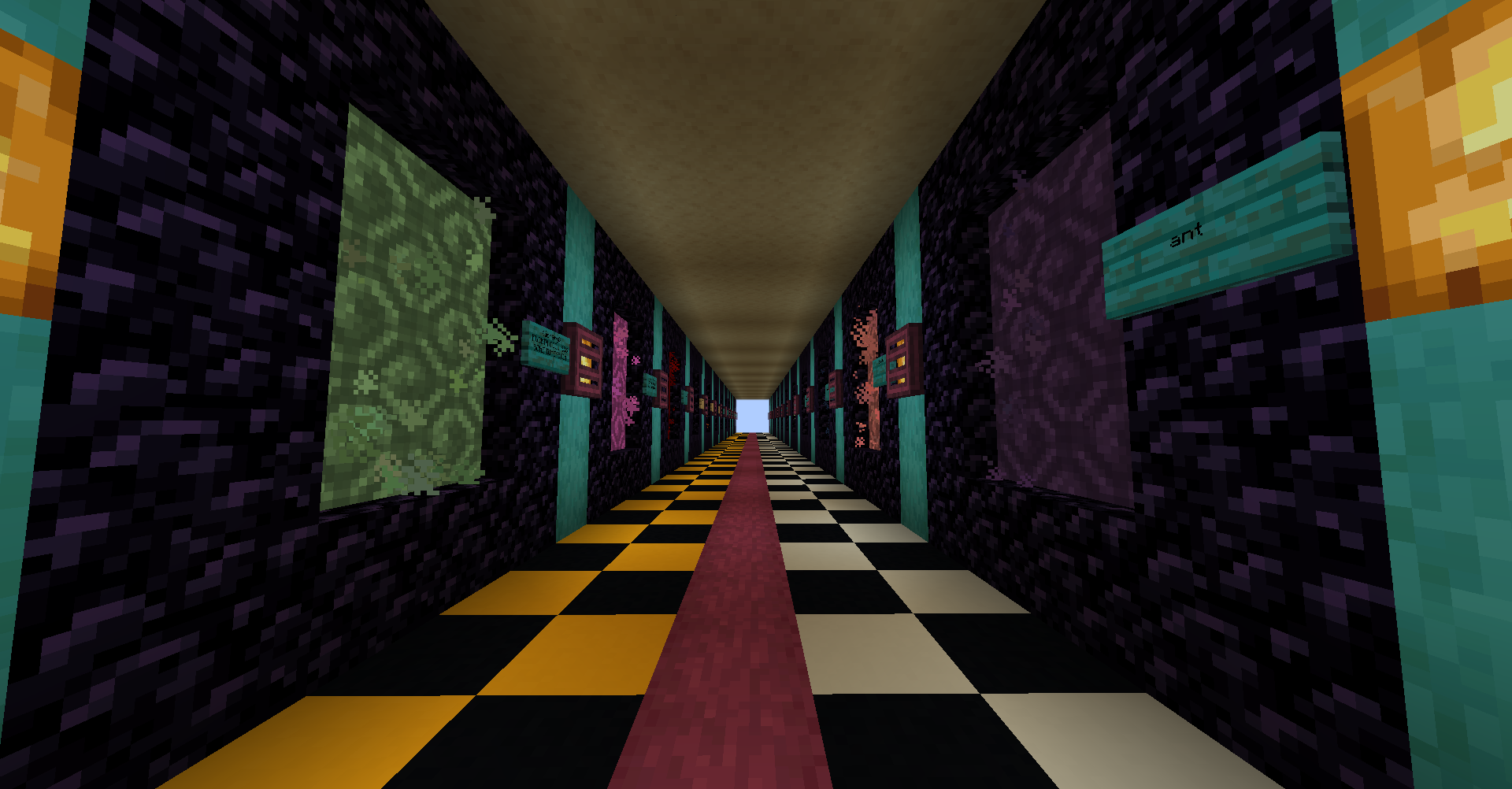
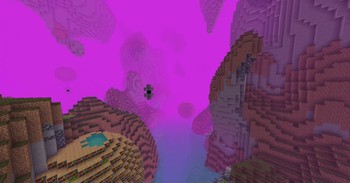
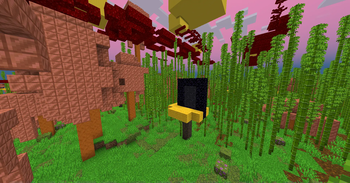
20w14infinite was an April Fools update for Minecraft, where tossing a written book into a Nether Portal creates one of 2,147,483,645 procedurally generated dimensions, based off the contents of the book. Exploring these random dimensions allows players to gain resources as normal, allowing for all sorts of builds with block palettes that are otherwise hard to get in a default Vanilla game.
Infinity Plus takes the gameplay changes and new mechanics from 20w14infinite and re-implements them in 1.20! Explore all new dimensions with the new blocks and items since 1.16's official release, alongside new generator options and all new dimensions!
If you're more interested in the original snapshot, you should also try Simply Infinite! It's an optimization modpack for 20w14infinite.
How To Play
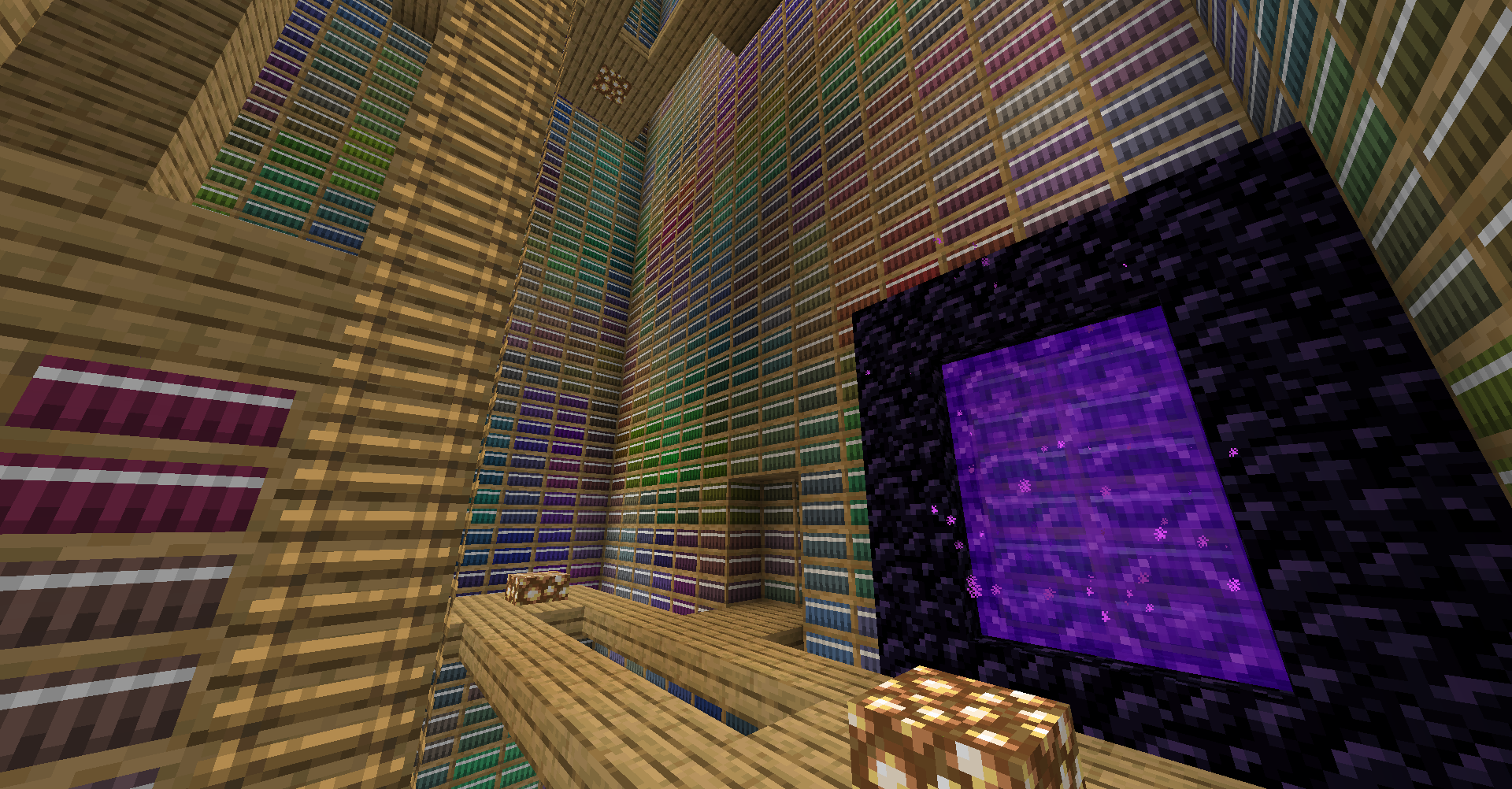
- After downloading the pack, get started as normal. Once you have a base set up and enough supplies for a Nether Portal, you're ready to explore. To start, write whatever you want into a Book and Quill, and throw the book into the Portal. Then, right click the portal. Now, going into this portal will create a new dimension based off the seed written in the book.
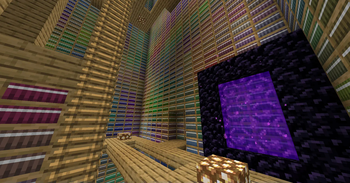
- Something to try: There's all new hard coded Easter Egg dimensions. Try using the names of these dimensions as your dimensional seed, a great one to get started with is the 'library' dimension.
Acknowledgements
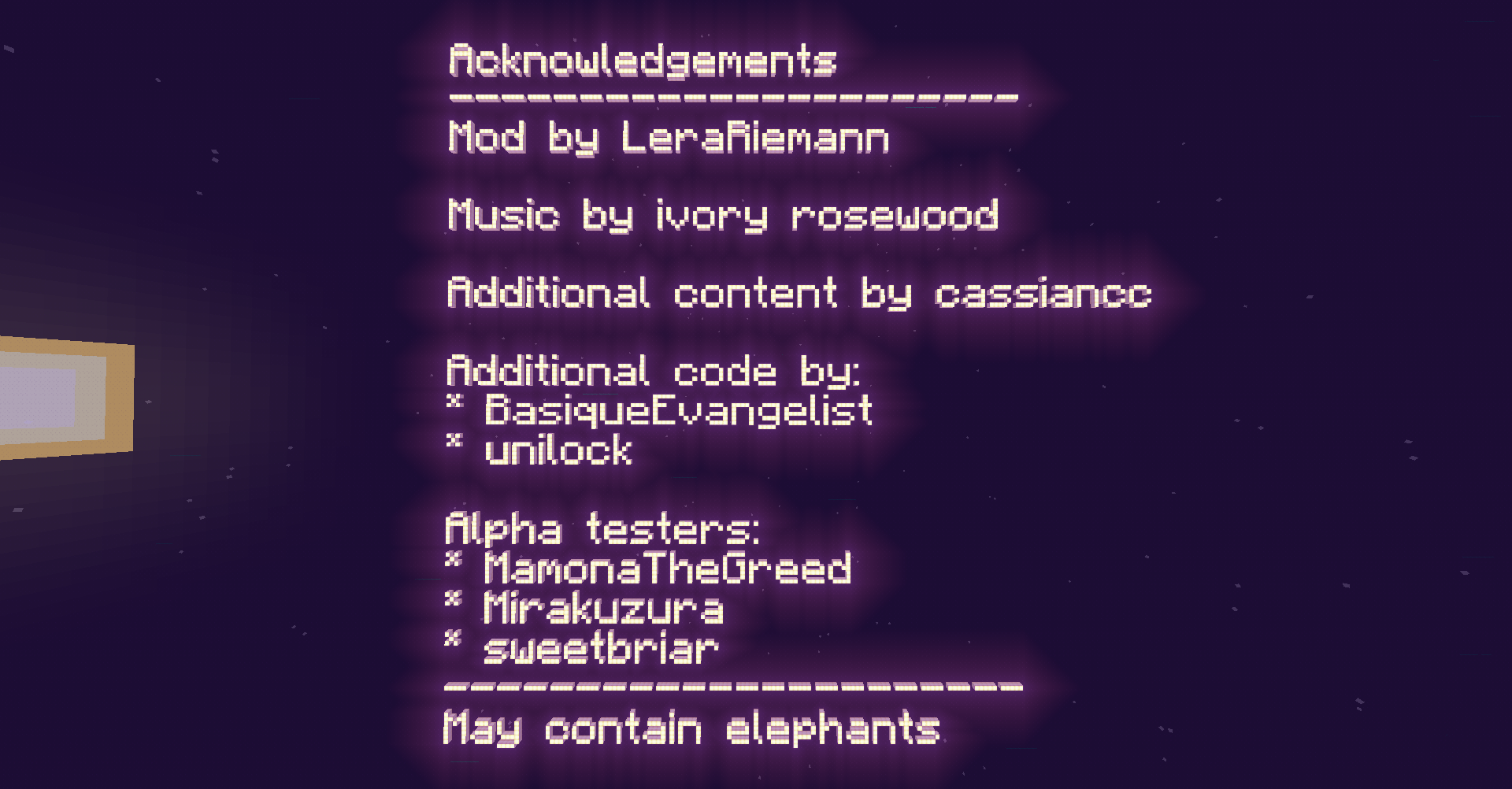
This pack would not be possible without the incredible work of LeraRiemann on the Infinite Dimensions mod. This pack would not be possible without it.
Mod Licenses
Some mods and add-ons included in the pack are not available on Modrinth. The following is a list of these additions, as well as their licenses.
Litematica
This pack includes maruohon's Litematica. This mod is available under the GPL from GitHub.Unity
Unity by CyanideX is licensed under a Creative Commons Attribution-NonCommercial-ShareAlike 4.0 International License. It has been modified for compatibility with 1.20.Verfügbare Versionen
Infinity Plus Server einrichten
Server bestellen
Wähle mindestens 6 GB RAM (8 GB empfohlen für Infinity Plus). Je nach Spieleranzahl: +1 GB pro 5 Spieler.
Modpack im Dashboard installieren
Öffne den Modpack-Browser im Dashboard, suche nach "Infinity Plus" und klicke "Installieren". Der fabric-Loader und Minecraft 1.21.1 werden automatisch konfiguriert.
Server starten & spielen
Starte den Server – alle Mods werden automatisch geladen. Teile die Server-IP mit Freunden und spielt zusammen!
Häufige Fragen
Infinity Plus Server crasht oder startet nicht – was tun?
Häufigste Ursachen: zu wenig RAM oder falscher fabric-Loader. Prüfe latest.log auf "OutOfMemoryError" → erhöhe RAM auf mindestens 8 GB. Bei "Mixin" oder "ClassNotFoundException": Modpack-Version und Loader stimmen nicht überein. Bei Mado Hosting werden Loader und Minecraft-Version beim Modpack-Install automatisch konfiguriert – das verhindert die meisten Startprobleme.
Wie viel RAM braucht ein Infinity Plus Server wirklich?
Minimum 6 GB, empfohlen 8 GB für stabile Performance. +1 GB pro 5 Spieler. Wichtig: Minecraft-Modpacks brauchen mehr RAM als Vanilla – plane pro zusätzlichem Spieler extra ein. Bei Mado Hosting kannst du den RAM jederzeit live hochskalieren, ohne Datenverlust (ab €7.800000000000001/Monat).
Kann ich eigene Mods zu Infinity Plus hinzufügen, ohne Konflikte?
Ja, aber achte auf die Kompatibilität: Nutze nur Mods für den gleichen Loader (fabric) und die gleiche Minecraft-Version (1.21.1). Häufige Probleme: ID-Konflikte bei Rezept-Mods und inkompatible Coremod-Versionen. Im Mado Dashboard zeigt der Mod-Browser nur kompatible Mods an und warnt bei bekannten Konflikten.
Infinity Plus Server laggt – Performance-Tipps
1) RAM auf 8 GB+ erhöhen. 2) Server-View-Distance auf 8 reduzieren (server.properties). 3) Pre-Generiere Chunks mit dem "Chunky" Plugin. 4) Prüfe mit /spark profiler welche Mods die meiste Tick-Time verbrauchen. Bei Mado Hosting laufen alle Server auf NVMe-SSDs mit dedizierten CPU-Kernen – das eliminiert Hardware als Engpass.
Ähnliche Modpacks
![Cobblemon Official Modpack [Fabric]](https://cdn.modrinth.com/data/5FFgwNNP/e7f9ee2e9d361623847853fe2ddce42f519ee64f.png)
![COBBLEVERSE - Pokemon Adventure [Cobblemon]](https://cdn.modrinth.com/data/Jkb29YJU/581ecf54530972afb18a04660afd820f2f24f6c7.png)
![Better MC [FABRIC] - BMC2](https://cdn.modrinth.com/data/shFhR8Vx/a19c2bcb51d38f32f138d3607e91cb2b7b8e387f_96.webp)


![Better MC [FORGE] - BMC4](https://cdn.modrinth.com/data/4BV47HRn/7f5ef7cc61b2593609aabef3ed07a866a4f11b73_96.webp)
Infinity Plus Server mieten
Starte deinen eigenen Server mit automatischer Modpack-Installation.
Details
- Lizenz
- GNU Lesser General Public License v3.0 only
- Server-seitig
- Erforderlich
- Client-seitig
- Erforderlich
Unterstützte Versionen
Starte deinen Infinity Plus Server jetzt
Ab €7.80/Monat; für die beste Performance werden 8 GB RAM empfohlen.
Server konfigurieren →