
Infinity Plus
Infinity Plus is a modpack inspired by 20w14infinite and powered by the incredible Infinite Dimensions mod.
Screenshots
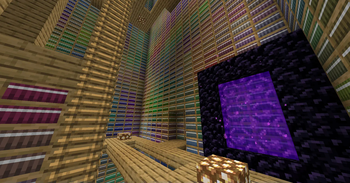
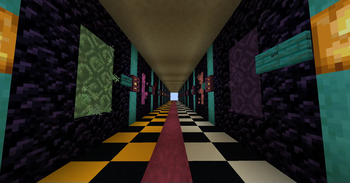

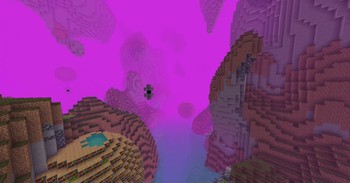
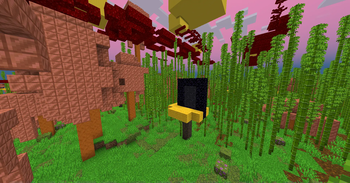
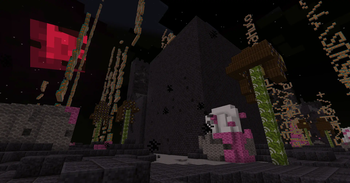
About this Modpack

Infinity Plus is a Fabric 1.21 modpack inspired by 20w14infinite, the April Fools snapshot for the never-released Ultimate Content Update.
Infinity Plus is powered by the Infinite Dimensions mod.
Infinity Plus has released! Due to the nature of Infinite Dimensions, regular backups are encouraged.
What is 20w14infinite?
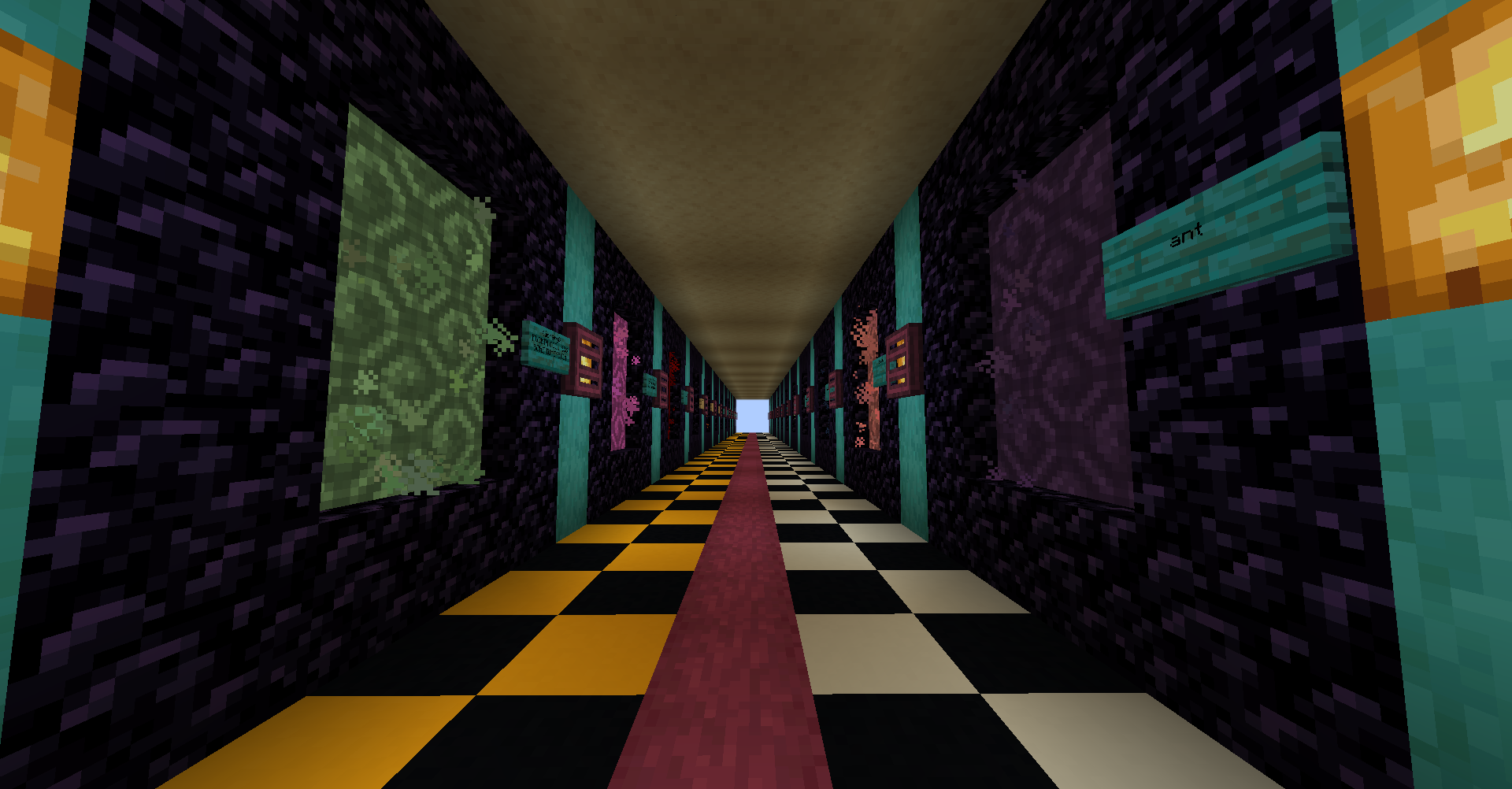
20w14infinite was an April Fools update for Minecraft, where tossing a written book into a Nether Portal creates one of 2,147,483,645 procedurally generated dimensions, based off the contents of the book. Exploring these random dimensions allows players to gain resources as normal, allowing for all sorts of builds with block palettes that are otherwise hard to get in a default Vanilla game.
Infinity Plus takes the gameplay changes and new mechanics from 20w14infinite and re-implements them in 1.20! Explore all new dimensions with the new blocks and items since 1.16's official release, alongside new generator options and all new dimensions!
If you're more interested in the original snapshot, you should also try Simply Infinite! It's an optimization modpack for 20w14infinite.
How To Play
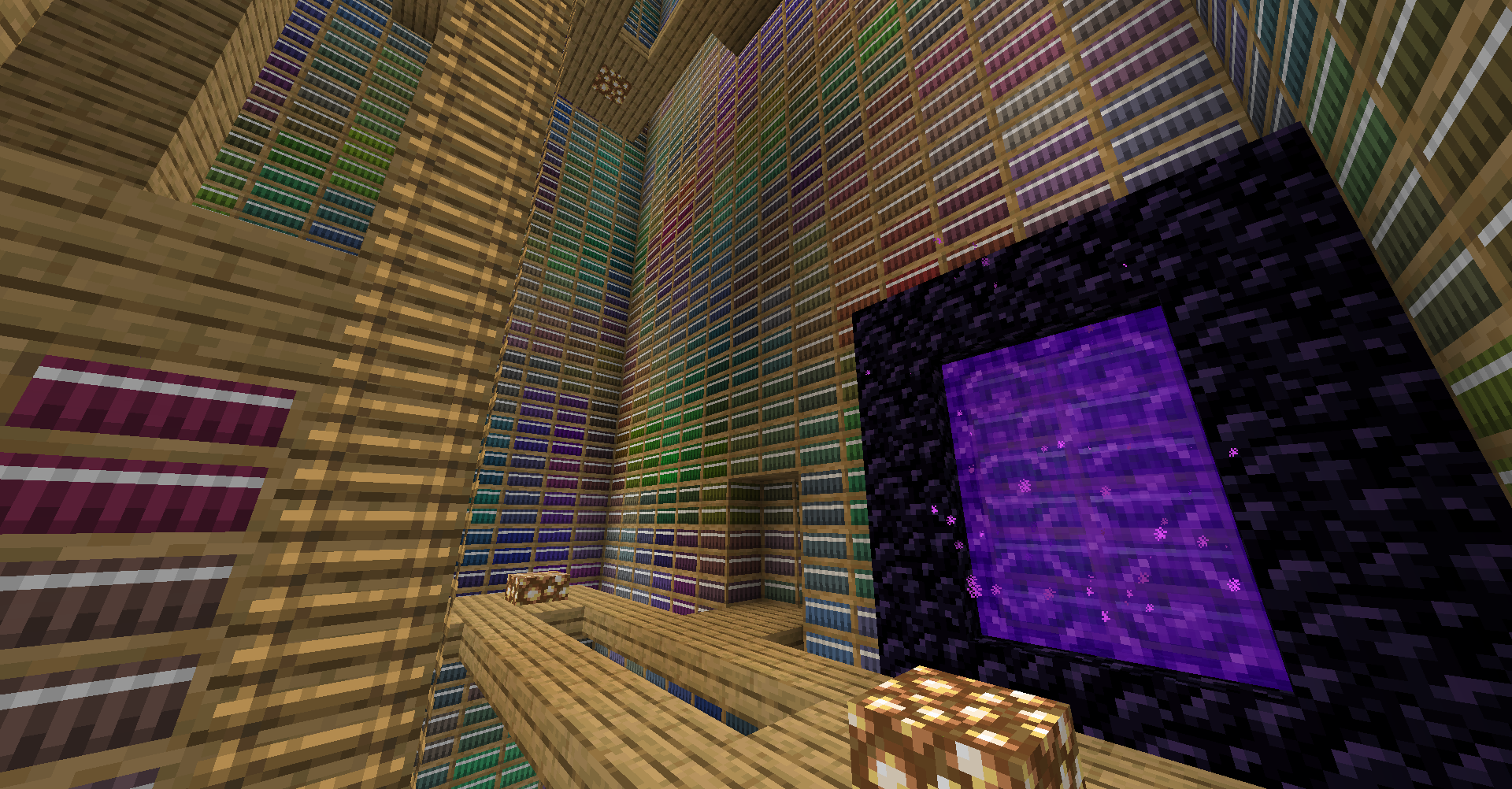
- After downloading the pack, get started as normal. Once you have a base set up and enough supplies for a Nether Portal, you're ready to explore. To start, write whatever you want into a Book and Quill, and throw the book into the Portal. Then, right click the portal. Now, going into this portal will create a new dimension based off the seed written in the book.
- Something to try: There's all new hard coded Easter Egg dimensions. Try using the names of these dimensions as your dimensional seed, a great one to get started with is the 'library' dimension.
Acknowledgements
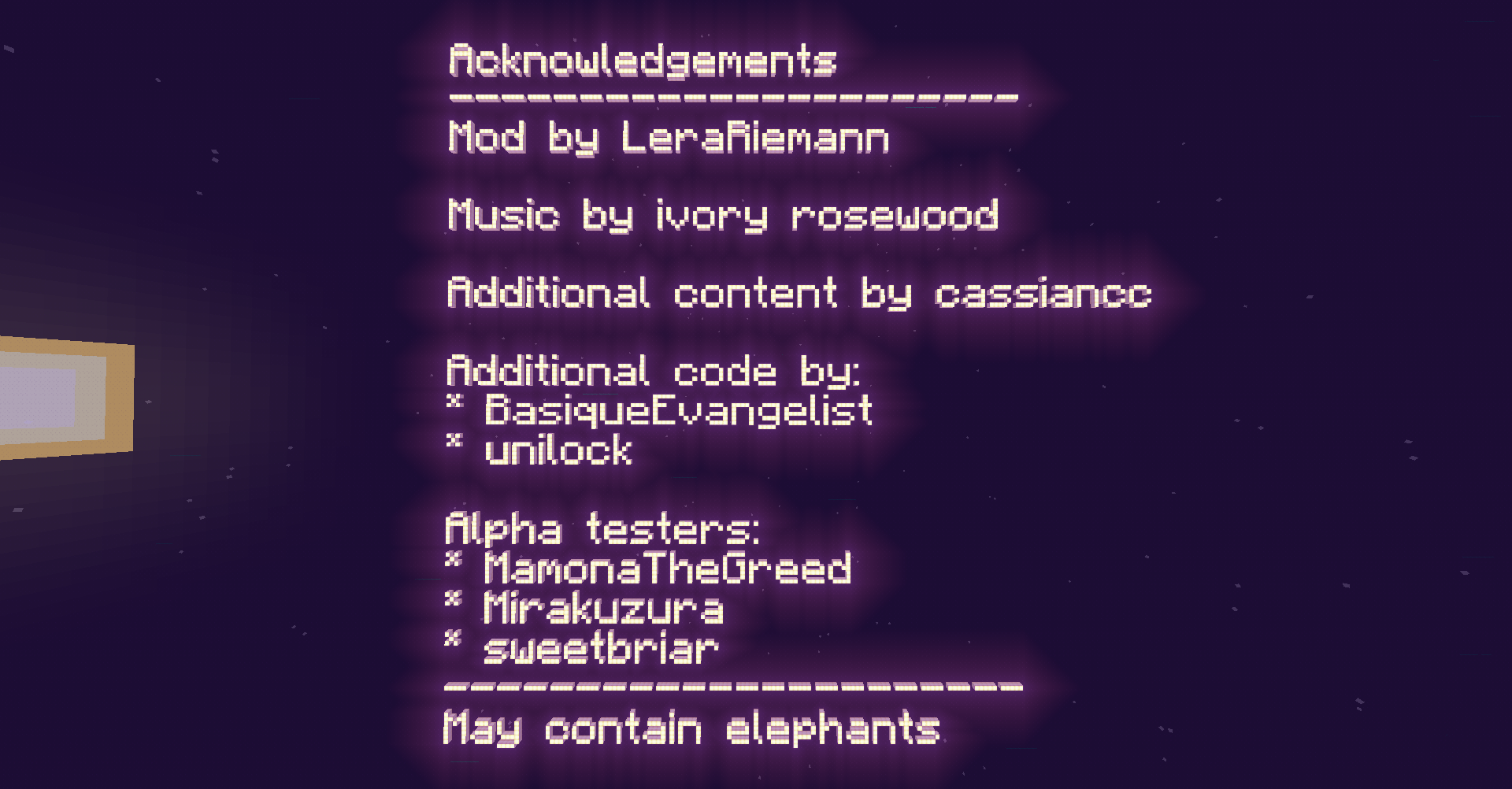
This pack would not be possible without the incredible work of LeraRiemann on the Infinite Dimensions mod. This pack would not be possible without it.
Mod Licenses
Some mods and add-ons included in the pack are not available on Modrinth. The following is a list of these additions, as well as their licenses.
Litematica
This pack includes maruohon's Litematica. This mod is available under the GPL from GitHub.Unity
Unity by CyanideX is licensed under a Creative Commons Attribution-NonCommercial-ShareAlike 4.0 International License. It has been modified for compatibility with 1.20.Available Versions
How to Set Up a Infinity Plus Server
Order Server
Choose at least 6 GB RAM (8 GB recommended for Infinity Plus). Based on player count: per 5 players.
Install Modpack in Dashboard
Open the modpack browser in the dashboard, search for "Infinity Plus" and click "Install". The fabric loader and Minecraft 1.21.1 are configured automatically.
Start Server & Play
Start the server – all mods are loaded automatically. Share the server IP with friends and play together!
Frequently Asked Questions
Infinity Plus server crashes or won't start – what to do?
Most common causes: insufficient RAM or wrong fabric loader. Check latest.log for "OutOfMemoryError" → increase RAM to at least 8 GB. For "Mixin" or "ClassNotFoundException" errors: modpack version and loader don't match. With Mado Hosting, loader and Minecraft version are auto-configured on modpack install – preventing most startup issues.
How much RAM does a Infinity Plus server really need?
Minimum 6 GB, recommended 8 GB for stable performance. per 5 players. Important: Minecraft modpacks need more RAM than vanilla – plan extra per additional player. With Mado Hosting, you can scale RAM up live at any time without data loss (from €7.800000000000001/month).
Can I add custom mods to Infinity Plus without conflicts?
Yes, but check compatibility: only use mods for the same loader (fabric) and same Minecraft version (1.21.1). Common issues: ID conflicts with recipe mods and incompatible coremod versions. The Mado dashboard mod browser only shows compatible mods and warns about known conflicts.
Infinity Plus server lagging – performance tips
1) Increase RAM to 8 GB+. 2) Reduce server view-distance to 8 (server.properties). 3) Pre-generate chunks with the "Chunky" plugin. 4) Use /spark profiler to check which mods consume the most tick time. With Mado Hosting, all servers run on NVMe SSDs with dedicated CPU cores – eliminating hardware as a bottleneck.
Similar Modpacks
![Cobblemon Official Modpack [Fabric]](https://cdn.modrinth.com/data/5FFgwNNP/e7f9ee2e9d361623847853fe2ddce42f519ee64f.png)
![COBBLEVERSE - Pokemon Adventure [Cobblemon]](https://cdn.modrinth.com/data/Jkb29YJU/581ecf54530972afb18a04660afd820f2f24f6c7.png)
![Better MC [FABRIC] - BMC2](https://cdn.modrinth.com/data/shFhR8Vx/a19c2bcb51d38f32f138d3607e91cb2b7b8e387f_96.webp)


![Better MC [FORGE] - BMC4](https://cdn.modrinth.com/data/4BV47HRn/7f5ef7cc61b2593609aabef3ed07a866a4f11b73_96.webp)
Rent Infinity Plus Server
Start your own server with automatic modpack installation.
Details
- License
- GNU Lesser General Public License v3.0 only
- Server-side
- Required
- Client-side
- Required
Supported Versions
Start your Infinity Plus Server now
From €7.80/month; 8 GB RAM is recommended for best performance.
Configure Server →