
Valhelsia: Plasma
Enhance your Minecraft experience with built-in shaders, client-side optimization and visual improvements. Host singleplayer worlds and play with your friends anywhere.
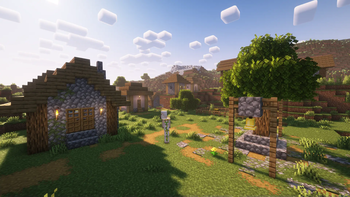
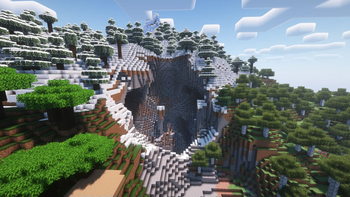
Screenshots
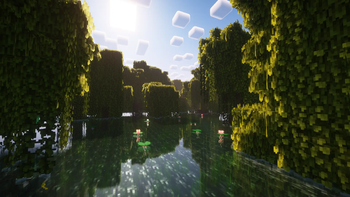
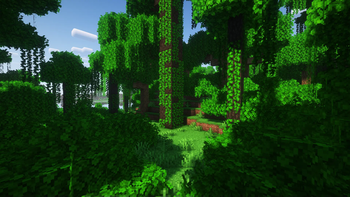
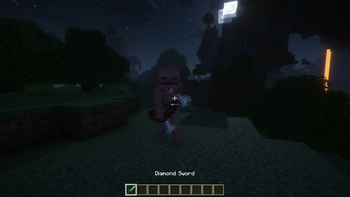
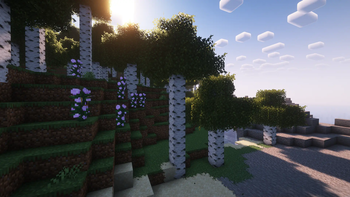
Über dieses Modpack
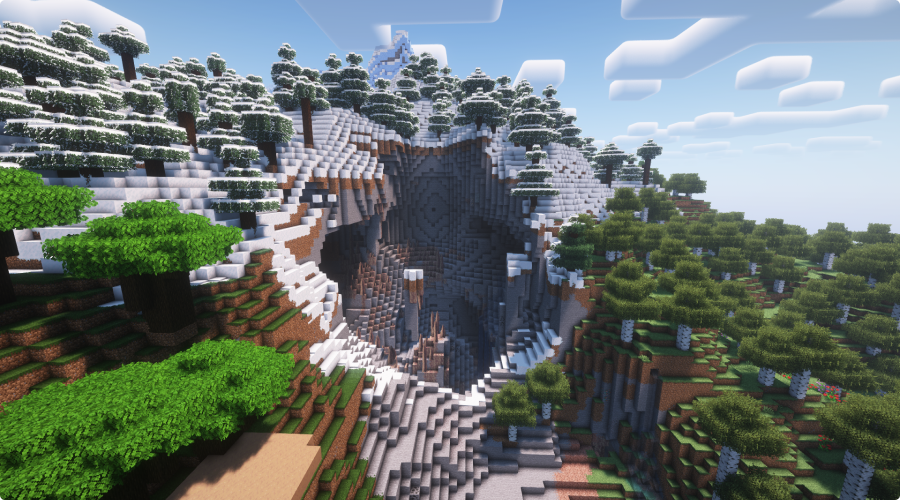
Valhelsia: Plasma is a Minecraft modpack designed to become your ultimate companion for your vanilla adventures. The modpack provides built-in shaders, client-side optimization, visual enhancements and some QOL features to your game.




Join us on our Discord server to get the latest news, changelog and to get support if you have any problems. We also have an extremely active chat channel and an image gallery submitted by members of the community.

🚀 Performance
Enhanced performance with a collection of optimization mods, including Sodium, Indium, Exordium, Concurrent Chunk Management Engine, and Krypton. These mods deliver optimal performance and smoother gameplay, allowing you to enjoy Minecraft with improved frame rates and reduced lag.
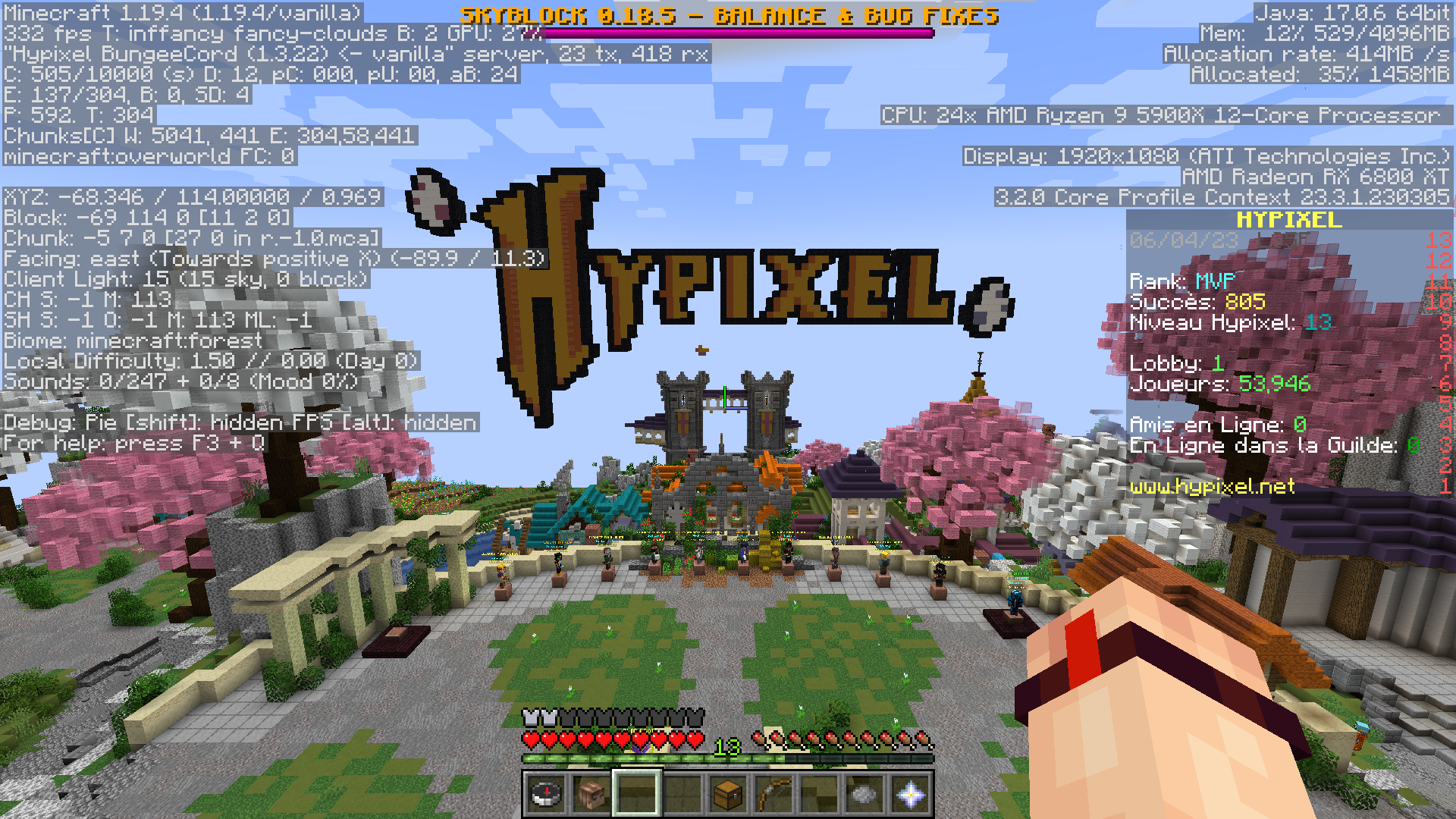
Vanilla
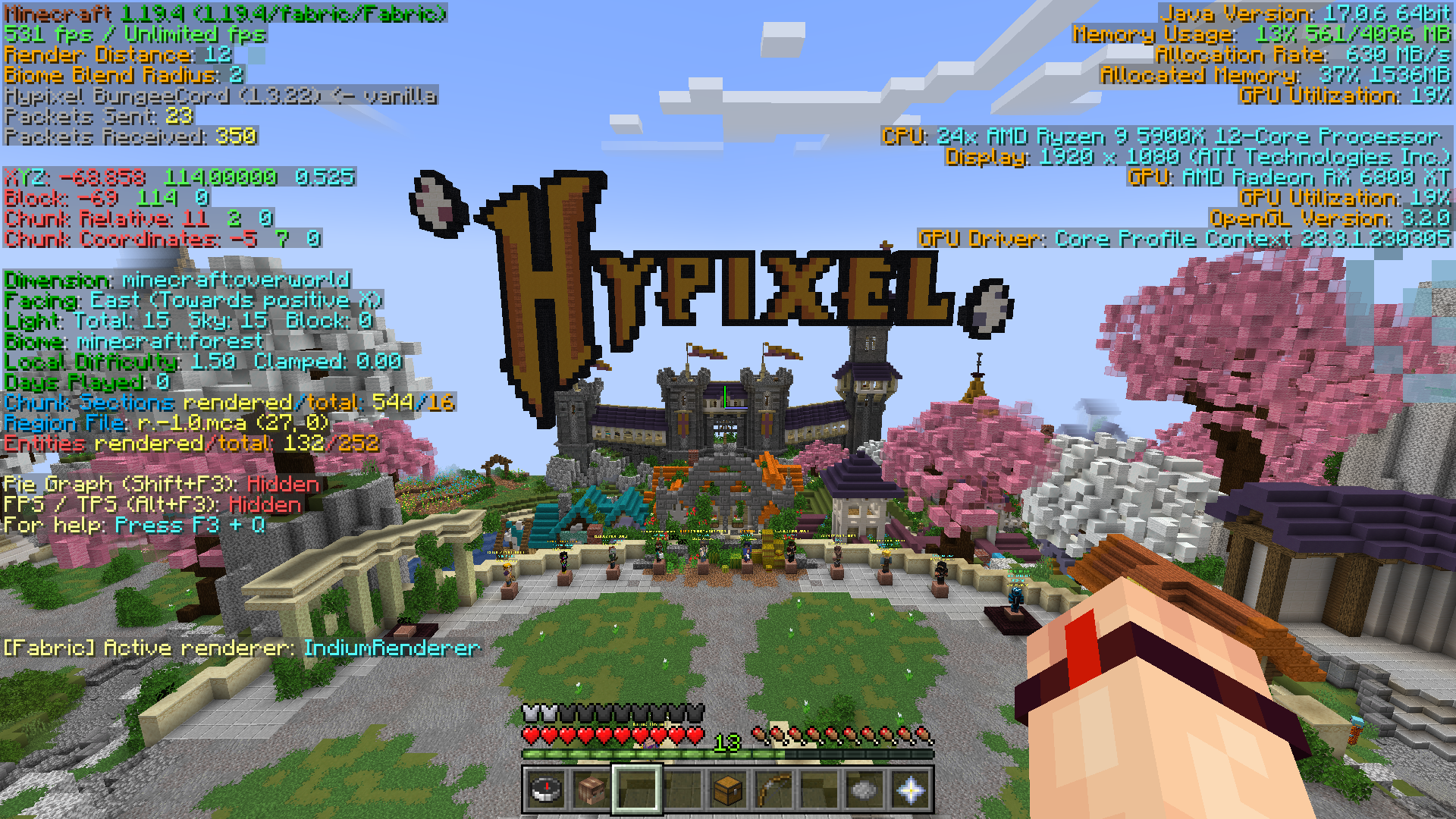
Valhelsia: Plasma
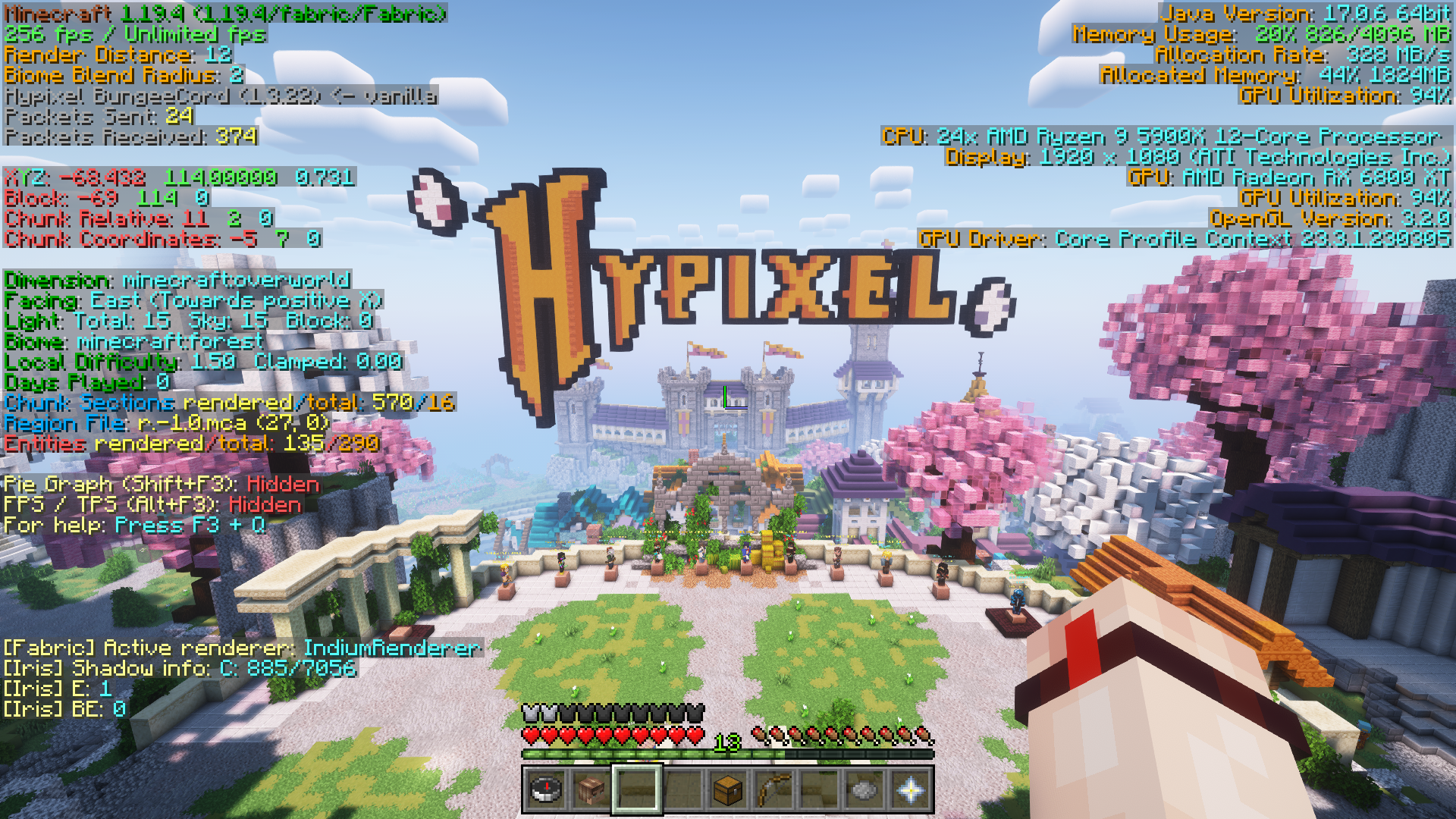
Valhelsia: Plasma + Shader
🎮 Play with your friends easily
Thanks to the Essential mod, you can now play with your friends just by simply open a world and click "Invite" in the ESC menu.
📦 Built-in shaders
Valhelsia: Plasma contains two shader packs, Complementary Reimagined and Complementary Unbound, both of which provide stunning visual enhancements with realistic lighting, dynamic shadows, and vibrant colors, transforming your Minecraft world into a visually breathtaking experience.
🌠 Visual enhancements
This modpack includes the Xali's resource packs, adding transitions between blocks, bushy look to leaves, while staying in the vanilla theme of Minecraft. Additionally, the modpack includes Visuality, which enhances the game with an array of new particles like crystal sparkles, particles on mob hitting, custom blob particles for slimes, and environmental particles to your Minecraft world.
⚙️ QOL features
Stay connected with your friends with in-game messenger, across worlds and servers. Easily access and share screenshots directly from the game. Enjoy the vibrant and user-friendly F3 interface with BetterF3, which allows you to quickly find the information you need.
📄 Credits
Mods List
- Continuity by peppercode1
- Visuality by PinkGoosik
- Crafting Tweaks by BlayTheNinth
- CIT Resewn by shsupercm
- Raised by yurisuika
- Iris Shaders by coderbot
- Cherished Worlds by TheIllusiveC4
- Your Options Shall Be Respected by shedaniel
- Falling Leaves by randommcsomethin
- Concurrent Chunk Management Engine by ishland
- FerriteCore by malte0811
- Krypton by astei
- Exordium by tr7zw
- Reese's Sodium Options by FlashyReese
- Sodium by jellysquid3
- Dynamic FPS by juliand665
- Eating Animation by theoness1
- Mod Menu by Prospector
- Auth Me by axieum
- Starlight by spottedleaf
- Indium by comp500
- BetterF3 by treyruffy
- ESSENTIAL by SparkUniverse
- Light Overlay by shedaniel
- Clean Tooltips by stal111
- Puzzle by Motschen
Resource Packs List
- xali's Enhanced Vanilla by xalixilax
- xali's Bushy Leaves by xalixilax
- xali's Enhanced Jungle Wood by xalixilax
- xali's Potions by xalixilax
- xali's Enchanted Books by xalixilax
- xali's Enhanced Biome: River and Pond by xalixilax
Shaders List
- Complementary Shaders - Reimagined by EminGT
- Complementary Shaders - Unbound by EminGT

Verfügbare Versionen
Valhelsia: Plasma Server einrichten
Server bestellen
Wähle mindestens 4 GB RAM (6 GB empfohlen für Valhelsia: Plasma). Je nach Spieleranzahl: +1 GB pro 8 Spieler.
Modpack im Dashboard installieren
Öffne den Modpack-Browser im Dashboard, suche nach "Valhelsia: Plasma" und klicke "Installieren". Der fabric-Loader und Minecraft 1.20.2 werden automatisch konfiguriert.
Server starten & spielen
Starte den Server – alle Mods werden automatisch geladen. Teile die Server-IP mit Freunden und spielt zusammen!
Häufige Fragen
Valhelsia: Plasma Server crasht oder startet nicht – was tun?
Häufigste Ursachen: zu wenig RAM oder falscher fabric-Loader. Prüfe latest.log auf "OutOfMemoryError" → erhöhe RAM auf mindestens 6 GB. Bei "Mixin" oder "ClassNotFoundException": Modpack-Version und Loader stimmen nicht überein. Bei Mado Hosting werden Loader und Minecraft-Version beim Modpack-Install automatisch konfiguriert – das verhindert die meisten Startprobleme.
Wie viel RAM braucht ein Valhelsia: Plasma Server wirklich?
Minimum 4 GB, empfohlen 6 GB für stabile Performance. +1 GB pro 8 Spieler. Wichtig: Minecraft-Modpacks brauchen mehr RAM als Vanilla – plane pro zusätzlichem Spieler extra ein. Bei Mado Hosting kannst du den RAM jederzeit live hochskalieren, ohne Datenverlust (ab €5.2/Monat).
Kann ich eigene Mods zu Valhelsia: Plasma hinzufügen, ohne Konflikte?
Ja, aber achte auf die Kompatibilität: Nutze nur Mods für den gleichen Loader (fabric) und die gleiche Minecraft-Version (1.20.2). Häufige Probleme: ID-Konflikte bei Rezept-Mods und inkompatible Coremod-Versionen. Im Mado Dashboard zeigt der Mod-Browser nur kompatible Mods an und warnt bei bekannten Konflikten.
Valhelsia: Plasma Server laggt – Performance-Tipps
1) RAM auf 6 GB+ erhöhen. 2) Server-View-Distance auf 8 reduzieren (server.properties). 3) Pre-Generiere Chunks mit dem "Chunky" Plugin. 4) Prüfe mit /spark profiler welche Mods die meiste Tick-Time verbrauchen. Bei Mado Hosting laufen alle Server auf NVMe-SSDs mit dedizierten CPU-Kernen – das eliminiert Hardware als Engpass.
Ähnliche Modpacks

![Cobblemon Official Modpack [Fabric]](https://cdn.modrinth.com/data/5FFgwNNP/e7f9ee2e9d361623847853fe2ddce42f519ee64f.png)
![COBBLEVERSE - Pokemon Adventure [Cobblemon]](https://cdn.modrinth.com/data/Jkb29YJU/581ecf54530972afb18a04660afd820f2f24f6c7.png)
![Better MC [FABRIC] - BMC2](https://cdn.modrinth.com/data/shFhR8Vx/a19c2bcb51d38f32f138d3607e91cb2b7b8e387f_96.webp)


Valhelsia: Plasma Server mieten
Starte deinen eigenen Server mit automatischer Modpack-Installation.
Details
- Lizenz
- LicenseRef-All-Rights-Reserved
- Server-seitig
- Nicht unterstützt
- Client-seitig
- Erforderlich
Unterstützte Versionen
Starte deinen Valhelsia: Plasma Server jetzt
Ab €5.20/Monat; für die beste Performance werden 6 GB RAM empfohlen.
Server konfigurieren →