
Valhelsia: Plasma
Enhance your Minecraft experience with built-in shaders, client-side optimization and visual improvements. Host singleplayer worlds and play with your friends anywhere.
Screenshots
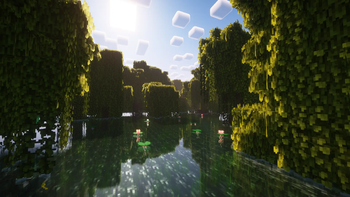
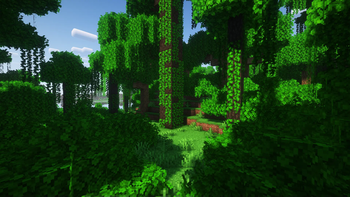
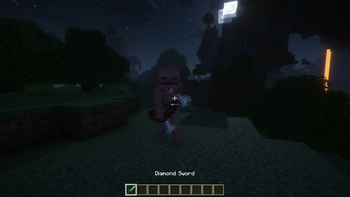
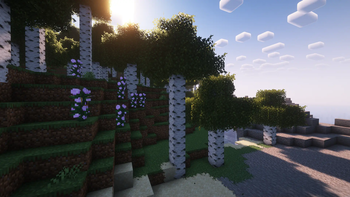
About this Modpack
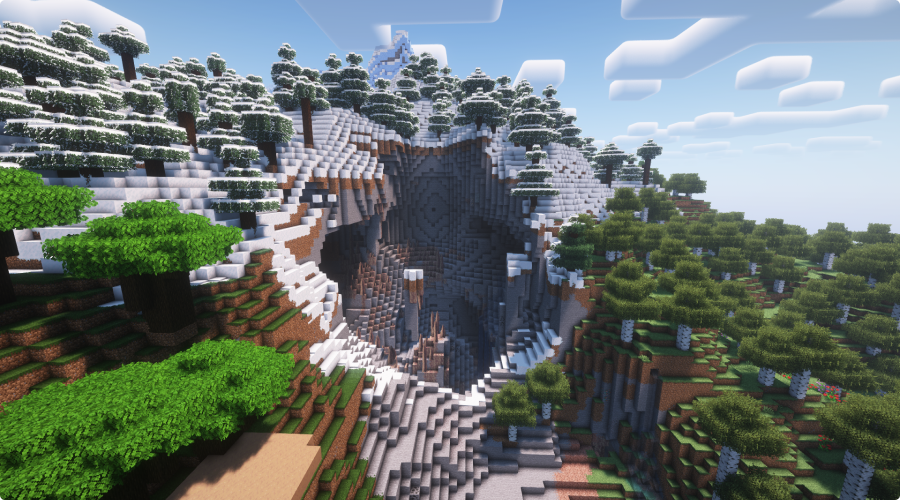
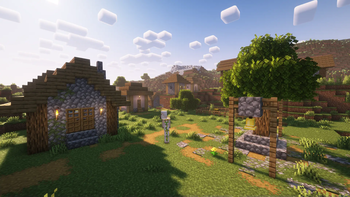
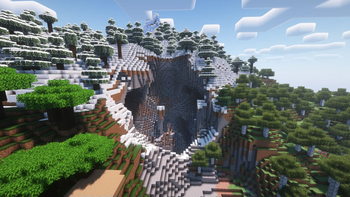
Valhelsia: Plasma is a Minecraft modpack designed to become your ultimate companion for your vanilla adventures. The modpack provides built-in shaders, client-side optimization, visual enhancements and some QOL features to your game.




Join us on our Discord server to get the latest news, changelog and to get support if you have any problems. We also have an extremely active chat channel and an image gallery submitted by members of the community.

🚀 Performance
Enhanced performance with a collection of optimization mods, including Sodium, Indium, Exordium, Concurrent Chunk Management Engine, and Krypton. These mods deliver optimal performance and smoother gameplay, allowing you to enjoy Minecraft with improved frame rates and reduced lag.
Vanilla
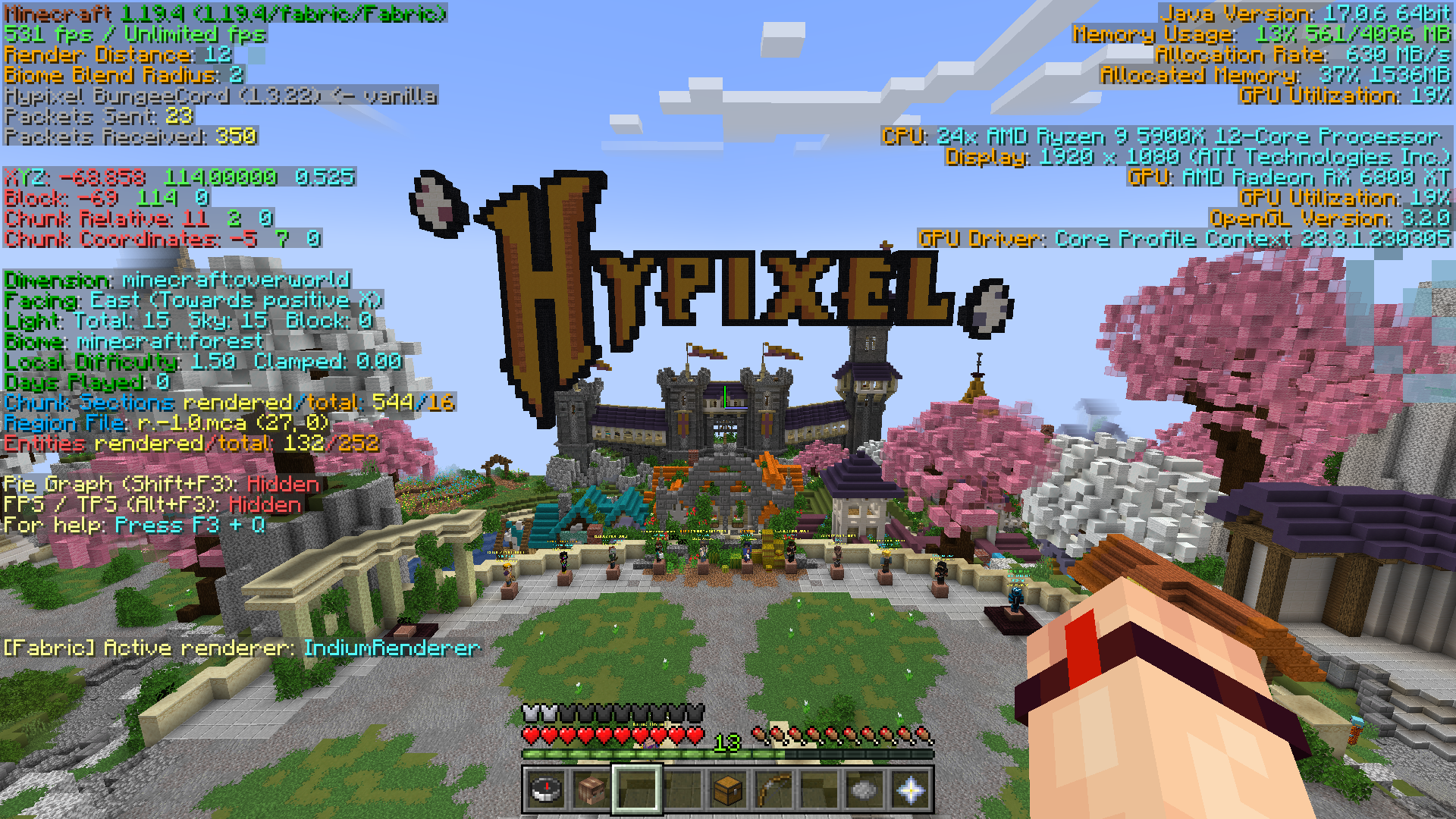
Valhelsia: Plasma
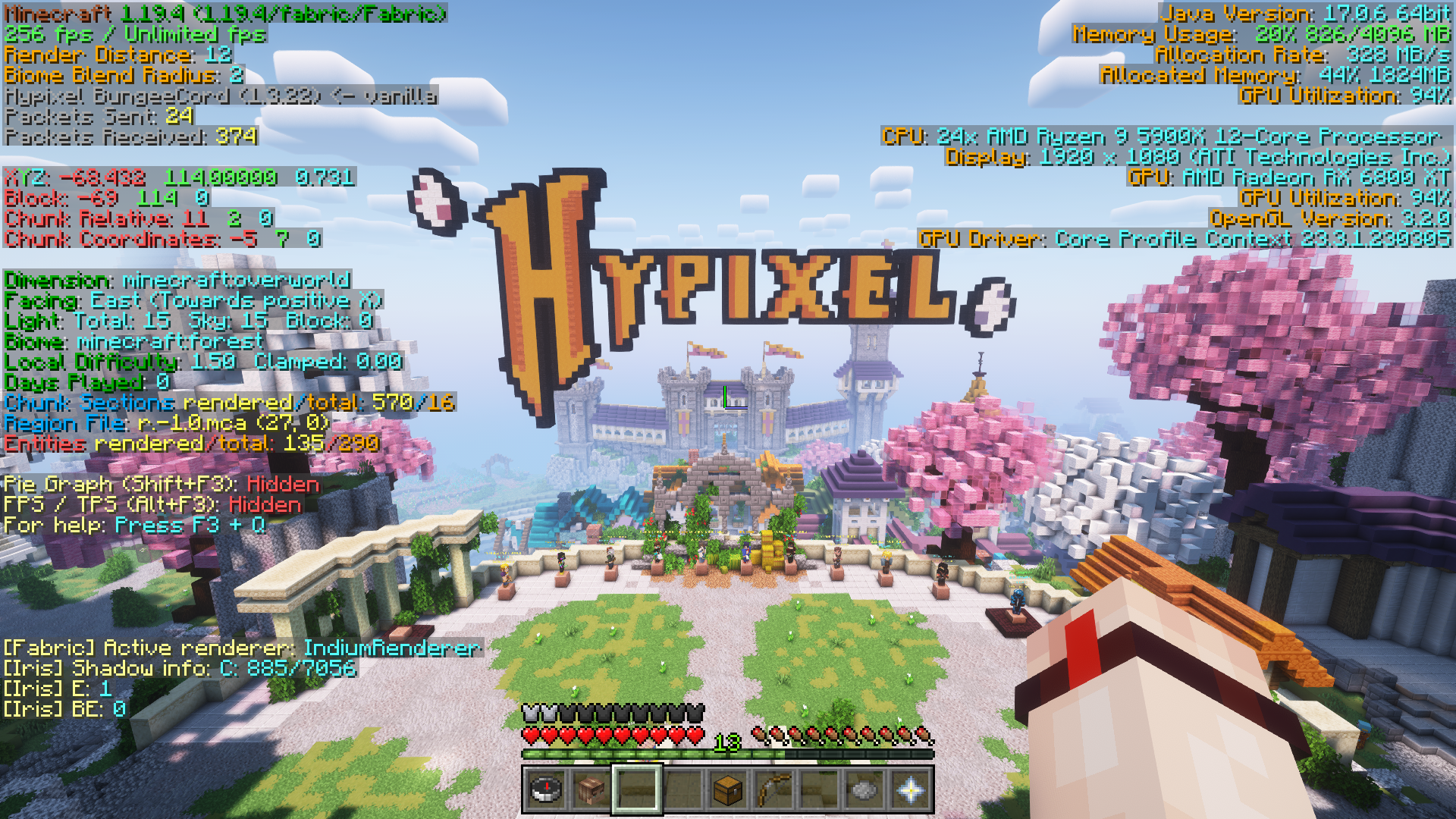
Valhelsia: Plasma + Shader
🎮 Play with your friends easily
Thanks to the Essential mod, you can now play with your friends just by simply open a world and click "Invite" in the ESC menu.
📦 Built-in shaders
Valhelsia: Plasma contains two shader packs, Complementary Reimagined and Complementary Unbound, both of which provide stunning visual enhancements with realistic lighting, dynamic shadows, and vibrant colors, transforming your Minecraft world into a visually breathtaking experience.
🌠 Visual enhancements
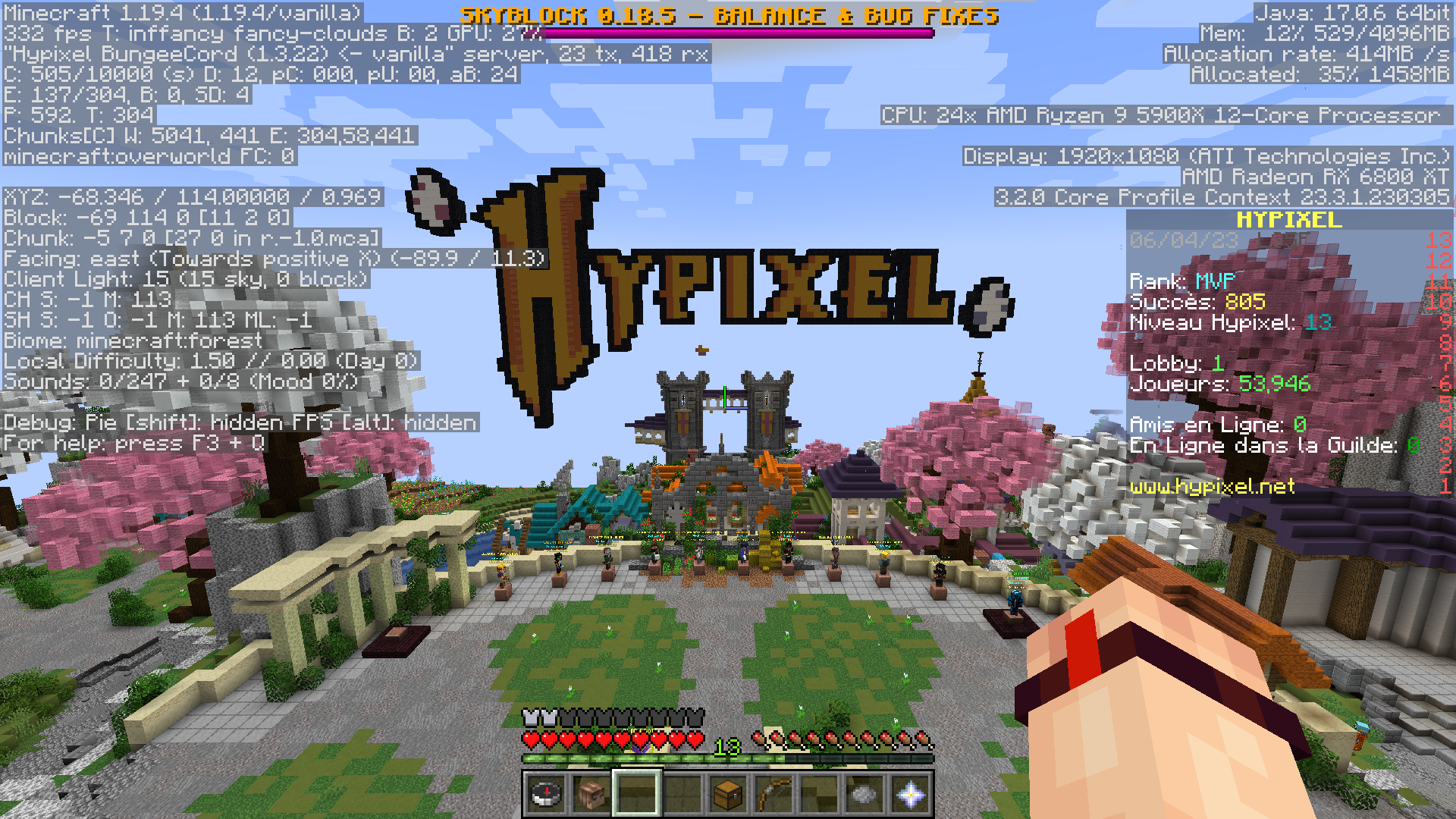
This modpack includes the Xali's resource packs, adding transitions between blocks, bushy look to leaves, while staying in the vanilla theme of Minecraft. Additionally, the modpack includes Visuality, which enhances the game with an array of new particles like crystal sparkles, particles on mob hitting, custom blob particles for slimes, and environmental particles to your Minecraft world.
⚙️ QOL features
Stay connected with your friends with in-game messenger, across worlds and servers. Easily access and share screenshots directly from the game. Enjoy the vibrant and user-friendly F3 interface with BetterF3, which allows you to quickly find the information you need.
📄 Credits
Mods List
- Continuity by peppercode1
- Visuality by PinkGoosik
- Crafting Tweaks by BlayTheNinth
- CIT Resewn by shsupercm
- Raised by yurisuika
- Iris Shaders by coderbot
- Cherished Worlds by TheIllusiveC4
- Your Options Shall Be Respected by shedaniel
- Falling Leaves by randommcsomethin
- Concurrent Chunk Management Engine by ishland
- FerriteCore by malte0811
- Krypton by astei
- Exordium by tr7zw
- Reese's Sodium Options by FlashyReese
- Sodium by jellysquid3
- Dynamic FPS by juliand665
- Eating Animation by theoness1
- Mod Menu by Prospector
- Auth Me by axieum
- Starlight by spottedleaf
- Indium by comp500
- BetterF3 by treyruffy
- ESSENTIAL by SparkUniverse
- Light Overlay by shedaniel
- Clean Tooltips by stal111
- Puzzle by Motschen
Resource Packs List
- xali's Enhanced Vanilla by xalixilax
- xali's Bushy Leaves by xalixilax
- xali's Enhanced Jungle Wood by xalixilax
- xali's Potions by xalixilax
- xali's Enchanted Books by xalixilax
- xali's Enhanced Biome: River and Pond by xalixilax
Shaders List
- Complementary Shaders - Reimagined by EminGT
- Complementary Shaders - Unbound by EminGT

Available Versions
How to Set Up a Valhelsia: Plasma Server
Order Server
Choose at least 4 GB RAM (6 GB recommended for Valhelsia: Plasma). Based on player count: per 8 players.
Install Modpack in Dashboard
Open the modpack browser in the dashboard, search for "Valhelsia: Plasma" and click "Install". The fabric loader and Minecraft 1.20.2 are configured automatically.
Start Server & Play
Start the server – all mods are loaded automatically. Share the server IP with friends and play together!
Frequently Asked Questions
Valhelsia: Plasma server crashes or won't start – what to do?
Most common causes: insufficient RAM or wrong fabric loader. Check latest.log for "OutOfMemoryError" → increase RAM to at least 6 GB. For "Mixin" or "ClassNotFoundException" errors: modpack version and loader don't match. With Mado Hosting, loader and Minecraft version are auto-configured on modpack install – preventing most startup issues.
How much RAM does a Valhelsia: Plasma server really need?
Minimum 4 GB, recommended 6 GB for stable performance. per 8 players. Important: Minecraft modpacks need more RAM than vanilla – plan extra per additional player. With Mado Hosting, you can scale RAM up live at any time without data loss (from €5.2/month).
Can I add custom mods to Valhelsia: Plasma without conflicts?
Yes, but check compatibility: only use mods for the same loader (fabric) and same Minecraft version (1.20.2). Common issues: ID conflicts with recipe mods and incompatible coremod versions. The Mado dashboard mod browser only shows compatible mods and warns about known conflicts.
Valhelsia: Plasma server lagging – performance tips
1) Increase RAM to 6 GB+. 2) Reduce server view-distance to 8 (server.properties). 3) Pre-generate chunks with the "Chunky" plugin. 4) Use /spark profiler to check which mods consume the most tick time. With Mado Hosting, all servers run on NVMe SSDs with dedicated CPU cores – eliminating hardware as a bottleneck.
Similar Modpacks

![Cobblemon Official Modpack [Fabric]](https://cdn.modrinth.com/data/5FFgwNNP/e7f9ee2e9d361623847853fe2ddce42f519ee64f.png)
![COBBLEVERSE - Pokemon Adventure [Cobblemon]](https://cdn.modrinth.com/data/Jkb29YJU/581ecf54530972afb18a04660afd820f2f24f6c7.png)
![Better MC [FABRIC] - BMC2](https://cdn.modrinth.com/data/shFhR8Vx/a19c2bcb51d38f32f138d3607e91cb2b7b8e387f_96.webp)


Rent Valhelsia: Plasma Server
Start your own server with automatic modpack installation.
Details
- License
- LicenseRef-All-Rights-Reserved
- Server-side
- Unsupported
- Client-side
- Required
Supported Versions
Start your Valhelsia: Plasma Server now
From €5.20/month; 6 GB RAM is recommended for best performance.
Configure Server →