Accessories
An extendable and data-driven Accessory Mod for Minecraft
Screenshots
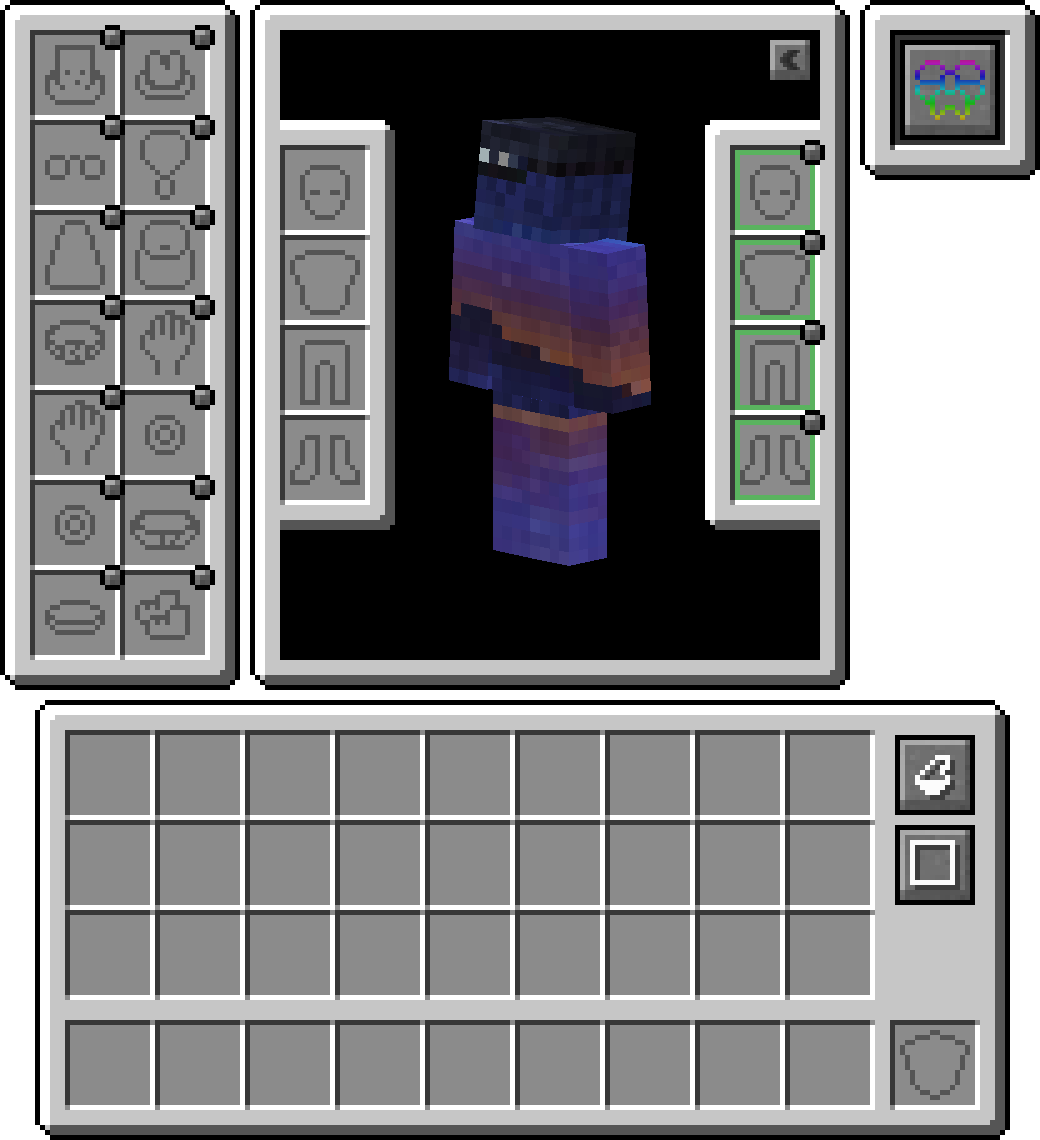
Über diese Mod



Accessories is a Data-Driven Accessory mod for NeoForge and Fabric with emphasis on using a Common API for both platforms when possible.
The style for the library's API is based on the works of Curios and Trinkets with credit going to both TheIllusiveC4 and emilyploszaj for their work on Accessory mods for Minecraft.
Features
Elytra, Totem, and Banner Support Included
By default, you can equip banners in your head or cape(WIP) slot to show off a custom banner. For elytra, or totem, you will need to enable such within the config as its disabled by default.
Compatibility Layer
Due to existing API's like Trinket and Curios being predominantly used, you can install the Accessories Compatibility Layer to have them work under Accessories for a unified experience
Model Translation API
Included for developers is a proper transformation API used within rendering native Accessories, allowing proper linkage to a given entity model parts, which enables proper support for EMF Resourcepacks like Fresh Animations, and there are future plans to support other rendering mods like Figura.
Managing Equipped Accessories
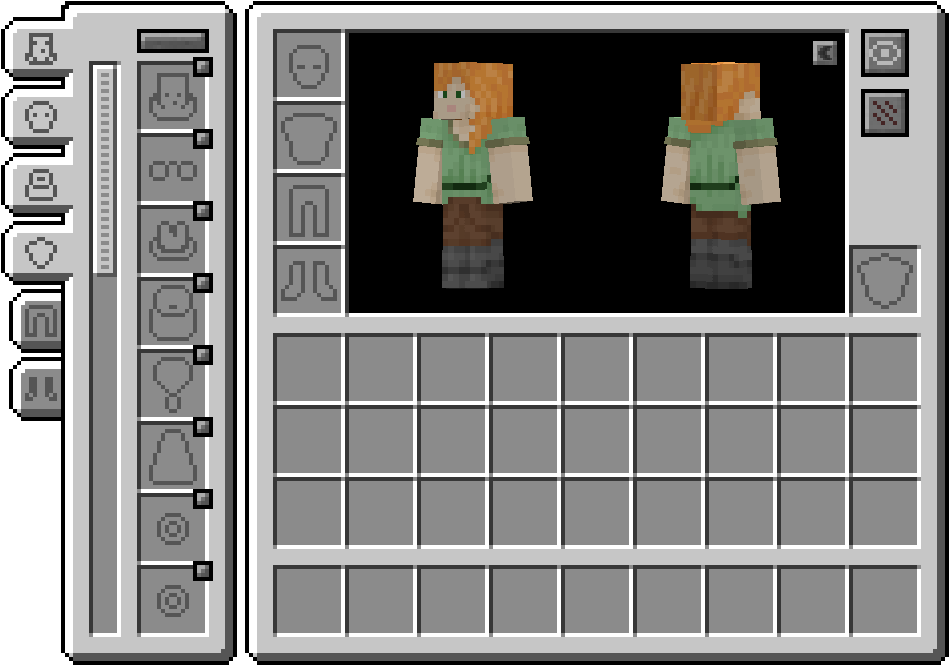
The ability to access other tamed entities allows other mods to have accessory items for pets or mounts. Combined with it being useful for server owners to manage other players' accessories if needed, without the use of direct management commands. Just hold shift and use the 'Accessories Open Screen' on any entity (If owned, must be the owner) to bring up the screen, or run the command /accessories edit <target> if OPed.
API Additions
Here are some examples of the API implemented in Accessories that may assist you with your mod development:
Verfügbare Versionen
Accessories auf dem Server installieren
Server bestellen
Bestelle einen Minecraft Java Server mit mindestens 3 GB RAM (4 GB empfohlen).
fabric Loader setzen
Wähle im Panel unter "Egg" den fabric-Loader und die passende Minecraft-Version (1.21.10).
Mod installieren
Öffne den Mod-Browser im Dashboard und suche nach "Accessories". Klicke "Installieren" – fertig! Alternativ: Lade die .jar via SFTP in den /mods Ordner.
Kompatibilität
Mod-Loader
Minecraft-Versionen
1.21.10, 1.21.8, 1.21.5 (+6 weitere)
Server-seitig
✓ ErforderlichEmpfohlener RAM
4 GB(min. 3 GB)Häufige Fragen
Accessories Server crasht beim Start – was tun?
Häufigste Ursache: falsche fabric-Version oder zu wenig RAM. Prüfe im Server-Log (latest.log), ob ein "OutOfMemoryError" oder "Mixin"-Fehler auftritt. Bei Mado Hosting: Stelle sicher, dass mindestens 3 GB RAM zugewiesen sind und der Loader zur Mod-Version passt (1.21.10). Über das Panel kannst du den Loader mit einem Klick wechseln.
Ist Accessories mit fabric und forge und neoforge kompatibel?
Accessories unterstützt offiziell fabric, forge, neoforge für Minecraft 1.21.10, 1.21.8, 1.21.5. Achtung: Forge- und Fabric-Mods sind NICHT untereinander kompatibel – wähle einen Loader und bleibe dabei. Im Mado Dashboard werden inkompatible Loader-Kombinationen automatisch erkannt.
Server laggt mit Accessories – wie optimiere ich die Performance?
Empfohlener RAM: 4 GB (+1 GB pro 8 Spieler). Prüfe mit /spark profiler, ob Accessories den meisten Tick-Time verbraucht. Häufige Fixes: Server-View-Distance auf 8-10 reduzieren, bei Forge "performant" oder "starlight" als Zusatz-Mod installieren. Bei Mado Hosting läuft dein Server auf NVMe-SSDs mit dedizierten CPU-Kernen für minimale Latenz.
Ähnliche Mods



![[TaCZ] Timeless and Classics Zero](https://cdn.modrinth.com/data/SzzJttH8/fd27766d2bb8390d284696b1dbd358f87e081439_96.webp)


Modded Server mieten
Installiere Accessories mit nur einem Klick auf deinem Server.