Accessories
An extendable and data-driven Accessory Mod for Minecraft
Screenshots
About this Mod



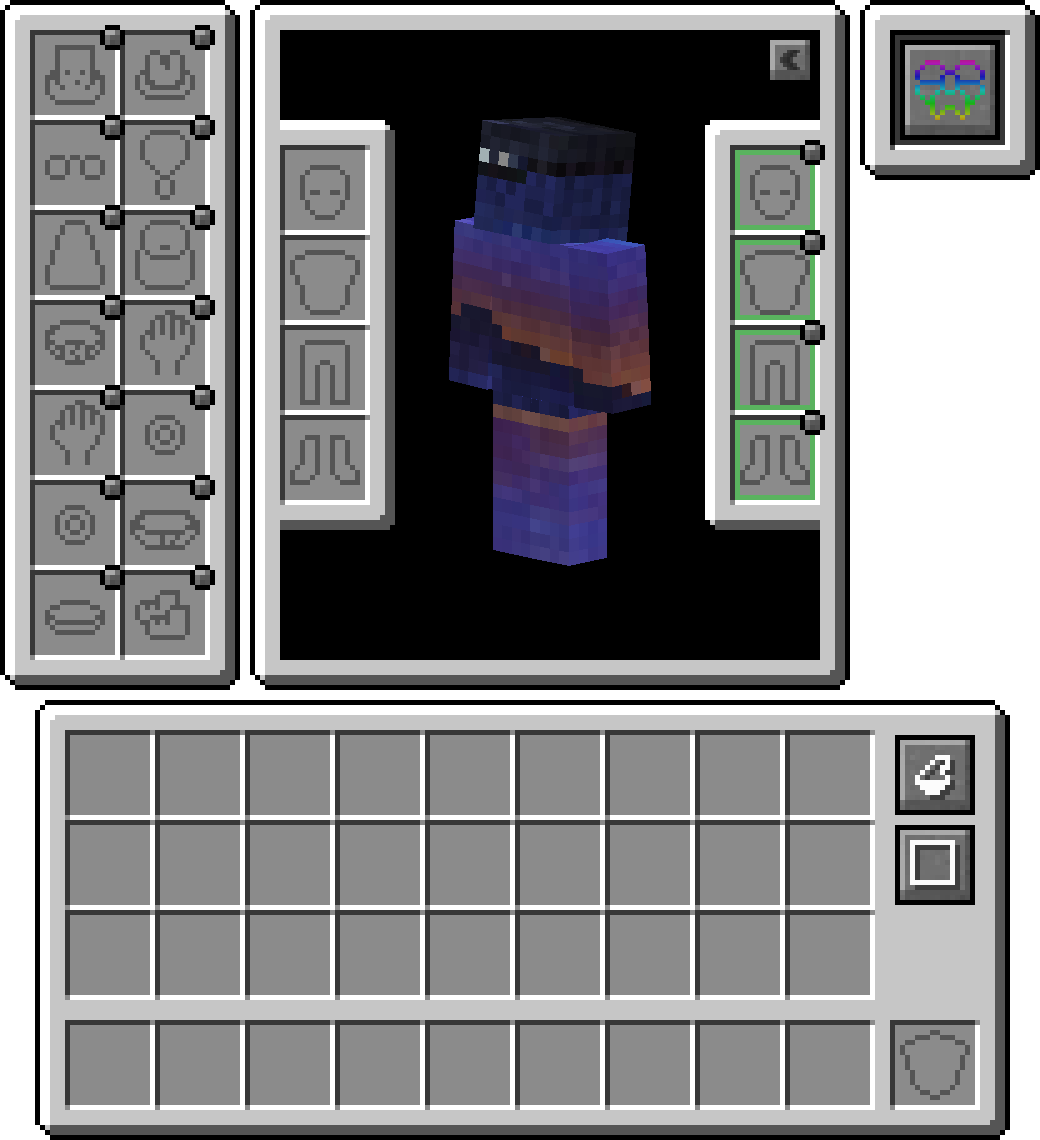
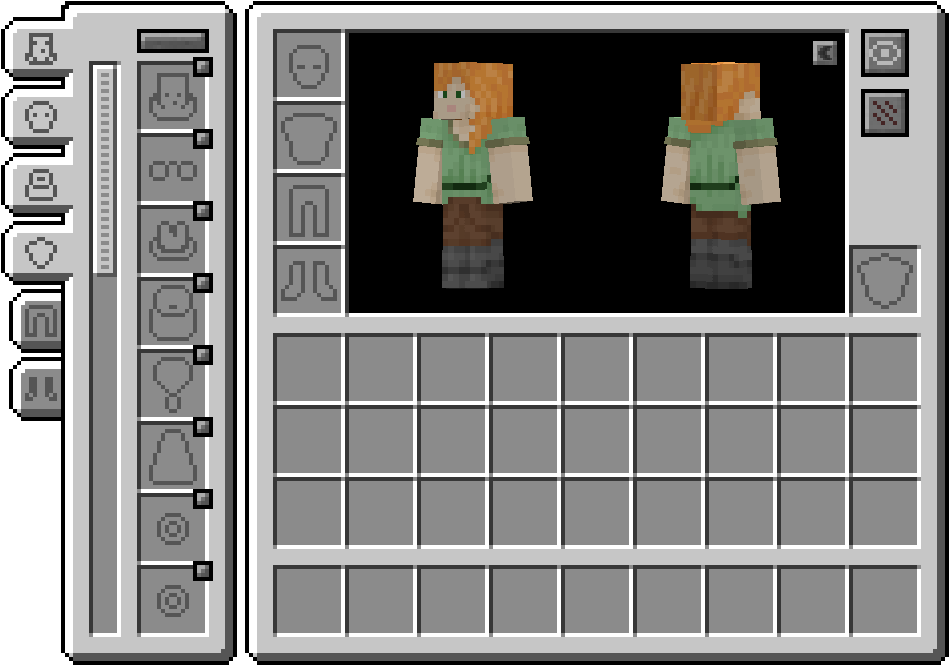
Accessories is a Data-Driven Accessory mod for NeoForge and Fabric with emphasis on using a Common API for both platforms when possible.
The style for the library's API is based on the works of Curios and Trinkets with credit going to both TheIllusiveC4 and emilyploszaj for their work on Accessory mods for Minecraft.
Features
Elytra, Totem, and Banner Support Included
By default, you can equip banners in your head or cape(WIP) slot to show off a custom banner. For elytra, or totem, you will need to enable such within the config as its disabled by default.
Compatibility Layer
Due to existing API's like Trinket and Curios being predominantly used, you can install the Accessories Compatibility Layer to have them work under Accessories for a unified experience
Model Translation API
Included for developers is a proper transformation API used within rendering native Accessories, allowing proper linkage to a given entity model parts, which enables proper support for EMF Resourcepacks like Fresh Animations, and there are future plans to support other rendering mods like Figura.
Managing Equipped Accessories
The ability to access other tamed entities allows other mods to have accessory items for pets or mounts. Combined with it being useful for server owners to manage other players' accessories if needed, without the use of direct management commands. Just hold shift and use the 'Accessories Open Screen' on any entity (If owned, must be the owner) to bring up the screen, or run the command /accessories edit <target> if OPed.
API Additions
Here are some examples of the API implemented in Accessories that may assist you with your mod development:
Available Versions
How to Install Accessories on Your Server
Order Server
Order a Minecraft Java server with at least 3 GB RAM (4 GB recommended).
Set fabric Loader
In the panel under "Egg", select the fabric loader and matching Minecraft version (1.21.10).
Install Mod
Open the mod browser in the dashboard and search for "Accessories". Click "Install" – done! Alternatively, upload the .jar via SFTP to the /mods folder.
Compatibility
Mod Loaders
Minecraft Versions
1.21.10, 1.21.8, 1.21.5 (+6 more)
Server-side
✓ RequiredRecommended RAM
4 GB(min. 3 GB)Frequently Asked Questions
Accessories server crashes on startup – what to do?
Most common cause: wrong fabric version or insufficient RAM. Check the server log (latest.log) for "OutOfMemoryError" or "Mixin" errors. With Mado Hosting: ensure at least 3 GB RAM is allocated and the loader matches the mod version (1.21.10). You can switch loaders with one click in the panel.
Is Accessories compatible with fabric and forge and neoforge?
Accessories officially supports fabric, forge, neoforge for Minecraft 1.21.10, 1.21.8, 1.21.5. Note: Forge and Fabric mods are NOT cross-compatible – pick one loader and stick with it. The Mado dashboard automatically detects incompatible loader combinations.
Server lagging with Accessories – how to optimize performance?
Recommended RAM: 4 GB (per 8 players). Use /spark profiler to check if Accessories consumes the most tick time. Common fixes: reduce server view-distance to 8-10, install "performant" or "starlight" as supplementary mods on Forge. With Mado Hosting, your server runs on NVMe SSDs with dedicated CPU cores for minimal latency.
Similar Mods



![[TaCZ] Timeless and Classics Zero](https://cdn.modrinth.com/data/SzzJttH8/fd27766d2bb8390d284696b1dbd358f87e081439_96.webp)


Rent Modded Server
Install Accessories with just one click on your server.