
Affinity
A magic mod themed around natural tech
Screenshots
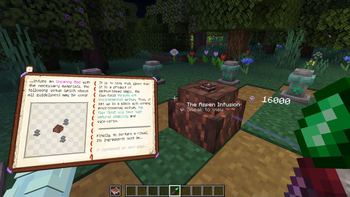
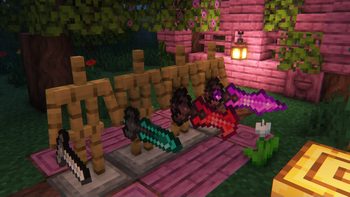
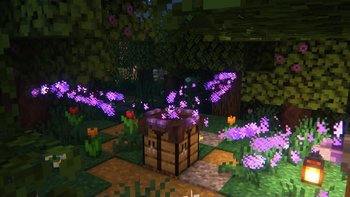
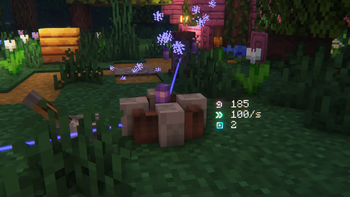
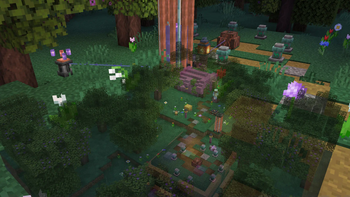
Über diese Mod
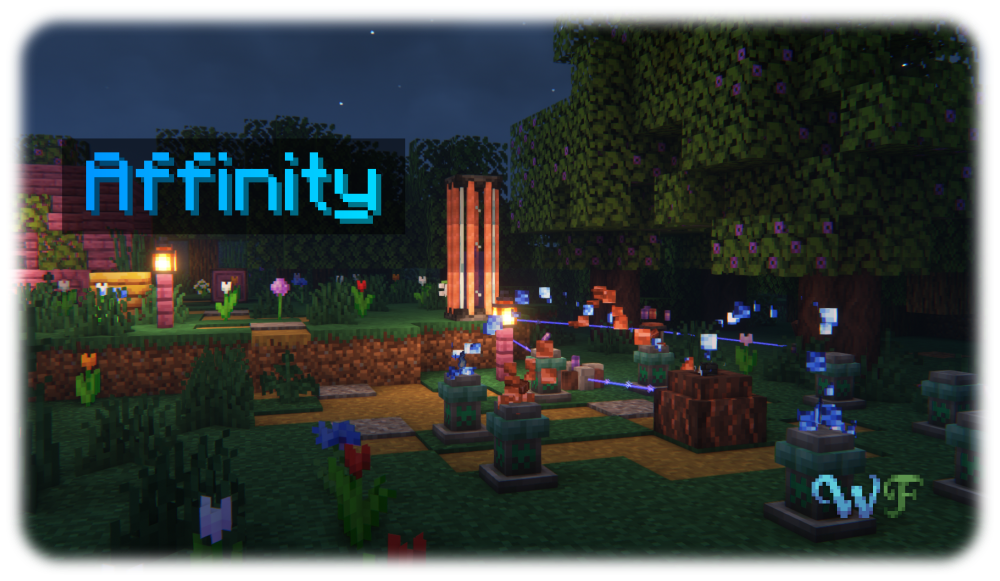
Affinity is a magic mod all about Aethum, an energy emanating from and necessary for all manifestations of life, and its semi-physical counterpart Aethum Flux. Discover how, through twisting and bending these very fundamental forces, you can create powerful magical tools, useful machinery powered by Aethum Flux and take control over life and death.
All the while, it maintains a tasteful blend between the traditional features of a magic and a tech mod - after all, magic is only tech that we have not yet understood. Inspired by the likes of Thaumcraft and Botania, Affinity strives to deliver a somewhat familiar yet brand-new experience, building on what those mods did well and improving where there was potential left on the table.
To get a good first look at what Affinity has to offer, check out the Gallery
The Wispen Testament
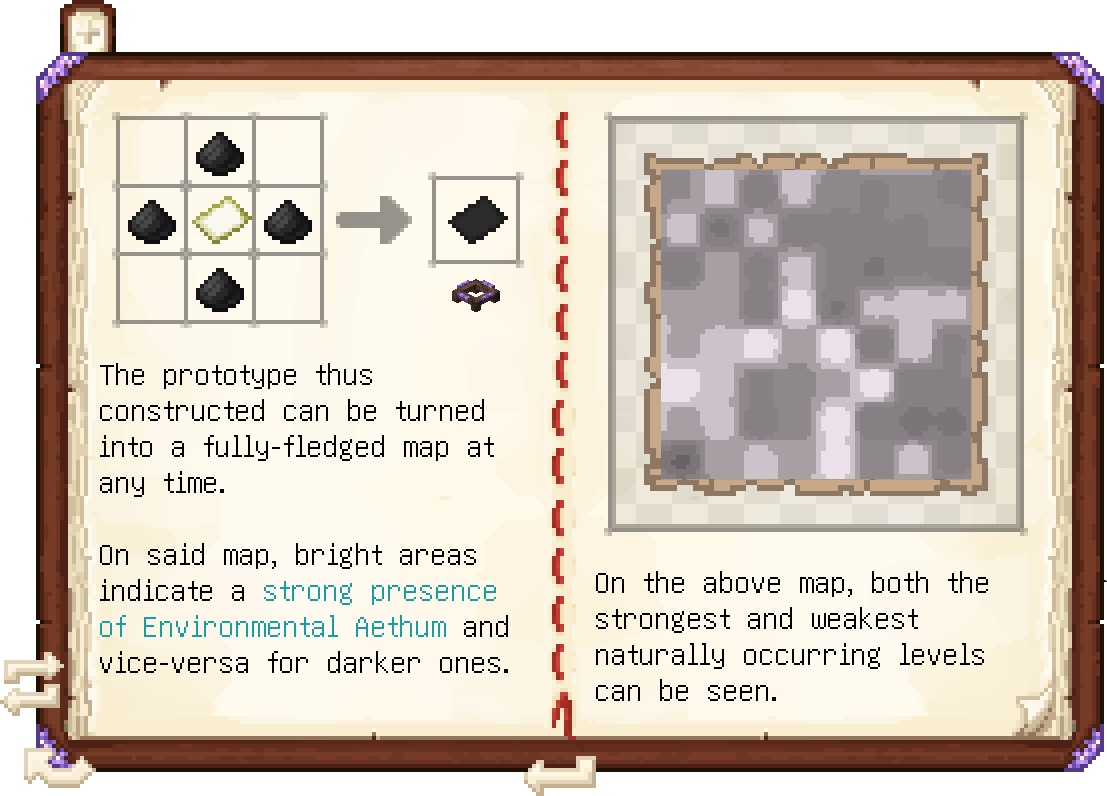
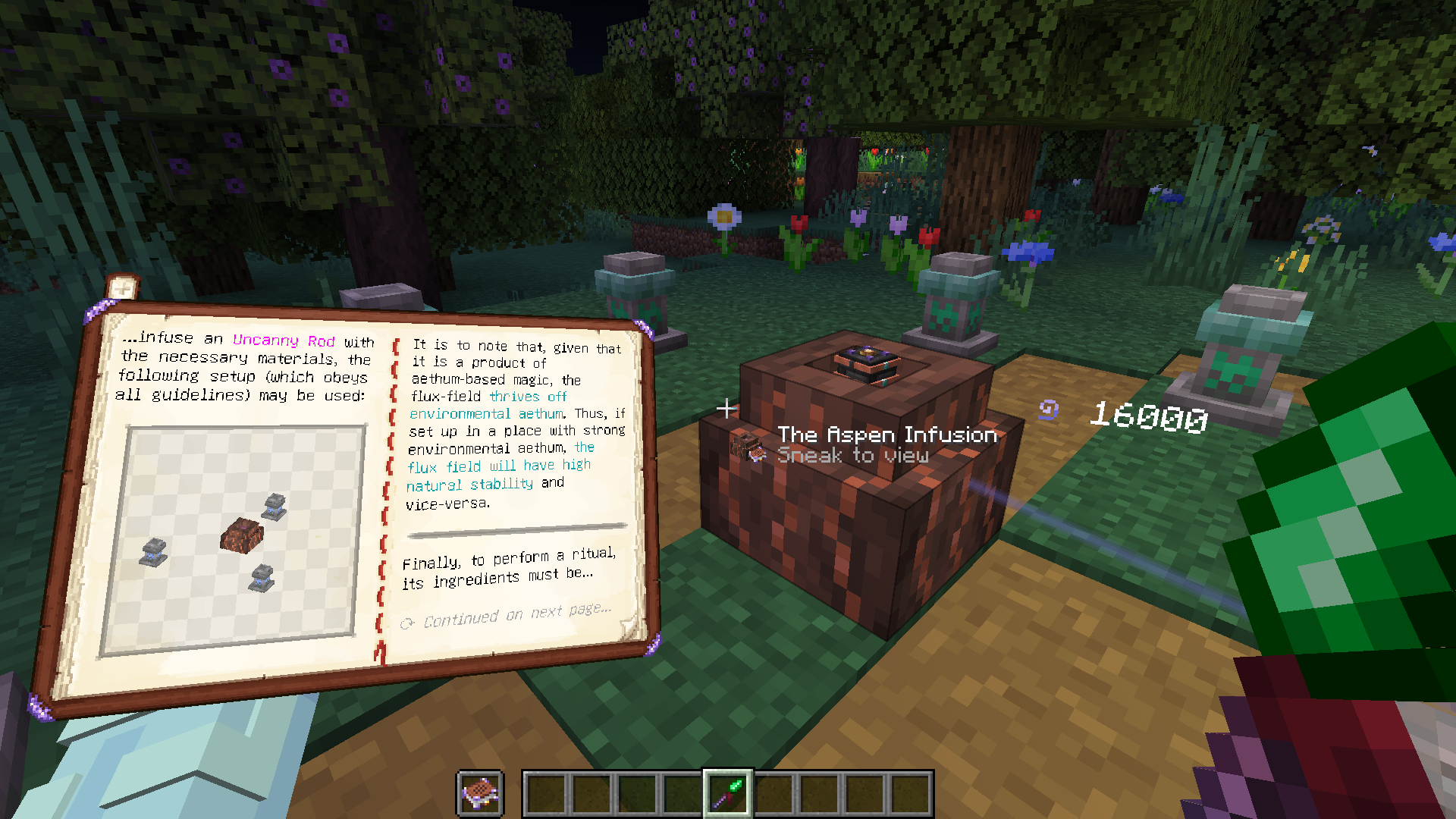
The Wispen Testament, Affinity's comprehensive guide, covers every aspect of the mod in detail and leads you along every step of the way. Built using Lavender, it delivers an intuitive, familiar and seamlessly integrated guidebook experience.
Credits
Affinity has been a huge undertaking over 3 years in development and would not have been possible without the help of many people. I, glisco, extend my thanks to:
- naschhorn and pvpTurtle, for spending countless hours with me brainstorming ideas, balancing and testing the mod
- Pois1x, for providing many of the textures in the mod
- chyzman, for inspiring countless little and some more major features
- BasiqueEvangelist, for his occasional code contributions and ideas
- Aikoyori, for their texture and model contributions
- Noaaan, for helping with gameplay design and his inexhaustible knowledge on the game's armor and weapon systems
- Halbzwilling, for inspiring me to start modding all those years ago and strongly influencing some parts of Affinity's design through his NoGravity datapacks
- The remaining Wisp Forest team for their moral support and just overall being a great bunch of people
To anybody else who has inspired me, or someone else on the team, thank you!
A Wisp Forest mod
Verfügbare Versionen
Affinity auf dem Server installieren
Server bestellen
Bestelle einen Minecraft Java Server mit mindestens 3 GB RAM (4 GB empfohlen).
fabric Loader setzen
Wähle im Panel unter "Egg" den fabric-Loader und die passende Minecraft-Version (1.21.1).
Mod installieren
Öffne den Mod-Browser im Dashboard und suche nach "Affinity". Klicke "Installieren" – fertig! Alternativ: Lade die .jar via SFTP in den /mods Ordner.
Kompatibilität
Mod-Loader
Minecraft-Versionen
1.21.1, 1.21, 1.20.4 (+3 weitere)
Server-seitig
✓ ErforderlichEmpfohlener RAM
4 GB(min. 3 GB)Häufige Fragen
Affinity Server crasht beim Start – was tun?
Häufigste Ursache: falsche fabric-Version oder zu wenig RAM. Prüfe im Server-Log (latest.log), ob ein "OutOfMemoryError" oder "Mixin"-Fehler auftritt. Bei Mado Hosting: Stelle sicher, dass mindestens 3 GB RAM zugewiesen sind und der Loader zur Mod-Version passt (1.21.1). Über das Panel kannst du den Loader mit einem Klick wechseln.
Ist Affinity mit fabric und quilt kompatibel?
Affinity unterstützt offiziell fabric, quilt für Minecraft 1.21.1, 1.21, 1.20.4. Im Mado Dashboard werden inkompatible Loader-Kombinationen automatisch erkannt.
Server laggt mit Affinity – wie optimiere ich die Performance?
Empfohlener RAM: 4 GB (+1 GB pro 8 Spieler). Prüfe mit /spark profiler, ob Affinity den meisten Tick-Time verbraucht. Häufige Fixes: Server-View-Distance auf 8-10 reduzieren, bei Forge "performant" oder "starlight" als Zusatz-Mod installieren. Bei Mado Hosting läuft dein Server auf NVMe-SSDs mit dedizierten CPU-Kernen für minimale Latenz.
Ähnliche Mods




Modded Server mieten
Installiere Affinity mit nur einem Klick auf deinem Server.