
Modrinth · Fabric, Quilt
Affinity on your Minecraft server
Affinity runs on Minecraft servers with Fabric or Quilt. Order your server, set the loader in the panel and install the mod with one click in the mod browser.
A magic mod themed around natural tech
- Downloads
- 57.8K
- Author
- glisco
- Loader
- Fabric, Quilt
- Minecraft
- 1.20 – 1.21.1
- Updated
- –
Screenshots
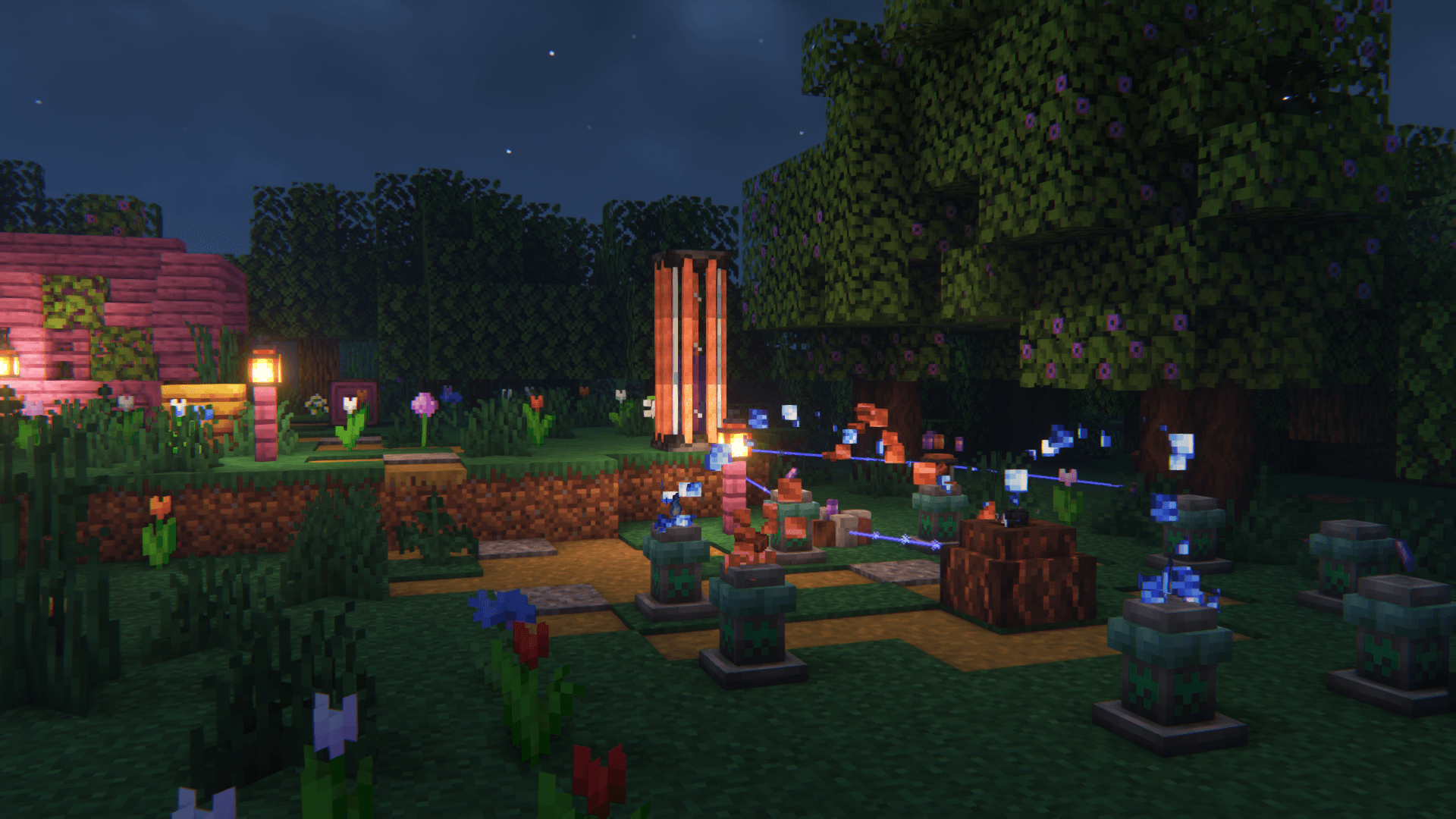
What Affinity looks like
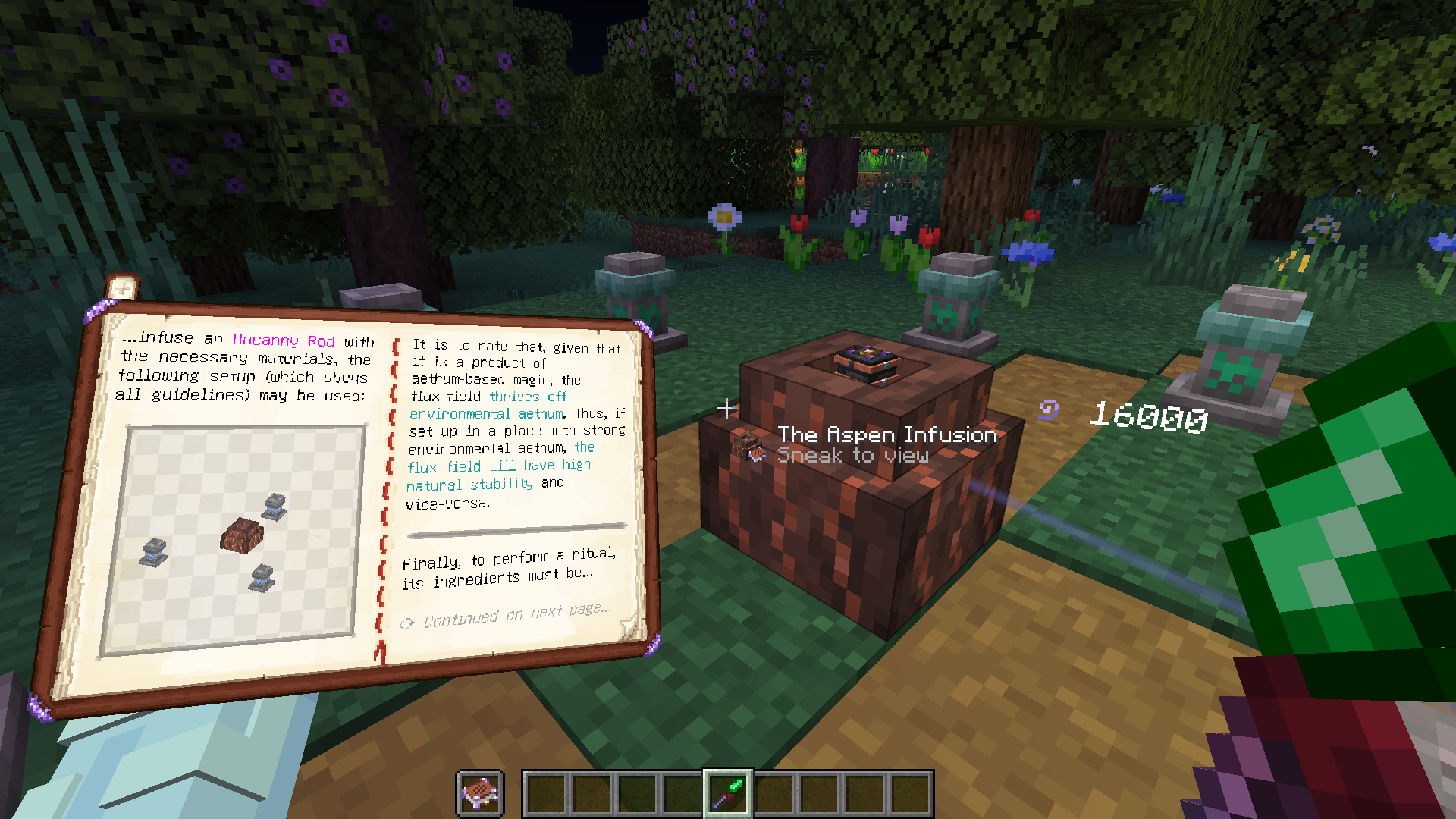
 Aspen Infusion
 Holographic Stereopticon
 Holographic Stereopticon
 Assembly Augment
 Flux Network Visualization
Images: Affinity on Modrinth, published by the project team.
Setup
Install Affinity on your server
The server and players need the same loader and Minecraft version. Back up the world before adding or updating mods.
- 01
Configure
4 GB of RAM is preselected. You choose the term and add-ons and pay by credit card or PayPal.
- 02
Set the loader
In the panel, set the server software to Fabric or Quilt and choose the matching Minecraft version, for example 1.21.1.
- 03
Install the mod
Search the mod browser for “Affinity” and install the release for your loader. Alternatively, upload the .jar to the mods folder via SFTP. Required dependencies are listed on the project page.
- 04
Connect
Every player installs the same Affinity release locally and connects using the server address from the panel.
- On the server
- Required
- On the client
- Required
- Loader
- Fabric, Quilt
- Minecraft
- 1.21.1, 1.21, 1.20.4 +3 more
- License
- MIT License
The panel
Install mods, find errors.
Real screenshots from the Mado panel. Both come with every Minecraft server.
Mod browser
Modrinth and CurseForge, right in the panel.
The browser filters by your Minecraft version. Install mods with one click, without uploading .jar files.

AI crash analysis
When a mod crashes, the analyzer reads the log.
Mods often fail on a wrong loader version, Java version or missing dependency. The analyzer names a likely cause and suggests a fix.

Releases
Published releases
Pick the file that matches your server’s loader and Minecraft version. The server and players need the same release.
Affinity · Modrinth- [1.21.1] Affinity - 0.1.13May 16, 2025Minecraft 1.21.1 · Fabric, Quilt
- [1.21+] Affinity - 0.1.6November 20, 2024Minecraft 1.21, 1.21.1 · Fabric, Quilt
- [1.20.3+] Affinity - 0.1.0July 10, 2024Minecraft 1.20.3, 1.20.4 · Fabric, Quilt
Original description by the project author
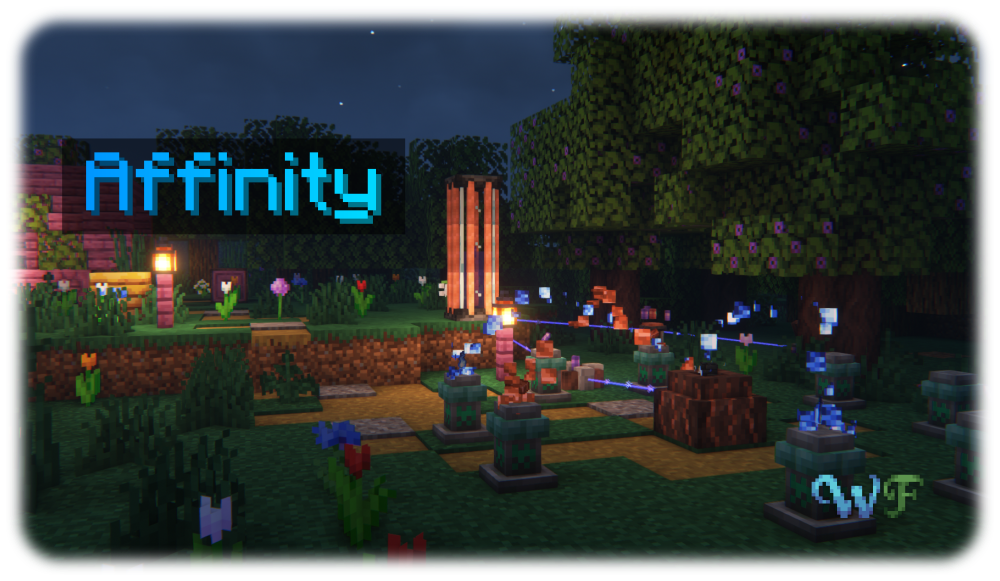
Affinity is a magic mod all about Aethum, an energy emanating from and necessary for all manifestations of life, and its semi-physical counterpart Aethum Flux. Discover how, through twisting and bending these very fundamental forces, you can create powerful magical tools, useful machinery powered by Aethum Flux and take control over life and death.
All the while, it maintains a tasteful blend between the traditional features of a magic and a tech mod - after all, magic is only tech that we have not yet understood. Inspired by the likes of Thaumcraft and Botania, Affinity strives to deliver a somewhat familiar yet brand-new experience, building on what those mods did well and improving where there was potential left on the table.
To get a good first look at what Affinity has to offer, check out the Gallery
The Wispen Testament
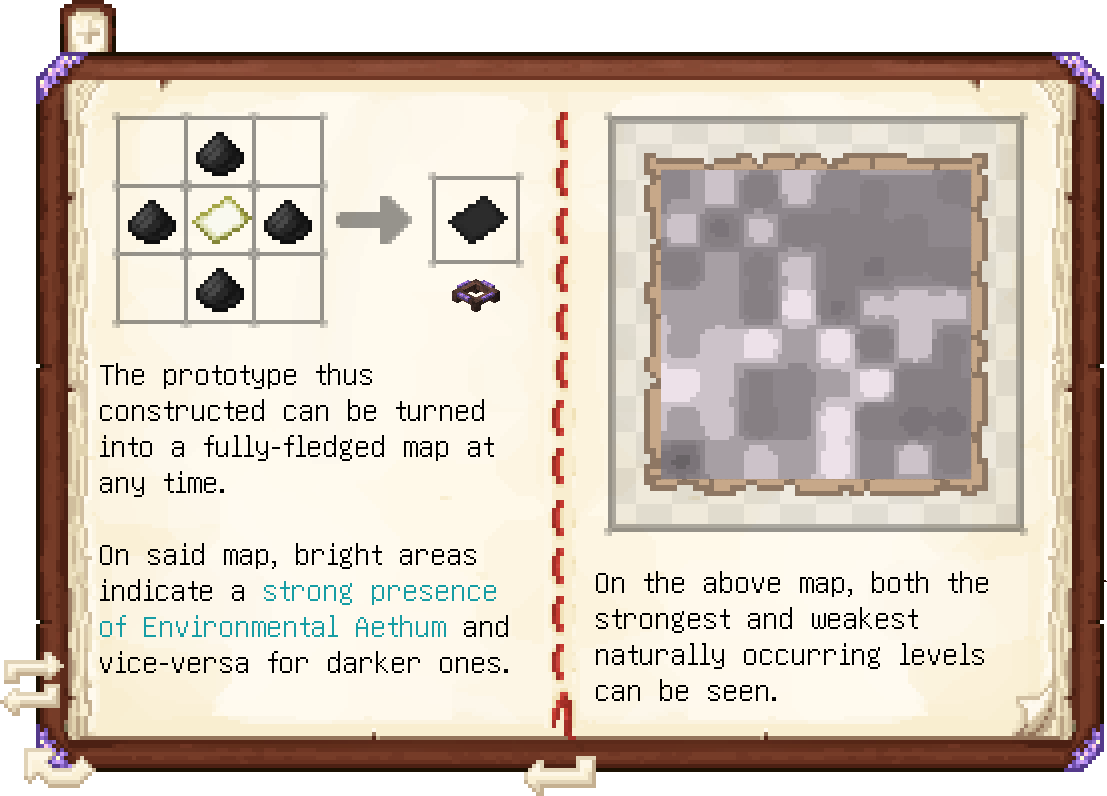
The Wispen Testament, Affinity's comprehensive guide, covers every aspect of the mod in detail and leads you along every step of the way. Built using Lavender, it delivers an intuitive, familiar and seamlessly integrated guidebook experience.
Credits
Affinity has been a huge undertaking over 3 years in development and would not have been possible without the help of many people. I, glisco, extend my thanks to:
- naschhorn and pvpTurtle, for spending countless hours with me brainstorming ideas, balancing and testing the mod
- Pois1x, for providing many of the textures in the mod
- chyzman, for inspiring countless little and some more major features
- BasiqueEvangelist, for his occasional code contributions and ideas
- Aikoyori, for their texture and model contributions
- Noaaan, for helping with gameplay design and his inexhaustible knowledge on the game's armor and weapon systems
- Halbzwilling, for inspiring me to start modding all those years ago and strongly influencing some parts of Affinity's design through his NoGravity datapacks
- The remaining Wisp Forest team for their moral support and just overall being a great bunch of people
To anybody else who has inspired me, or someone else on the team, thank you!
A Wisp Forest mod
Affinity server crashes on startup – what to do?
Common causes: the loader or Minecraft version does not match the mod file, a dependency is missing, or RAM is too low. Check the log (latest.log) for “OutOfMemoryError”, “Mixin” or missing mods. At Mado, the AI crash analysis reads the log and suggests a cause. You can change the loader and version in the panel.
Which loader does Affinity run on?
According to Modrinth, Affinity supports Fabric, Quilt for Minecraft 1.21.1, 1.21, 1.20.4.
How much RAM does a server with Affinity need?
As guidance, 3–4 GB for a server with this mod. This is an estimate, not a measured minimum. More mods, many players and long view distances need more. The spark profiler shows whether a mod is costing tick time.
Similar mods
Popular mods in the same category
 Server-ready

Xaero's Minimap
by thexaero
Displays a map of the nearby world terrain, players, mobs, entities in the corner of your screen. Lets you create waypoints which help you find the locations you've marked.
 Server-ready

Xaero's World Map
by thexaero
Adds a full screen world map which shows you what you have explored in the world. Works great together with Xaero's Minimap.
 Client only

Not Enough Animations
by tr7zw
Bringing first-person animations to the third-person
 Client only

3D Skin Layers
by tr7zw
Render the player skin layer in 3d!
Ready for your server with Affinity?
4 GB of RAM from €8.00 per month. 35% off your first month with MADO35.