
Applied Pneumatics
An add-on connects AE2 and Pneumatic Craft.
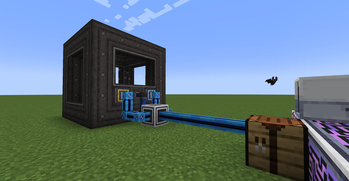
Screenshots

Über diese Mod
Applied Pneumatics

An add-on for Applied Energistics 2 × PneumaticCraft: Repressurized.
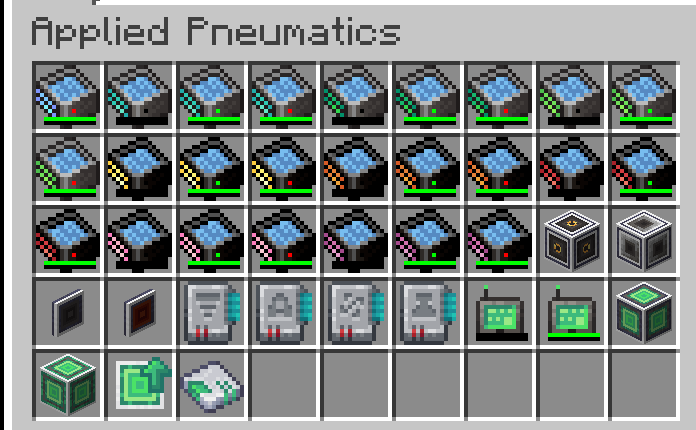
Brings compressed air storage, convenient temperature control, and automated Amadron trading into the ME Network.
Features Overview
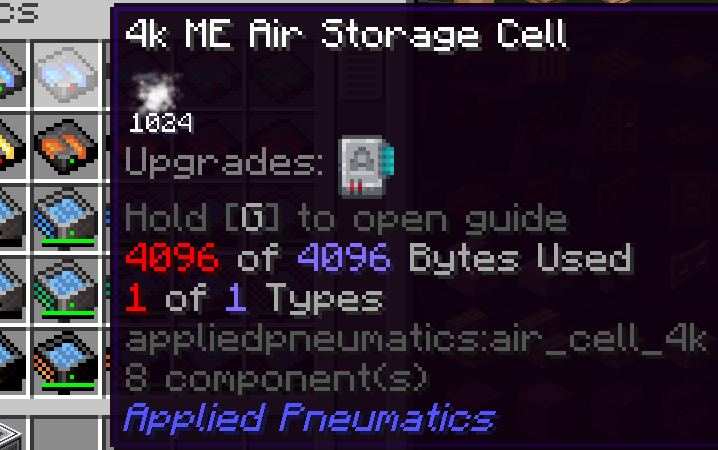
- Air Storage: Adds ME Air Storage Cells. The portable version can also function as an air tank.
- ME Pressure Interface: Maintains a target pressure by inserting/extracting air from the ME Network. Externally follows PneumaticCraft’s high-to-low pressure diffusion.
- ME Temperature Interface: Consumes AE energy and compressed air to maintain a set temperature. Externally follows PneumaticCraft’s natural heat diffusion.
- P2P Tunnels: Two new tunnel types (Air / Temperature) for cross-area distribution and balancing.
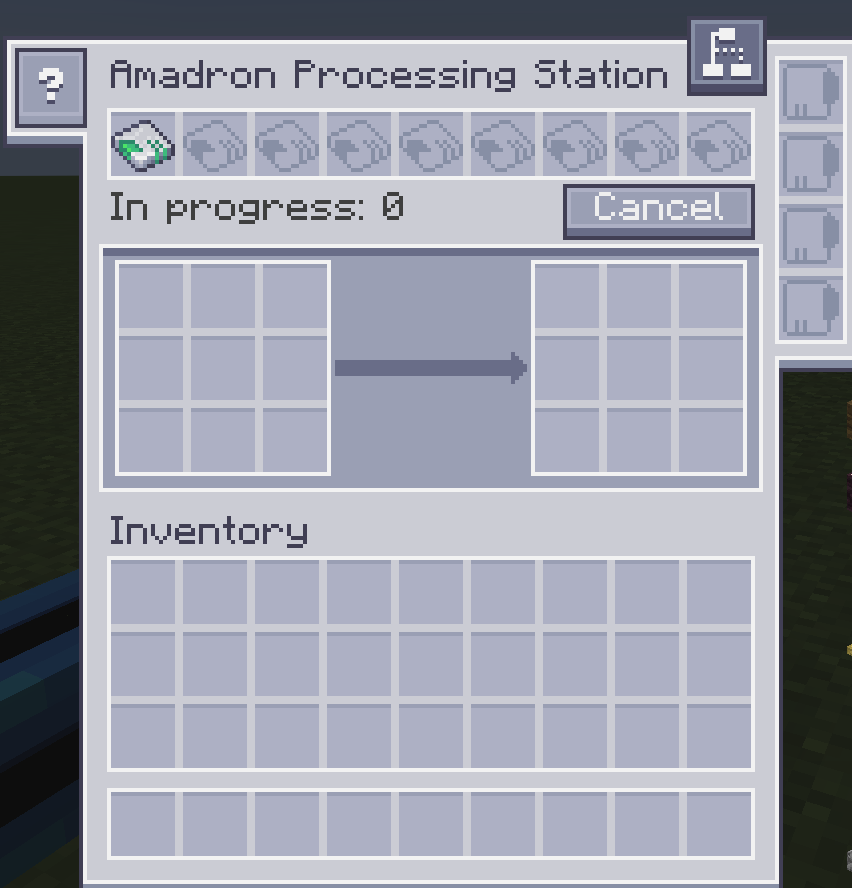
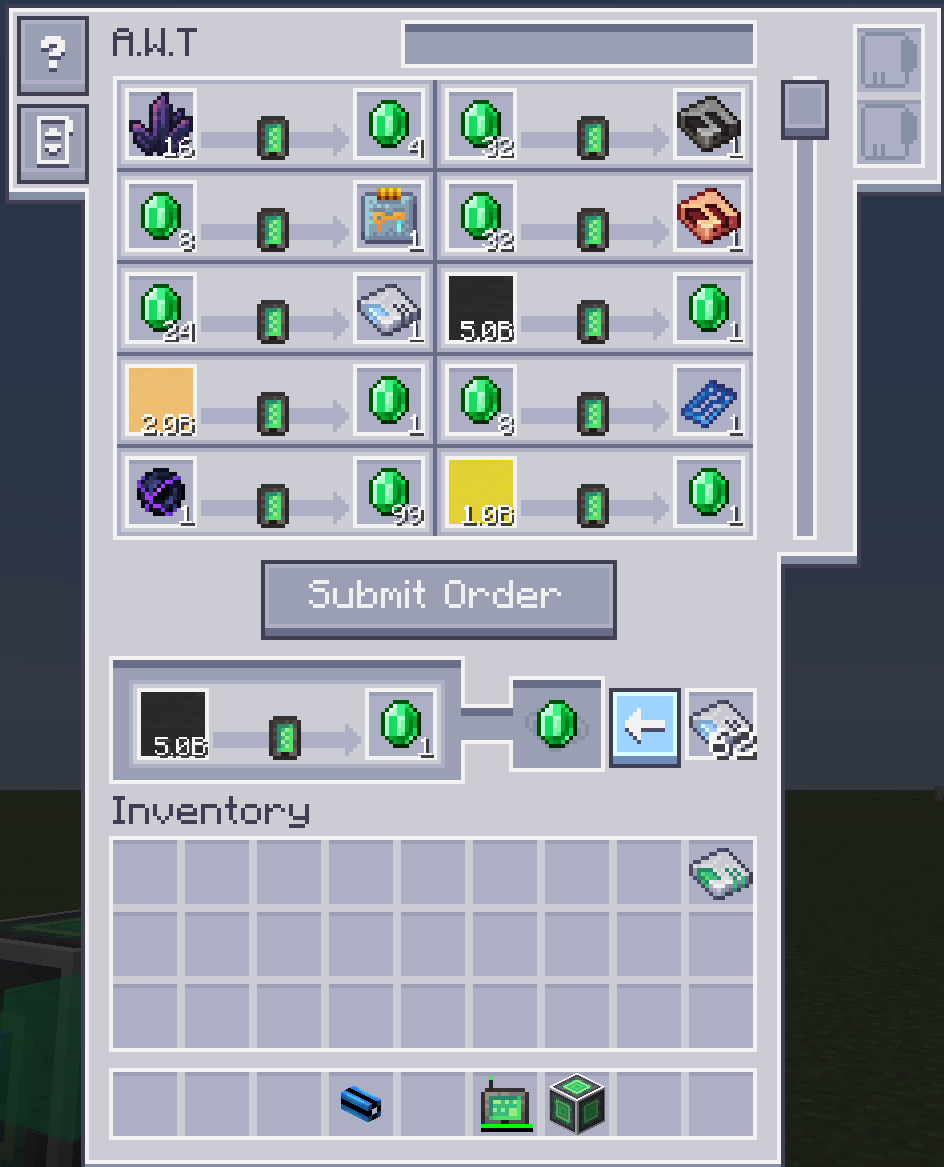
- Amadron Integration: Wireless Terminal + Processing Station. Supports saving “infinite supply trades” as patterns for AE automation.
- AE Bus Compatibility: Import/Export/Storage buses can interact with air containers.
- New Amadron Trades: Adds new trades for buying and selling basic resources.
Other Info
Compat / Integrations
- Install MEGA Cells to unlock larger ME Air Storage Cells (from 1M up to 256M).
- Install ExtendedAE to unlock an extended version of the Amadron Processing Station.
Built-in Resource Pack
- This mod includes a built-in resource pack that lets you use the AE 1.20.1-style visuals on 1.21.1, and vice versa.
Dark Resource Pack
- If you want a dark theme, please download Applied Pneumatics Dark Mode.
In-game Documentation
- A detailed feature guide is available in-game via GuideME.
License
- Code: LGPL-3.0
- Art & Assets: CC BY-NC-SA 3.0
Verfügbare Versionen
Applied Pneumatics auf dem Server installieren
Server bestellen
Bestelle einen Minecraft Java Server mit mindestens 3 GB RAM (4 GB empfohlen).
forge Loader setzen
Wähle im Panel unter "Egg" den forge-Loader und die passende Minecraft-Version (1.21.1).
Mod installieren
Öffne den Mod-Browser im Dashboard und suche nach "Applied Pneumatics". Klicke "Installieren" – fertig! Alternativ: Lade die .jar via SFTP in den /mods Ordner.
Kompatibilität
Mod-Loader
Minecraft-Versionen
1.21.1, 1.20.1
Server-seitig
✓ ErforderlichEmpfohlener RAM
4 GB(min. 3 GB)Häufige Fragen
Applied Pneumatics Server crasht beim Start – was tun?
Häufigste Ursache: falsche forge-Version oder zu wenig RAM. Prüfe im Server-Log (latest.log), ob ein "OutOfMemoryError" oder "Mixin"-Fehler auftritt. Bei Mado Hosting: Stelle sicher, dass mindestens 3 GB RAM zugewiesen sind und der Loader zur Mod-Version passt (1.21.1). Über das Panel kannst du den Loader mit einem Klick wechseln.
Ist Applied Pneumatics mit forge und neoforge kompatibel?
Applied Pneumatics unterstützt offiziell forge, neoforge für Minecraft 1.21.1, 1.20.1. Im Mado Dashboard werden inkompatible Loader-Kombinationen automatisch erkannt.
Server laggt mit Applied Pneumatics – wie optimiere ich die Performance?
Empfohlener RAM: 4 GB (+1 GB pro 8 Spieler). Prüfe mit /spark profiler, ob Applied Pneumatics den meisten Tick-Time verbraucht. Häufige Fixes: Server-View-Distance auf 8-10 reduzieren, bei Forge "performant" oder "starlight" als Zusatz-Mod installieren. Bei Mado Hosting läuft dein Server auf NVMe-SSDs mit dedizierten CPU-Kernen für minimale Latenz.
Ähnliche Mods


Modded Server mieten
Installiere Applied Pneumatics mit nur einem Klick auf deinem Server.
Details
- Lizenz
- GNU Lesser General Public License v3.0 only
- Server-seitig
- Erforderlich