
Audio Engine Tweaks
this mod changes how Minecraft schedules sounds in order to prevent the sound pool to fill up
Screenshots


Über diese Mod
Audio Engine Tweaks
News
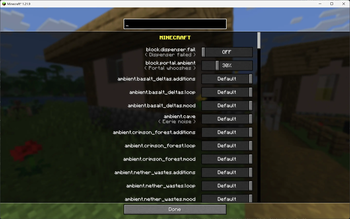
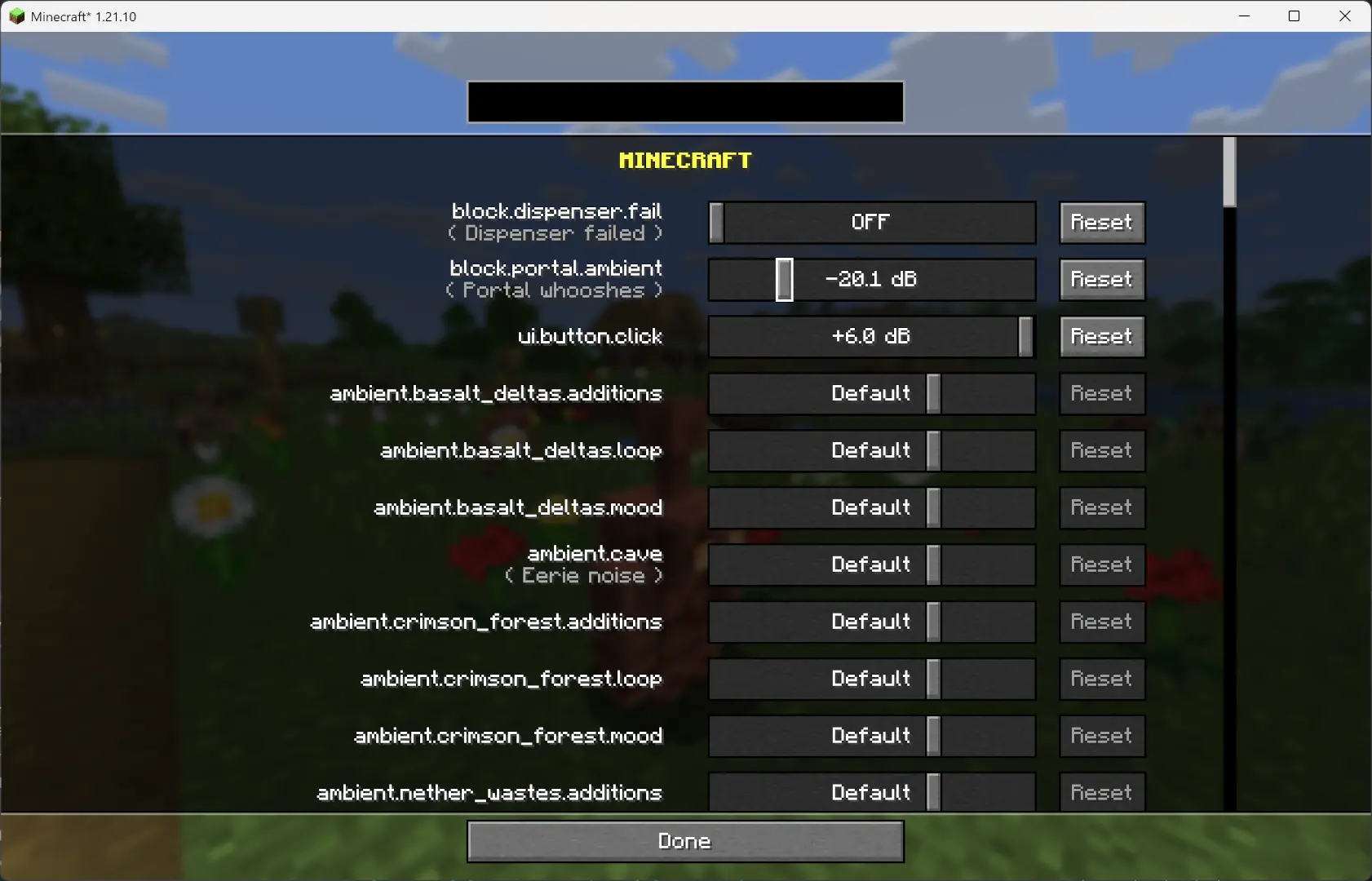
Since v1.2.7, you can now adjust the volume of each sound independently of the vanilla sliders.
Overview
This mod changes how Minecraft schedules sounds to prevent the sound pool from filling up, or at least reduce the effects of a full sound pool.
TL;DR
It fixes these common errors (and the related log spam):
[Render thread/WARN]: Failed to create new sound handle
[Sound engine/WARN]: Maximum sound pool size 247 reached
Without this mod, a full sound pool causes all in-game audio to stop until slots free up.
How It Works
Each tick, sounds are collected and categorized by type.
- Lower category = higher priority.
- Within categories, sounds are sorted by distance from the player.
Depending on the sound pool fill level, only certain sound types are allowed to play. Others are skipped.
- If the pool somehow fills completely (shouldn’t happen with thresholds), new sounds are skipped entirely.
Duplication check:
- Only a limited number of identical sounds can play from the same coordinate (1 block).
- Extra duplicates are skipped.
MASTER and MUSIC sounds bypass the queue and duplication check (important for main menu or GUI events when the server is frozen).
- They still follow fill-level thresholds.
- Other categories, if requested to play instantly, are instead deferred to the next tick.
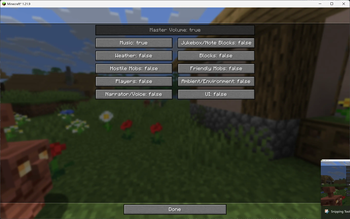
All values are configurable through ModMenu or by editing the config file directly.
Default Settings
MASTER    : cat 0, always allowed
VOICE     : cat 0, always allowed
PLAYERS   : cat 1, up to 95%
HOSTILE   : cat 2, up to 90%
BLOCKS    : cat 3, up to 80%
MUSIC     : cat 4, up to 70%
RECORDS   : cat 4, up to 70%
NEUTRAL   : cat 5, up to 60%
WEATHER   : cat 6, up to 50%
AMBIENT   : cat 6, up to 50%

maxDuplicatedSounds: 5
Verfügbare Versionen
Audio Engine Tweaks auf deinem Client installieren
Mod-Loader lokal installieren
Installiere fabric für deine lokale Minecraft-Version.
Passende Datei herunterladen
Wähle die Audio Engine Tweaks-Datei für fabric und Minecraft 26.3.
Mod installieren
Lege die .jar-Datei in deinem lokalen .minecraft/mods-Ordner ab und starte Minecraft neu. Eine Installation auf dem Server ist nicht nötig.
Kompatibilität
Mod-Loader
Minecraft-Versionen
26.3, 26.3-pre-2, 26.3-pre-1 (+71 weitere)
Server-seitig
✗ Nicht unterstütztEmpfohlener RAM
4 GB(min. 3 GB)Häufige Fragen
Muss Audio Engine Tweaks auf dem Minecraft Server installiert werden?
Nein. Modrinth kennzeichnet Audio Engine Tweaks serverseitig als nicht unterstützt. Installiere die Mod nur im lokalen Minecraft-Mods-Ordner. Dein Server kann unverändert bleiben, sofern die Mod-Seite keine zusätzliche Abhängigkeit nennt.
Welche Version und welchen Loader braucht Audio Engine Tweaks?
Nutze eine Datei für fabric, quilt und exakt deine Minecraft-Version. Unterstützte Versionen sind unter anderem 26.3, 26.3-pre-2, 26.3-pre-1. Loader-Dateien sind nicht untereinander austauschbar.
Audio Engine Tweaks funktioniert nicht – was kann ich prüfen?
Prüfe zuerst Minecraft-Version, Loader-Version und erforderliche Abhängigkeiten. Lege die .jar-Datei im lokalen .minecraft/mods-Ordner ab und entferne ältere Duplikate. Da die Mod clientseitig ist, löst mehr Server-RAM dieses Problem nicht.
Ähnliche Mods


Minecraft Server für deine Gruppe
Audio Engine Tweaks bleibt auf deinem Client. Hoste dazu eine kompatible Welt für deine Mitspieler.
Details
- Lizenz
- GNU Lesser General Public License v3.0 only
- Server-seitig
- Nicht unterstützt