
Better Health Indicator
Say goodbye to boring health bars! Experience combat with a beautiful, dynamic, and smooth animated health indicator.
Screenshots
Über diese Mod
Better Health Indicator
Github link
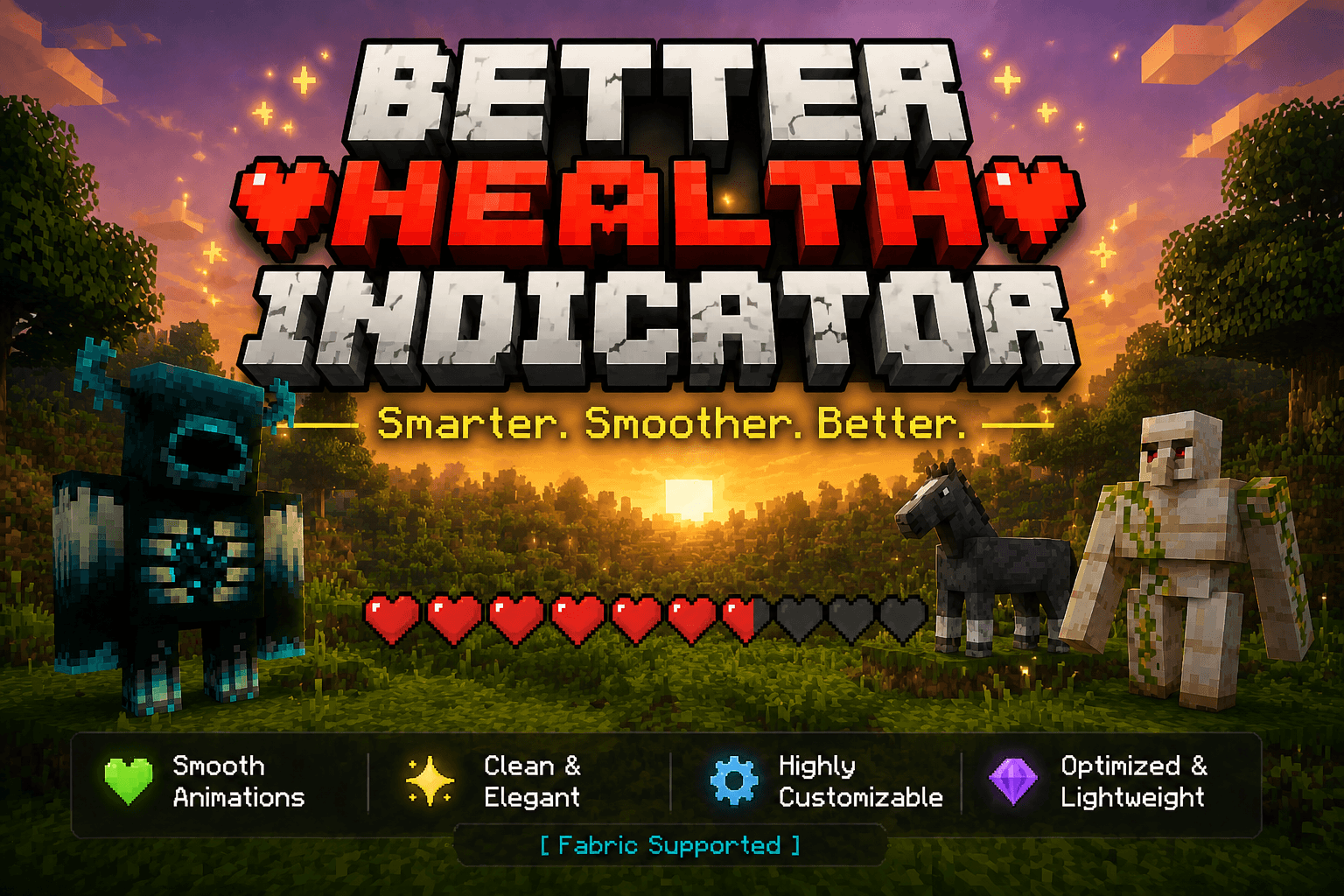
Say goodbye to boring health bars! Better Health Indicator is a client-side Fabric mod that replaces plain mob health display with a beautiful, dynamic, and smoothly animated indicator — both above entities and in a rich on-screen panel.
Client-side only. It does not need to be installed on the server, and works on most servers for normal mobs and players.
✨ Features
Over-head health bars
- Vanilla-style heart icons rendered as crisp billboards above entities.
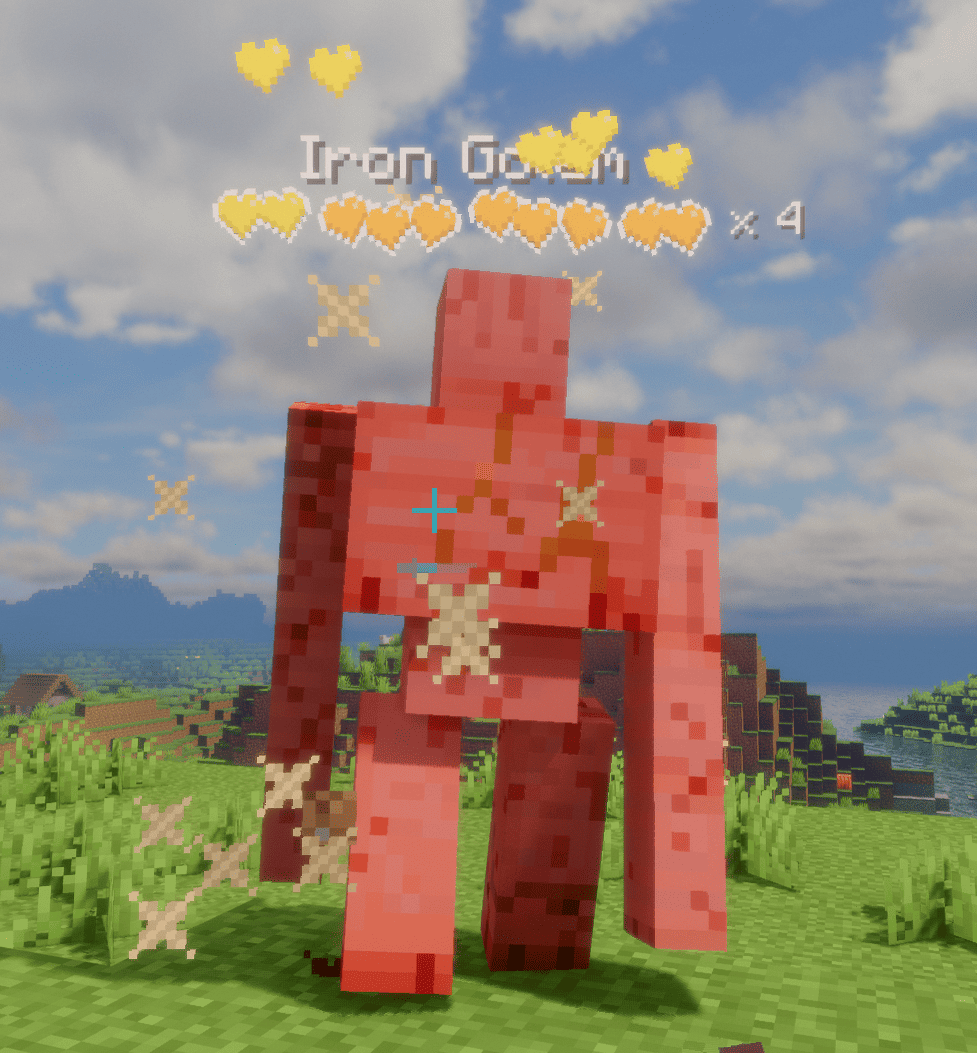
- Tiered multi-row hearts for high-HP mobs: the bottom row stays vanilla red (or hardcore hearts for powerful mobs on their last bar), while upper rows are runtime-tinted from a grayscale template with fully configurable per-tier colors.
- Dynamic "× N" multiplier for mobs with many health bars, color-coded by amount; updates live as health changes.
- Damage feedback: dropping heart particles on hit (intensity scales with damage), heart scatter + tilt, and a white "blink" highlight — all toggleable.
- Low-health tremor: hearts shake when health drops below a configurable threshold, each heart staggered like vanilla.
- Death shatter: hearts chain-burst when an entity dies.
- Name & detail: optional name display with custom scale/bold; health value or multiplier can sit beside the bar or after the name. Optionally hides the vanilla name tag to avoid overlap.
On-screen target panel
- A configurable corner panel for the entity you're looking at / recently attacked.
- Shows a live 3D model in a square or round frame, name, health (bar or hearts), and potion-effect icons.
- Light / dark themes, adjustable transparency, and auto-resizing width.
Display & control
- Display modes: On Screen or Looking At, with attack-tracking (keep showing a mob you just hit).
- Distance limit, show-self, show-full-health, and occlude-behind-walls options.
- Hide vanilla damage heart particles to avoid visual clutter.
⚙️ Configuration
Fully configurable in-game via Mod Menu + Cloth Config (both optional). Without them, settings still load from config/better_health_indicator.json.
Verfügbare Versionen
Better Health Indicator auf deinem Client installieren
Mod-Loader lokal installieren
Installiere fabric für deine lokale Minecraft-Version.
Passende Datei herunterladen
Wähle die Better Health Indicator-Datei für fabric und Minecraft 26.2.
Mod installieren
Lege die .jar-Datei in deinem lokalen .minecraft/mods-Ordner ab und starte Minecraft neu. Eine Installation auf dem Server ist nicht nötig.
Kompatibilität
Mod-Loader
Minecraft-Versionen
26.2, 26.1.2, 26.1.1 (+11 weitere)
Server-seitig
✗ Nicht unterstütztEmpfohlener RAM
4 GB(min. 3 GB)Häufige Fragen
Muss Better Health Indicator auf dem Minecraft Server installiert werden?
Nein. Modrinth kennzeichnet Better Health Indicator serverseitig als nicht unterstützt. Installiere die Mod nur im lokalen Minecraft-Mods-Ordner. Dein Server kann unverändert bleiben, sofern die Mod-Seite keine zusätzliche Abhängigkeit nennt.
Welche Version und welchen Loader braucht Better Health Indicator?
Nutze eine Datei für fabric, forge, neoforge und exakt deine Minecraft-Version. Unterstützte Versionen sind unter anderem 26.2, 26.1.2, 26.1.1. Loader-Dateien sind nicht untereinander austauschbar.
Better Health Indicator funktioniert nicht – was kann ich prüfen?
Prüfe zuerst Minecraft-Version, Loader-Version und erforderliche Abhängigkeiten. Lege die .jar-Datei im lokalen .minecraft/mods-Ordner ab und entferne ältere Duplikate. Da die Mod clientseitig ist, löst mehr Server-RAM dieses Problem nicht.
Ähnliche Mods

![[ETF] Entity Texture Features](https://cdn.modrinth.com/data/BVzZfTc1/af683d206d50b05258d865b0d6e4aa2f2cee12f2_96.webp)
![[EMF] Entity Model Features](https://cdn.modrinth.com/data/4I1XuqiY/6e5bbd0d06b1741bfdab6c0cfab6de8fdaf0064c_96.webp)



Minecraft Server für deine Gruppe
Better Health Indicator bleibt auf deinem Client. Hoste dazu eine kompatible Welt für deine Mitspieler.
Details
- Lizenz
- GNU Affero General Public License v3.0 or later
- Server-seitig
- Nicht unterstützt