
Better Pickaxe Trims
Adds new trims smithing template to personalize and upgrade your pickaxes. Discover durability boosts, gain extra experience, mine faster, and more.
Screenshots
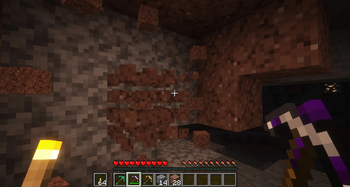
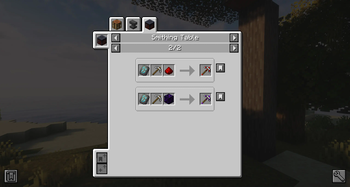
Über diese Mod
!
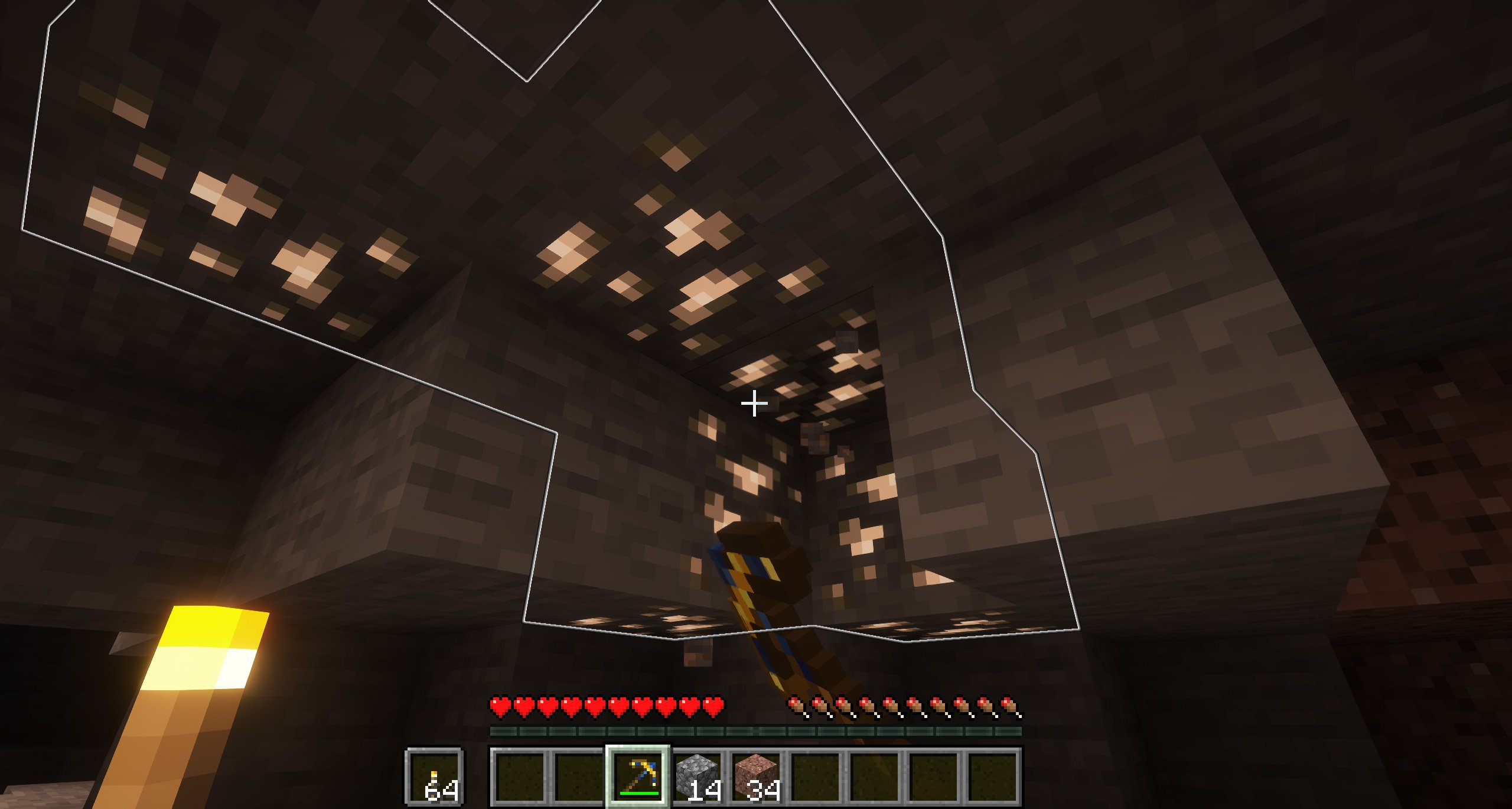
The idea behind Better Pickaxe Trims is to make mining and exploring a bit more exciting by adding new ways to upgrade your pickaxes. Using a special smithing template and a set of familiar ores, you can give your tools small but meaningful boosts that depend on the material you choose.
Each pickaxe upgrade offers its own effect, mixing the concept of smithing templates already in the game with the classic feel of pickaxes made from the usual materials.
Do you need a server to play with your friends?
For exceptional server hosting services, look no further than ****. Of course, you can install all the mods or modpacks you want, and their support team is always available to help you.
!
What kind of upgrades are there?
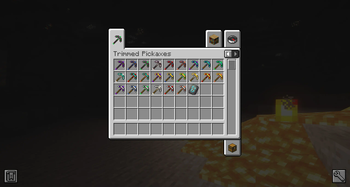
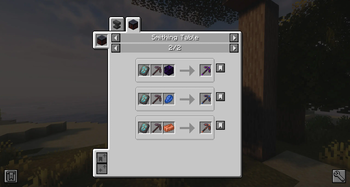
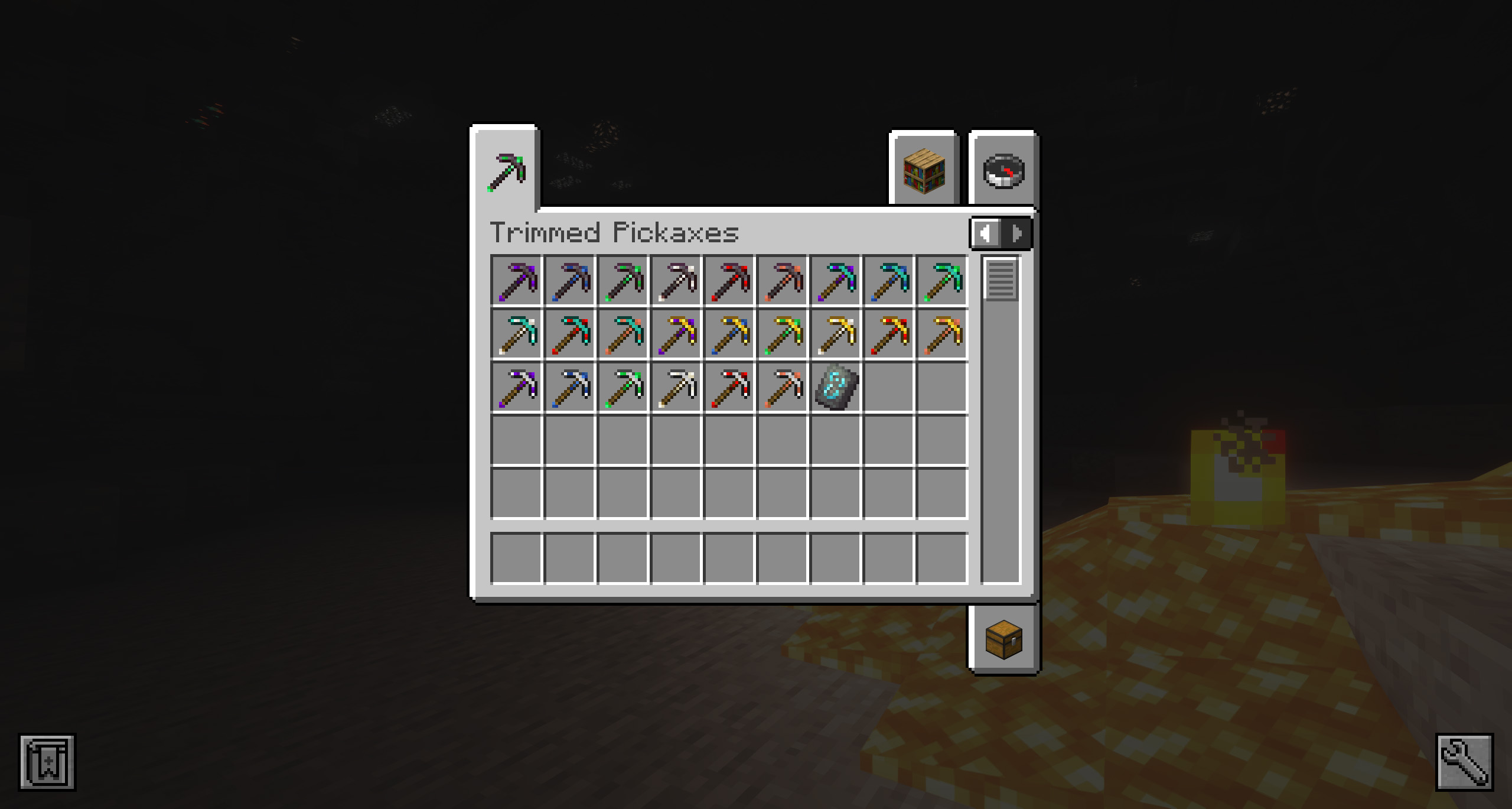
All the pickaxes (from iron to netherite) can be mixed on the smithing table using the new template and the following list of materials:
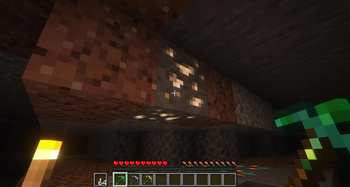
Quartz: gives you more experience when picking ores.
Emerald: gives you the possibility that each ore will give you x2 of the ore it contains, but not always.
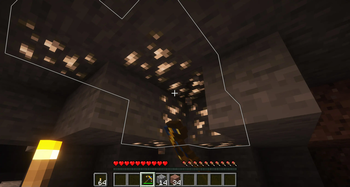
Lapis Lazuli: When you mine a ore, all ores of the same type will glow for 2 minutes.
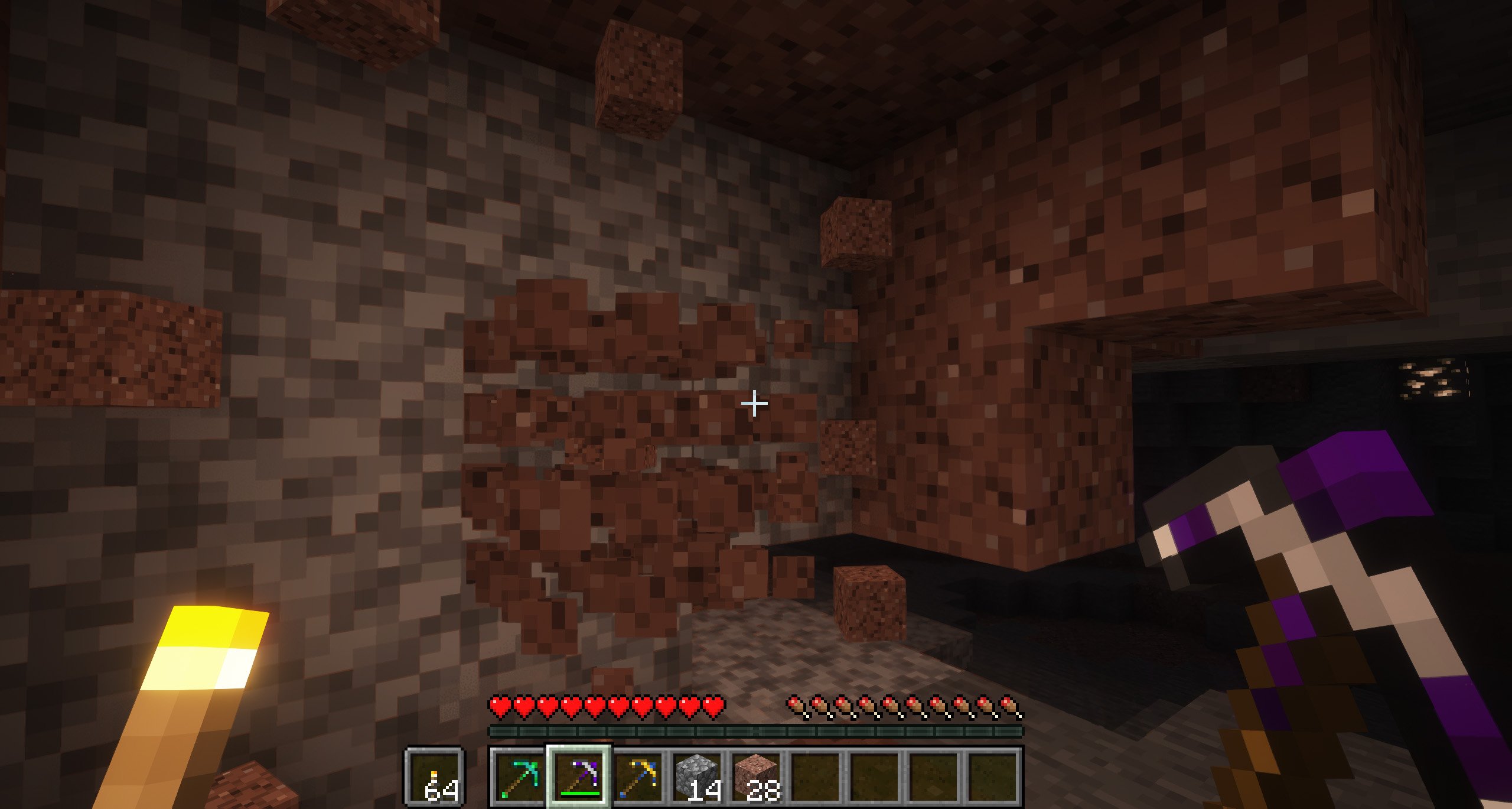
Weeping Obsidian: breaks any block in a 3x3 range.
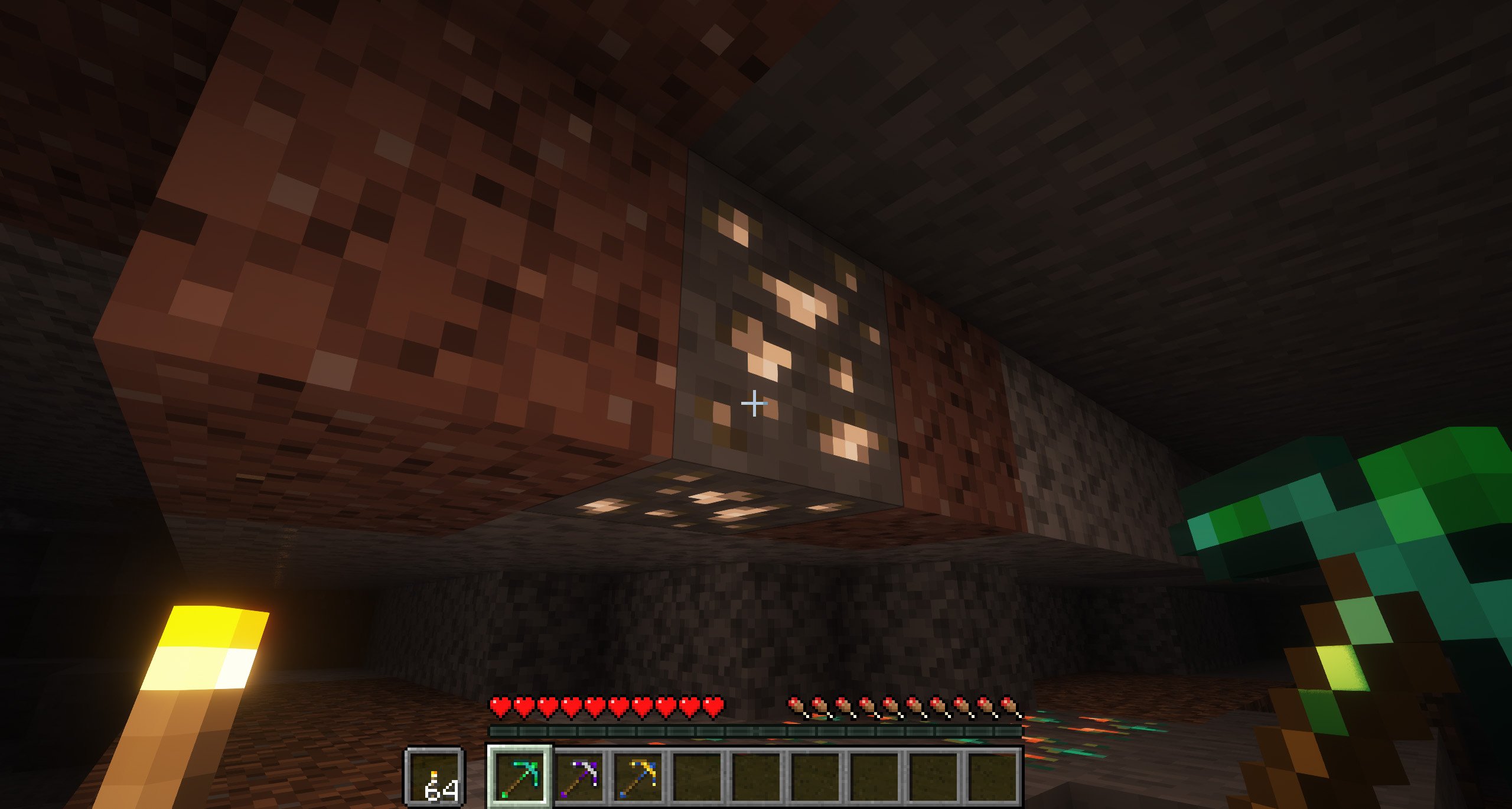
Redstone: allows you to chop all connected ores at the same time.
Copper: adds additional durability.
Of course, we have added a configuration file that you can find in the “config” folder, where you can adjust some of the spike enhancements, based on your game preferences.
Where can I get the new blacksmithing template “Fracture”?
You can get it in two different ways, if you are one of those who prefer to explore, you can find it inside the chests of all the classic Minecraft structures (villages, pyramids, etc.). On the other hand, if you prefer to craft, you can craft it using four copper ingots, two iron ingots and one emerald.
!
](https://discord.gg/X8VY5WMbe4)
.
Verfügbare Versionen
Better Pickaxe Trims auf dem Server installieren
Server bestellen
Bestelle einen Minecraft Java Server mit mindestens 3 GB RAM (4 GB empfohlen).
fabric Loader setzen
Wähle im Panel unter "Egg" den fabric-Loader und die passende Minecraft-Version (26.1.2).
Mod installieren
Öffne den Mod-Browser im Dashboard und suche nach "Better Pickaxe Trims". Klicke "Installieren" – fertig! Alternativ: Lade die .jar via SFTP in den /mods Ordner.
Kompatibilität
Mod-Loader
Minecraft-Versionen
26.1.2, 26.1.1, 26.1 (+2 weitere)
Server-seitig
✓ ErforderlichEmpfohlener RAM
4 GB(min. 3 GB)Häufige Fragen
Better Pickaxe Trims Server crasht beim Start – was tun?
Häufigste Ursache: falsche fabric-Version oder zu wenig RAM. Prüfe im Server-Log (latest.log), ob ein "OutOfMemoryError" oder "Mixin"-Fehler auftritt. Bei Mado Hosting: Stelle sicher, dass mindestens 3 GB RAM zugewiesen sind und der Loader zur Mod-Version passt (26.1.2). Über das Panel kannst du den Loader mit einem Klick wechseln.
Ist Better Pickaxe Trims mit fabric und forge und neoforge kompatibel?
Better Pickaxe Trims unterstützt offiziell fabric, forge, neoforge für Minecraft 26.1.2, 26.1.1, 26.1. Achtung: Forge- und Fabric-Mods sind NICHT untereinander kompatibel – wähle einen Loader und bleibe dabei. Im Mado Dashboard werden inkompatible Loader-Kombinationen automatisch erkannt.
Server laggt mit Better Pickaxe Trims – wie optimiere ich die Performance?
Empfohlener RAM: 4 GB (+1 GB pro 8 Spieler). Prüfe mit /spark profiler, ob Better Pickaxe Trims den meisten Tick-Time verbraucht. Häufige Fixes: Server-View-Distance auf 8-10 reduzieren, bei Forge "performant" oder "starlight" als Zusatz-Mod installieren. Bei Mado Hosting läuft dein Server auf NVMe-SSDs mit dedizierten CPU-Kernen für minimale Latenz.
Ähnliche Mods



![[TaCZ] Timeless and Classics Zero](https://cdn.modrinth.com/data/SzzJttH8/fd27766d2bb8390d284696b1dbd358f87e081439_96.webp)


Modded Server mieten
Installiere Better Pickaxe Trims mit nur einem Klick auf deinem Server.