
Better Pickaxe Trims
Adds new trims smithing template to personalize and upgrade your pickaxes. Discover durability boosts, gain extra experience, mine faster, and more.
Screenshots
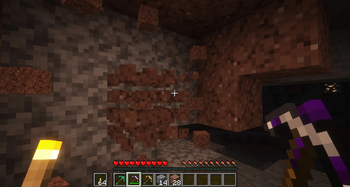
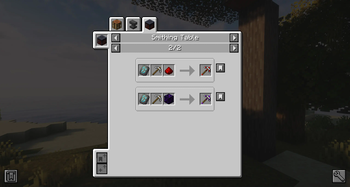
About this Mod
!
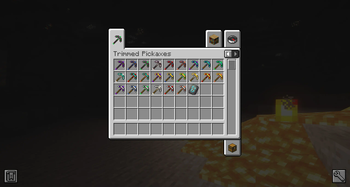
The idea behind Better Pickaxe Trims is to make mining and exploring a bit more exciting by adding new ways to upgrade your pickaxes. Using a special smithing template and a set of familiar ores, you can give your tools small but meaningful boosts that depend on the material you choose.
Each pickaxe upgrade offers its own effect, mixing the concept of smithing templates already in the game with the classic feel of pickaxes made from the usual materials.
Do you need a server to play with your friends?
For exceptional server hosting services, look no further than ****. Of course, you can install all the mods or modpacks you want, and their support team is always available to help you.
!
What kind of upgrades are there?
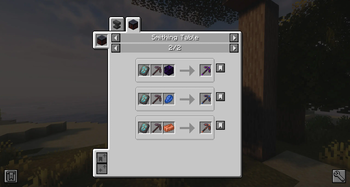
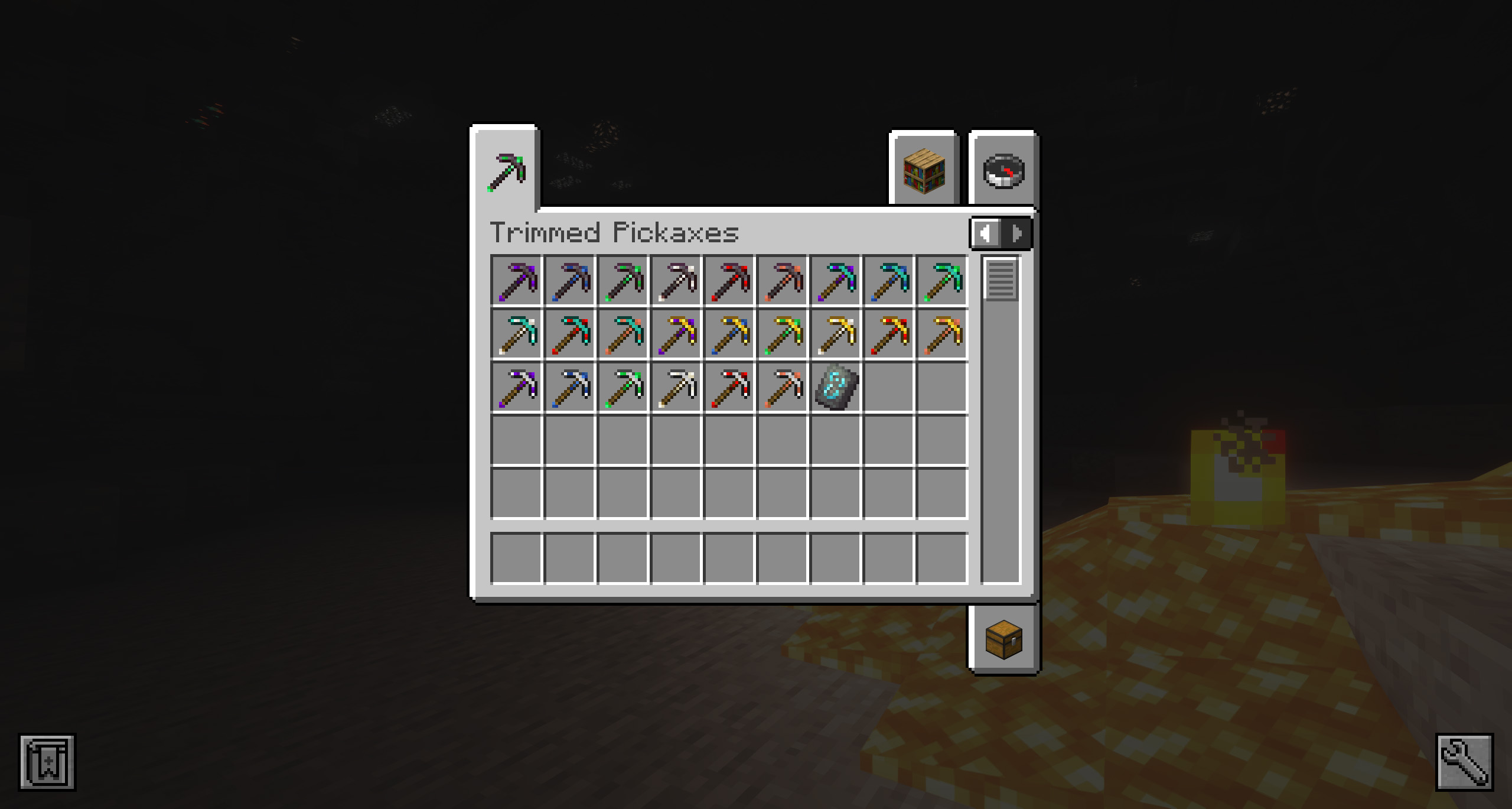
All the pickaxes (from iron to netherite) can be mixed on the smithing table using the new template and the following list of materials:
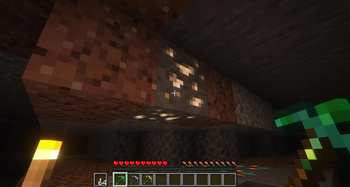
Quartz: gives you more experience when picking ores.
Emerald: gives you the possibility that each ore will give you x2 of the ore it contains, but not always.
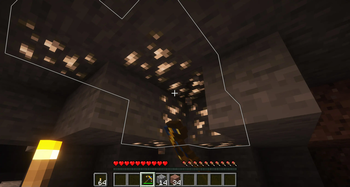
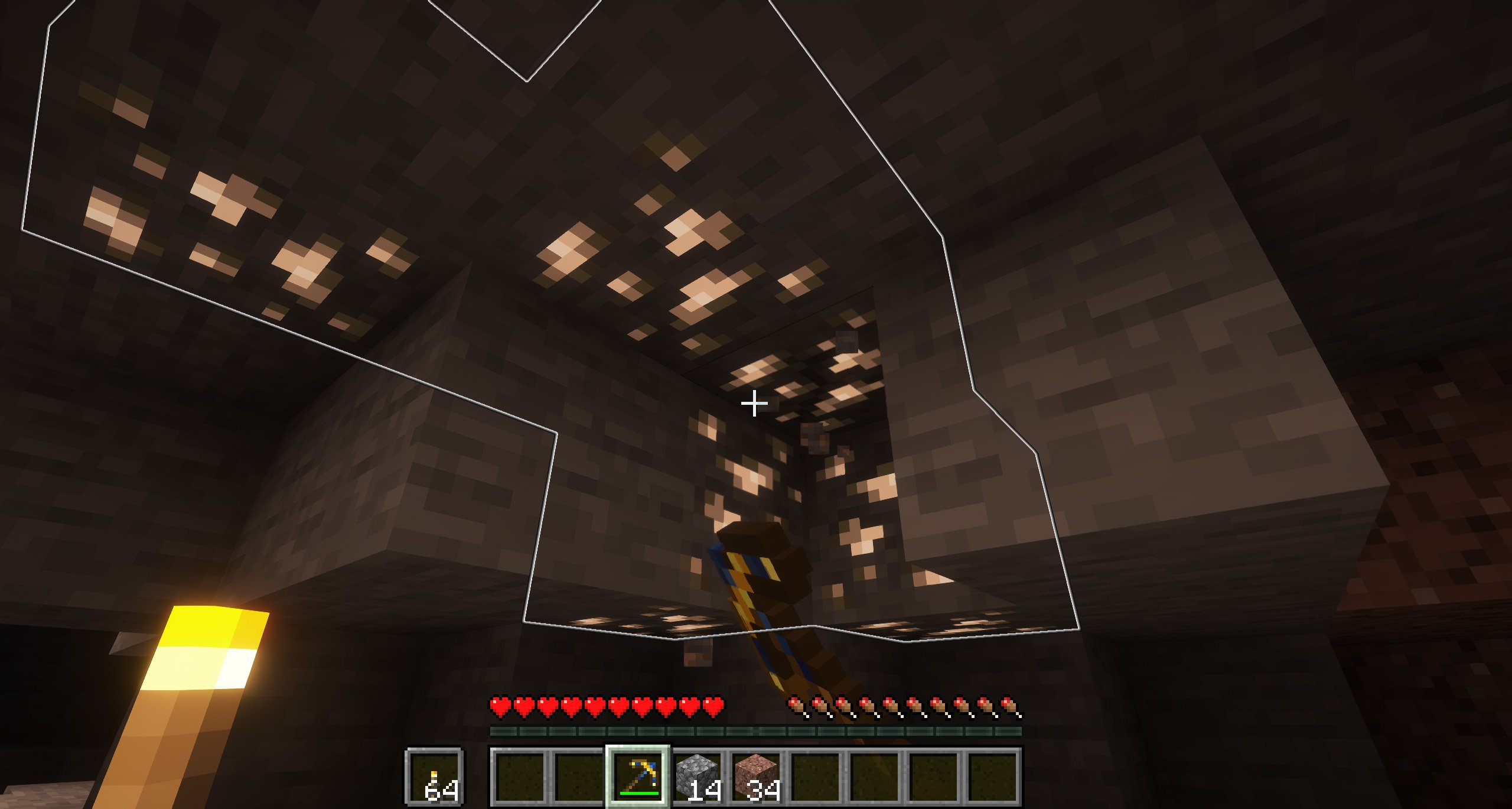
Lapis Lazuli: When you mine a ore, all ores of the same type will glow for 2 minutes.
Weeping Obsidian: breaks any block in a 3x3 range.
Redstone: allows you to chop all connected ores at the same time.
Copper: adds additional durability.
Of course, we have added a configuration file that you can find in the “config” folder, where you can adjust some of the spike enhancements, based on your game preferences.
Where can I get the new blacksmithing template “Fracture”?
You can get it in two different ways, if you are one of those who prefer to explore, you can find it inside the chests of all the classic Minecraft structures (villages, pyramids, etc.). On the other hand, if you prefer to craft, you can craft it using four copper ingots, two iron ingots and one emerald.
!
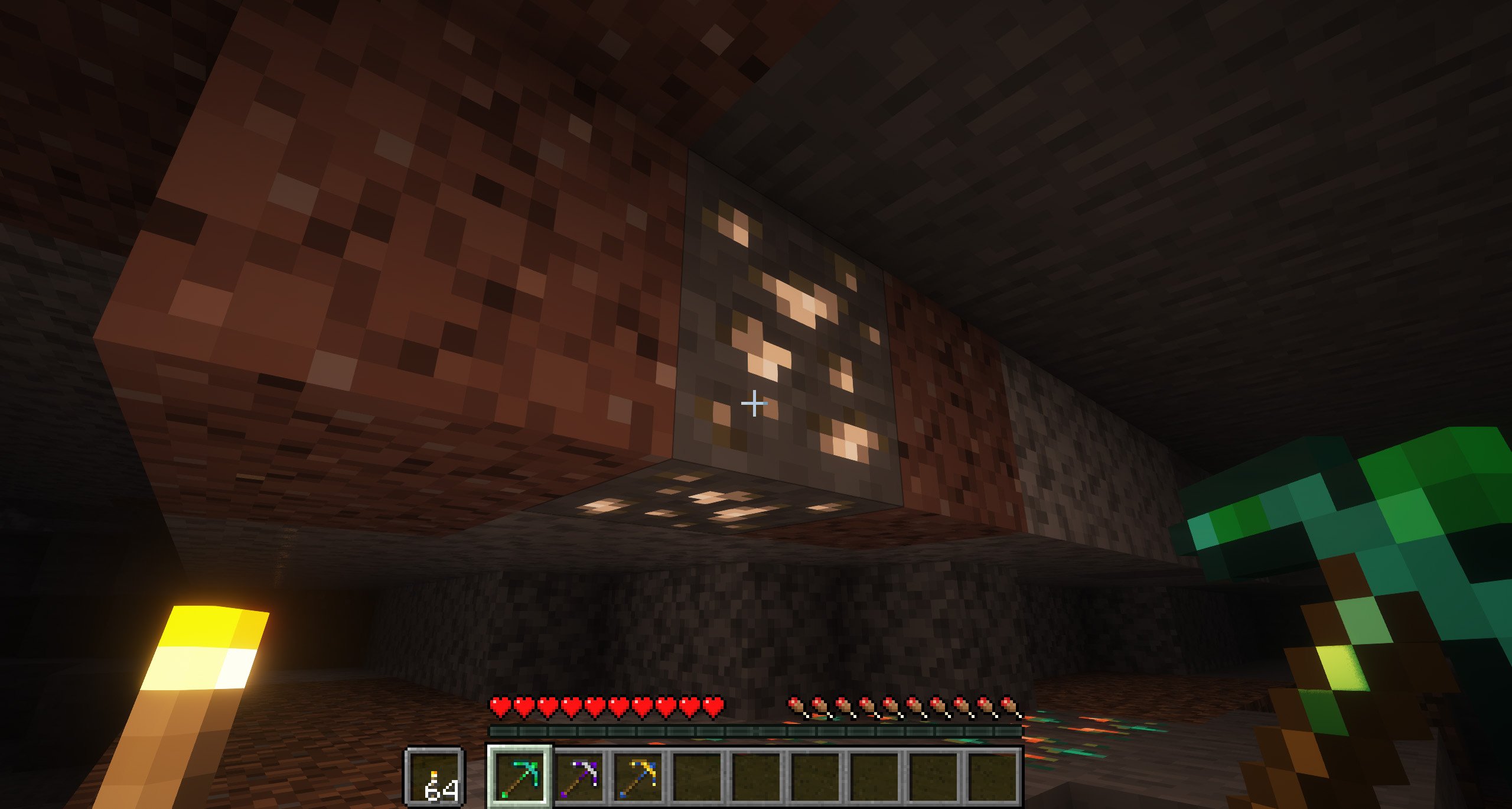
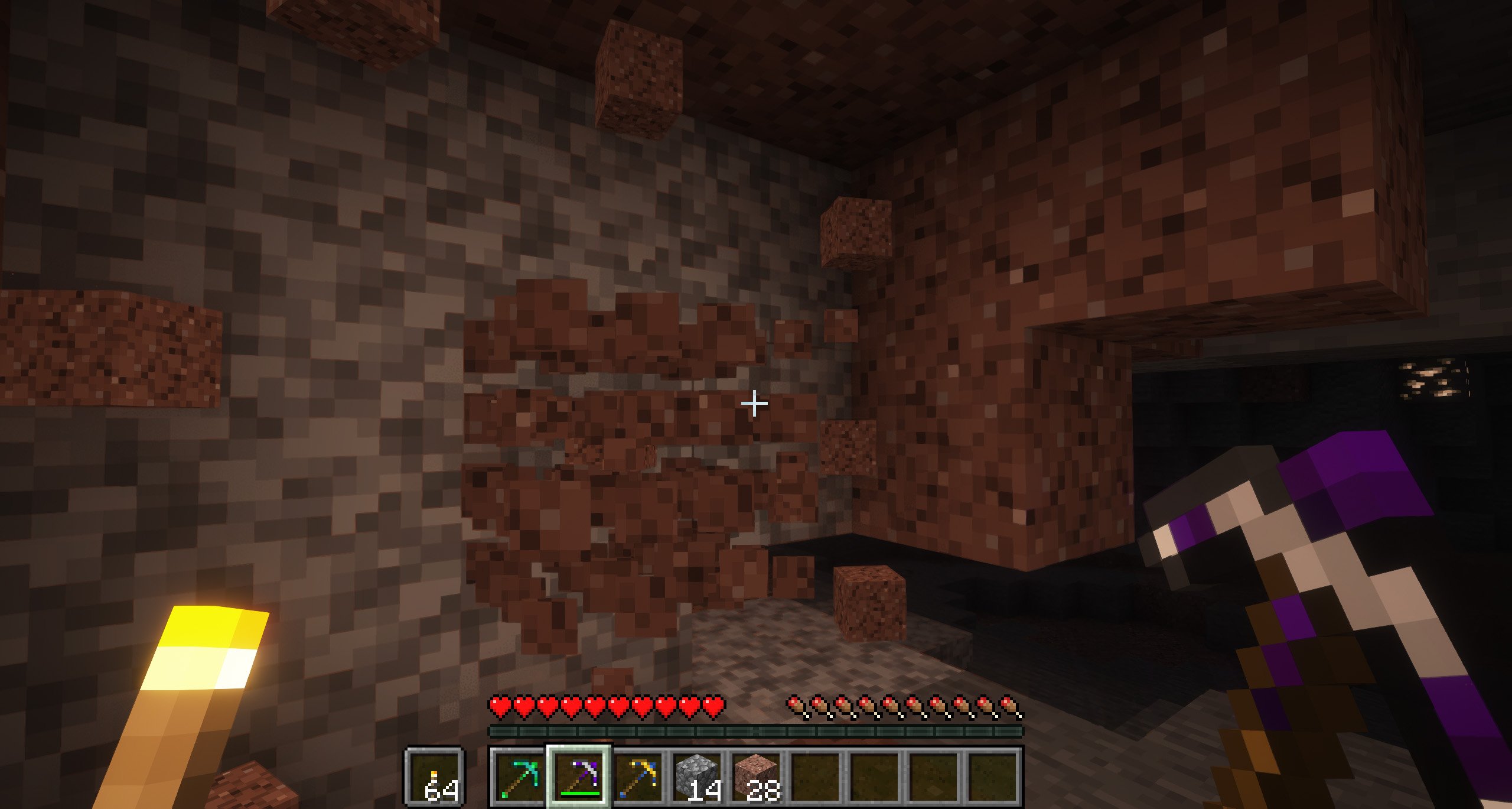
](https://discord.gg/X8VY5WMbe4)
.
Available Versions
How to Install Better Pickaxe Trims on Your Server
Order Server
Order a Minecraft Java server with at least 3 GB RAM (4 GB recommended).
Set fabric Loader
In the panel under "Egg", select the fabric loader and matching Minecraft version (26.1.2).
Install Mod
Open the mod browser in the dashboard and search for "Better Pickaxe Trims". Click "Install" – done! Alternatively, upload the .jar via SFTP to the /mods folder.
Compatibility
Mod Loaders
Minecraft Versions
26.1.2, 26.1.1, 26.1 (+2 more)
Server-side
✓ RequiredRecommended RAM
4 GB(min. 3 GB)Frequently Asked Questions
Better Pickaxe Trims server crashes on startup – what to do?
Most common cause: wrong fabric version or insufficient RAM. Check the server log (latest.log) for "OutOfMemoryError" or "Mixin" errors. With Mado Hosting: ensure at least 3 GB RAM is allocated and the loader matches the mod version (26.1.2). You can switch loaders with one click in the panel.
Is Better Pickaxe Trims compatible with fabric and forge and neoforge?
Better Pickaxe Trims officially supports fabric, forge, neoforge for Minecraft 26.1.2, 26.1.1, 26.1. Note: Forge and Fabric mods are NOT cross-compatible – pick one loader and stick with it. The Mado dashboard automatically detects incompatible loader combinations.
Server lagging with Better Pickaxe Trims – how to optimize performance?
Recommended RAM: 4 GB (per 8 players). Use /spark profiler to check if Better Pickaxe Trims consumes the most tick time. Common fixes: reduce server view-distance to 8-10, install "performant" or "starlight" as supplementary mods on Forge. With Mado Hosting, your server runs on NVMe SSDs with dedicated CPU cores for minimal latency.
Similar Mods



![[TaCZ] Timeless and Classics Zero](https://cdn.modrinth.com/data/SzzJttH8/fd27766d2bb8390d284696b1dbd358f87e081439_96.webp)


Rent Modded Server
Install Better Pickaxe Trims with just one click on your server.