
Blocky Bubbles
Ports the Fast Bubbles setting from Bedrock Edition!
Screenshots
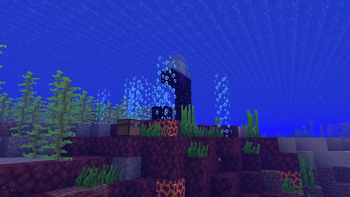
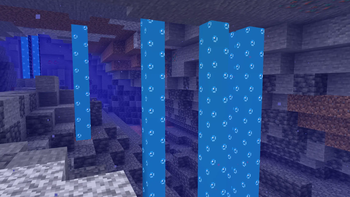
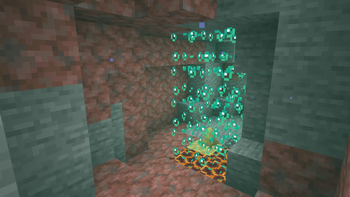
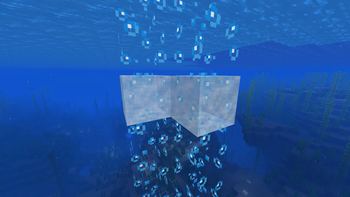
Über diese Mod
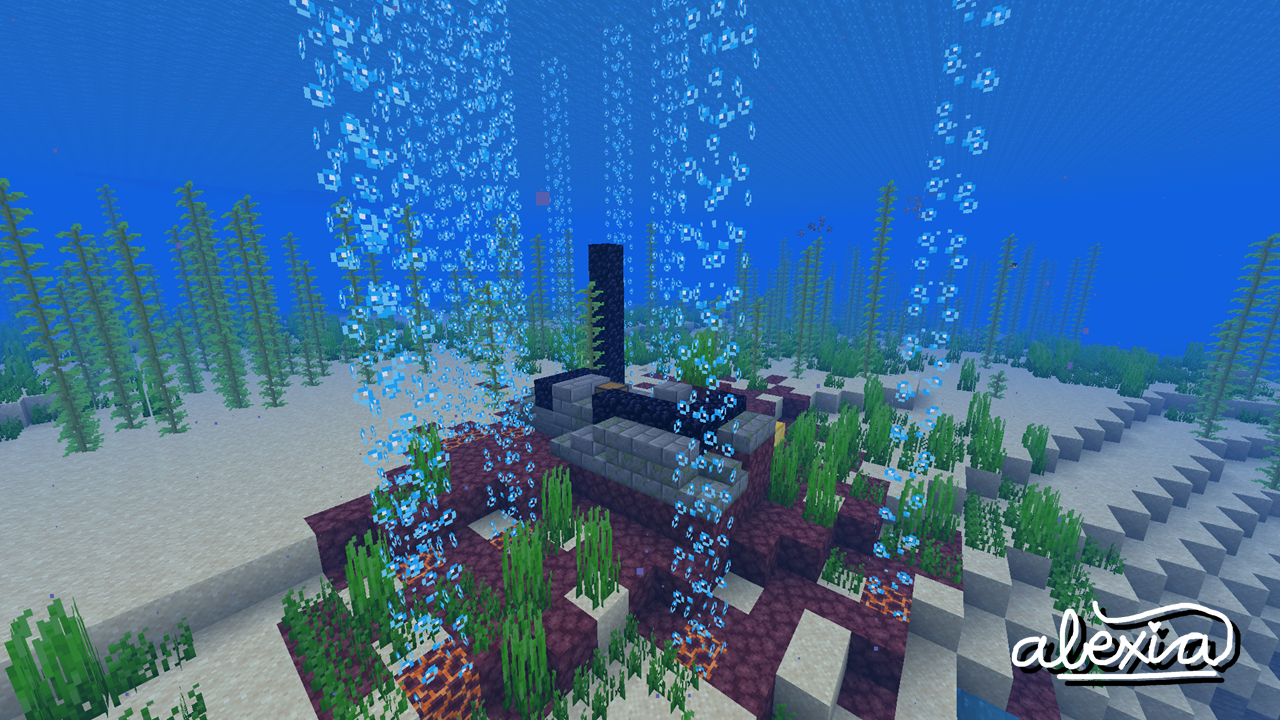





Blocky Bubbles ports over the "Fancy Bubbles" toggle setting from the Bedrock Edition of the game! This can improve frame rates in some scenarios, but you might just like the way it looks! It is fully configurable through both the vanilla Video Settings menu and the Sodium config screen.
🤝 Compatibility
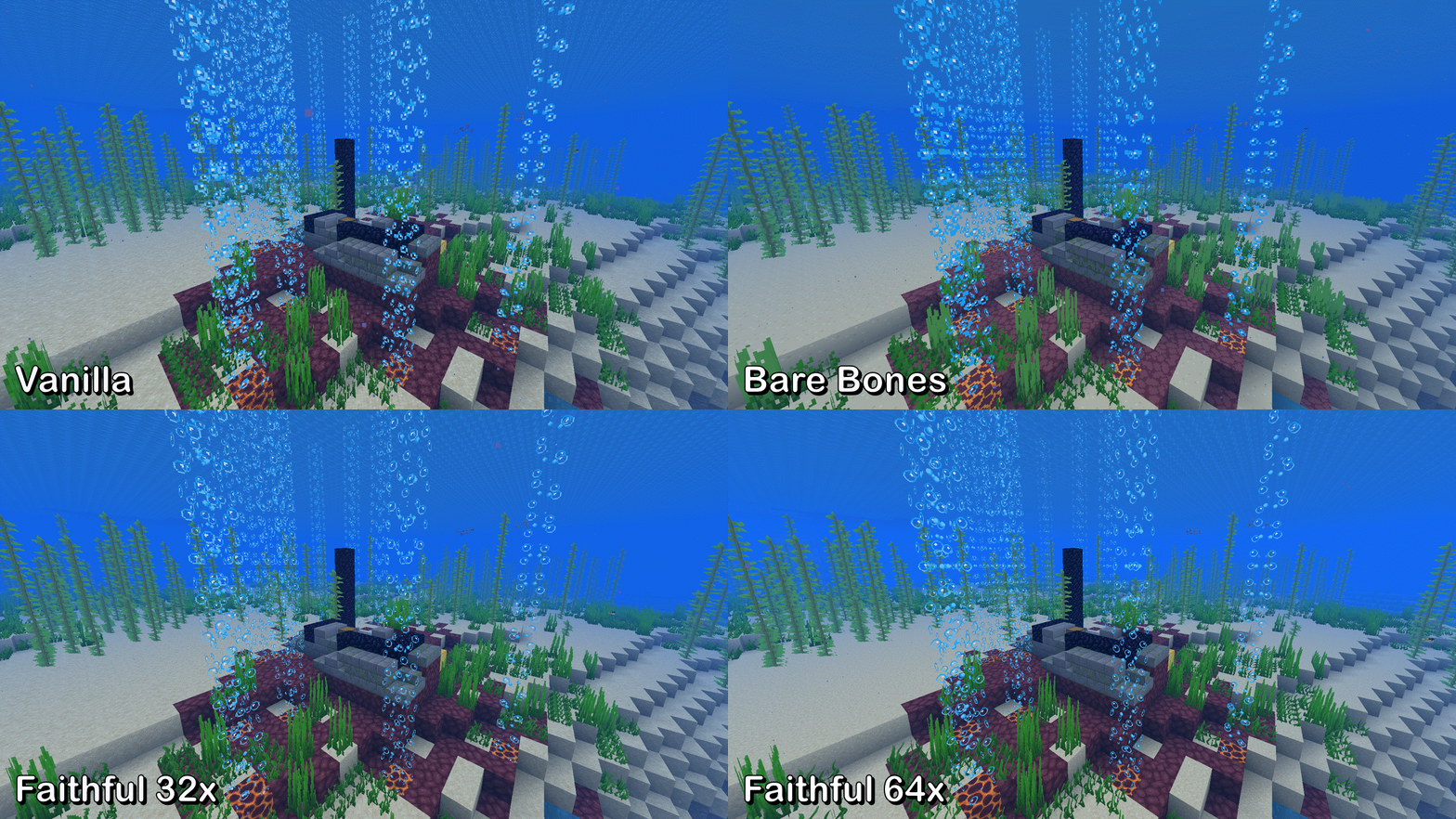
Blocky Bubbles is out-of-the-box compatible with most mods and resource packs with built-in support for Bare Bones, Faithful 32x, and Faithful 64x.
It will also show up inside mesogleas from Wilder Wild and broadly any block implementing behaviors from FrozenLib's WaterLikeBlock, as long as the config option is enabled.
These are not affiliated works; I just added them in for the love of the game :)
🖌️ Faithful credits!
The textures for the Faithful 32x and Faithful 64x extensions have been used with permission from @miniluv73 and @HARYA_ respectively. Thank you!
🕵️ Be a content detective...
Blocky Bubbles, being the first of its kind, is rather popular. This makes it enticing for bad actors on the internet to reupload and profit off my work without permission. Be suspicious if you find a link to anywhere other than here or GitHub: it's not me!
If you like what you see and want to support me directly, spread the word about Blocky Bubbles to your friends and donate to my Ko-Fi! Also, consider joining the discussion over on my Discord server. I can't wait to hear from you~ 🌺
🌐 Hey, I need translators!
If you speak another language that isn't accounted for yet or the current translations are inaccurate/outdated, please file a pull request on GitHub! I'm immensely grateful for all **Blocky Bubbles** contributors 💗💗
Verfügbare Versionen
Blocky Bubbles auf deinem Client installieren
Mod-Loader lokal installieren
Installiere fabric für deine lokale Minecraft-Version.
Passende Datei herunterladen
Wähle die Blocky Bubbles-Datei für fabric und Minecraft 26.3.
Mod installieren
Lege die .jar-Datei in deinem lokalen .minecraft/mods-Ordner ab und starte Minecraft neu. Eine Installation auf dem Server ist nicht nötig.
Kompatibilität
Mod-Loader
Minecraft-Versionen
26.3, 26.2, 26.1.2 (+28 weitere)
Server-seitig
✗ Nicht unterstütztEmpfohlener RAM
4 GB(min. 3 GB)Häufige Fragen
Muss Blocky Bubbles auf dem Minecraft Server installiert werden?
Nein. Modrinth kennzeichnet Blocky Bubbles serverseitig als nicht unterstützt. Installiere die Mod nur im lokalen Minecraft-Mods-Ordner. Dein Server kann unverändert bleiben, sofern die Mod-Seite keine zusätzliche Abhängigkeit nennt.
Welche Version und welchen Loader braucht Blocky Bubbles?
Nutze eine Datei für fabric und exakt deine Minecraft-Version. Unterstützte Versionen sind unter anderem 26.3, 26.2, 26.1.2. Loader-Dateien sind nicht untereinander austauschbar.
Blocky Bubbles funktioniert nicht – was kann ich prüfen?
Prüfe zuerst Minecraft-Version, Loader-Version und erforderliche Abhängigkeiten. Lege die .jar-Datei im lokalen .minecraft/mods-Ordner ab und entferne ältere Duplikate. Da die Mod clientseitig ist, löst mehr Server-RAM dieses Problem nicht.
Ähnliche Mods





Minecraft Server für deine Gruppe
Blocky Bubbles bleibt auf deinem Client. Hoste dazu eine kompatible Welt für deine Mitspieler.
Details
- Lizenz
- GNU Lesser General Public License v3.0 only
- Server-seitig
- Nicht unterstützt