
Blocky Bubbles
Ports the Fast Bubbles setting from Bedrock Edition!
Screenshots
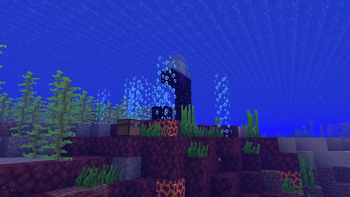
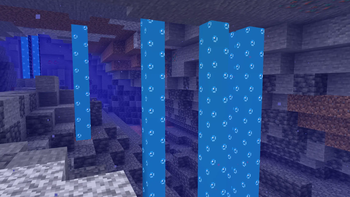
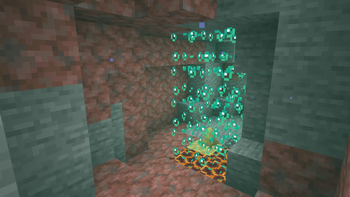
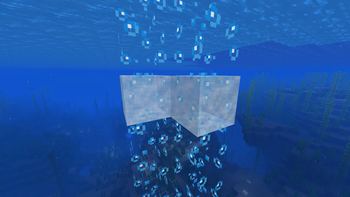
About this Mod
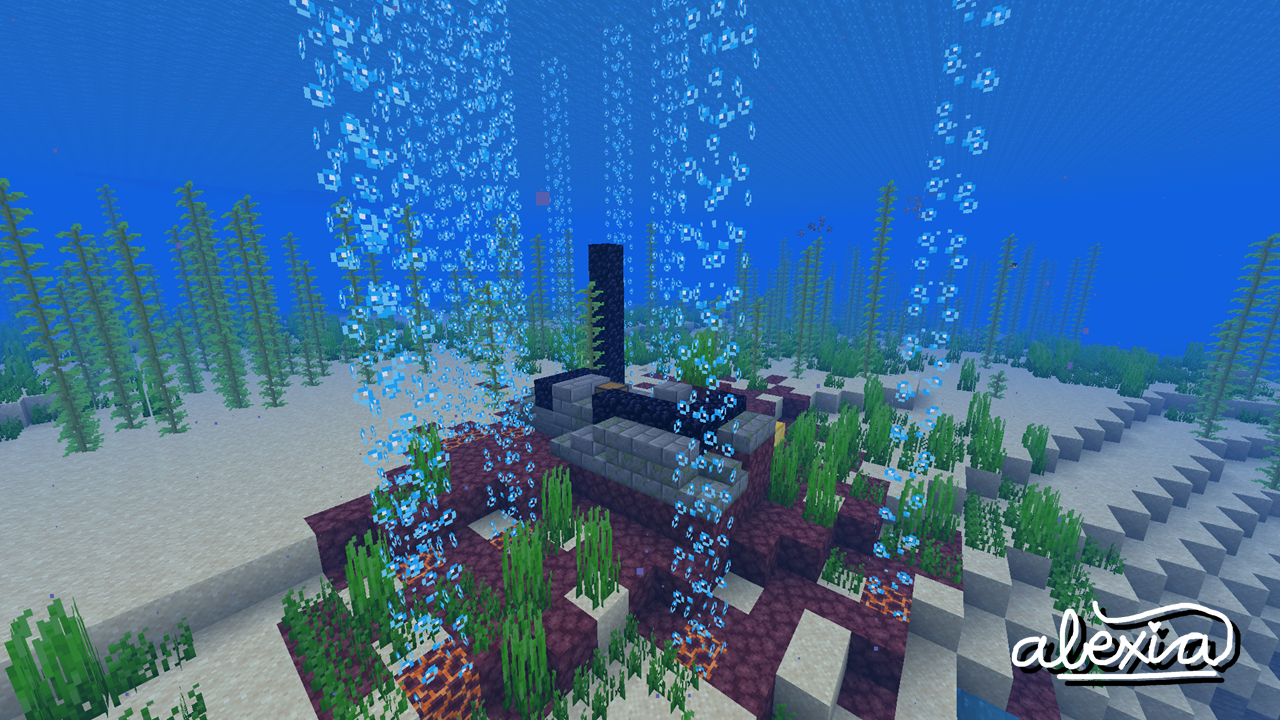





Blocky Bubbles ports over the "Fancy Bubbles" toggle setting from the Bedrock Edition of the game! This can improve frame rates in some scenarios, but you might just like the way it looks! It is fully configurable through both the vanilla Video Settings menu and the Sodium config screen.
🤝 Compatibility
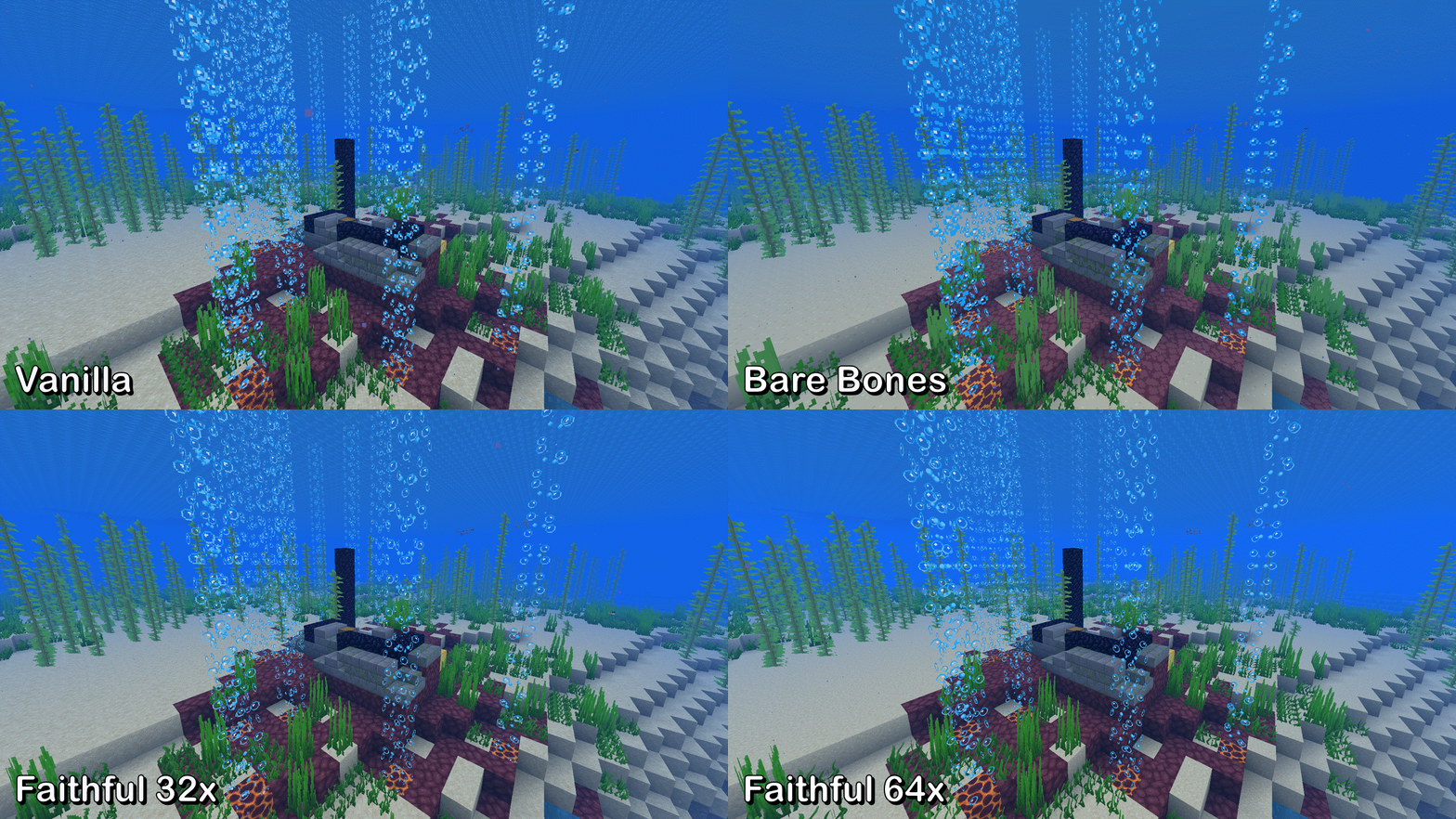
Blocky Bubbles is out-of-the-box compatible with most mods and resource packs with built-in support for Bare Bones, Faithful 32x, and Faithful 64x.
It will also show up inside mesogleas from Wilder Wild and broadly any block implementing behaviors from FrozenLib's WaterLikeBlock, as long as the config option is enabled.
These are not affiliated works; I just added them in for the love of the game :)
🖌️ Faithful credits!
The textures for the Faithful 32x and Faithful 64x extensions have been used with permission from @miniluv73 and @HARYA_ respectively. Thank you!
🕵️ Be a content detective...
Blocky Bubbles, being the first of its kind, is rather popular. This makes it enticing for bad actors on the internet to reupload and profit off my work without permission. Be suspicious if you find a link to anywhere other than here or GitHub: it's not me!
If you like what you see and want to support me directly, spread the word about Blocky Bubbles to your friends and donate to my Ko-Fi! Also, consider joining the discussion over on my Discord server. I can't wait to hear from you~ 🌺
🌐 Hey, I need translators!
If you speak another language that isn't accounted for yet or the current translations are inaccurate/outdated, please file a pull request on GitHub! I'm immensely grateful for all **Blocky Bubbles** contributors 💗💗
Available Versions
How to Install Blocky Bubbles on Your Client
Install the Mod Loader Locally
Install fabric for your local Minecraft version.
Download the Matching File
Choose the Blocky Bubbles file for fabric and Minecraft 26.3.
Install Mod
Place the .jar file in your local .minecraft/mods folder and restart Minecraft. No server-side installation is required.
Compatibility
Mod Loaders
Minecraft Versions
26.3, 26.2, 26.1.2 (+28 more)
Server-side
✗ UnsupportedRecommended RAM
4 GB(min. 3 GB)Frequently Asked Questions
Does Blocky Bubbles need to be installed on the Minecraft server?
No. Modrinth marks Blocky Bubbles as unsupported on the server side. Install it only in your local Minecraft mods folder. Your server can remain unchanged unless the mod page lists an additional dependency.
Which version and loader does Blocky Bubbles require?
Use a file for fabric and your exact Minecraft version. Supported versions include 26.3, 26.2, 26.1.2. Files for different loaders are not interchangeable.
Blocky Bubbles is not working – what should I check?
First check the Minecraft version, loader version and required dependencies. Put the .jar file in your local .minecraft/mods folder and remove older duplicates. Because this mod is client-side, adding server RAM will not fix it.
Similar Mods





Minecraft Server for Your Group
Blocky Bubbles stays on your client. Host a compatible world for your group.