
Bundles Beyond
Allows you to access every item in the bundle beyond the vanilla 12 item limit.
Screenshots
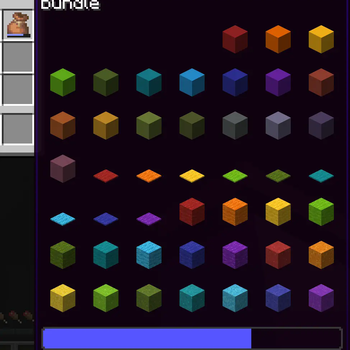
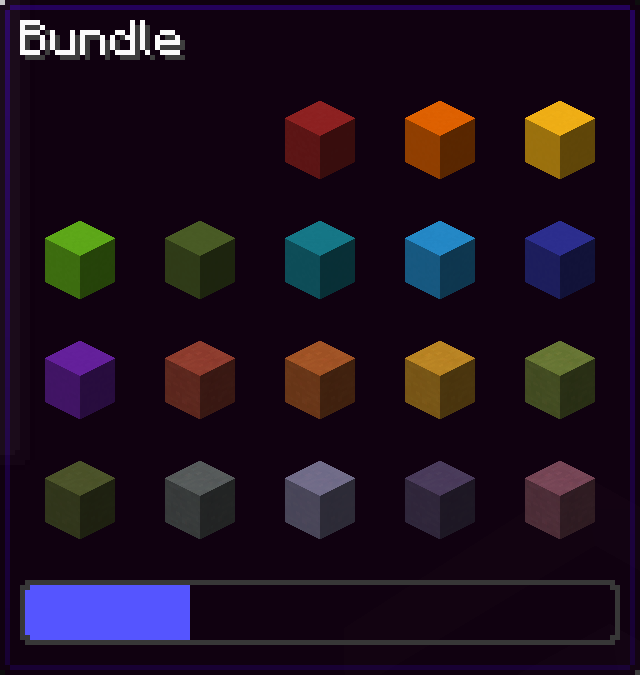
![[OUTDATED] picking up the item beyond the 8 item limit](https://cdn.modrinth.com/data/VhUy58Cq/images/c08a4be82fa6fe183deca5d2e99d32a671c50ce5_350.webp)
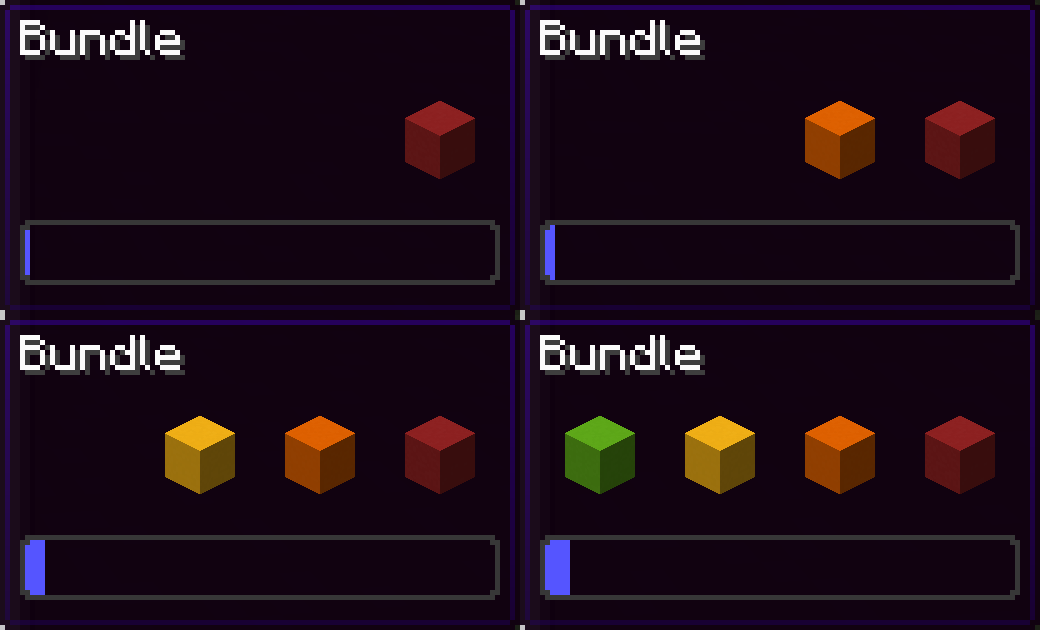
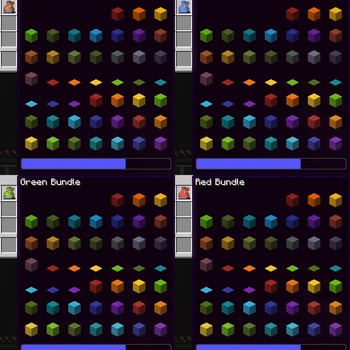
![[OUTDATED] choosing item in bundle beyond the 8 item limit](https://cdn.modrinth.com/data/VhUy58Cq/images/d16e5f4a27153aabaa392a502c0b577de0b1d1a4_350.webp)
Über diese Mod
Since bundles were officially released, only up to 12 items from the bundle are accessible from the inventory without taking out other items first.
This mod removes this limit of 12 items allowing all items inside the bundle to be viewed and extracted
This Modrinth page is the only official source of the mod!
26.3 version soon (up to a few days)
Using this mod:
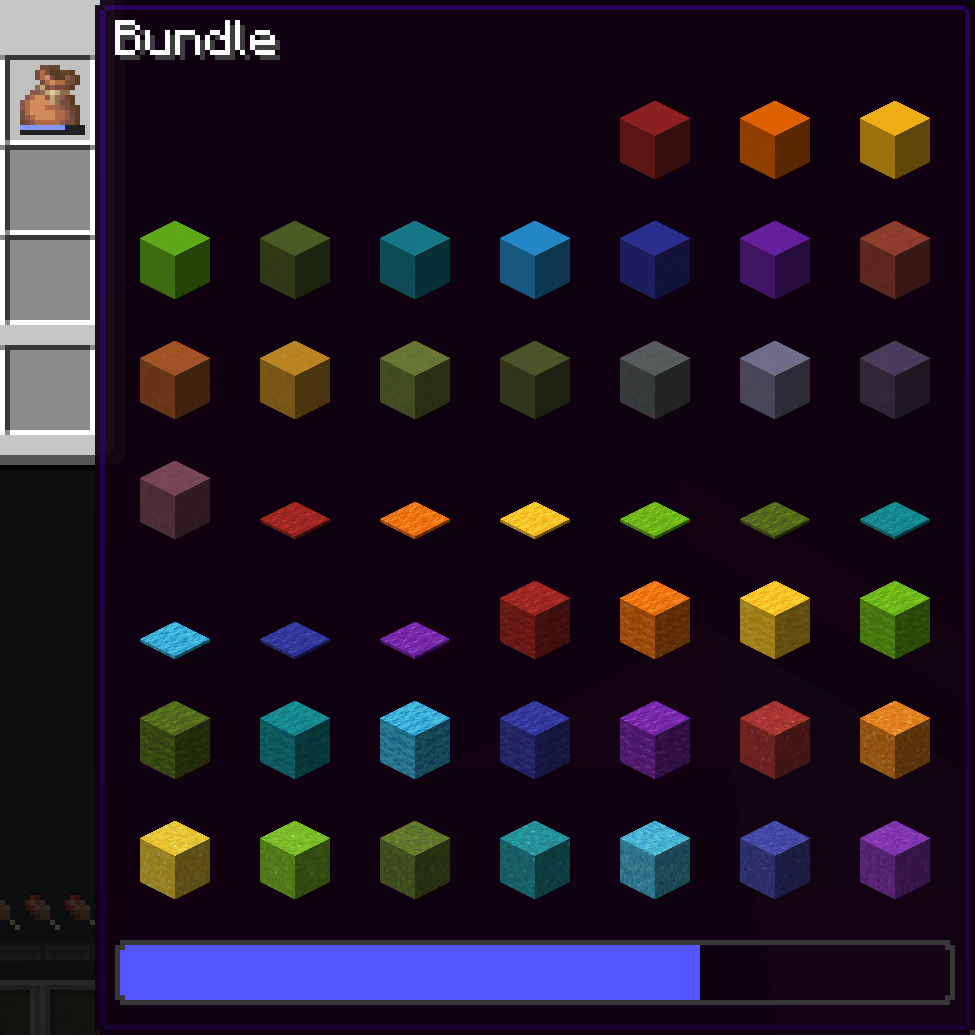
Vanilla:
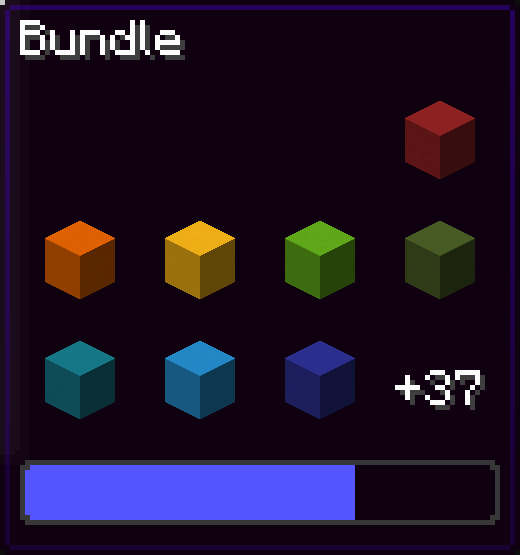
You can navigate in the bundle's gui with the movement or arrow keys.
Press space while hovering over a bundle to put an item or take an item from the bundle!
Config screen
Open the config screen from Mod Menu in Fabric, from the Mods menu in NeoForge, or with /bundlesbeyond
Image coming here Soon™
Keybinds
There are 2 keybinds that you can find in Options > Controls:
Mod Enabled keybind
If the mod is On or Off, pressing this keybind will toggle it.
If the mod is on Hold key, holding this keybind will enable the mod.
Scroll Axis keybind
If the scroll mode is Horizontal or Vertical, pressing this keybind will toggle it.
If the scroll mode is on Hold for horizontal, holding this keybind will make the scrolling horizontal, releasing the button will make it vertical.
Same for Hold for vertical, but opposite.
Other Stuff
This mod is client side only.
In the Fabric version, this mod requires Fabric API.
Bundles Beyond is licensed under the CC-BY-NC-SA 4.0 license.
Verfügbare Versionen
Bundles Beyond auf deinem Client installieren
Mod-Loader lokal installieren
Installiere fabric für deine lokale Minecraft-Version.
Passende Datei herunterladen
Wähle die Bundles Beyond-Datei für fabric und Minecraft 26.3.
Mod installieren
Lege die .jar-Datei in deinem lokalen .minecraft/mods-Ordner ab und starte Minecraft neu. Eine Installation auf dem Server ist nicht nötig.
Kompatibilität
Mod-Loader
Minecraft-Versionen
26.3, 26.2, 26.1.2 (+34 weitere)
Server-seitig
✗ Nicht unterstütztEmpfohlener RAM
4 GB(min. 3 GB)Häufige Fragen
Muss Bundles Beyond auf dem Minecraft Server installiert werden?
Nein. Modrinth kennzeichnet Bundles Beyond serverseitig als nicht unterstützt. Installiere die Mod nur im lokalen Minecraft-Mods-Ordner. Dein Server kann unverändert bleiben, sofern die Mod-Seite keine zusätzliche Abhängigkeit nennt.
Welche Version und welchen Loader braucht Bundles Beyond?
Nutze eine Datei für fabric, neoforge, quilt und exakt deine Minecraft-Version. Unterstützte Versionen sind unter anderem 26.3, 26.2, 26.1.2. Loader-Dateien sind nicht untereinander austauschbar.
Bundles Beyond funktioniert nicht – was kann ich prüfen?
Prüfe zuerst Minecraft-Version, Loader-Version und erforderliche Abhängigkeiten. Lege die .jar-Datei im lokalen .minecraft/mods-Ordner ab und entferne ältere Duplikate. Da die Mod clientseitig ist, löst mehr Server-RAM dieses Problem nicht.
Ähnliche Mods






Minecraft Server für deine Gruppe
Bundles Beyond bleibt auf deinem Client. Hoste dazu eine kompatible Welt für deine Mitspieler.
Details
- Lizenz
- Creative Commons Attribution Non Commercial Share Alike 4.0 International
- Server-seitig
- Nicht unterstützt