
Bundles Beyond
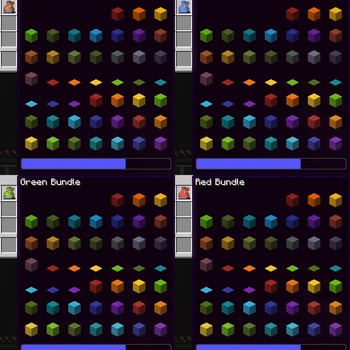
Allows you to access every item in the bundle beyond the vanilla 12 item limit.
Screenshots
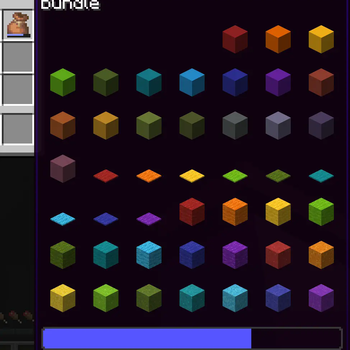
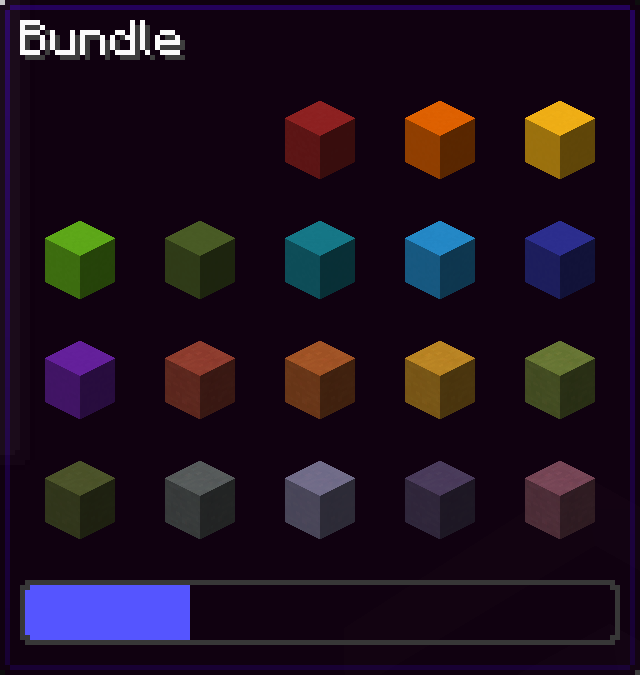
![[OUTDATED] picking up the item beyond the 8 item limit](https://cdn.modrinth.com/data/VhUy58Cq/images/c08a4be82fa6fe183deca5d2e99d32a671c50ce5_350.webp)
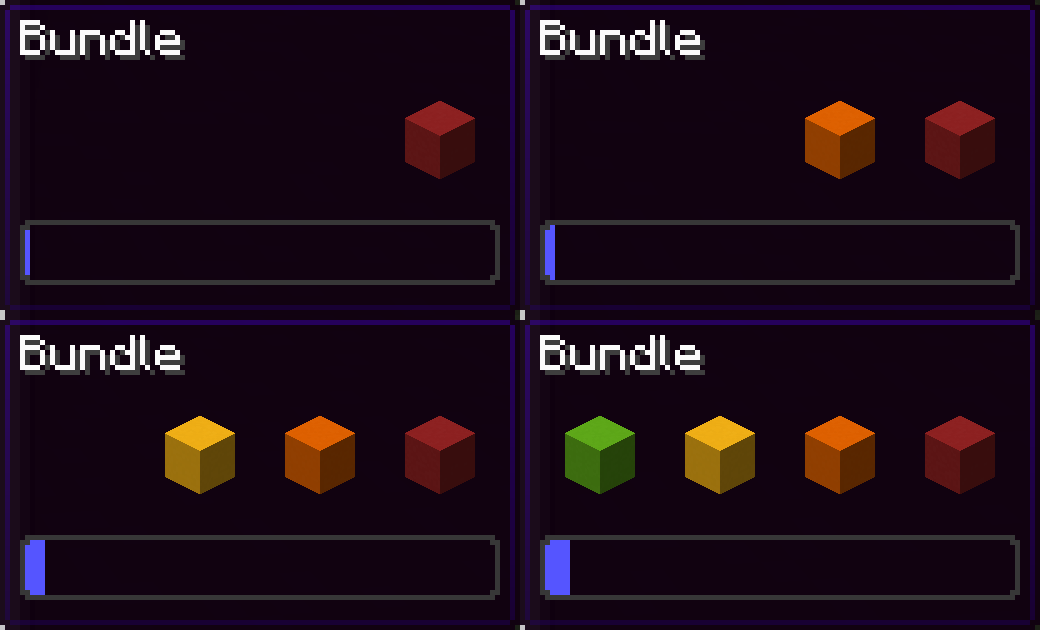
![[OUTDATED] choosing item in bundle beyond the 8 item limit](https://cdn.modrinth.com/data/VhUy58Cq/images/d16e5f4a27153aabaa392a502c0b577de0b1d1a4_350.webp)
About this Mod
Since bundles were officially released, only up to 12 items from the bundle are accessible from the inventory without taking out other items first.
This mod removes this limit of 12 items allowing all items inside the bundle to be viewed and extracted
This Modrinth page is the only official source of the mod!
26.3 version soon (up to a few days)
Using this mod:
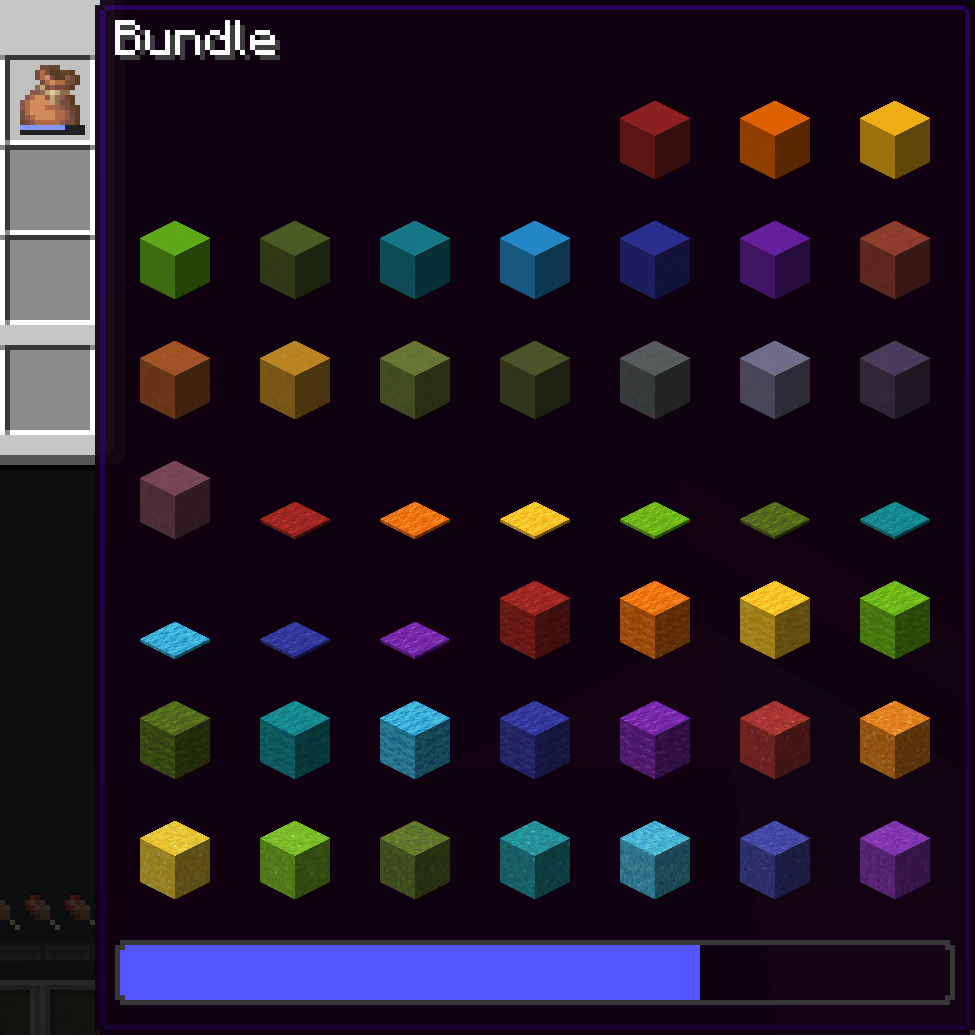
Vanilla:
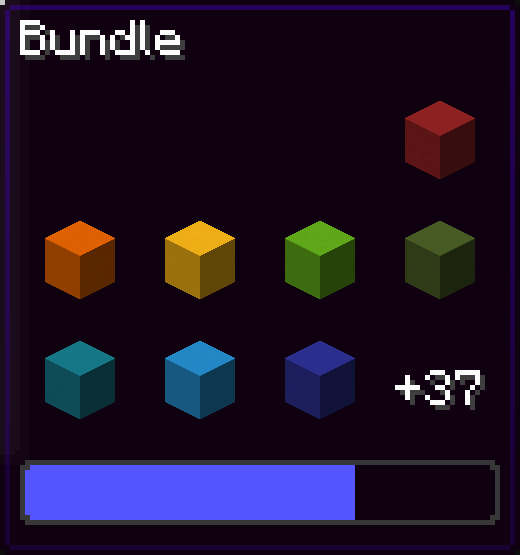
You can navigate in the bundle's gui with the movement or arrow keys.
Press space while hovering over a bundle to put an item or take an item from the bundle!
Config screen
Open the config screen from Mod Menu in Fabric, from the Mods menu in NeoForge, or with /bundlesbeyond
Image coming here Soon™
Keybinds
There are 2 keybinds that you can find in Options > Controls:
Mod Enabled keybind
If the mod is On or Off, pressing this keybind will toggle it.
If the mod is on Hold key, holding this keybind will enable the mod.
Scroll Axis keybind
If the scroll mode is Horizontal or Vertical, pressing this keybind will toggle it.
If the scroll mode is on Hold for horizontal, holding this keybind will make the scrolling horizontal, releasing the button will make it vertical.
Same for Hold for vertical, but opposite.
Other Stuff
This mod is client side only.
In the Fabric version, this mod requires Fabric API.
Bundles Beyond is licensed under the CC-BY-NC-SA 4.0 license.
Available Versions
How to Install Bundles Beyond on Your Client
Install the Mod Loader Locally
Install fabric for your local Minecraft version.
Download the Matching File
Choose the Bundles Beyond file for fabric and Minecraft 26.3.
Install Mod
Place the .jar file in your local .minecraft/mods folder and restart Minecraft. No server-side installation is required.
Compatibility
Mod Loaders
Minecraft Versions
26.3, 26.2, 26.1.2 (+34 more)
Server-side
✗ UnsupportedRecommended RAM
4 GB(min. 3 GB)Frequently Asked Questions
Does Bundles Beyond need to be installed on the Minecraft server?
No. Modrinth marks Bundles Beyond as unsupported on the server side. Install it only in your local Minecraft mods folder. Your server can remain unchanged unless the mod page lists an additional dependency.
Which version and loader does Bundles Beyond require?
Use a file for fabric, neoforge, quilt and your exact Minecraft version. Supported versions include 26.3, 26.2, 26.1.2. Files for different loaders are not interchangeable.
Bundles Beyond is not working – what should I check?
First check the Minecraft version, loader version and required dependencies. Put the .jar file in your local .minecraft/mods folder and remove older duplicates. Because this mod is client-side, adding server RAM will not fix it.
Similar Mods






Minecraft Server for Your Group
Bundles Beyond stays on your client. Host a compatible world for your group.
Details
- License
- Creative Commons Attribution Non Commercial Share Alike 4.0 International
- Server-side
- Unsupported