
Calcium
The best ever optimization mod ever ever and ever fps++ (april fools joke - not functional!)
Screenshots
Über diese Mod


THIS MOD IS AN APRIL FOOLS JOKE, IT DOES GIVE YOU FPS BUT AT THE COST OF NOT RENDERING LITERALLY ANYTHING IN GAME.
CALCIUM OPTIMIZATION MOD
Information
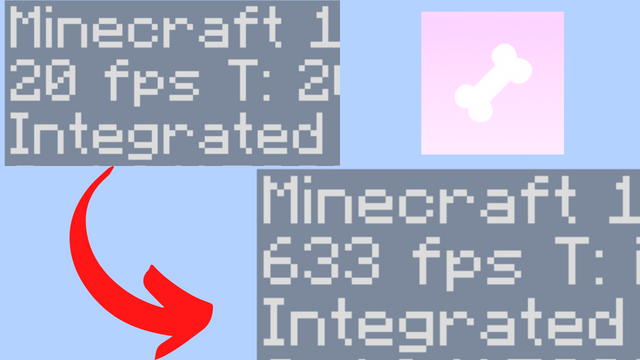
Best ever optimization mod, optimizing the whole level renderer with a new method called render skipping. You get the highest FPS possible with this mod, and it's all for free! 🚀
You sacrifice basically nothing for thousands upon thousands of FPS. This mod is a must-have for any player who wants to play Minecraft with the best performance possible.
PROS:
- Super light weight
- Mega big amount of fps
- Super fast optimization of literally everything
- Super mega very cool
CONS:
- None
Compatiblity
This mod is incompatible with any other performance mod as they suck and only this one is good.
Bisect Partnership
Community
For any questions or support you can join my discord by clicking the button below!

Additional Information
May cause all some features in your world to not render
Verfügbare Versionen
Calcium auf deinem Client installieren
Mod-Loader lokal installieren
Installiere fabric für deine lokale Minecraft-Version.
Passende Datei herunterladen
Wähle die Calcium-Datei für fabric und Minecraft 1.20.4.
Mod installieren
Lege die .jar-Datei in deinem lokalen .minecraft/mods-Ordner ab und starte Minecraft neu. Eine Installation auf dem Server ist nicht nötig.
Kompatibilität
Mod-Loader
Minecraft-Versionen
1.20.4
Server-seitig
✗ Nicht unterstütztEmpfohlener RAM
4 GB(min. 3 GB)Häufige Fragen
Muss Calcium auf dem Minecraft Server installiert werden?
Nein. Modrinth kennzeichnet Calcium serverseitig als nicht unterstützt. Installiere die Mod nur im lokalen Minecraft-Mods-Ordner. Dein Server kann unverändert bleiben, sofern die Mod-Seite keine zusätzliche Abhängigkeit nennt.
Welche Version und welchen Loader braucht Calcium?
Nutze eine Datei für fabric und exakt deine Minecraft-Version. Unterstützte Versionen sind unter anderem 1.20.4. Loader-Dateien sind nicht untereinander austauschbar.
Calcium funktioniert nicht – was kann ich prüfen?
Prüfe zuerst Minecraft-Version, Loader-Version und erforderliche Abhängigkeiten. Lege die .jar-Datei im lokalen .minecraft/mods-Ordner ab und entferne ältere Duplikate. Da die Mod clientseitig ist, löst mehr Server-RAM dieses Problem nicht.
Ähnliche Mods





Minecraft Server für deine Gruppe
Calcium bleibt auf deinem Client. Hoste dazu eine kompatible Welt für deine Mitspieler.
Details
- Lizenz
- GNU Lesser General Public License v3.0 only
- Server-seitig
- Nicht unterstützt