
Calcium
The best ever optimization mod ever ever and ever fps++ (april fools joke - not functional!)
Screenshots
About this Mod


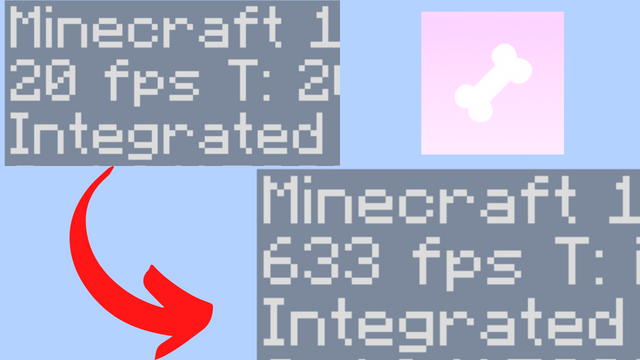
THIS MOD IS AN APRIL FOOLS JOKE, IT DOES GIVE YOU FPS BUT AT THE COST OF NOT RENDERING LITERALLY ANYTHING IN GAME.
CALCIUM OPTIMIZATION MOD
Information
Best ever optimization mod, optimizing the whole level renderer with a new method called render skipping. You get the highest FPS possible with this mod, and it's all for free! 🚀
You sacrifice basically nothing for thousands upon thousands of FPS. This mod is a must-have for any player who wants to play Minecraft with the best performance possible.
PROS:
- Super light weight
- Mega big amount of fps
- Super fast optimization of literally everything
- Super mega very cool
CONS:
- None
Compatiblity
This mod is incompatible with any other performance mod as they suck and only this one is good.
Bisect Partnership
Community
For any questions or support you can join my discord by clicking the button below!

Additional Information
May cause all some features in your world to not render
Available Versions
How to Install Calcium on Your Client
Install the Mod Loader Locally
Install fabric for your local Minecraft version.
Download the Matching File
Choose the Calcium file for fabric and Minecraft 1.20.4.
Install Mod
Place the .jar file in your local .minecraft/mods folder and restart Minecraft. No server-side installation is required.
Compatibility
Mod Loaders
Minecraft Versions
1.20.4
Server-side
✗ UnsupportedRecommended RAM
4 GB(min. 3 GB)Frequently Asked Questions
Does Calcium need to be installed on the Minecraft server?
No. Modrinth marks Calcium as unsupported on the server side. Install it only in your local Minecraft mods folder. Your server can remain unchanged unless the mod page lists an additional dependency.
Which version and loader does Calcium require?
Use a file for fabric and your exact Minecraft version. Supported versions include 1.20.4. Files for different loaders are not interchangeable.
Calcium is not working – what should I check?
First check the Minecraft version, loader version and required dependencies. Put the .jar file in your local .minecraft/mods folder and remove older duplicates. Because this mod is client-side, adding server RAM will not fix it.
Similar Mods





Minecraft Server for Your Group
Calcium stays on your client. Host a compatible world for your group.