
Chalk
Leave the mark!
Screenshots
Über diese Mod
Mark your way through the vast world of Minecraft®™!
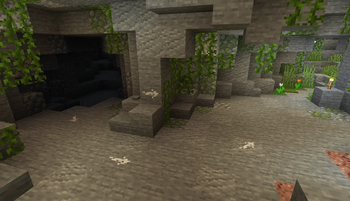
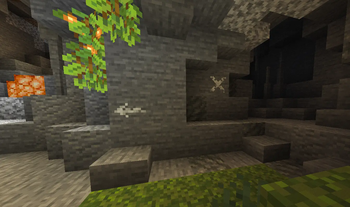
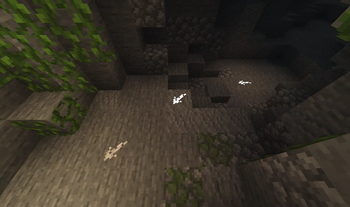
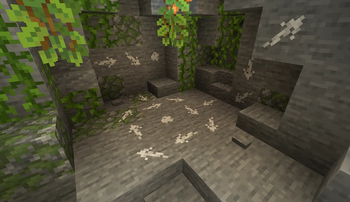
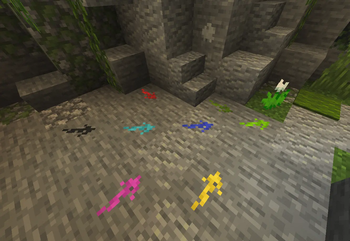
Chalk allows you to draw marks for easier navigation in caves or structures, or as decoration





Description in text form
Chalk
- Craftable from a piece of Calcite or found in some underground or village chests- Can be dyed into any color, similar to a leather armor
- Can be eaten, which gives 30 seconds of Strength effect
Drawing
Clicking on a full side of a block will draw an arrow mark- Arrow will be pointed towards the clicked position on a face
- Dot mark is drawn by clicking in the center
Symbols
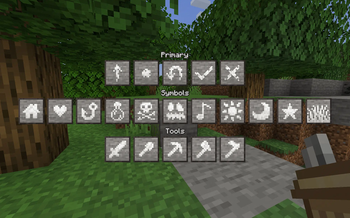
Various symbols can be drawn by sneak-using the chalk- This will open an interface where a desired symbol can be chosen
- Most special symbols need to be unlocked by completing advancements
Glowing
Marks can be made glowing by applying Glowstone Dust or Glow Ink Sac to them- Glowing marks are quite bright and will slightly light up their surroundings
Chalk Box
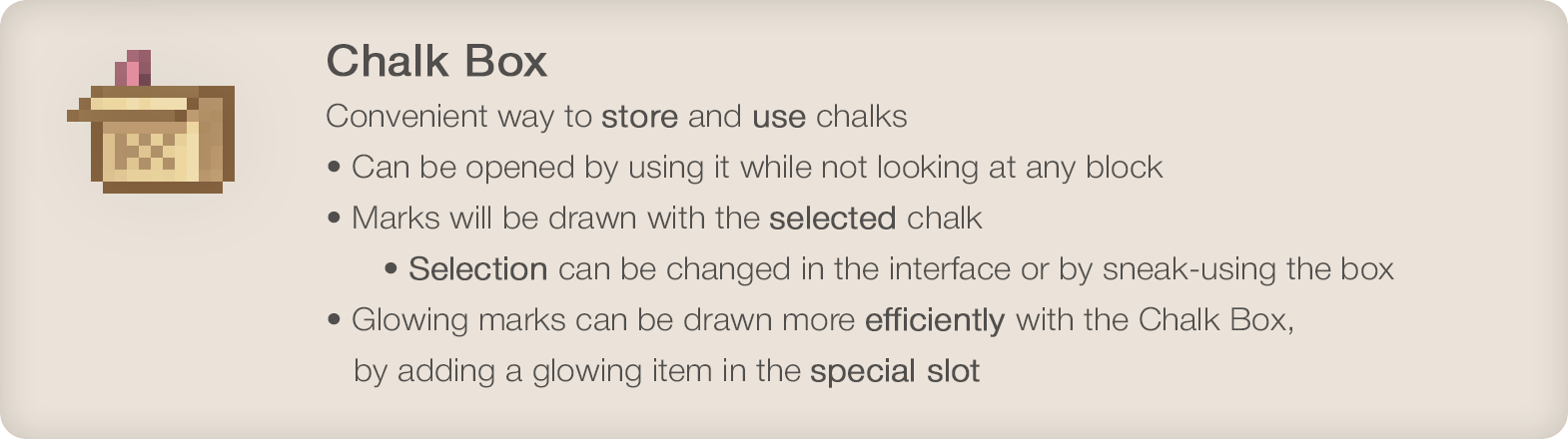
Convenient way to store and use chalks- Can be opened by using it while not looking at any block
- Marks will be drawn with the selected chalk
- Selection can be changed in the interface or by sneak-using the box
- Glowing marks can be drawn more efficiently with the Chalk Box, by adding a glowing item in the special slot
•
Enjoying the mod? Your support would allow me to continue working on it and on other mods!



•

Verfügbare Versionen
Chalk auf dem Server installieren
Server bestellen
Bestelle einen Minecraft Java Server mit mindestens 3 GB RAM (4 GB empfohlen).
fabric Loader setzen
Wähle im Panel unter "Egg" den fabric-Loader und die passende Minecraft-Version (1.21.1).
Mod installieren
Öffne den Mod-Browser im Dashboard und suche nach "Chalk". Klicke "Installieren" – fertig! Alternativ: Lade die .jar via SFTP in den /mods Ordner.
Kompatibilität
Mod-Loader
Minecraft-Versionen
1.21.1, 1.21, 1.20.1 (+7 weitere)
Server-seitig
✓ ErforderlichEmpfohlener RAM
4 GB(min. 3 GB)Häufige Fragen
Chalk Server crasht beim Start – was tun?
Häufigste Ursache: falsche fabric-Version oder zu wenig RAM. Prüfe im Server-Log (latest.log), ob ein "OutOfMemoryError" oder "Mixin"-Fehler auftritt. Bei Mado Hosting: Stelle sicher, dass mindestens 3 GB RAM zugewiesen sind und der Loader zur Mod-Version passt (1.21.1). Über das Panel kannst du den Loader mit einem Klick wechseln.
Ist Chalk mit fabric und forge und neoforge kompatibel?
Chalk unterstützt offiziell fabric, forge, neoforge für Minecraft 1.21.1, 1.21, 1.20.1. Achtung: Forge- und Fabric-Mods sind NICHT untereinander kompatibel – wähle einen Loader und bleibe dabei. Im Mado Dashboard werden inkompatible Loader-Kombinationen automatisch erkannt.
Server laggt mit Chalk – wie optimiere ich die Performance?
Empfohlener RAM: 4 GB (+1 GB pro 8 Spieler). Prüfe mit /spark profiler, ob Chalk den meisten Tick-Time verbraucht. Häufige Fixes: Server-View-Distance auf 8-10 reduzieren, bei Forge "performant" oder "starlight" als Zusatz-Mod installieren. Bei Mado Hosting läuft dein Server auf NVMe-SSDs mit dedizierten CPU-Kernen für minimale Latenz.
Ähnliche Mods




Modded Server mieten
Installiere Chalk mit nur einem Klick auf deinem Server.