
Screenshots
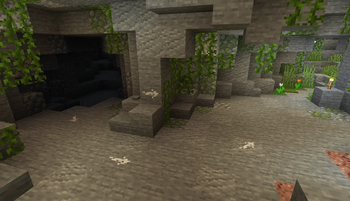
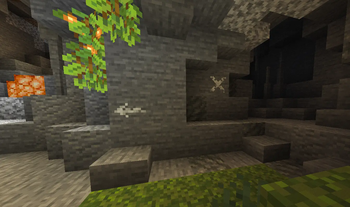
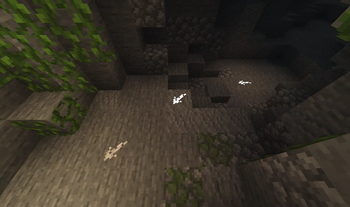
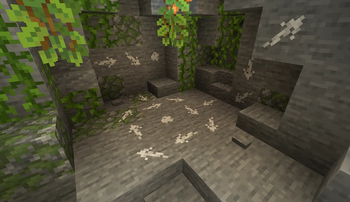
About this Mod
Mark your way through the vast world of Minecraft®™!
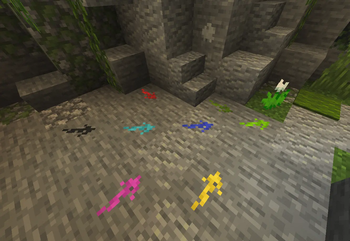
Chalk allows you to draw marks for easier navigation in caves or structures, or as decoration





Description in text form
Chalk
- Craftable from a piece of Calcite or found in some underground or village chests- Can be dyed into any color, similar to a leather armor
- Can be eaten, which gives 30 seconds of Strength effect
Drawing
Clicking on a full side of a block will draw an arrow mark- Arrow will be pointed towards the clicked position on a face
- Dot mark is drawn by clicking in the center
Symbols
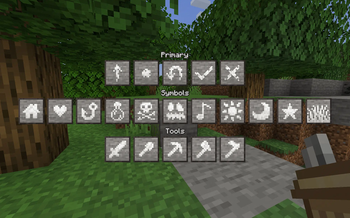
Various symbols can be drawn by sneak-using the chalk- This will open an interface where a desired symbol can be chosen
- Most special symbols need to be unlocked by completing advancements
Glowing
Marks can be made glowing by applying Glowstone Dust or Glow Ink Sac to them- Glowing marks are quite bright and will slightly light up their surroundings
Chalk Box
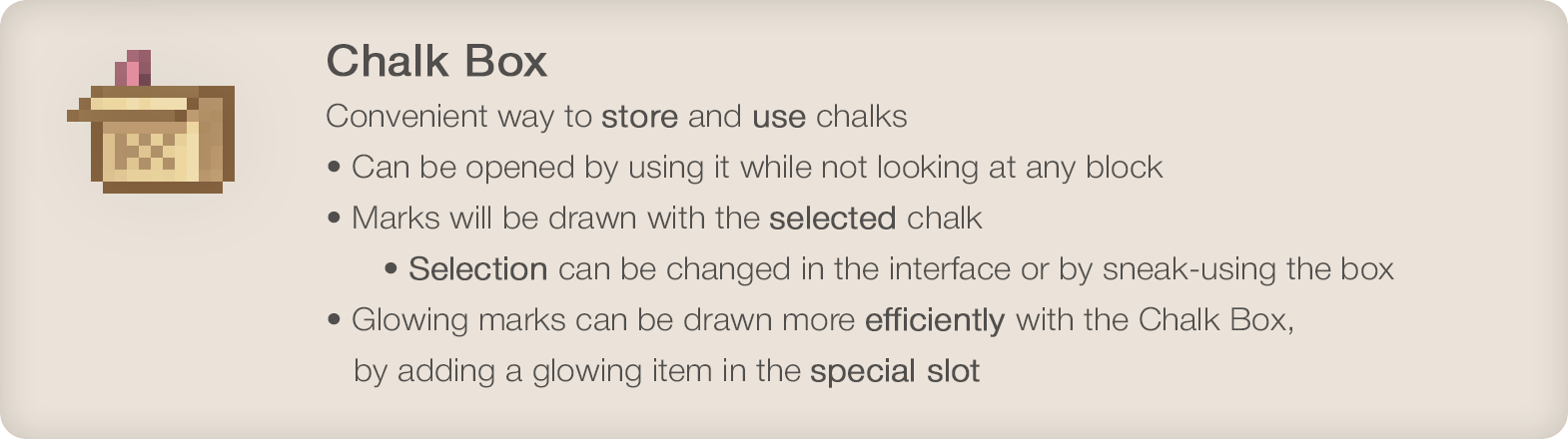
Convenient way to store and use chalks- Can be opened by using it while not looking at any block
- Marks will be drawn with the selected chalk
- Selection can be changed in the interface or by sneak-using the box
- Glowing marks can be drawn more efficiently with the Chalk Box, by adding a glowing item in the special slot
•
Enjoying the mod? Your support would allow me to continue working on it and on other mods!



•

Available Versions
How to Install Chalk on Your Server
Order Server
Order a Minecraft Java server with at least 3 GB RAM (4 GB recommended).
Set fabric Loader
In the panel under "Egg", select the fabric loader and matching Minecraft version (1.21.1).
Install Mod
Open the mod browser in the dashboard and search for "Chalk". Click "Install" – done! Alternatively, upload the .jar via SFTP to the /mods folder.
Compatibility
Mod Loaders
Minecraft Versions
1.21.1, 1.21, 1.20.1 (+7 more)
Server-side
✓ RequiredRecommended RAM
4 GB(min. 3 GB)Frequently Asked Questions
Chalk server crashes on startup – what to do?
Most common cause: wrong fabric version or insufficient RAM. Check the server log (latest.log) for "OutOfMemoryError" or "Mixin" errors. With Mado Hosting: ensure at least 3 GB RAM is allocated and the loader matches the mod version (1.21.1). You can switch loaders with one click in the panel.
Is Chalk compatible with fabric and forge and neoforge?
Chalk officially supports fabric, forge, neoforge for Minecraft 1.21.1, 1.21, 1.20.1. Note: Forge and Fabric mods are NOT cross-compatible – pick one loader and stick with it. The Mado dashboard automatically detects incompatible loader combinations.
Server lagging with Chalk – how to optimize performance?
Recommended RAM: 4 GB (per 8 players). Use /spark profiler to check if Chalk consumes the most tick time. Common fixes: reduce server view-distance to 8-10, install "performant" or "starlight" as supplementary mods on Forge. With Mado Hosting, your server runs on NVMe SSDs with dedicated CPU cores for minimal latency.
Similar Mods




Rent Modded Server
Install Chalk with just one click on your server.