
Modrinth · Fabric · Client-Mod
ChatTweaks (Compact Chat + More)
ChatTweaks (Compact Chat + More) ist eine clientseitige Mod. Du installierst sie auf deinem Rechner, auf dem Server ist sie nicht nötig.
Modify the contents of your chat with additional information. By Polyfrost, best with OneClient.
- Downloads
- 436.1K
- Autor
- j10a1n15
- Loader
- Fabric
- Minecraft
- 1.21.1 – 26.3
- Aktualisiert
- –
Screenshots
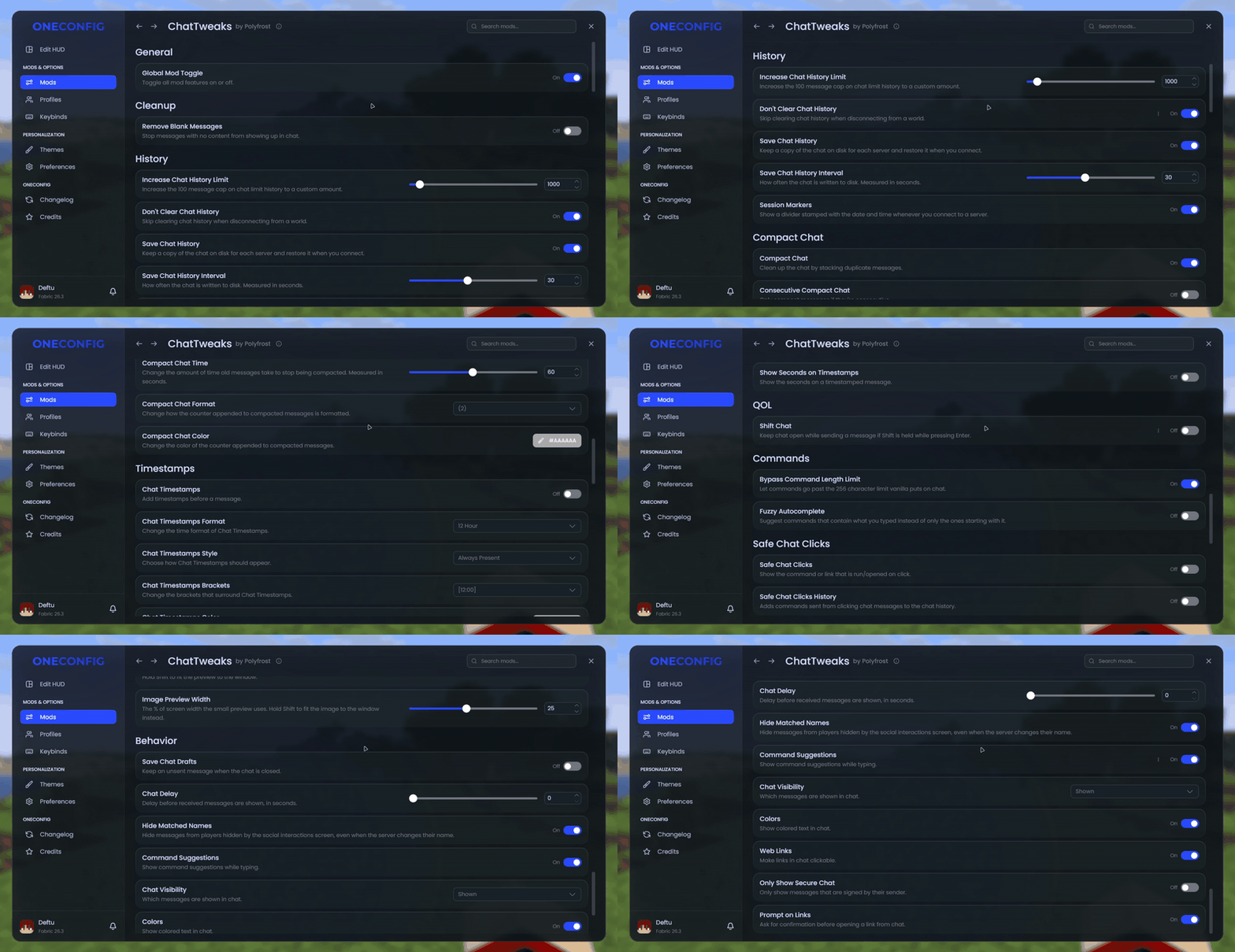
So sieht ChatTweaks (Compact Chat + More) aus


Bilder: ChatTweaks (Compact Chat + More) auf Modrinth, vom Projektteam veröffentlicht.
Einrichtung
ChatTweaks (Compact Chat + More) auf deinem Client installieren
Clientseitige Mods laufen nur auf deinem Rechner. Mehr Server-RAM ändert an ihrer Leistung nichts.
- 01
Loader lokal installieren
Installiere Fabric für deine Minecraft-Version in deinem Launcher.
- 02
Datei herunterladen
Lade die ChatTweaks (Compact Chat + More)-Datei für deinen Loader und exakt deine Minecraft-Version herunter, zum Beispiel 26.3.
- 03
In den Mods-Ordner legen
Lege die .jar-Datei in den lokalen Ordner .minecraft/mods und entferne ältere Duplikate.
- 04
Starten
Starte Minecraft mit dem Loader-Profil. Auf dem Server musst du nichts ändern.
- Auf dem Server
- Nicht nötig
- Auf dem Client
- Erforderlich
- Loader
- Fabric
- Minecraft
- 26.3, 26.2, 26.1.2 +9 weitere
- Lizenz
- Creative Commons Attribution Non Commercial Share Alike 4.0 International
Versionen
Veröffentlichte Versionen
Nimm die Datei, die zu Loader und Minecraft-Version deines Servers passt. Server und Spieler brauchen dieselbe Version.
ChatTweaks (Compact Chat + More) · Modrinth- 1.2.417. November 2026Minecraft 26.3 · Fabric
- 1.2.417. November 2026Minecraft 26.2 · Fabric
- 1.2.417. November 2026Minecraft 26.1, 26.1.1, 26.1.2 · Fabric
- 1.2.417. November 2026Minecraft 1.21.11 · Fabric
- 1.2.417. November 2026Minecraft 1.21.10 · Fabric
Originalbeschreibung des Projektautors
ChatTweaks


ChatTweaks is a bundle of small improvements for the Minecraft chat.
Compact chat
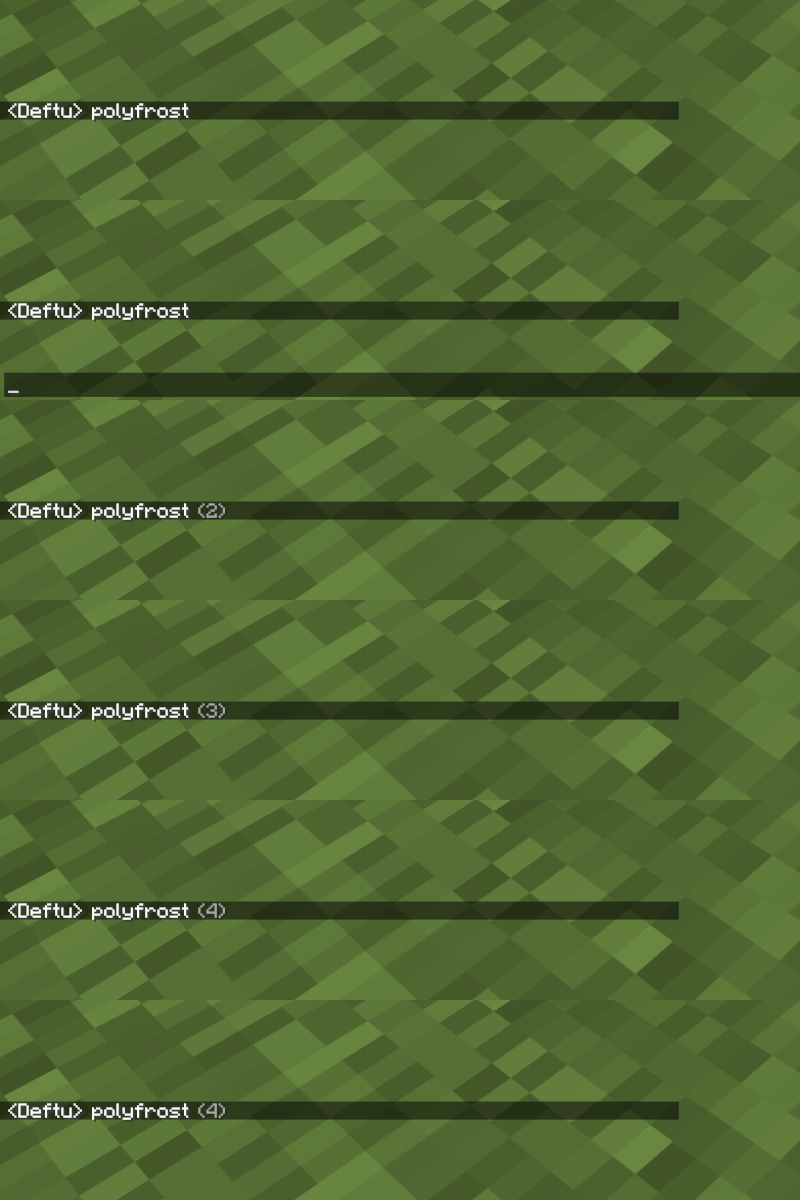
Repeated messages stack into one line with a counter like (2) instead of filling up your chat.
- Choose how recent a message has to be to stack (up to 2 minutes)
- 10 counter formats and a custom counter color
- Only stack a message when it repeats the one right above it
Chat history
- Keep up to 16384 messages instead of the vanilla 100
- Chat no longer clears when you leave a world or server
- History is saved per account and per server, and comes back when you rejoin
- A divider with the date and time marks each new session
Image preview
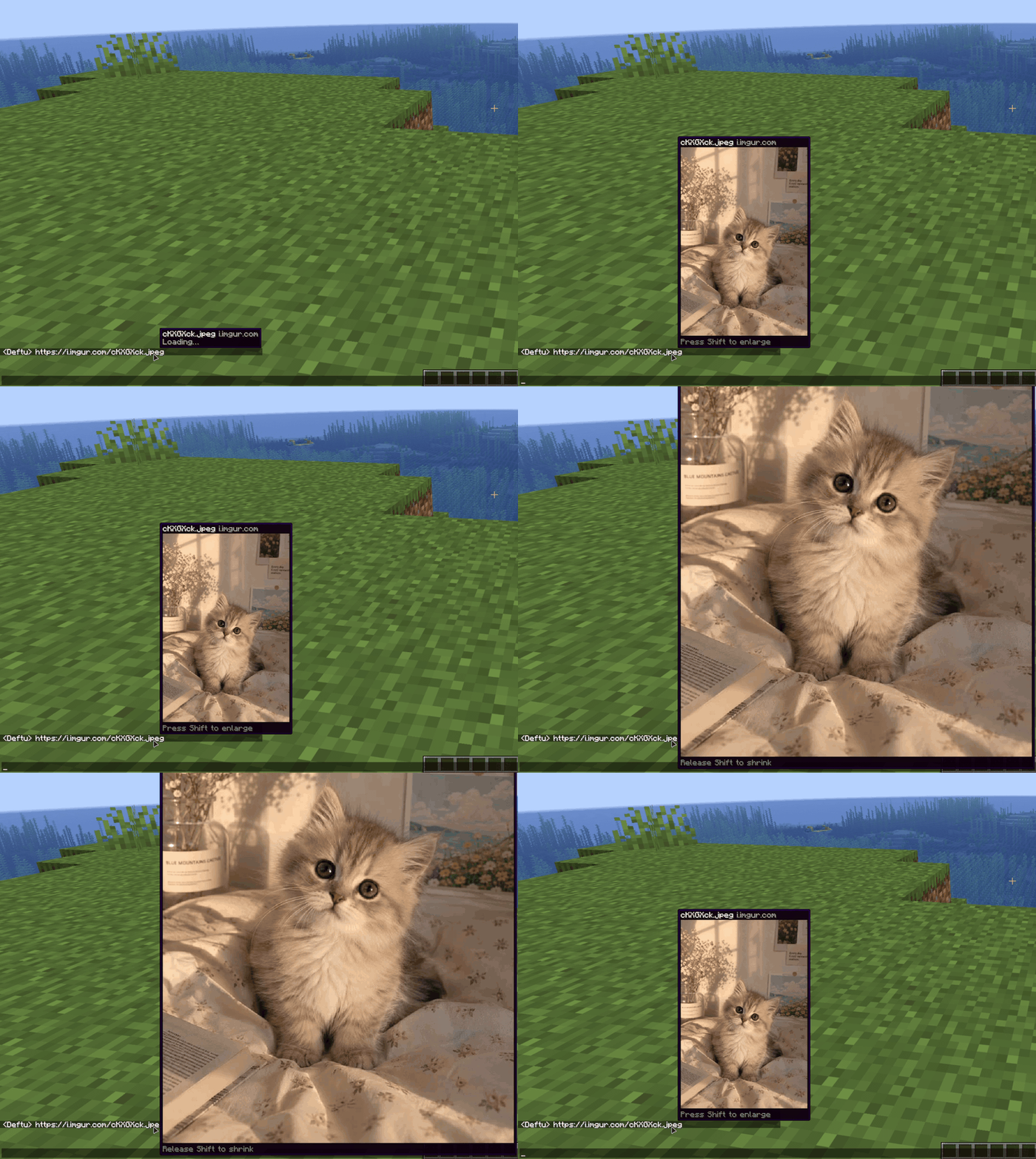
Hover over a link in chat to see the image next to your cursor. This works for web pages that have a preview image and for your own screenshots too. Hold Shift to see it at full size.
Timestamps
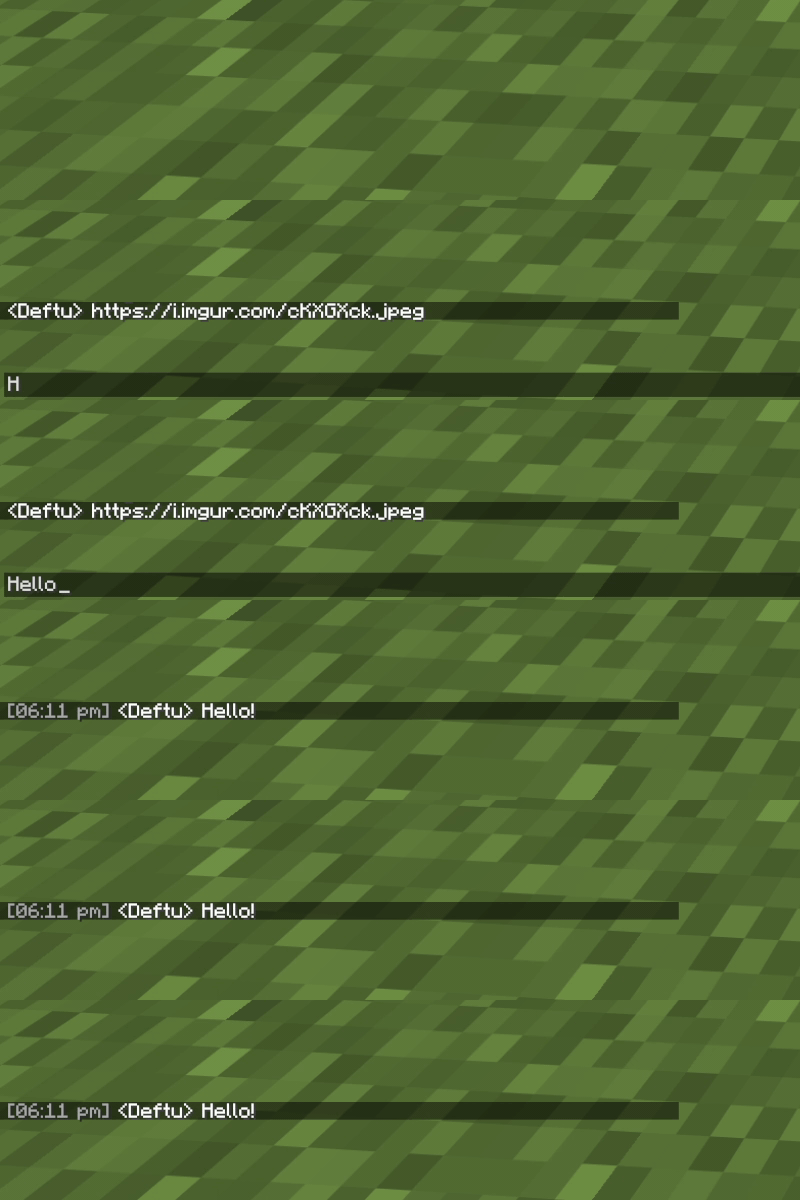
- Show the time in front of each message, or only when you hover over it
- 12 or 24 hour clock with optional seconds
- Custom brackets and color
- Only show the time when it changes
Smaller tweaks
- Type commands longer than the vanilla chat box allows
- See what a clickable message will run or open before you click it
- Hold Shift while pressing Enter to keep the chat open
- Fuzzy command autocomplete (not on 1.8.9)
- Hide empty chat messages
Compatibility
ChatTweaks does not work together with Chat Patches.
Supported versions
- Minecraft 1.8.9 on Ornithe.
- Minecraft 1.21.1-26.3 on Fabric.
ChatTweaks needs OneConfig. The Fabric builds also need Fabric API.
Support
- Report bugs and ask questions on the Polyfrost Discord.
- Check Polyfrost Status if a Polyfrost service is down.
License
ChatTweaks is adapted from PolyPatcher by Polyfrost. Both use the CC BY-NC-SA 4.0 license.
Muss ChatTweaks (Compact Chat + More) auf dem Minecraft Server installiert werden?
Nein. Modrinth kennzeichnet ChatTweaks (Compact Chat + More) serverseitig als nicht unterstützt. Installiere die Mod nur im lokalen Mods-Ordner. Dein Server kann unverändert bleiben, sofern die Projektseite keine zusätzliche Abhängigkeit nennt.
Welche Version und welchen Loader braucht ChatTweaks (Compact Chat + More)?
Nutze eine Datei für Fabric und exakt deine Minecraft-Version. Unterstützt werden unter anderem 26.3, 26.2, 26.1.2. Dateien für verschiedene Loader sind nicht austauschbar.
ChatTweaks (Compact Chat + More) funktioniert nicht – was kann ich prüfen?
Prüfe zuerst Minecraft-Version, Loader-Version und erforderliche Abhängigkeiten. Da die Mod clientseitig ist, löst mehr Server-RAM das Problem nicht.
Ähnliche Mods
Beliebte Mods aus derselben Kategorie
 Server-fähig

FerriteCore
von malte0811
Memory usage optimizations
 Nur Client

Mod Menu
von Prospector
Adds a mod menu to view the list of mods you have installed.
 Server-fähig

YetAnotherConfigLib (YACL)
von isxander
A builder-based configuration library for Minecraft!
 Server-fähig

Xaero's Minimap
von thexaero
Displays a map of the nearby world terrain, players, mobs, entities in the corner of your screen. Lets you create waypoints which help you find the locations you've marked.
Mods für deinen eigenen Server gesucht?
Im Katalog findest du Mods, die auf Minecraft Servern laufen.