Colorful Trims
Adds the ability to use dyes in the smithing table
Screenshots
Über diese Mod
Information
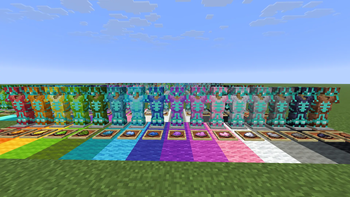
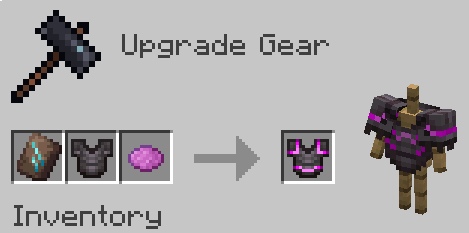
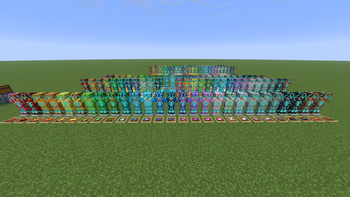
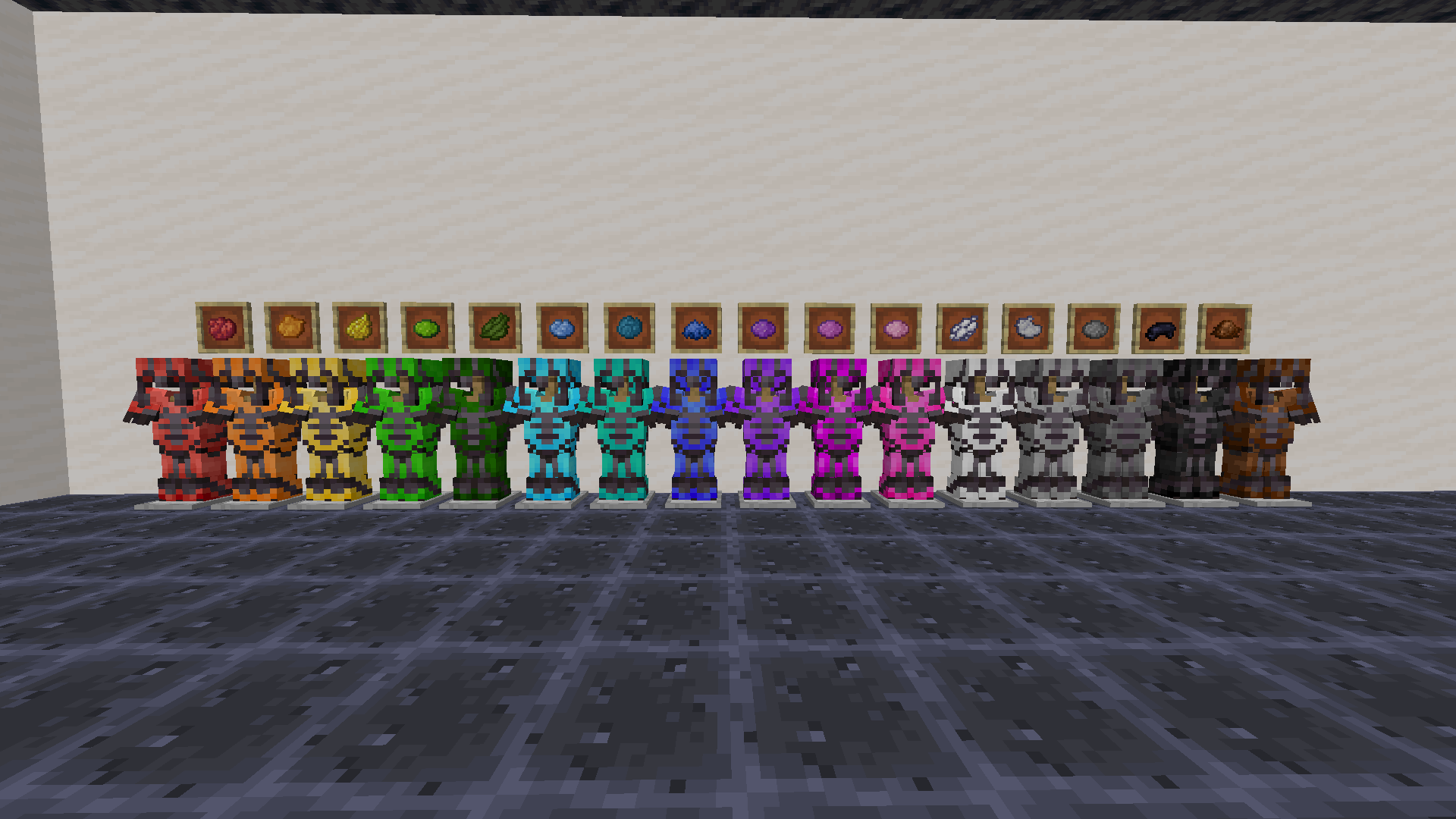
Use any dye along with trims to customize your armor. This works with all trims and armor like how you would do it with any other material.
You need the resource pack in order for you to see the custom armor trims. Without it you would see the missing texture texture. If something doesn't work check the FAQ below. If you find any bugs you can report them to my discord server.
1.21.5+ Note
In order to be able to trim items, you may need to drop them on the ground first.
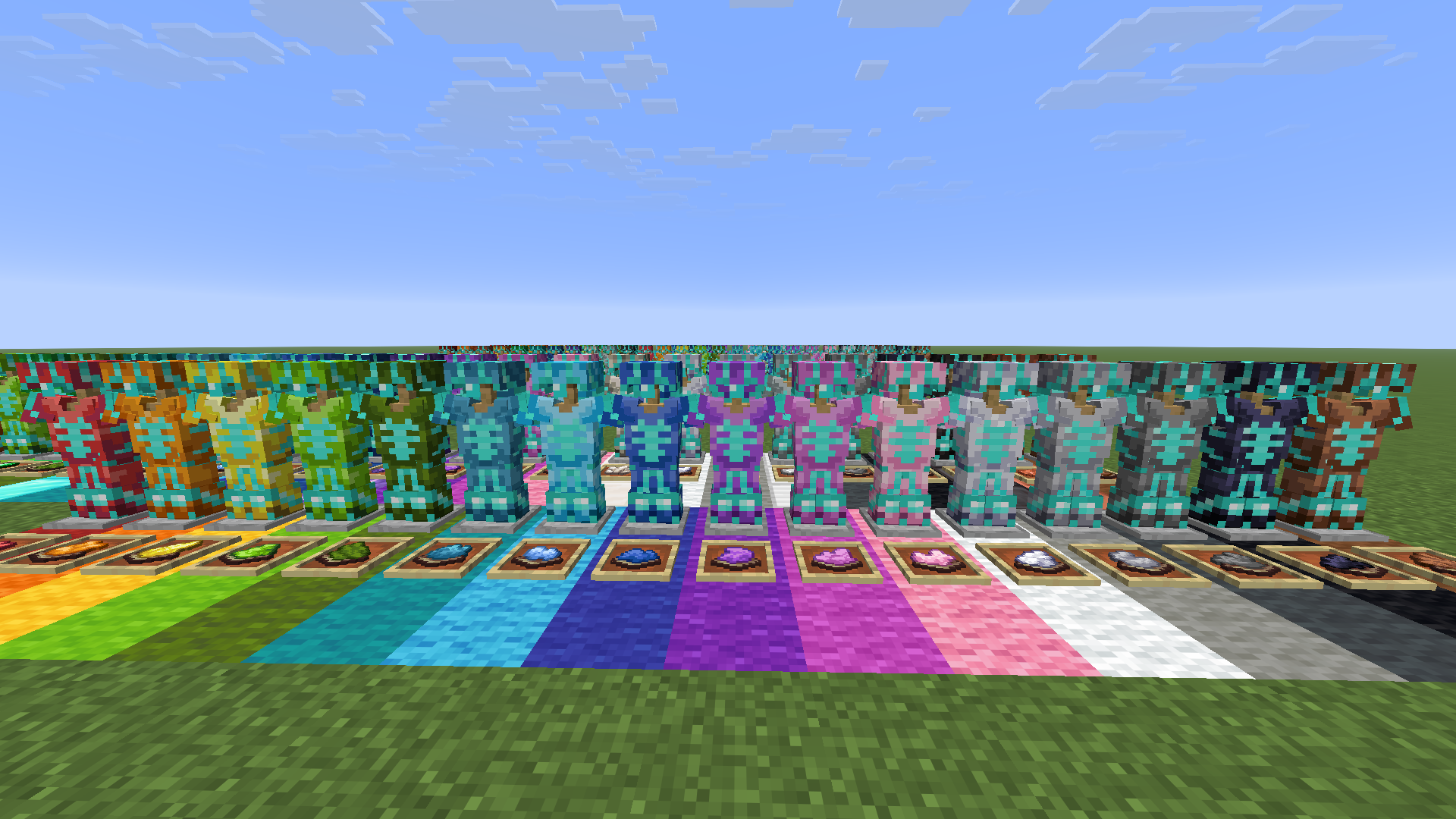
Where trims fall compared to all vanilla ones: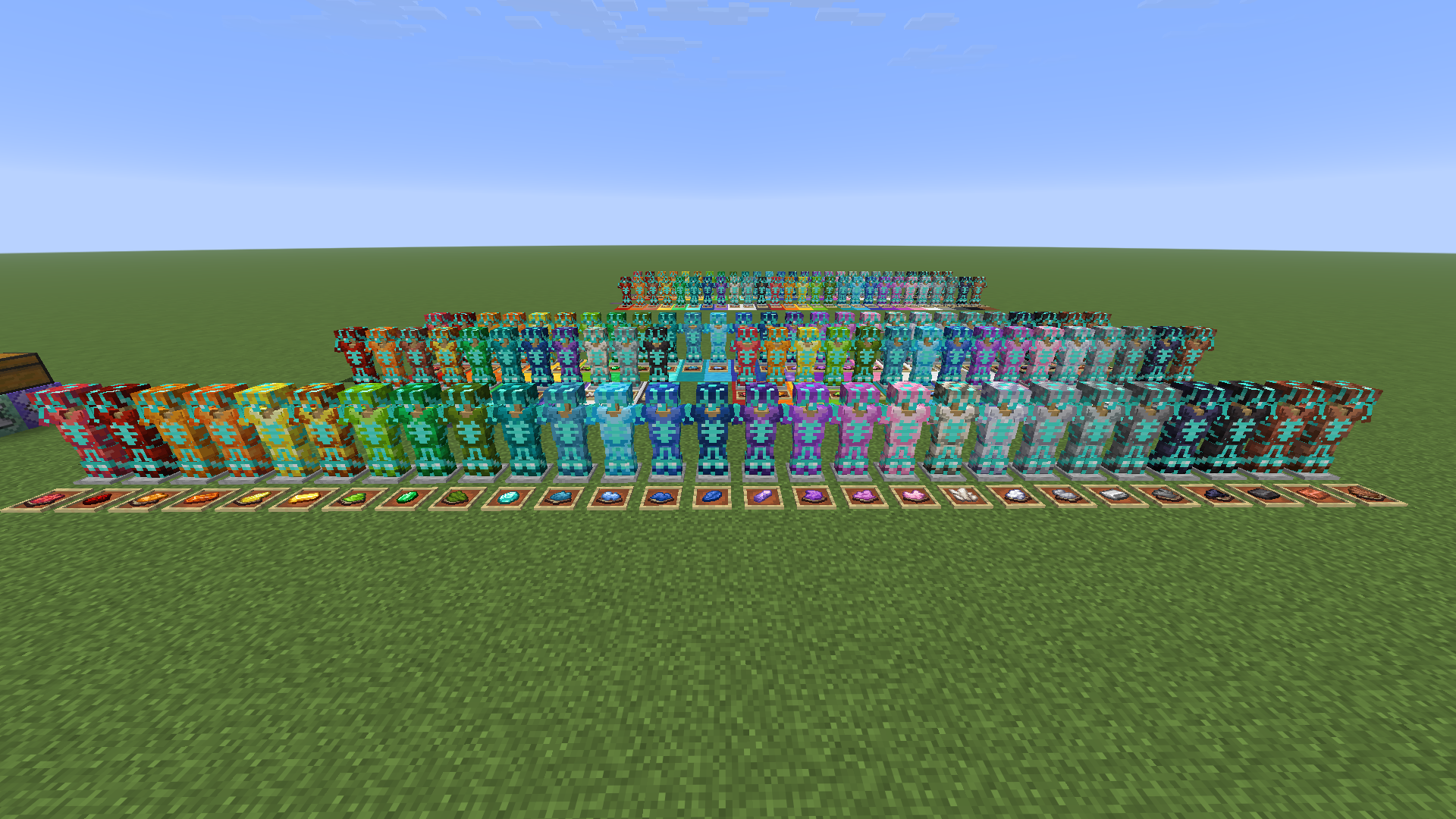
Want the trims to glow? Use my other pack, Emissive Trims!
FAQ
Q: Why does it have a red X over the smithing table when trying to craft it?
A: Drop the dye on the ground, pick it up, and try it again. If that doesnt work restart the server. If neither of those worked report it in the discord
Q: Why can't I put the dye in the smithing table?
A: If it still doesn't work make sure you have installed the datapack correctly. If you are sure you did then report it in the discord
Q: Why do all the dye recipes not work?
A: You have to restart your world/server/realm. It should then work after you do that
Q: I get a missing texture when trying to use this how do I fix it?
A: Make sure to download the resourcepack
Q: Where can I download the resourcepack?
A: Those who click the big download button at the top of the screen are only prompted to download the datapack and not the resourcepack. Modrinth does not show both of them in that menu. You instead have to go to the versions tab.
Where to download the resourcepack
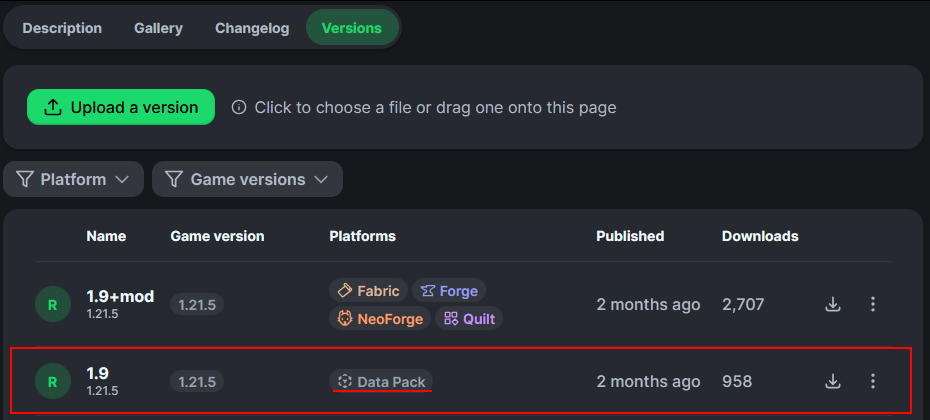
First you have to go to the versions tab

Then you go to the version you want
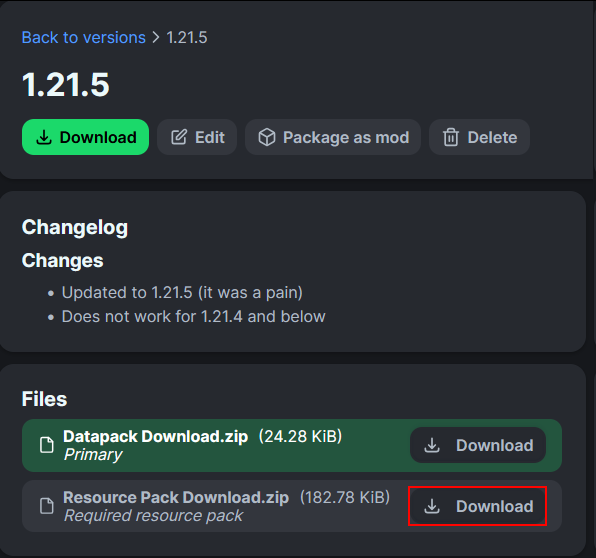
Then underneath the datapack download is the resourcepack download
How to install
On the server / singleplayer install the datapack and enable it. Restart the server afterwards for the smithing table to work.
On the client equip the resource pack in order to see the textures. This is required to do.
You could also just use the mod on both the client and server
Verfügbare Versionen
Colorful Trims auf dem Server installieren
Server bestellen
Bestelle einen Minecraft Java Server mit mindestens 3 GB RAM (4 GB empfohlen).
datapack Loader setzen
Wähle im Panel unter "Egg" den datapack-Loader und die passende Minecraft-Version (26.3).
Mod installieren
Öffne den Mod-Browser im Dashboard und suche nach "Colorful Trims". Klicke "Installieren" – fertig! Alternativ: Lade die .jar via SFTP in den /mods Ordner.
Kompatibilität
Mod-Loader
Minecraft-Versionen
26.3, 26.2, 26.1.2 (+21 weitere)
Server-seitig
✓ ErforderlichEmpfohlener RAM
4 GB(min. 3 GB)Häufige Fragen
Colorful Trims Server crasht beim Start – was tun?
Häufigste Ursache: falsche datapack-Version oder zu wenig RAM. Prüfe im Server-Log (latest.log), ob ein "OutOfMemoryError" oder "Mixin"-Fehler auftritt. Bei Mado Hosting: Stelle sicher, dass mindestens 3 GB RAM zugewiesen sind und der Loader zur Mod-Version passt (26.3). Über das Panel kannst du den Loader mit einem Klick wechseln.
Ist Colorful Trims mit datapack und fabric und forge und neoforge und quilt kompatibel?
Colorful Trims unterstützt offiziell datapack, fabric, forge, neoforge, quilt für Minecraft 26.3, 26.2, 26.1.2. Achtung: Forge- und Fabric-Mods sind NICHT untereinander kompatibel – wähle einen Loader und bleibe dabei. Im Mado Dashboard werden inkompatible Loader-Kombinationen automatisch erkannt.
Server laggt mit Colorful Trims – wie optimiere ich die Performance?
Empfohlener RAM: 4 GB (+1 GB pro 8 Spieler). Prüfe mit /spark profiler, ob Colorful Trims den meisten Tick-Time verbraucht. Häufige Fixes: Server-View-Distance auf 8-10 reduzieren, bei Forge "performant" oder "starlight" als Zusatz-Mod installieren. Bei Mado Hosting läuft dein Server auf NVMe-SSDs mit dedizierten CPU-Kernen für minimale Latenz.
Ähnliche Mods

![[ETF] Entity Texture Features](https://cdn.modrinth.com/data/BVzZfTc1/af683d206d50b05258d865b0d6e4aa2f2cee12f2_96.webp)
![[EMF] Entity Model Features](https://cdn.modrinth.com/data/4I1XuqiY/6e5bbd0d06b1741bfdab6c0cfab6de8fdaf0064c_96.webp)



Modded Server mieten
Installiere Colorful Trims mit nur einem Klick auf deinem Server.
Details
- Lizenz
- Creative Commons Attribution 4.0 International
- Server-seitig
- Erforderlich