

Modrinth · Forge, NeoForge
Create: Central Kitchen auf deinem Minecraft Server
Create: Central Kitchen läuft auf Minecraft Servern mit Forge oder NeoForge. Bestell deinen Server, stell den Loader im Panel ein und installiere die Mod mit einem Klick im Mod-Browser.
Offering more tools and methods to automate food processing of other mod in Create.
- Downloads
- 5.7M
- Autor
- MarbleGateKeeper
- Loader
- Forge, NeoForge
- Minecraft
- 1.18.2 – 1.21.1
- Aktualisiert
- –
Einrichtung
Create: Central Kitchen auf dem Server installieren
Server und Spieler brauchen denselben Loader und dieselbe Minecraft-Version. Sichere die Welt, bevor du Mods hinzufügst oder aktualisierst.
- 01
Konfigurieren
6 GB RAM sind vorausgewählt. Laufzeit und Add-ons wählst du selbst, bezahlt wird per Kreditkarte oder PayPal.
- 02
Loader einstellen
Stell im Panel die Serversoftware auf Forge oder NeoForge und wähl die passende Minecraft-Version, zum Beispiel 1.21.1.
- 03
Mod installieren
Such im Mod-Browser nach „Create: Central Kitchen“ und installiere die Version für deinen Loader. Alternativ lädst du die .jar per SFTP in den Ordner mods. Erforderliche Abhängigkeiten stehen auf der Projektseite.
- 04
Verbinden
Alle Spieler installieren Create: Central Kitchen in derselben Version lokal und verbinden sich über die Serveradresse aus dem Panel.
- Auf dem Server
- Erforderlich
- Auf dem Client
- Erforderlich
- Loader
- Forge, NeoForge
- Minecraft
- 1.21.1, 1.20.1, 1.19.2 +1 weitere
- Lizenz
- GNU Lesser General Public License v3.0 or later
Das Panel
Mods installieren, Fehler finden.
Echte Screenshots aus dem Mado Panel. Beides ist bei jedem Minecraft Server enthalten.
Mod-Browser
Modrinth und CurseForge direkt im Panel.
Der Browser filtert nach deiner Minecraft-Version. Mods installierst du mit einem Klick, ohne .jar-Dateien hochzuladen.

KI-Crash-Analyse
Wenn ein Mod crasht, liest die Analyse das Log.
Mods scheitern oft an einer falschen Loader-Version, Java-Version oder fehlenden Abhängigkeit. Die Analyse nennt eine wahrscheinliche Ursache und einen Lösungsvorschlag.

Versionen
Veröffentlichte Versionen
Nimm die Datei, die zu Loader und Minecraft-Version deines Servers passt. Server und Spieler brauchen dieselbe Version.
Create: Central Kitchen · Modrinth- Create: Central Kitchen 2.6.2b for Create 1.21.1-6.0.109. Oktober 2026Minecraft 1.21.1 · NeoForge
- CCK 1.5.1 for Create 1.20.1-6.0.829. August 2026Minecraft 1.20.1 · Forge, NeoForge
- CCK 1.3.11.c for Create 1.19.2-0.5.1.f3. April 2024Minecraft 1.19.2 · Forge
- CCK 1.3.9.d for Create 1.18.2-0.5.1.f20. Dezember 2023Minecraft 1.18.2 · Forge
Originalbeschreibung des Projektautors
Welcome to Create: Central Kitchen 2.0, a mod offering more tools and methods to automate food processing for other mods in Create.
Create: Central Kitchen has been redesigned for version 2.0, and the content of version 1.0 will be divided into three modules, corresponding to three separate mods:
- Farming Automation: Create: Integrated Farming;
- Cooking Automation: Create: Central Kitchen;
- Ingredients & Recipes: In developement Create: Culinary Inventions;
We currently offer:
- Unpack ingredients with Packagers into Cooking Pots from Farmer’s Delight and its addons, Kegs from Brewin’ and Chewin’, Chillers and Ovens from Extra Delight, and Casks from Hearth & Harvest.
- Use Mechanical Arms with supported Cooking Pots, Skillets, Stoves, Cutting Boards, Chillers, Ovens, Braziers, and Casks.
- Automate servings from Farmer’s Delight Feasts and Pies, Cultural Delights’ Eggplant Parmesan, Rustic Delight’s Pancake Stacks, and Festive Delight’s Festive Chicken.
- Use all supported Boiler Heaters as cooking heat sources and active heaters to speed up Cooking Pots and Skillets.
- Use supported freezer sources with Brewin’ and Chewin’ Kegs.
- Convert Farmer’s Delight Cutting Board recipes into Create Sawing and Deploying recipes.
- Convert Brewin’ and Chewin’ Keg Pouring recipes into Create Filling and Emptying recipes, while prioritizing native Create recipes.
- Convert Extra Delight Mortar and Juicer recipes into Pressing, Melting Pot recipes into Mixing, and Gingerbread Decorating into Deploying.
- Generate Sawing recipes for stripping logs, producing bark—or straw from bamboo-like blocks.
If you'd like to add more things, please suggest them to us here!
Installation Requirements
Create & Create: Dragons Plus
Legacy 1.+ Feature
We currently offer:
- Pie Overhaul: Overhaul vanilla and modded pies in Farmer's Delight style, with placable blocks and slices.
Cake Slice Integration: Add cake slices for non Farmer's Delight add-ons. - Fluid Integration: Provide fluid for sauces, drinks, ice creams and more!
- Recipe Integration: Added hundreds of integration recipes in Create style, including Sequenced Assembly Recipes for Sandwiches, Burgers and Pies.
- Reasonable Automatic Mixing: Shapeless Recipes with certain container items (Glass Bottle, Bowl, Bucket) involved are now excluded from Automatic Mixing.
- Smarter Upright on Belt: Items with certain containers (Glass Bottle, Bowl, Bucket) are now automatically rendered upright on belt, without needing specifying item tag create:upright_on_belt.
Specifically, when Farmer's Delight is installed:
- Blaze Stove: Give your Blaze a guide and turn it into a master chef! Blaze Stove will provide Mechanical Arm support for kitchenwares including: Cooking Pot (Farmer's Delight), Kettle (Farmer's Respite), Copper Pot (Miner's Delight). Blaze Stove can also boost cooking up to 4x for the kitchenware above!
- Cutting Board Recipe Automation: Deployer can now perform Cutting Board Recipes (Farmer's Delight) on Belt and Depot.
- Smarter Basket: Basket (Farmer's Delight) can now directly interact with Belt and Mechanical Arm.
Harvester Compat: Harvester is now compatible with Mushroom Colonies (Farmer's Delight), Tea Bush (Farmer's Respite), Coffee (Farmer's Respite), Propelplant (Nether's Delight), Lime Bush (Collector's Reap), Pomegranate Bush (Collector's Reap)
Installation Requirements:
- Forge
- Create
Supported Mods:
- Create: Craft & Additions
- Create: Confectionery
- Farmer's Delight
- Farmer's Respite (1.20.1 Partial Support)
- Miner's Delight +
- Nether's Delight
- Atmospheric
- Autumnity
- Buzzier Bees
- Environmental
- Neapolitan
- Upgrade Aquatic
- Peculiars
- Seasonals
- Respiteful (1.18.2-1.19.2)
- Abnormal Delight
- Collector's Reap
- Cookielicious (1.18.2)
- Overweight Farming
- End's Delight
- Corn Delight
Create: Central Kitchen Server crasht beim Start – was tun?
Häufige Ursachen: Loader- oder Minecraft-Version passen nicht zur Mod-Datei, eine Abhängigkeit fehlt oder der RAM reicht nicht. Such im Log (latest.log) nach „OutOfMemoryError“, „Mixin“ oder fehlenden Mods. Bei Mado wertet die KI-Crash-Analyse das Log aus und schlägt eine Ursache vor. Loader und Version änderst du im Panel.
Mit welchem Loader läuft Create: Central Kitchen?
Laut Modrinth unterstützt Create: Central Kitchen Forge, NeoForge für Minecraft 1.21.1, 1.20.1, 1.19.2.
Wie viel RAM braucht ein Server mit Create: Central Kitchen?
Als Orientierung 4–6 GB für einen Server mit dieser Mod. Das ist eine Schätzung, keine gemessene Mindestanforderung. Weitere Mods, viele Spieler und große Sichtweiten brauchen mehr. Ob eine Mod die Tick-Zeit belastet, siehst du mit dem spark-Profiler.
Ähnliche Mods
Beliebte Mods aus derselben Kategorie
 Server-fähig

AppleSkin
von squeek502
Food/hunger-related HUD improvements
 Server-fähig

Farmer's Delight
von vectorwing
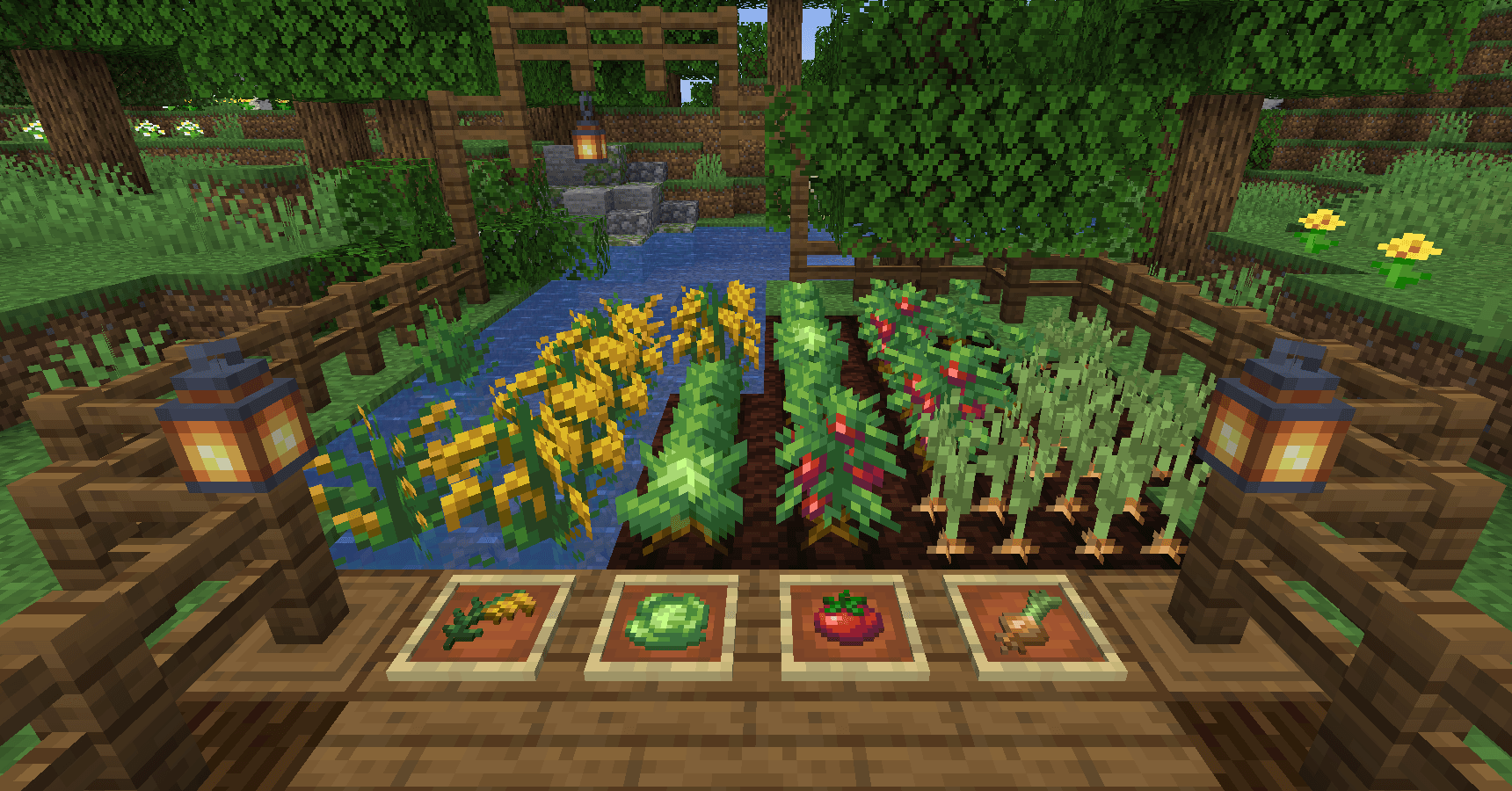
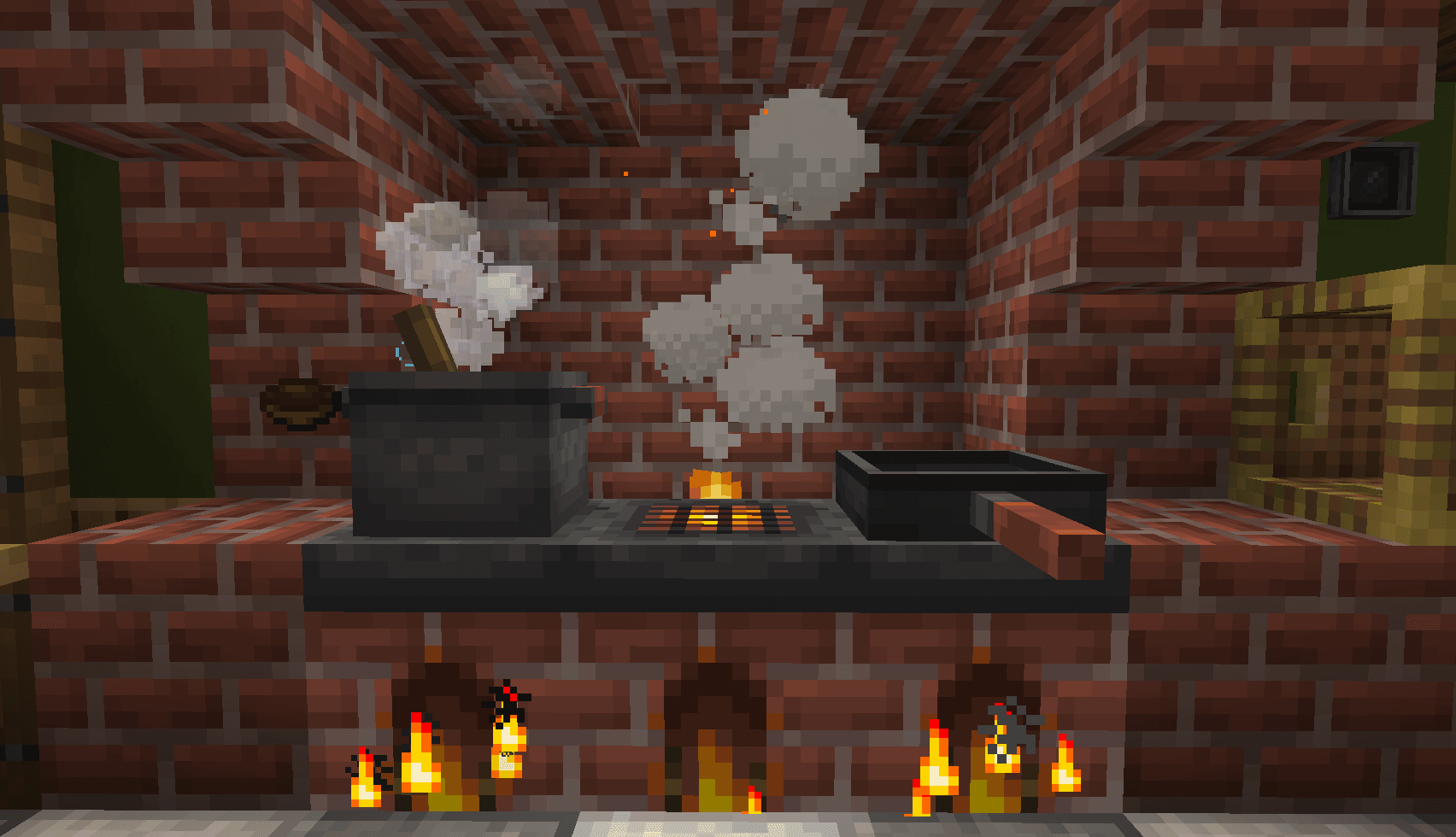
A cozy expansion to farming and cooking!
 Server-fähig

Farmer's Delight Refabricated
von Cassian
Modern Fabric port of the cooking and farming mod, "Farmer's Delight"
 Server-fähig

BetterEnd
von quiqueck
New Biomes, mysterious rituals and Mobs for your End
Bereit für deinen Server mit Create: Central Kitchen?
6 GB RAM ab 12,00 € im Monat. 35 % auf den 1. Monat mit MADO35.