
Displayed
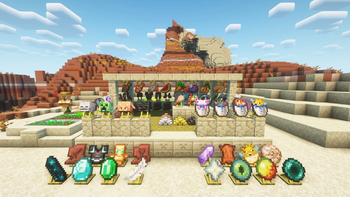
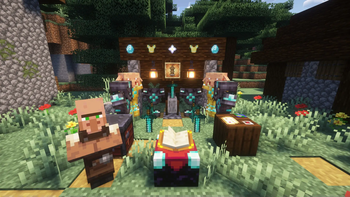
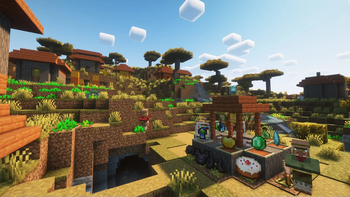
This is a decorative mod used for displaying items!
Screenshots
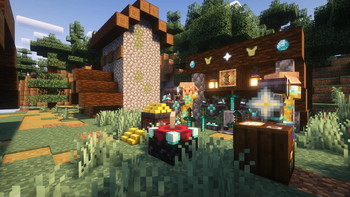
Über diese Mod
Module Introduction
This is a decorative mod used for showcasing items.
Content Overview
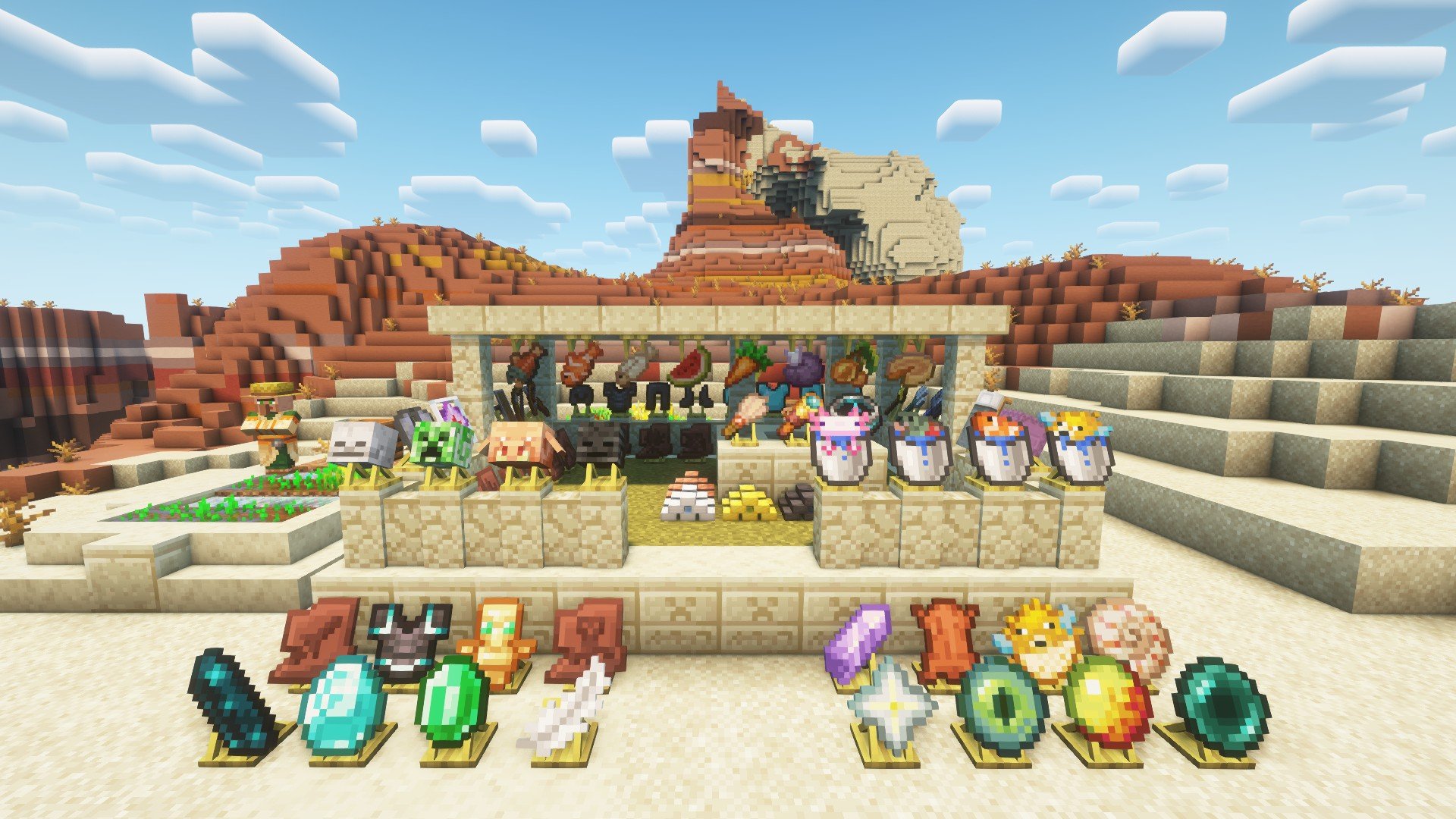
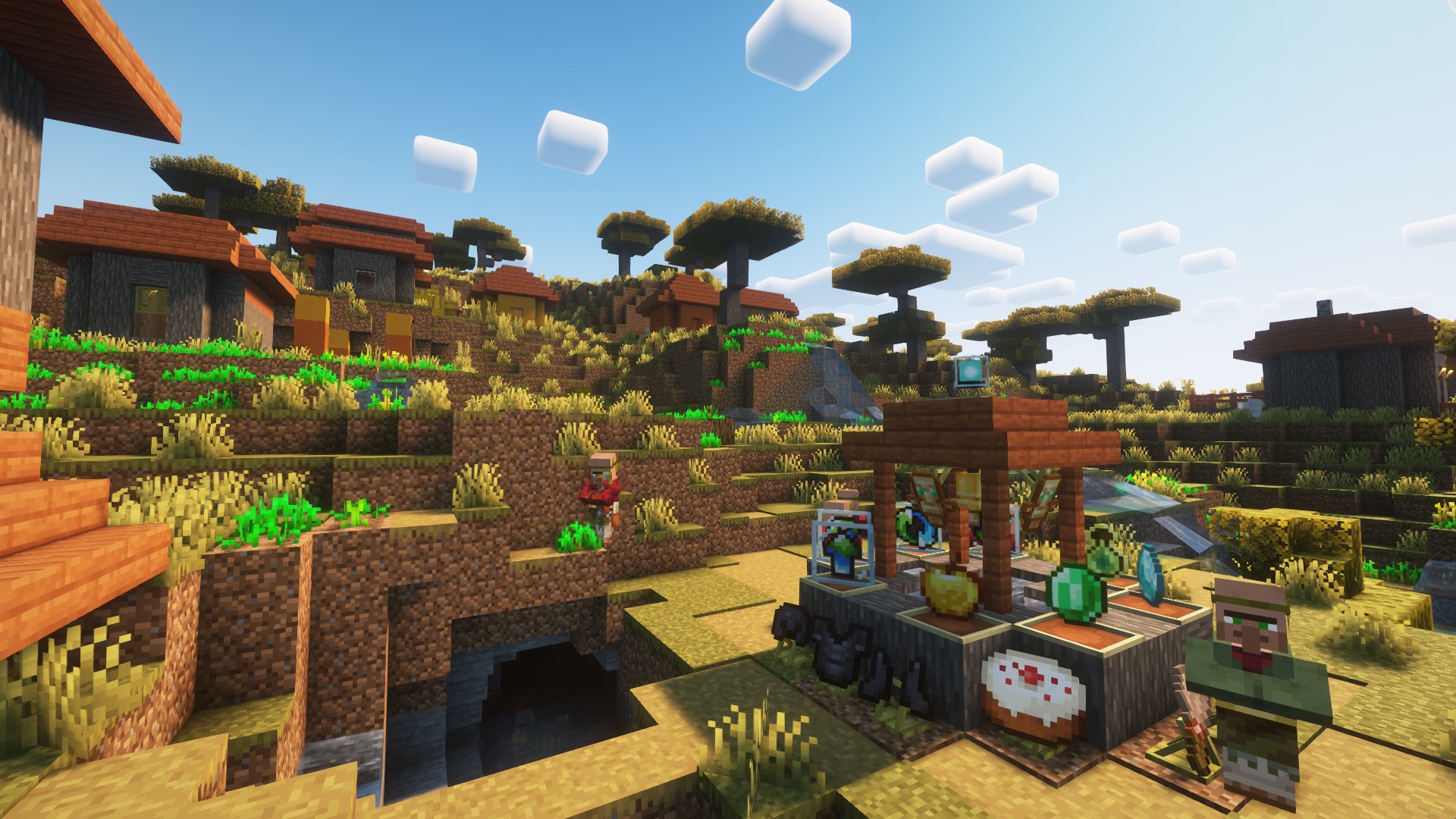
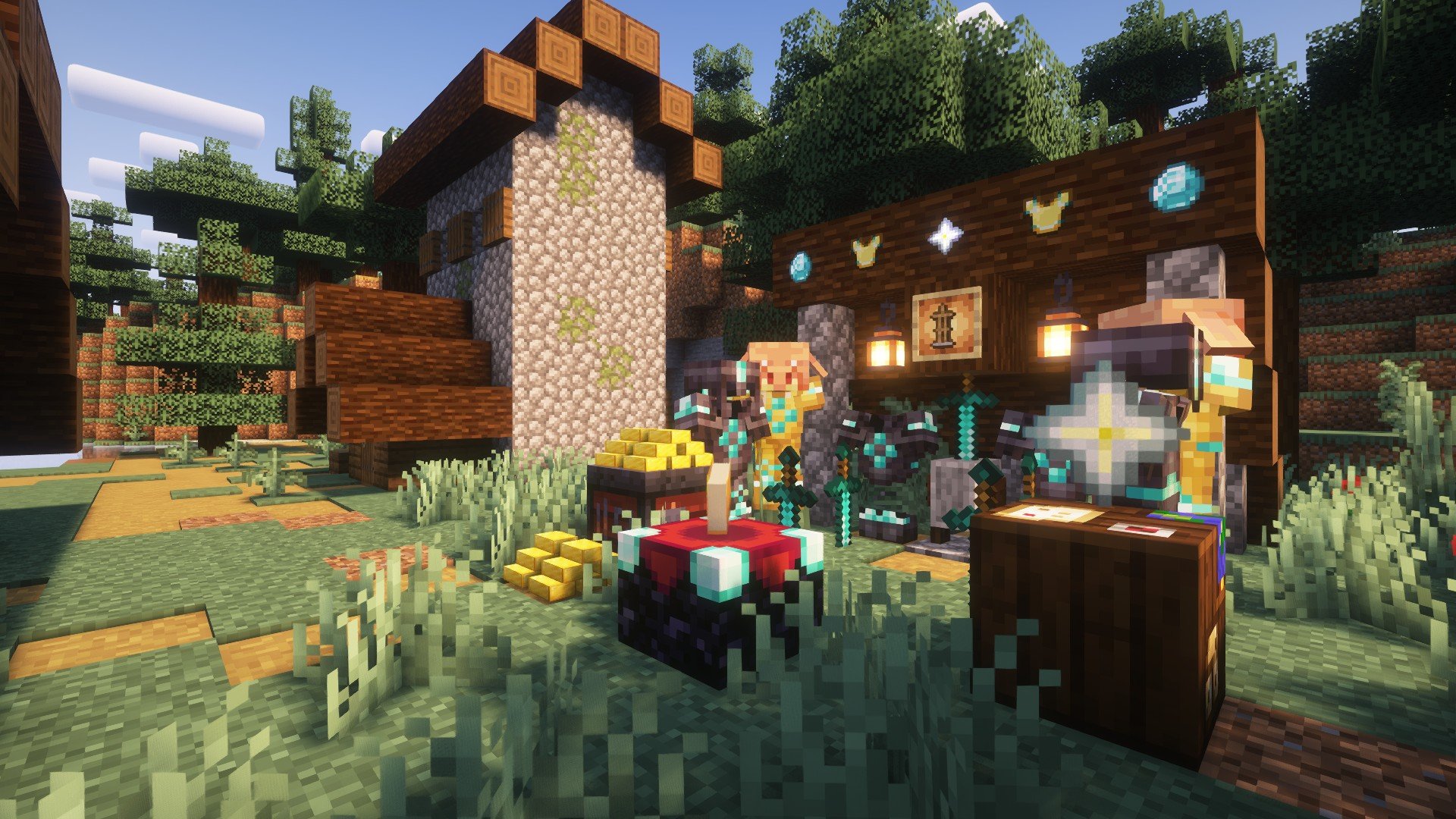
- The "As You See" mod provides a series of functional blocks for displaying items, allowing the display of any (mod) items.
- The displayed items can be a stick, an apple, a diamond, a piece of equipment, a shulker box (supporting NBT data), and so on.
- The blocks support simple debugging (the player needs to be empty-handed), and the material of the displayed items depends on the texture pack loaded by the playe
- Players can click on the side of the block to flip it (rotate), click on the top surface to invert it (invert), and hold down the Shift key to make the block invisible (invisible)
Mod content
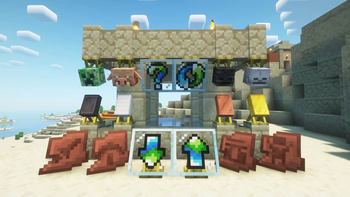
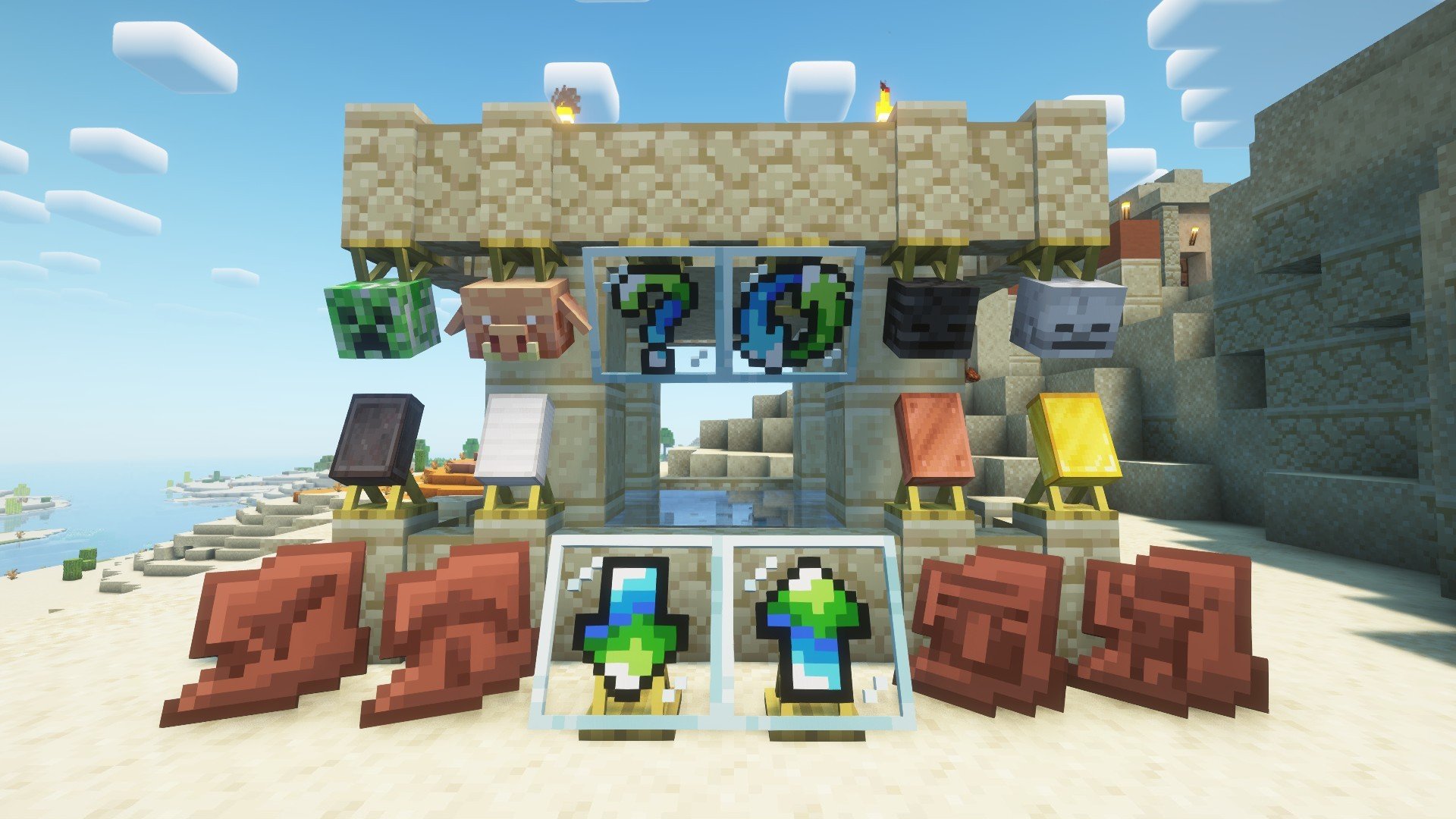
- The display stands (bottom and top) rotate 22.5° according to the player's facing direction to display items, which supports rotating and hiding the items.
- The block frames (normal and rotating) display items at a 90° angle according to the player's facing direction, and support flipping, rotating and hiding the items.
Minecraft content
- The display frame (Shift + right-click) can be hidden (and it supports the display frames of other mods).
- For the armor stand, left-clicking can make it levitate, and Shift + left-clicking can hide it. Players can customize the display of armor by using blocks of different heights (such as snow blocks).
- For metal ingots, Shift + right-clicking can place them (whether it can be placed or not can be customized through the config). The storage upper limit is 64, and different metal ingot models will be displayed according to the quantity.
Message board
- If you have any other needs or suggestions, please try to contact the author or leave a message within the thread.
- Of course, some content can be found in Archaeological_Research. If you are interested in archaeology, you can check out the Archaeological_Research.
Game screenshot

Verfügbare Versionen
Displayed auf dem Server installieren
Server bestellen
Bestelle einen Minecraft Java Server mit mindestens 3 GB RAM (4 GB empfohlen).
fabric Loader setzen
Wähle im Panel unter "Egg" den fabric-Loader und die passende Minecraft-Version (1.21.1).
Mod installieren
Öffne den Mod-Browser im Dashboard und suche nach "Displayed". Klicke "Installieren" – fertig! Alternativ: Lade die .jar via SFTP in den /mods Ordner.
Kompatibilität
Mod-Loader
Minecraft-Versionen
1.21.1, 1.21, 1.20.6 (+6 weitere)
Server-seitig
✓ ErforderlichEmpfohlener RAM
4 GB(min. 3 GB)Häufige Fragen
Displayed Server crasht beim Start – was tun?
Häufigste Ursache: falsche fabric-Version oder zu wenig RAM. Prüfe im Server-Log (latest.log), ob ein "OutOfMemoryError" oder "Mixin"-Fehler auftritt. Bei Mado Hosting: Stelle sicher, dass mindestens 3 GB RAM zugewiesen sind und der Loader zur Mod-Version passt (1.21.1). Über das Panel kannst du den Loader mit einem Klick wechseln.
Ist Displayed mit fabric und forge und neoforge kompatibel?
Displayed unterstützt offiziell fabric, forge, neoforge für Minecraft 1.21.1, 1.21, 1.20.6. Achtung: Forge- und Fabric-Mods sind NICHT untereinander kompatibel – wähle einen Loader und bleibe dabei. Im Mado Dashboard werden inkompatible Loader-Kombinationen automatisch erkannt.
Server laggt mit Displayed – wie optimiere ich die Performance?
Empfohlener RAM: 4 GB (+1 GB pro 8 Spieler). Prüfe mit /spark profiler, ob Displayed den meisten Tick-Time verbraucht. Häufige Fixes: Server-View-Distance auf 8-10 reduzieren, bei Forge "performant" oder "starlight" als Zusatz-Mod installieren. Bei Mado Hosting läuft dein Server auf NVMe-SSDs mit dedizierten CPU-Kernen für minimale Latenz.
Ähnliche Mods

![[ETF] Entity Texture Features](https://cdn.modrinth.com/data/BVzZfTc1/af683d206d50b05258d865b0d6e4aa2f2cee12f2_96.webp)
![[EMF] Entity Model Features](https://cdn.modrinth.com/data/4I1XuqiY/6e5bbd0d06b1741bfdab6c0cfab6de8fdaf0064c_96.webp)



Modded Server mieten
Installiere Displayed mit nur einem Klick auf deinem Server.