
PVP Essentials
Essential client side PvP features, including armor, potion, damage indicators, low fire & shield, no explosion particles and much more!
Screenshots
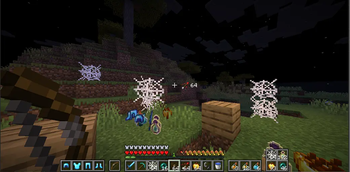
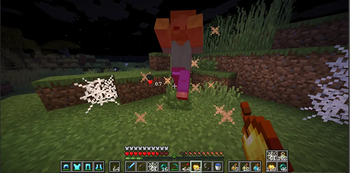
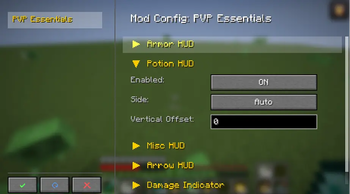
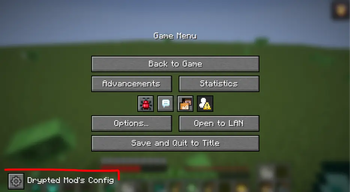
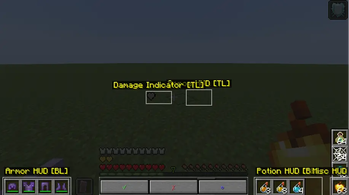
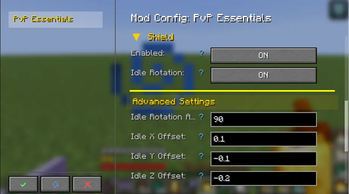
Über diese Mod

Essential client-side PvP features, including armor, potion, and arrow HUDs, damage indicators, and much more!
Version Compatability:
- 26.2 (Fabric) -- [WILL NOT WORK WITHOUT DLIB]
- 1.21.11 (Fabric) -- [WILL NOT WORK WITHOUT DLIB]



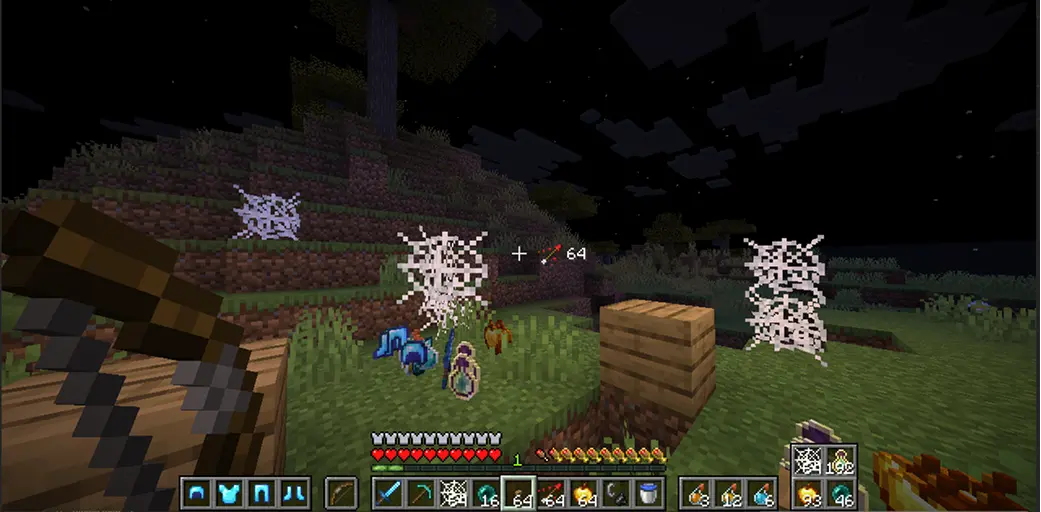
| Feature | Description |
|---|---|
| Armor HUD | Displays equipped armor and it's durability |
| Arrow HUD | Shows your remaining arrows. |
| Potion HUD | Displays all the potions available in your inventory. |
| Misc HUD | Displays total number of golden apples, ender pearls, cobwebs, and any item you want to be tracked from your inventory. |
| Damage Indicator | Shows how much damage you took, or gave to the enemy. |
| Low Fire | Change the Y position of fire overlay |
| No Potion Particles | Disable potion particles from your screen. |
| No Explosion Particles | Disable explosion particles, making playing crystal pvp less obstructive. |
| Shield Controls | Change the Y position of idle shield & blocking shield, rotate shield (side shield). |
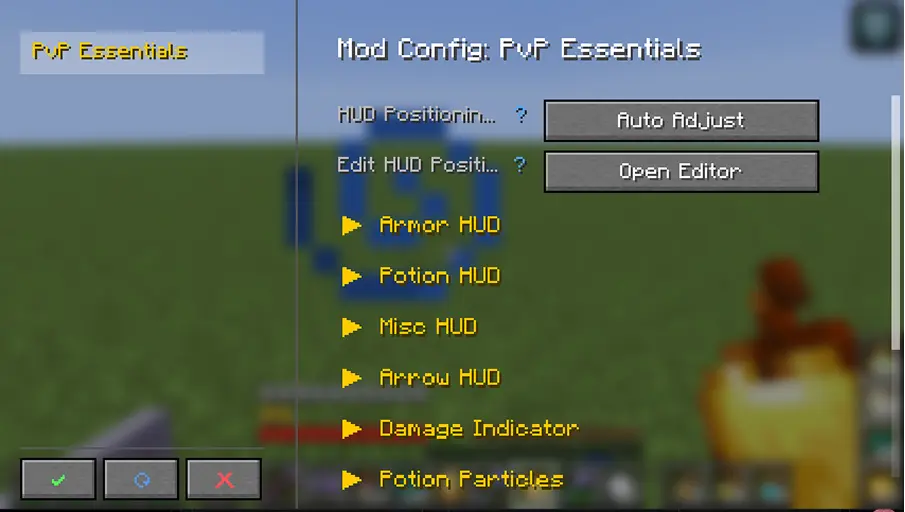
Planned Features for future releases:
- Totem counter
- Kit system (will include the ability to share your kits with other players)
- Elytra pitch angle
- Mod menu support
- and much more
Verfügbare Versionen
PVP Essentials auf deinem Client installieren
Mod-Loader lokal installieren
Installiere fabric für deine lokale Minecraft-Version.
Passende Datei herunterladen
Wähle die PVP Essentials-Datei für fabric und Minecraft 26.2.
Mod installieren
Lege die .jar-Datei in deinem lokalen .minecraft/mods-Ordner ab und starte Minecraft neu. Eine Installation auf dem Server ist nicht nötig.
Kompatibilität
Mod-Loader
Minecraft-Versionen
26.2, 26.1.2, 1.21.11 (+3 weitere)
Server-seitig
✗ Nicht unterstütztEmpfohlener RAM
4 GB(min. 3 GB)Häufige Fragen
Muss PVP Essentials auf dem Minecraft Server installiert werden?
Nein. Modrinth kennzeichnet PVP Essentials serverseitig als nicht unterstützt. Installiere die Mod nur im lokalen Minecraft-Mods-Ordner. Dein Server kann unverändert bleiben, sofern die Mod-Seite keine zusätzliche Abhängigkeit nennt.
Welche Version und welchen Loader braucht PVP Essentials?
Nutze eine Datei für fabric und exakt deine Minecraft-Version. Unterstützte Versionen sind unter anderem 26.2, 26.1.2, 1.21.11. Loader-Dateien sind nicht untereinander austauschbar.
PVP Essentials funktioniert nicht – was kann ich prüfen?
Prüfe zuerst Minecraft-Version, Loader-Version und erforderliche Abhängigkeiten. Lege die .jar-Datei im lokalen .minecraft/mods-Ordner ab und entferne ältere Duplikate. Da die Mod clientseitig ist, löst mehr Server-RAM dieses Problem nicht.
Ähnliche Mods



![[TaCZ] Timeless and Classics Zero](https://cdn.modrinth.com/data/SzzJttH8/fd27766d2bb8390d284696b1dbd358f87e081439_96.webp)


Minecraft Server für deine Gruppe
PVP Essentials bleibt auf deinem Client. Hoste dazu eine kompatible Welt für deine Mitspieler.