
PVP Essentials
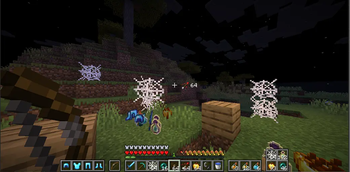
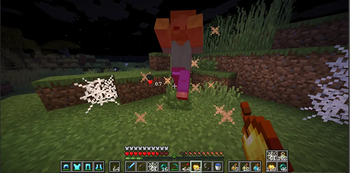
Essential client side PvP features, including armor, potion, damage indicators, low fire & shield, no explosion particles and much more!
Screenshots
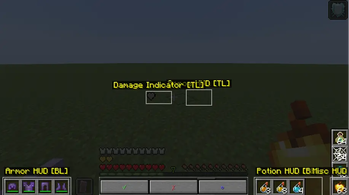
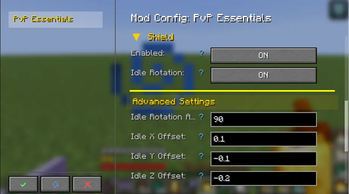
About this Mod

Essential client-side PvP features, including armor, potion, and arrow HUDs, damage indicators, and much more!
Version Compatability:
- 26.2 (Fabric) -- [WILL NOT WORK WITHOUT DLIB]
- 1.21.11 (Fabric) -- [WILL NOT WORK WITHOUT DLIB]



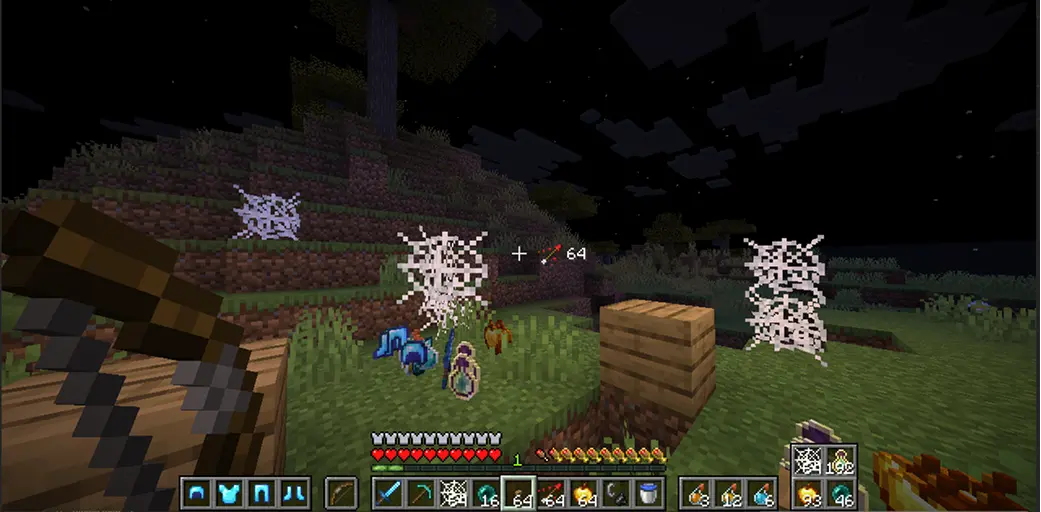
| Feature | Description |
|---|---|
| Armor HUD | Displays equipped armor and it's durability |
| Arrow HUD | Shows your remaining arrows. |
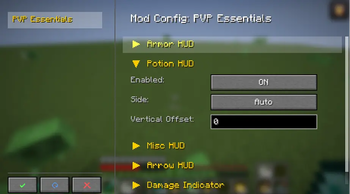
| Potion HUD | Displays all the potions available in your inventory. |
| Misc HUD | Displays total number of golden apples, ender pearls, cobwebs, and any item you want to be tracked from your inventory. |
| Damage Indicator | Shows how much damage you took, or gave to the enemy. |
| Low Fire | Change the Y position of fire overlay |
| No Potion Particles | Disable potion particles from your screen. |
| No Explosion Particles | Disable explosion particles, making playing crystal pvp less obstructive. |
| Shield Controls | Change the Y position of idle shield & blocking shield, rotate shield (side shield). |
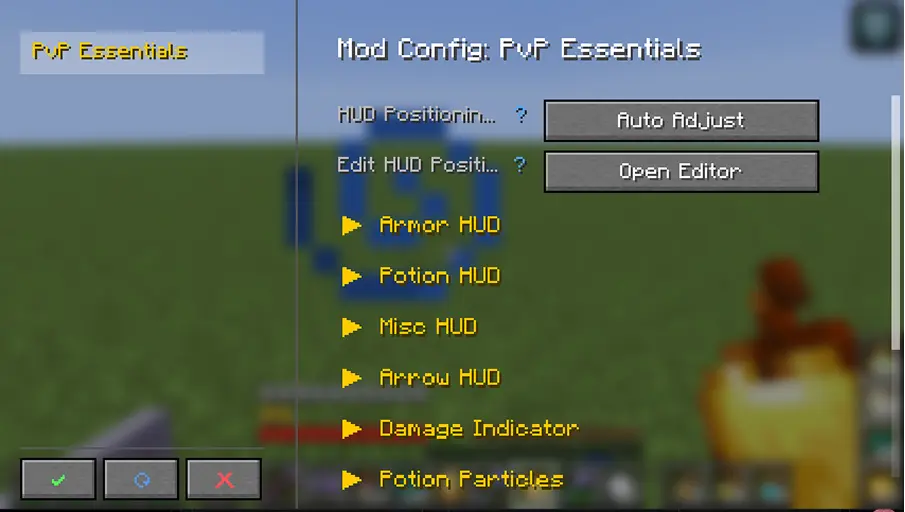
Planned Features for future releases:
- Totem counter
- Kit system (will include the ability to share your kits with other players)
- Elytra pitch angle
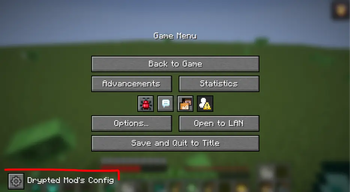
- Mod menu support
- and much more
Available Versions
How to Install PVP Essentials on Your Client
Install the Mod Loader Locally
Install fabric for your local Minecraft version.
Download the Matching File
Choose the PVP Essentials file for fabric and Minecraft 26.2.
Install Mod
Place the .jar file in your local .minecraft/mods folder and restart Minecraft. No server-side installation is required.
Compatibility
Mod Loaders
Minecraft Versions
26.2, 26.1.2, 1.21.11 (+3 more)
Server-side
✗ UnsupportedRecommended RAM
4 GB(min. 3 GB)Frequently Asked Questions
Does PVP Essentials need to be installed on the Minecraft server?
No. Modrinth marks PVP Essentials as unsupported on the server side. Install it only in your local Minecraft mods folder. Your server can remain unchanged unless the mod page lists an additional dependency.
Which version and loader does PVP Essentials require?
Use a file for fabric and your exact Minecraft version. Supported versions include 26.2, 26.1.2, 1.21.11. Files for different loaders are not interchangeable.
PVP Essentials is not working – what should I check?
First check the Minecraft version, loader version and required dependencies. Put the .jar file in your local .minecraft/mods folder and remove older duplicates. Because this mod is client-side, adding server RAM will not fix it.
Similar Mods



![[TaCZ] Timeless and Classics Zero](https://cdn.modrinth.com/data/SzzJttH8/fd27766d2bb8390d284696b1dbd358f87e081439_96.webp)


Minecraft Server for Your Group
PVP Essentials stays on your client. Host a compatible world for your group.