
Dungeon Difficulty
☠️ Increase the difficulty and get matching rewards.
Screenshots
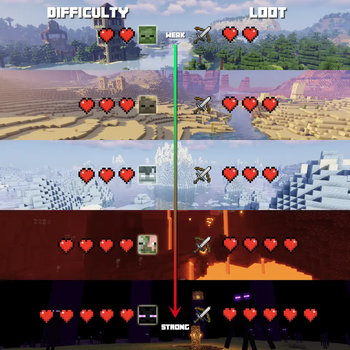



Über diese Mod



☠️ Location based difficulty
Location based difficulty, based on either one of these:
- dimension
- biome (id/regex/tag)
- structure (id/regex/tag)
Various difficulty types, defaults include:
- Adventure (increasing mob attributes: max HP, damage, armor)
- Dungeon (same as Adventure + increasing power of looted items)
- Heroic (same as Dungeon, with different name to indicate boss fight)
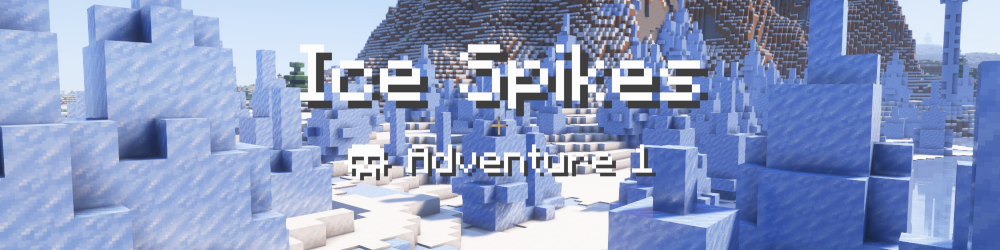
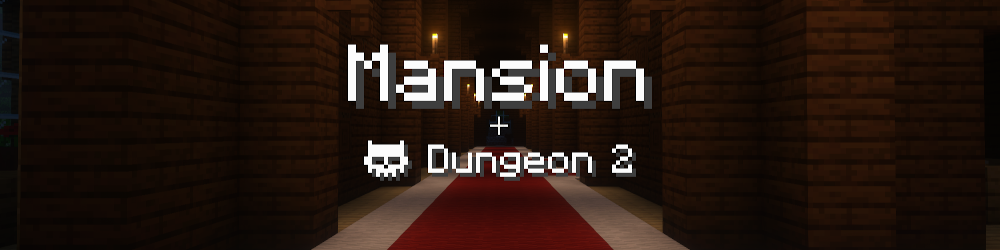
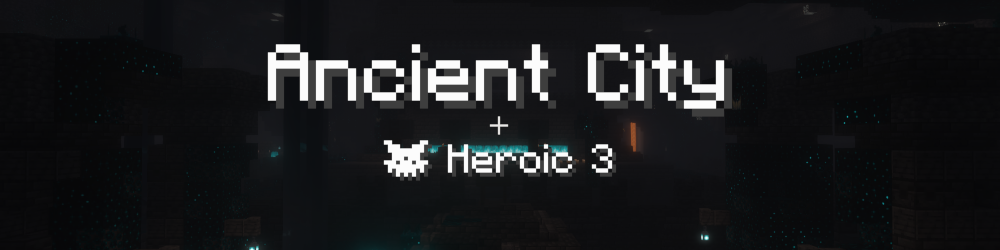
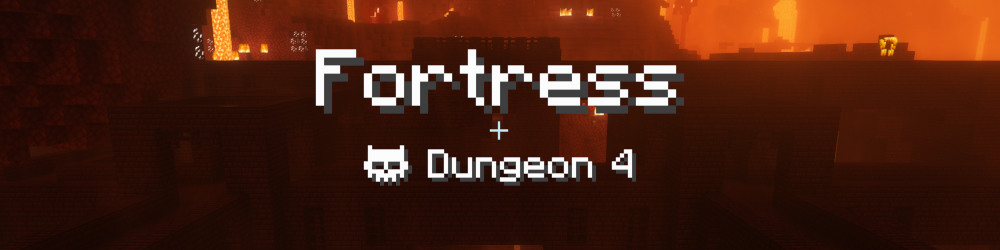
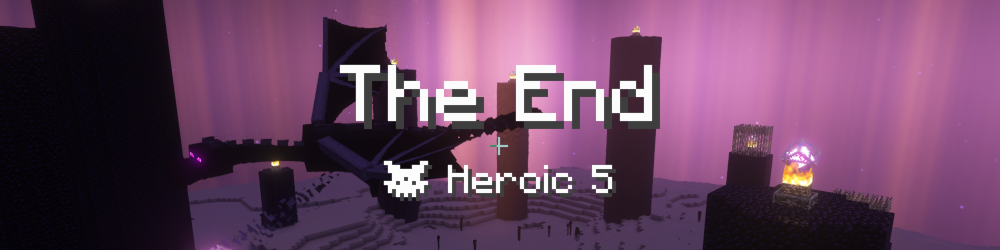
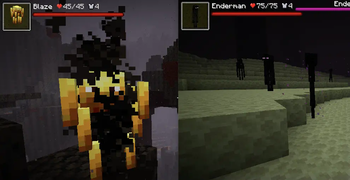
Some example mobs:
🗡️ Loot scaling
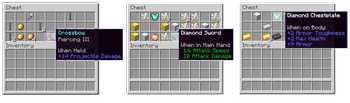
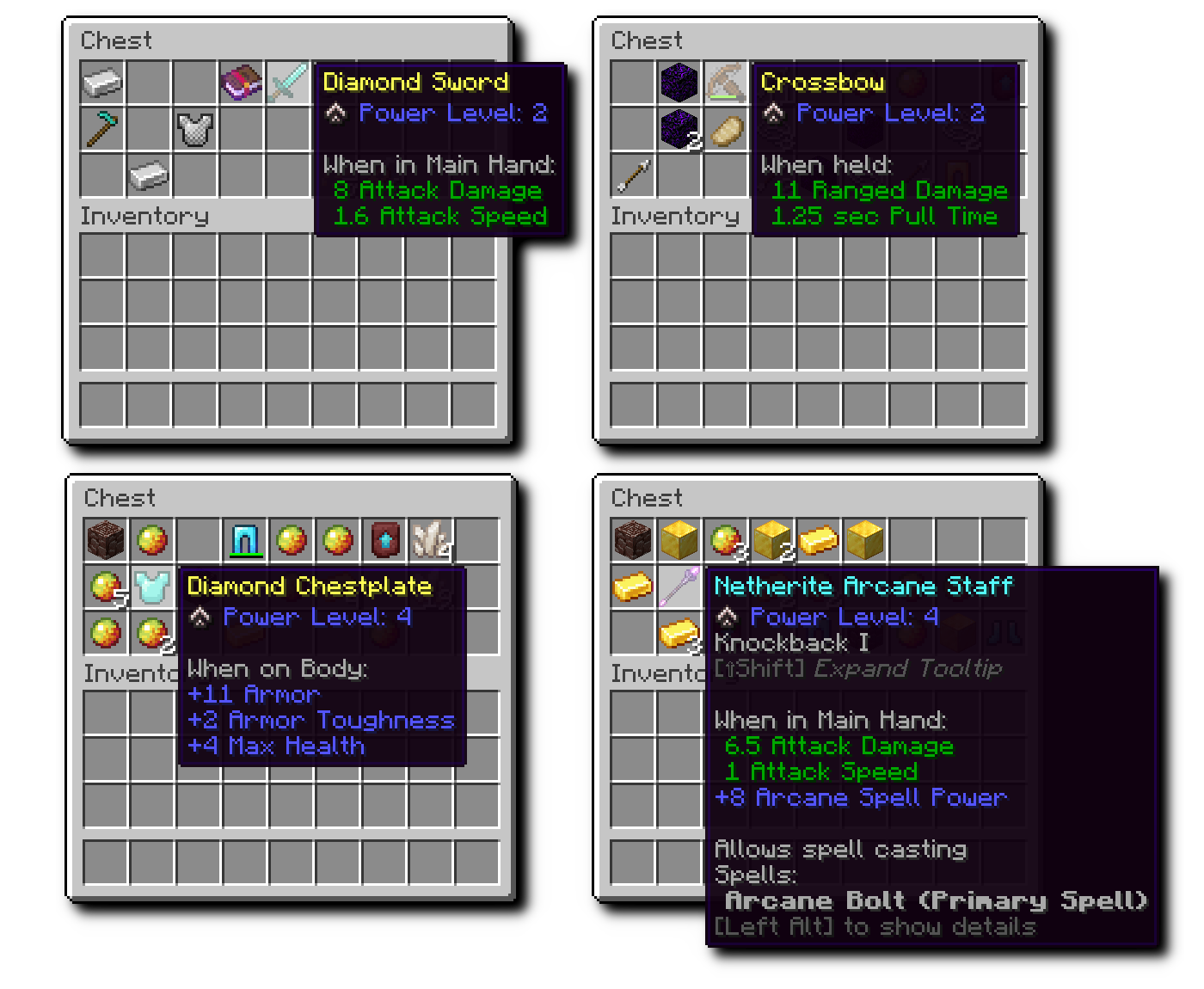
Matching the location specific difficulty, items are scaled up:
- Indicated as "Power Level" on the item tooltips
- Predefined attributes (such as attack damage, max health) get added or increased
- Works on defined items and attributes (vanilla and modded)
- Reworked item rarity (enchanted items are Uncommon, scaled up items are Uncommon, enchanted + scaled up items are Rare)
This mechanic motivates players for exploration and dungeoneering instead of base camping and crafting.
👨👩👧👦 Per player difficulty
Additional players in a multiplayer game, silently increase the difficulty.
🔧 Fully configurable
This mod has a very flexible configuration, that uses id/regex/tag based matching, allowing
- any combination of dimension, biome and structure to define difficulty
- custom difficulty types to be added
- any attributes to be scaled on looted items (vanilla and mod attributes)
For more details check out the project readme.
⭐️ Designed for multiplayer
Verfügbare Versionen
Dungeon Difficulty auf dem Server installieren
Server bestellen
Bestelle einen Minecraft Java Server mit mindestens 4 GB RAM (6 GB empfohlen).
fabric Loader setzen
Wähle im Panel unter "Egg" den fabric-Loader und die passende Minecraft-Version (1.21.1).
Mod installieren
Öffne den Mod-Browser im Dashboard und suche nach "Dungeon Difficulty". Klicke "Installieren" – fertig! Alternativ: Lade die .jar via SFTP in den /mods Ordner.
Kompatibilität
Mod-Loader
Minecraft-Versionen
1.21.1, 1.21, 1.20.2 (+7 weitere)
Server-seitig
✓ ErforderlichEmpfohlener RAM
6 GB(min. 4 GB)Häufige Fragen
Dungeon Difficulty Server crasht beim Start – was tun?
Häufigste Ursache: falsche fabric-Version oder zu wenig RAM. Prüfe im Server-Log (latest.log), ob ein "OutOfMemoryError" oder "Mixin"-Fehler auftritt. Bei Mado Hosting: Stelle sicher, dass mindestens 4 GB RAM zugewiesen sind und der Loader zur Mod-Version passt (1.21.1). Über das Panel kannst du den Loader mit einem Klick wechseln.
Ist Dungeon Difficulty mit fabric und forge und neoforge kompatibel?
Dungeon Difficulty unterstützt offiziell fabric, forge, neoforge für Minecraft 1.21.1, 1.21, 1.20.2. Achtung: Forge- und Fabric-Mods sind NICHT untereinander kompatibel – wähle einen Loader und bleibe dabei. Im Mado Dashboard werden inkompatible Loader-Kombinationen automatisch erkannt.
Server laggt mit Dungeon Difficulty – wie optimiere ich die Performance?
Empfohlener RAM: 6 GB (+1 GB pro 5 Spieler). Prüfe mit /spark profiler, ob Dungeon Difficulty den meisten Tick-Time verbraucht. Häufige Fixes: Server-View-Distance auf 8-10 reduzieren, bei Forge "performant" oder "starlight" als Zusatz-Mod installieren. Bei Mado Hosting läuft dein Server auf NVMe-SSDs mit dedizierten CPU-Kernen für minimale Latenz.
Ähnliche Mods




Modded Server mieten
Installiere Dungeon Difficulty mit nur einem Klick auf deinem Server.