![[EMF] Entity Model Features](https://cdn.modrinth.com/data/4I1XuqiY/6e5bbd0d06b1741bfdab6c0cfab6de8fdaf0064c_96.webp)
[EMF] Entity Model Features
EMF is an, OptiFine format, Custom Entity Model replacement mod available for Fabric and Forge.
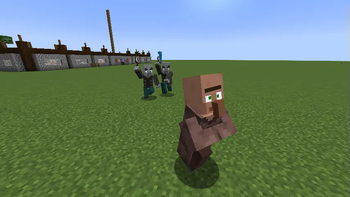
Screenshots





About this Mod

Entity Model Features


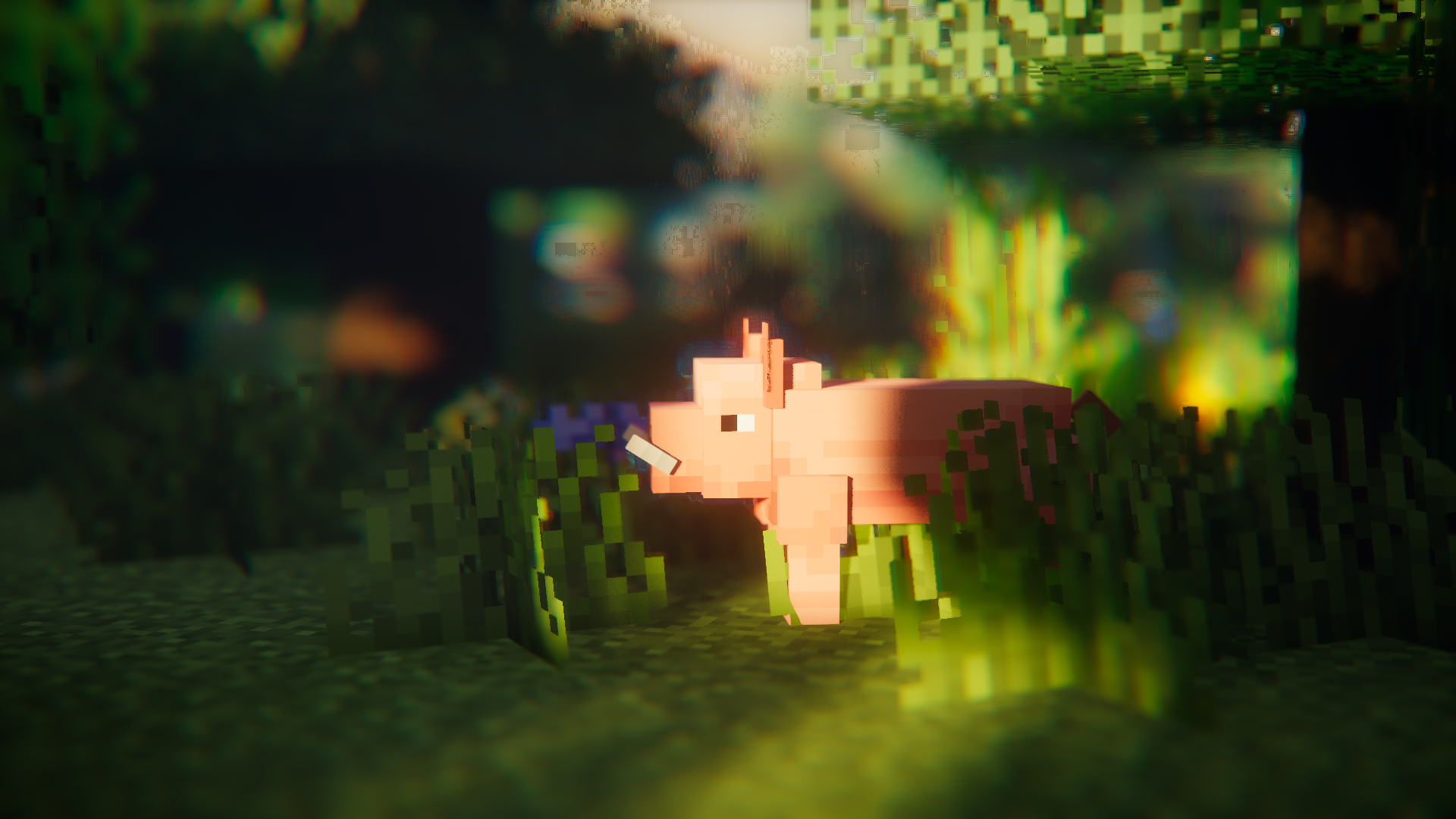
About
Entity Model Features (EMF) is a Fabric, Forge, & NeoForge mod that adds support for OptiFine's Custom Entity Models (CEM).
designed for anyone who wants to use CEM resource pack features but also use OptiFine alternative mods such as Sodium, Continuity or ETF.
Required Mods
Please also install the below mods if you can, the obvious ones such as Sodium are not mentioned.
It should also go without saying EMF is NOT compatible with dorianpb's CEM and OptiFine / OptiFabric.
Required
- Entity Texture Features (ETF): EMF uses several features from my other mod ETF, so it is required. (primarily used to support the random model feature, the config screen, and allow textures set in models to vary like in OptiFine)
Highly recommended
- Entity Culling: This mod does wonders for reducing entity rendering lag, doing even more than Sodium's included entity culling. This is very beneficial when using animation heavy packs like Fresh Animations.
Fresh Animations?
Yes.
it works :)
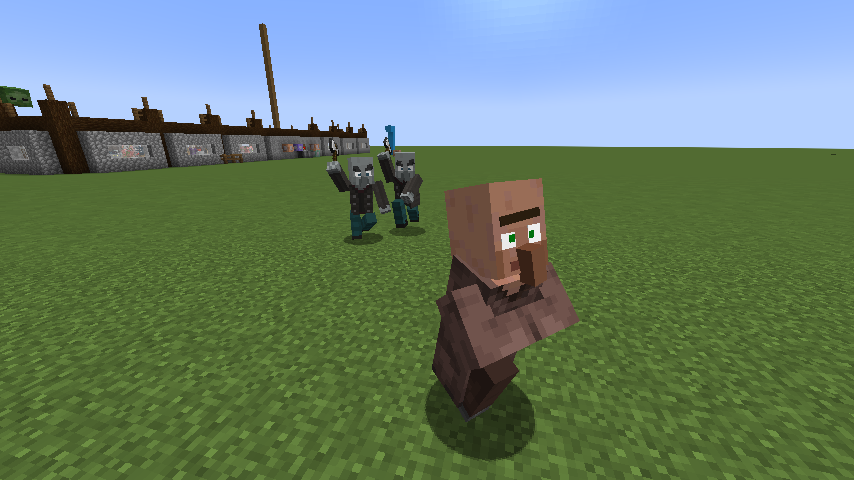
Features & OptiFine differences & Known Bugs
Up-to-date feature details page : Features & Optifine differences
Changelog
You can find the changelog here.
Need help or have questions?
You can reach out on my Discord (preferred) or open an issue on GitHub.
Hosting Partner deal

Available Versions
How to Install [EMF] Entity Model Features on Your Client
Install the Mod Loader Locally
Install fabric for your local Minecraft version.
Download the Matching File
Choose the [EMF] Entity Model Features file for fabric and Minecraft 26.3.
Install Mod
Place the .jar file in your local .minecraft/mods folder and restart Minecraft. No server-side installation is required.
Compatibility
Mod Loaders
Minecraft Versions
26.3, 26.2, 26.1.2 (+37 more)
Server-side
✗ UnsupportedRecommended RAM
4 GB(min. 3 GB)Frequently Asked Questions
Does [EMF] Entity Model Features need to be installed on the Minecraft server?
No. Modrinth marks [EMF] Entity Model Features as unsupported on the server side. Install it only in your local Minecraft mods folder. Your server can remain unchanged unless the mod page lists an additional dependency.
Which version and loader does [EMF] Entity Model Features require?
Use a file for fabric, forge, neoforge, quilt and your exact Minecraft version. Supported versions include 26.3, 26.2, 26.1.2. Files for different loaders are not interchangeable.
[EMF] Entity Model Features is not working – what should I check?
First check the Minecraft version, loader version and required dependencies. Put the .jar file in your local .minecraft/mods folder and remove older duplicates. Because this mod is client-side, adding server RAM will not fix it.
Similar Mods


Minecraft Server for Your Group
[EMF] Entity Model Features stays on your client. Host a compatible world for your group.