

Modrinth · Fabric, Forge, NeoForge
Face of Horror auf deinem Minecraft Server
Face of Horror läuft auf Minecraft Servern mit Fabric oder Forge oder NeoForge. Bestell deinen Server, stell den Loader im Panel ein und installiere die Mod mit einem Klick im Mod-Browser.
You never know who's watching you from the shadows...
- Downloads
- 183.3K
- Autor
- exoenrgy
- Loader
- Fabric, Forge, NeoForge
- Minecraft
- 1.19.2 – 26.3
- Aktualisiert
- –
Einrichtung
Face of Horror auf dem Server installieren
Server und Spieler brauchen denselben Loader und dieselbe Minecraft-Version. Sichere die Welt, bevor du Mods hinzufügst oder aktualisierst.
- 01
Konfigurieren
4 GB RAM sind vorausgewählt. Laufzeit und Add-ons wählst du selbst, bezahlt wird per Kreditkarte oder PayPal.
- 02
Loader einstellen
Stell im Panel die Serversoftware auf Fabric oder Forge oder NeoForge und wähl die passende Minecraft-Version, zum Beispiel 26.3.
- 03
Mod installieren
Such im Mod-Browser nach „Face of Horror“ und installiere die Version für deinen Loader. Alternativ lädst du die .jar per SFTP in den Ordner mods. Erforderliche Abhängigkeiten stehen auf der Projektseite.
- 04
Verbinden
Alle Spieler installieren Face of Horror in derselben Version lokal und verbinden sich über die Serveradresse aus dem Panel.
- Auf dem Server
- Erforderlich
- Auf dem Client
- Erforderlich
- Loader
- Fabric, Forge, NeoForge
- Minecraft
- 26.3, 26.2, 26.1.2 +5 weitere
- Lizenz
- MIT License
Das Panel
Mods installieren, Fehler finden.
Echte Screenshots aus dem Mado Panel. Beides ist bei jedem Minecraft Server enthalten.
Mod-Browser
Modrinth und CurseForge direkt im Panel.
Der Browser filtert nach deiner Minecraft-Version. Mods installierst du mit einem Klick, ohne .jar-Dateien hochzuladen.

KI-Crash-Analyse
Wenn ein Mod crasht, liest die Analyse das Log.
Mods scheitern oft an einer falschen Loader-Version, Java-Version oder fehlenden Abhängigkeit. Die Analyse nennt eine wahrscheinliche Ursache und einen Lösungsvorschlag.

Versionen
Veröffentlichte Versionen
Nimm die Datei, die zu Loader und Minecraft-Version deines Servers passt. Server und Spieler brauchen dieselbe Version.
Face of Horror · Modrinth- Face of Horror 3.3-neoforge-26.x26. Oktober 2026Minecraft 26.1, 26.1.1, 26.1.2, 26.2, 26.3 · NeoForge
- Face of Horror 3.3-fabric-26.x26. Oktober 2026Minecraft 26.1, 26.1.1, 26.1.2, 26.2, 26.3 · Fabric
- Face of Horror 3.3-neoforge-1.21.121. Oktober 2026Minecraft 1.21.1 · NeoForge
- Face of Horror 3.3-fabric-1.21.121. Oktober 2026Minecraft 1.21.1 · Fabric
- Face of Horror 3.3-fabric-1.20.120. Oktober 2026Minecraft 1.20.1 · Fabric
Originalbeschreibung des Projektautors
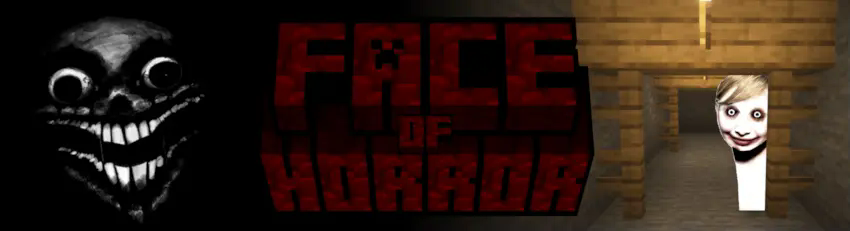
FACE OF HORROR, Mod version 3.0
Face of Horror is a horror mod that turns ordinary survival gameplay into a tense, unpredictable experience. Instead of adding constant enemies, it watches the player from the background: strange faces appear in dark corners, voices whisper nearby, sudden sounds break the silence, and full moon nights may become something far more dangerous.
The main feature is a dynamic jumpscare system. Over time, the mod searches for suitable places around each player, prioritizing corners, walls, shadows, and partially hidden spots. A face may appear where the player least expects it, sometimes waiting silently until it is seen. When triggered, the player can be briefly paralyzed, the camera may lock, and custom horror sounds play to make the encounter feel sudden and invasive. This mod creates an atmosphere of constant tension by intermittently triggering terrifying face entities that appear in dark or secluded areas, instantly startling the player.
Face of Horror also includes ambient horror audio. Distant whispers, giggles and voices, and other unsettling sounds can play around the player at random intervals, creating tension even when nothing is visible.
JUMPSCARES TYPES
Spoiler
Simple Jumpscare

Peeping Jumpscare

Screamer Jumpscare

CUSTOMIZATION
Face of Horror add a system where Players can add their own .png face textures and .ogg sounds. The in-game client config lets players enable or disable individual custom files, as well as toggle packaged default sounds. Newly discovered custom assets are enabled by default, and F3 + T reloads them while the game is running. The mod creates a folder in the Minecraft game directory:

CONFIGS
Server settings control jumpscare timing, full moon behavior, paralysis duration, ambient sound playback, and whether the Harvest Moon event is allowed.
Spoiler

Client settings control selected textures and sounds, making the mod flexible for singleplayer worlds, multiplayer servers, modpacks, or personalized horror setups.
Spoiler

SPIRIT OF THE HARVEST MOON
For players who want deeper events, the mod includes the optional Spirit of the Harvest Moon encounter, based on the iconic monster from “Courage the Cowardly Dog”. When enabled, full moon nights can trigger a special entity that descends before a player and demands an offering. If the correct offering is given, the player survives the encounter. If not, the spirit may begin hunting, spawning faces and applying dangerous effects until the night ends.
Spoiler

Credits:
Main Features
Spoiler
• Randomized jumpscares that target each player individually.
• Face entities that appear in corners, walls, shadows, and hidden places.
• A paralysis effect that can stop movement and lock the player’s camera.
• Ambient horror sounds that play around the player.
• Multiple built-in jumpscare, stinger, whisper, giggle, ambience, and death sounds.
• Custom face textures using external .png files.
• Custom sound support using external .ogg files.
• Configurable client and server settings.
• Optional full moon “Spirit of the Harvest Moon” event.
• Admin/debug commands for testing jumpscares and opening config screens.
• EE
Face of Horror Server crasht beim Start – was tun?
Häufige Ursachen: Loader- oder Minecraft-Version passen nicht zur Mod-Datei, eine Abhängigkeit fehlt oder der RAM reicht nicht. Such im Log (latest.log) nach „OutOfMemoryError“, „Mixin“ oder fehlenden Mods. Bei Mado wertet die KI-Crash-Analyse das Log aus und schlägt eine Ursache vor. Loader und Version änderst du im Panel.
Mit welchem Loader läuft Face of Horror?
Laut Modrinth unterstützt Face of Horror Fabric, Forge, NeoForge für Minecraft 26.3, 26.2, 26.1.2. Forge- und Fabric-Dateien sind nicht untereinander austauschbar: Wähl einen Loader für Server und Clients.
Wie viel RAM braucht ein Server mit Face of Horror?
Als Orientierung 3–4 GB für einen Server mit dieser Mod. Das ist eine Schätzung, keine gemessene Mindestanforderung. Weitere Mods, viele Spieler und große Sichtweiten brauchen mehr. Ob eine Mod die Tick-Zeit belastet, siehst du mit dem spark-Profiler.
Ähnliche Mods
Beliebte Mods aus derselben Kategorie
 Nur Client

[EMF] Entity Model Features
von Traben
EMF is an, OptiFine format, Custom Entity Model replacement mod available for Fabric and Forge.
 Server-fähig

Cobblemon
von CobbledStudios
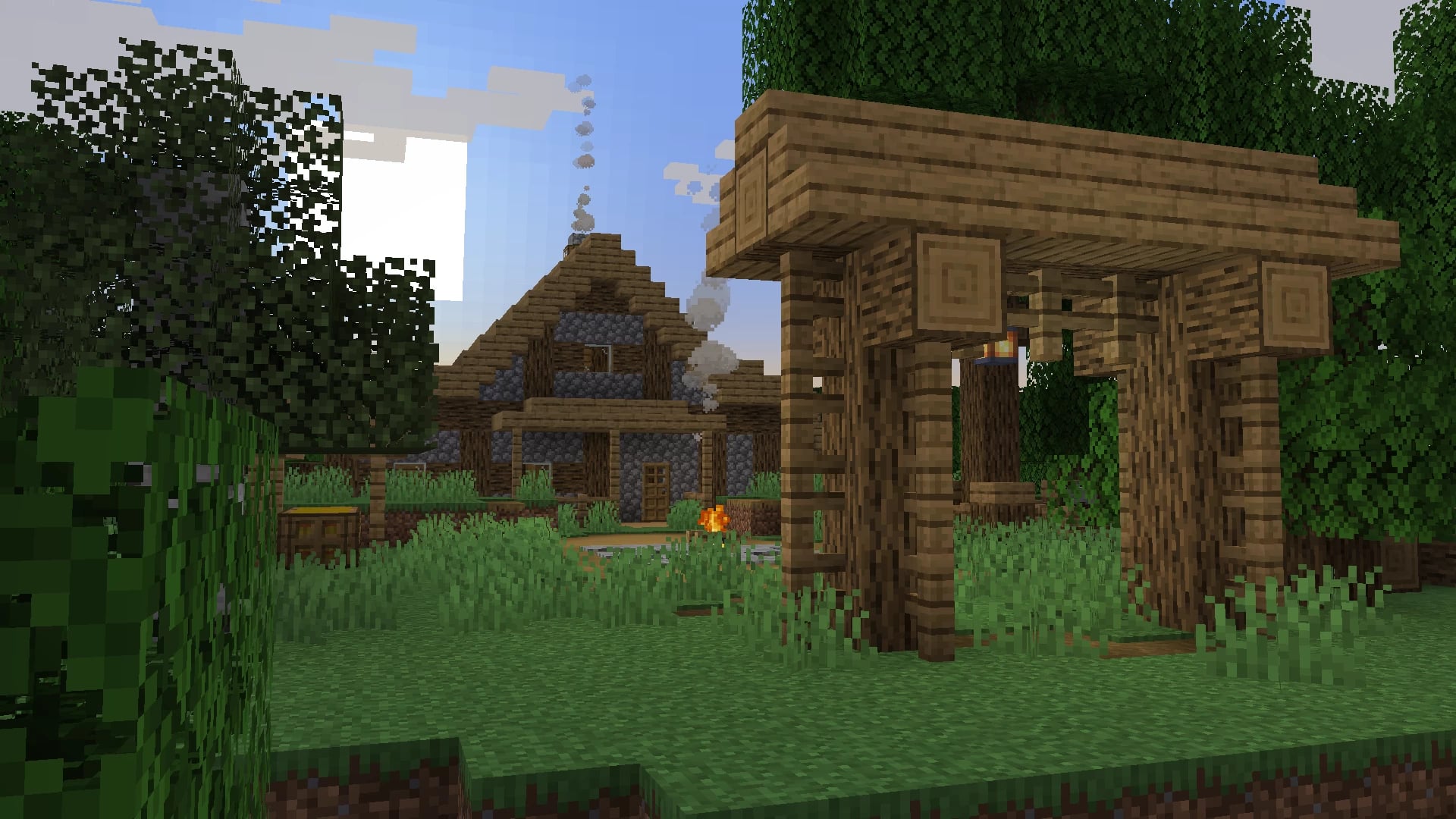
A Pokémon mod for Fabric and NeoForge
 Server-fähig

Dungeons and Taverns
von NovaWostra
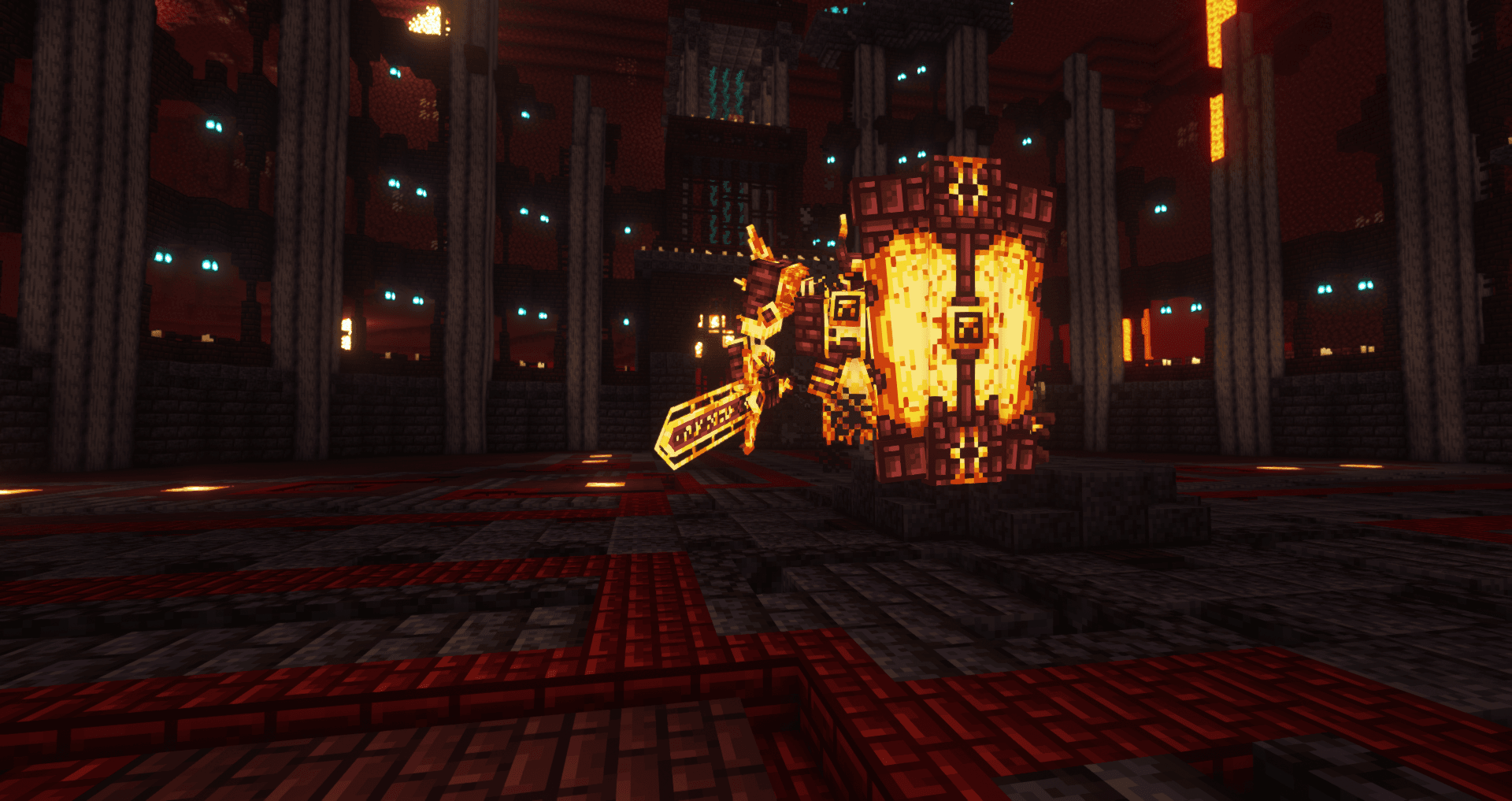
A Structure Datapack adding dungeons, taverns and other structures to find while you explore the world.
 Server-fähig

L_Ender's Cataclysm
von mcl_ender
Cataclysm is a mod that adds difficult dungeons, challenging boss-fights and powerful items.
Bereit für deinen Server mit Face of Horror?
4 GB RAM ab 8,00 € im Monat. 35 % auf den 1. Monat mit MADO35.