Fowl Play
Adding more birds to your Minecraft world!
Screenshots

Über diese Mod
Fowl Play
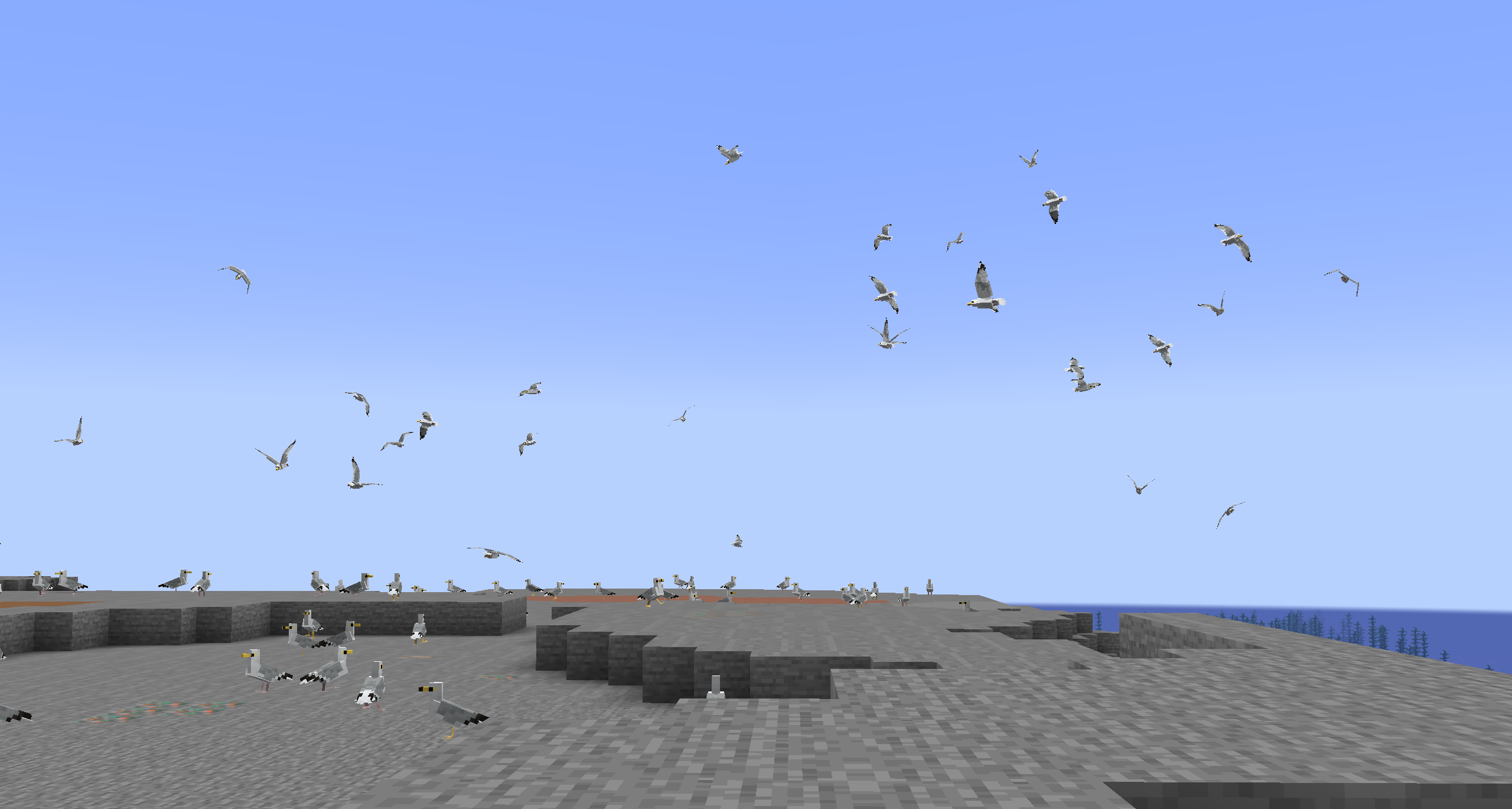
Fowl Play is a mod that aims to improve Minecraft's ambience and make the world seem more alive, adding birds with realistic behaviours, sounds, and flying mechanics
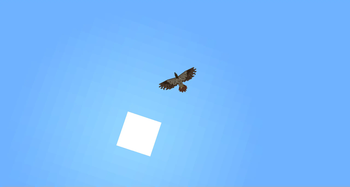
Far from fluttering parrots and chickens, Fowl Play's birds can all take to the skies, be it hawks soaring majestically or sparrows darting between trees
Some birds provide much-needed ambience to forests, others can be tamed to help players, and all of them interact to create a living ecosystem!
FAQ
Where can I find information about the birds?
You can visit the wiki here, although it's currently under construction. In the future, I plan to add in-game documentation for the various birds as well.
I found a bug! My game crashed!
You can report bugs and crashes here!
Can I use this mod in my modpack?
Sure! Just make sure to credit me and link back to this page.
I have a question! I have a suggestion!
You can talk about the mod in my GitHub Discussions.
Features
Birds:
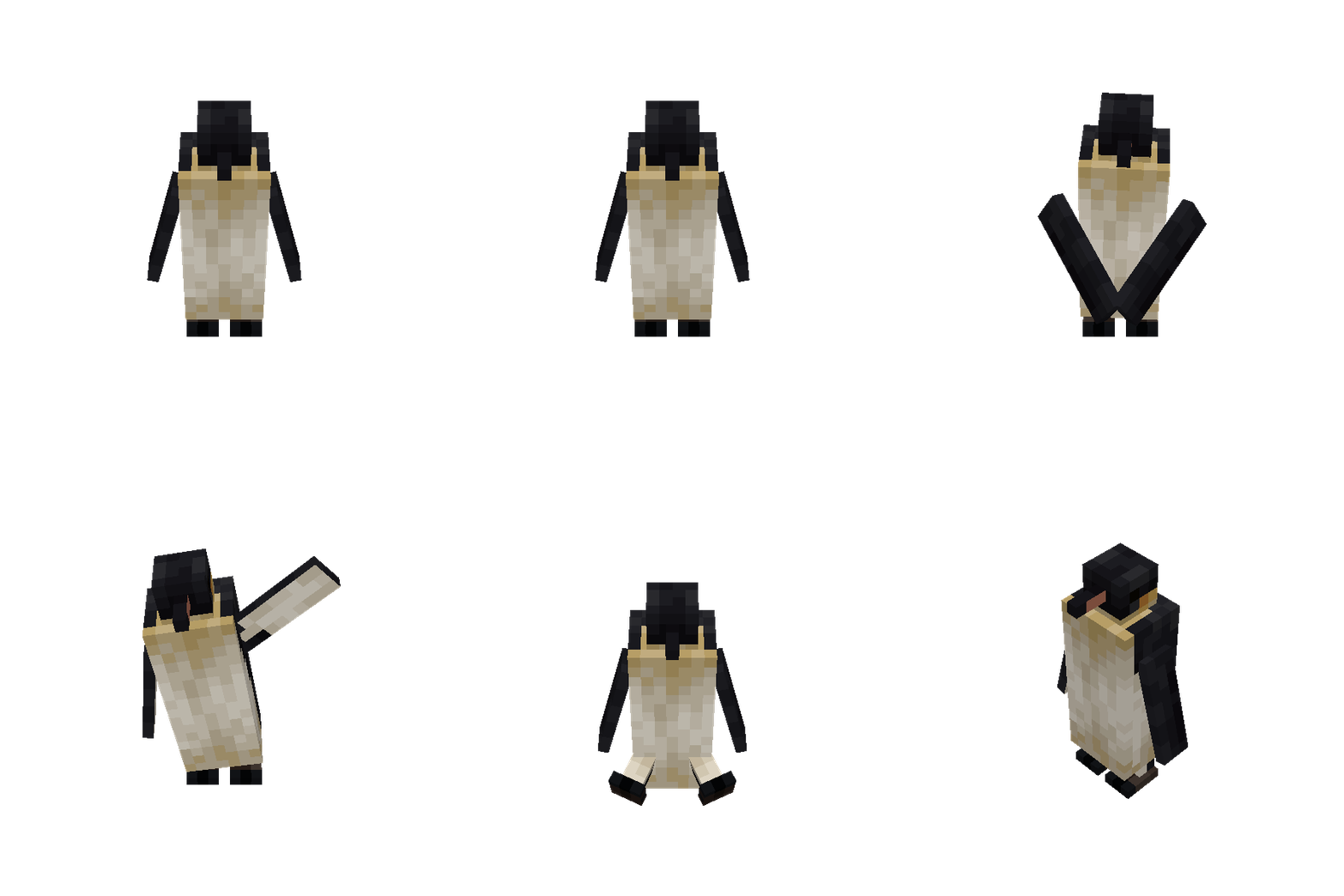
- Penguins (Emperor penguin)
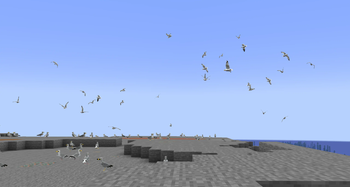
- Gulls (Herring gull, ring-billed gull)
- Robins (American robin)
- Pigeons (Rock pigeon — with various colour and pattern variants)
- Cardinals (Northern cardinal)
- Blue Jays
- Old world Sparrows (House sparrow)
- Chickadees (Black-capped chickadee)
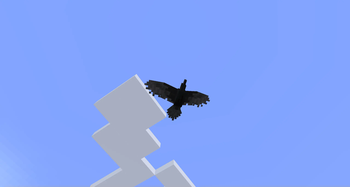
- Ravens (Common raven)
- Ducks (Mallard duck)
- Hawks (Red-tailed hawk)
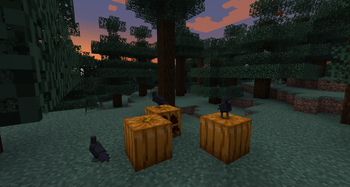
- Crows (American/carrion crow)
- Geese (Greylag goose, canada goose, swan goose, emden goose, chinese goose)
Other:
- Updated chicken model with more variants (configurable)
- Scarecrows
Planned
- Old world Vultures (Griffon vulture, lappet-faced vulture)
- Ostriches (Common ostrich)
- Owls (Great horned owl, snowy owl, barn owl)
- Eagles (Bald eagle, golden eagle)
- Woodpeckers (Downy woodpecker, pileated woodpecker, yellow-bellied sapsucker)
- Falcons (Peregrine falcon, gyrfalcon, American kestrel)
Verfügbare Versionen
Fowl Play auf dem Server installieren
Server bestellen
Bestelle einen Minecraft Java Server mit mindestens 3 GB RAM (4 GB empfohlen).
fabric Loader setzen
Wähle im Panel unter "Egg" den fabric-Loader und die passende Minecraft-Version (1.21.1).
Mod installieren
Öffne den Mod-Browser im Dashboard und suche nach "Fowl Play". Klicke "Installieren" – fertig! Alternativ: Lade die .jar via SFTP in den /mods Ordner.
Kompatibilität
Mod-Loader
Minecraft-Versionen
1.21.1, 1.21, 1.20.1 (+1 weitere)
Server-seitig
✓ ErforderlichEmpfohlener RAM
4 GB(min. 3 GB)Häufige Fragen
Fowl Play Server crasht beim Start – was tun?
Häufigste Ursache: falsche fabric-Version oder zu wenig RAM. Prüfe im Server-Log (latest.log), ob ein "OutOfMemoryError" oder "Mixin"-Fehler auftritt. Bei Mado Hosting: Stelle sicher, dass mindestens 3 GB RAM zugewiesen sind und der Loader zur Mod-Version passt (1.21.1). Über das Panel kannst du den Loader mit einem Klick wechseln.
Ist Fowl Play mit fabric und forge und neoforge und quilt kompatibel?
Fowl Play unterstützt offiziell fabric, forge, neoforge, quilt für Minecraft 1.21.1, 1.21, 1.20.1. Achtung: Forge- und Fabric-Mods sind NICHT untereinander kompatibel – wähle einen Loader und bleibe dabei. Im Mado Dashboard werden inkompatible Loader-Kombinationen automatisch erkannt.
Server laggt mit Fowl Play – wie optimiere ich die Performance?
Empfohlener RAM: 4 GB (+1 GB pro 8 Spieler). Prüfe mit /spark profiler, ob Fowl Play den meisten Tick-Time verbraucht. Häufige Fixes: Server-View-Distance auf 8-10 reduzieren, bei Forge "performant" oder "starlight" als Zusatz-Mod installieren. Bei Mado Hosting läuft dein Server auf NVMe-SSDs mit dedizierten CPU-Kernen für minimale Latenz.
Ähnliche Mods




Modded Server mieten
Installiere Fowl Play mit nur einem Klick auf deinem Server.