
Furnitury - Vanilla Styled Furniture
Vanilla-style furniture, functional decor, and immersive crafting for every Minecraft build
Screenshots
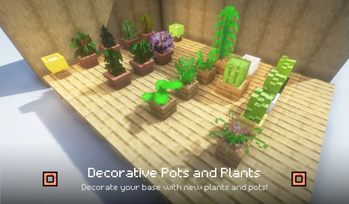
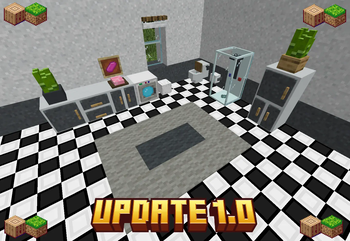
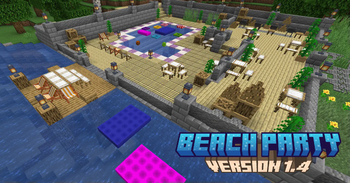

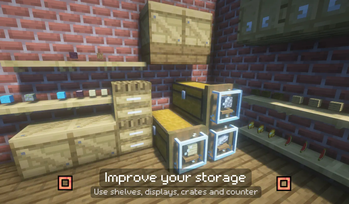
Über diese Mod
🪑 Furnitury - Vanilla Styled Furniture
A furniture mod designed to feel like a natural part of Minecraft.
Build cozy homes, kitchens, gardens, shops and detailed interiors with a growing collection of vanilla-styled furniture.
🏠 Furniture That Fits Minecraft
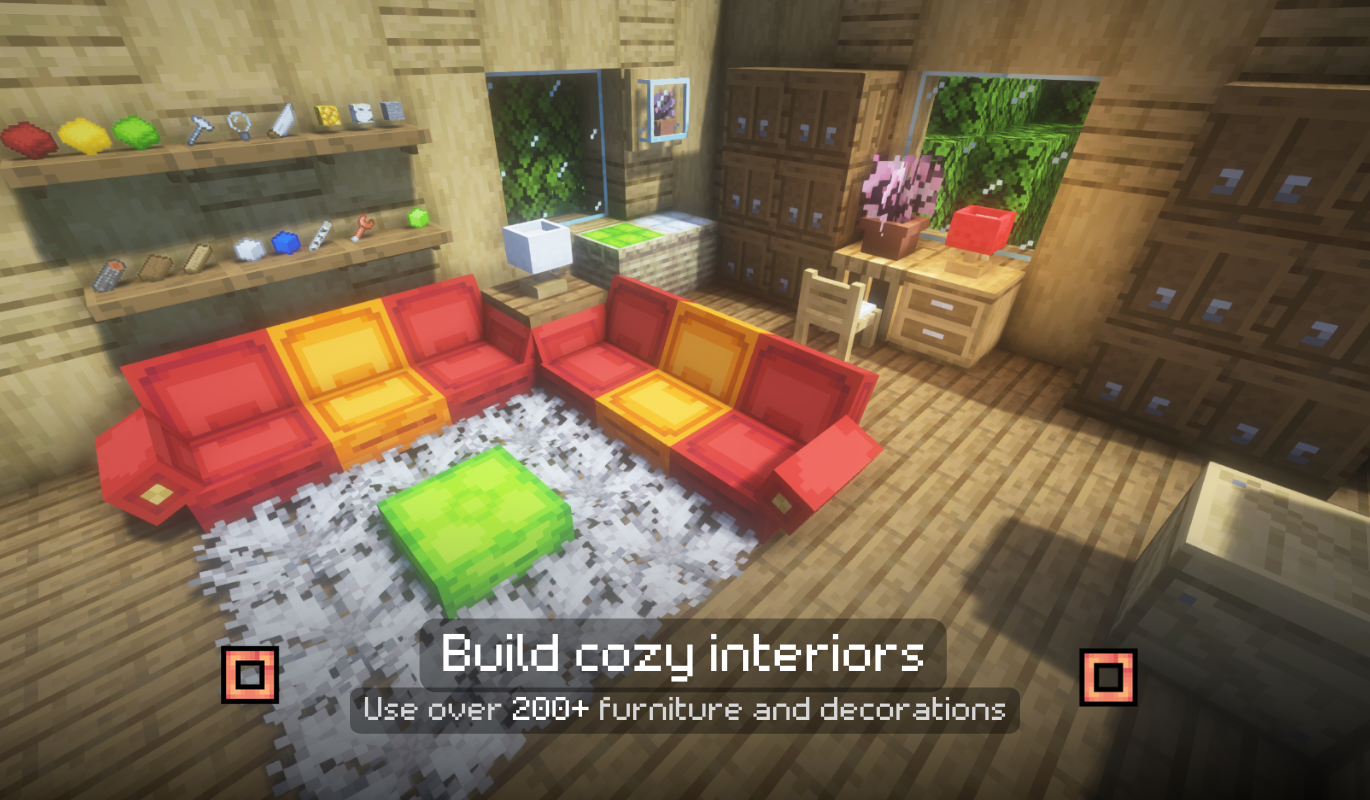
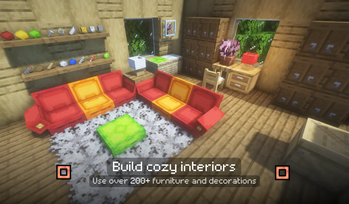
Furnitury adds chairs, tables, benches, cabinets, shelves, counters, decorations and much more while keeping the visual style close to vanilla Minecraft.
Perfect for:
- Survival worlds
- Vanilla+ modpacks
- Building-focused packs
- Towns and roleplay servers
- Interior decoration
🔨 Furniture Workbench
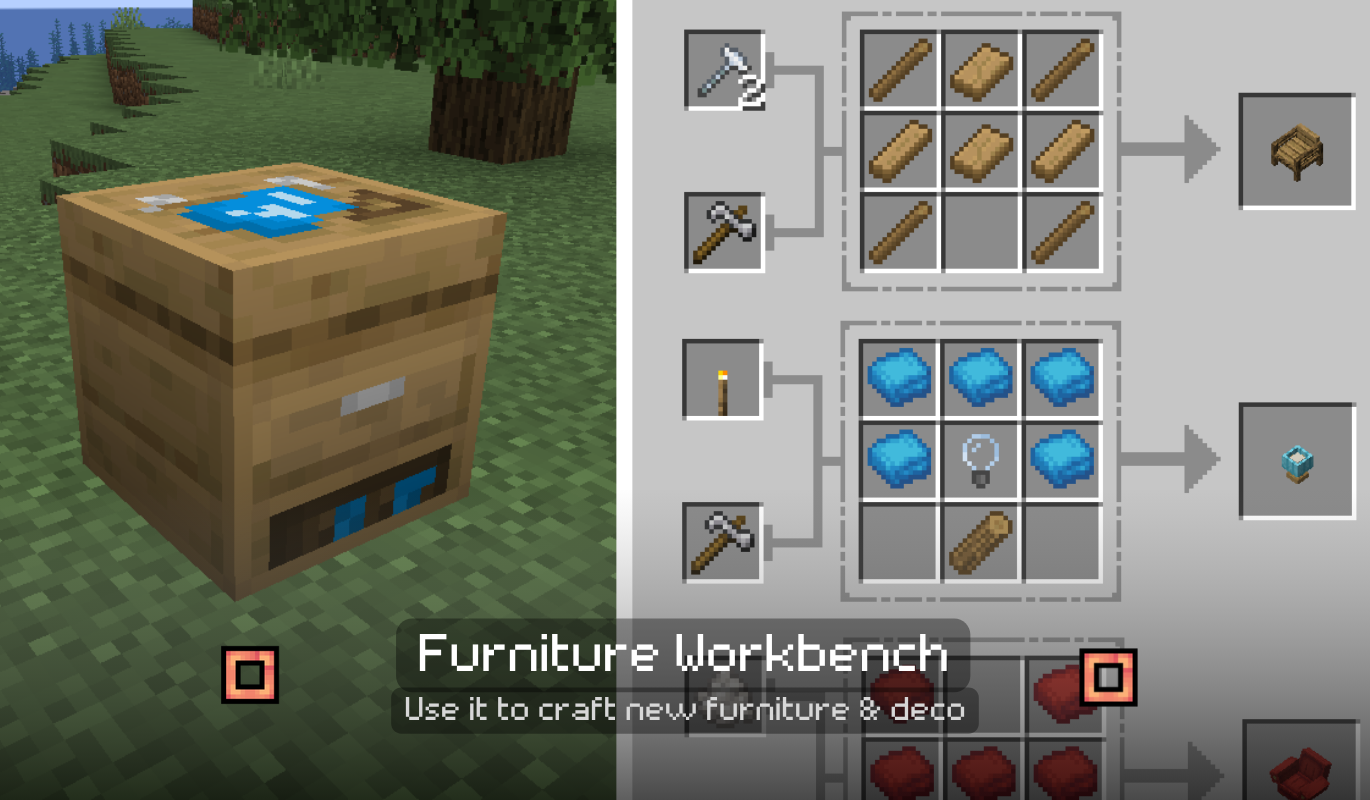
Furniture is crafted through the dedicated Furniture Workbench instead of filling the vanilla crafting table with hundreds of furniture recipes.
Furnitury 4.0 introduces a completely reworked crafting system:
- Dedicated 3×3 crafting area
- Additional Material slot
- Dedicated Tool slot
- Crafting tools with durability
- New Hammer
- Tag-based materials and tools
- Datapack-friendly recipes
Crafting furniture now feels like actually building furniture.
🧰 Materials & Furniture Crafting
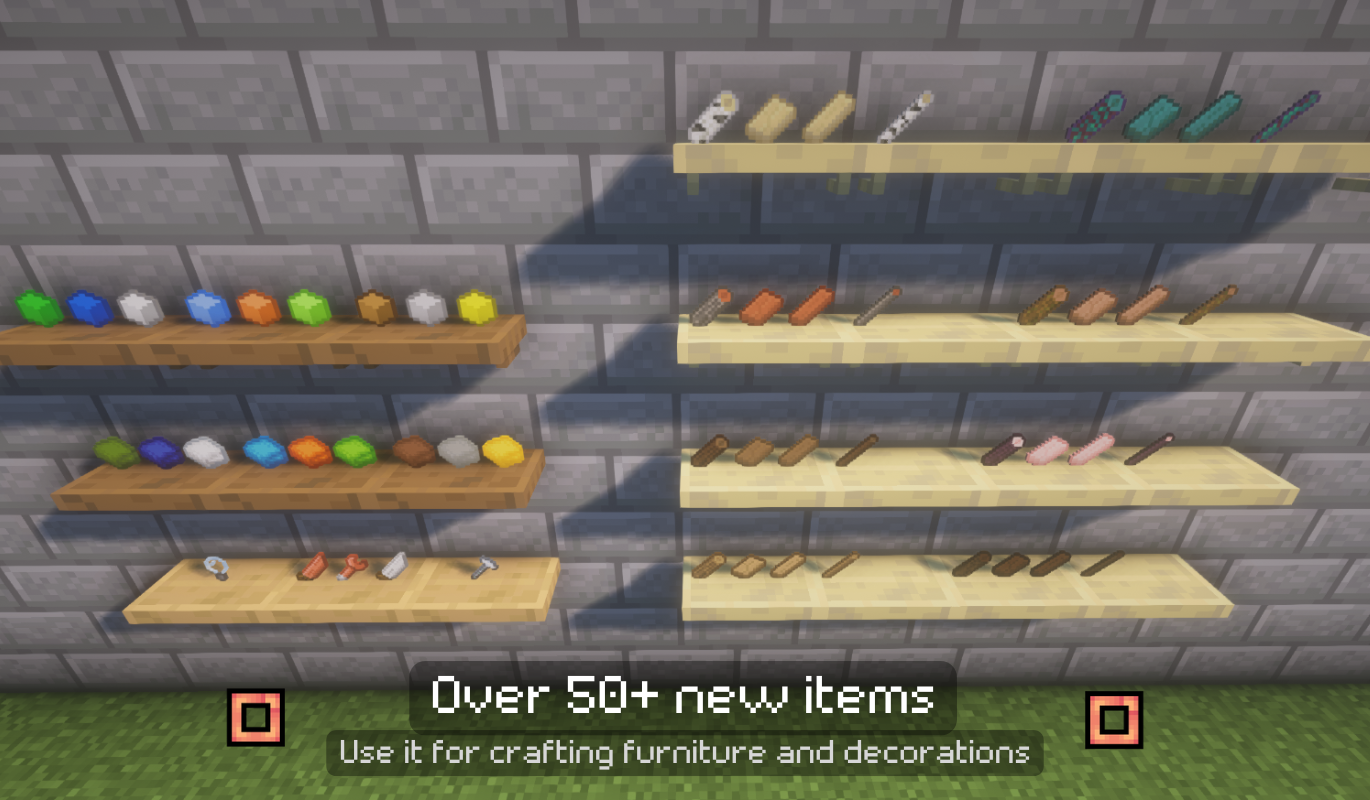
Furniture recipes use dedicated crafting materials such as:
- Wooden Planks
- Large Wooden Planks
- Logs
- Thin Logs
- Nails
- Cloth
- Stuffing
- Light Bulbs
- Circuits
- And more
Different pieces require different materials, making furniture progression more immersive than ordinary crafting-table recipes.
🔌 Built for Modpacks & Addons
Furnitury 4.0 introduces an expandable Furniture Workbench API built around Minecraft item tags.
Modpack authors, datapack creators and addon developers can:
- Add new Furniture Workbench recipes
- Use items from other mods in recipes
- Add alternative Nails, Hammers and other materials
- Register compatible tools through tags
- Create Furnitury addons without modifying Furnitury itself
📖 Developer Documentation
Furniture Workbench API & Datapack Documentation
If you're creating a modpack, datapack or Furnitury addon, start here.
🎨 Vanilla Style, More Choices
Many furniture sets come in multiple wood types and variants, allowing builds to stay consistent with the materials already used in your world.
Furnitury is designed around one goal:
More building possibilities without losing the Minecraft feeling.
✨ Furnitury 4.0
- Completely reworked Furniture Workbench
- Added dedicated Additional Material and Tool slots
- Added Hammer with durability-based crafting
- Furniture Workbench recipes now support item tags
- Added official compatibility tags for materials and tools
- Improved datapack, modpack and addon compatibility
- Added support for third-party tools and materials
- Migrated Furniture Workbench recipes to the new system
- Added official Developer Documentation
📦 Modpack Usage
You are welcome to include Furnitury in modpacks.
For custom integrations, recipes and addon development, see the:
💬 Links
Discord
Developer Documentation
❤️ Enjoy Furnitury?
Consider leaving a comment or recommendation and sharing your builds!
More furniture, integrations and compatibility features are planned for future updates.
Verfügbare Versionen
Furnitury - Vanilla Styled Furniture auf dem Server installieren
Server bestellen
Bestelle einen Minecraft Java Server mit mindestens 3 GB RAM (4 GB empfohlen).
fabric Loader setzen
Wähle im Panel unter "Egg" den fabric-Loader und die passende Minecraft-Version (1.21.11).
Mod installieren
Öffne den Mod-Browser im Dashboard und suche nach "Furnitury - Vanilla Styled Furniture". Klicke "Installieren" – fertig! Alternativ: Lade die .jar via SFTP in den /mods Ordner.
Kompatibilität
Mod-Loader
Minecraft-Versionen
1.21.11, 1.21.4, 1.21.3 (+7 weitere)
Server-seitig
~ OptionalEmpfohlener RAM
4 GB(min. 3 GB)Häufige Fragen
Furnitury - Vanilla Styled Furniture Server crasht beim Start – was tun?
Häufigste Ursache: falsche fabric-Version oder zu wenig RAM. Prüfe im Server-Log (latest.log), ob ein "OutOfMemoryError" oder "Mixin"-Fehler auftritt. Bei Mado Hosting: Stelle sicher, dass mindestens 3 GB RAM zugewiesen sind und der Loader zur Mod-Version passt (1.21.11). Über das Panel kannst du den Loader mit einem Klick wechseln.
Ist Furnitury - Vanilla Styled Furniture mit fabric und forge und neoforge kompatibel?
Furnitury - Vanilla Styled Furniture unterstützt offiziell fabric, forge, neoforge für Minecraft 1.21.11, 1.21.4, 1.21.3. Achtung: Forge- und Fabric-Mods sind NICHT untereinander kompatibel – wähle einen Loader und bleibe dabei. Im Mado Dashboard werden inkompatible Loader-Kombinationen automatisch erkannt.
Server laggt mit Furnitury - Vanilla Styled Furniture – wie optimiere ich die Performance?
Empfohlener RAM: 4 GB (+1 GB pro 8 Spieler). Prüfe mit /spark profiler, ob Furnitury - Vanilla Styled Furniture den meisten Tick-Time verbraucht. Häufige Fixes: Server-View-Distance auf 8-10 reduzieren, bei Forge "performant" oder "starlight" als Zusatz-Mod installieren. Bei Mado Hosting läuft dein Server auf NVMe-SSDs mit dedizierten CPU-Kernen für minimale Latenz.
Ähnliche Mods

![[ETF] Entity Texture Features](https://cdn.modrinth.com/data/BVzZfTc1/af683d206d50b05258d865b0d6e4aa2f2cee12f2_96.webp)
![[EMF] Entity Model Features](https://cdn.modrinth.com/data/4I1XuqiY/6e5bbd0d06b1741bfdab6c0cfab6de8fdaf0064c_96.webp)



Modded Server mieten
Installiere Furnitury - Vanilla Styled Furniture mit nur einem Klick auf deinem Server.