
FZMM
A fabric mod that is mainly for editing or creating NBT of items in creative but it also has a few utilities
Screenshots
Über diese Mod
FZMM-Mod
A fabric mod that is mainly for editing or creating NBT of items in creative, but it also has a few utilities.
How to use?
The default key to use the mod is Z (can be changed in controls), there are also some client-side commands with /fzmm
Dependencies
Features
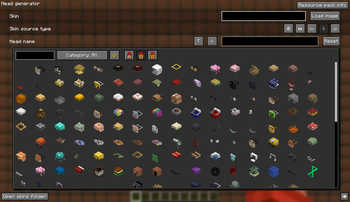
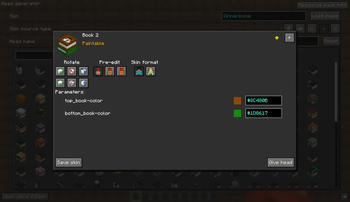
Head generator
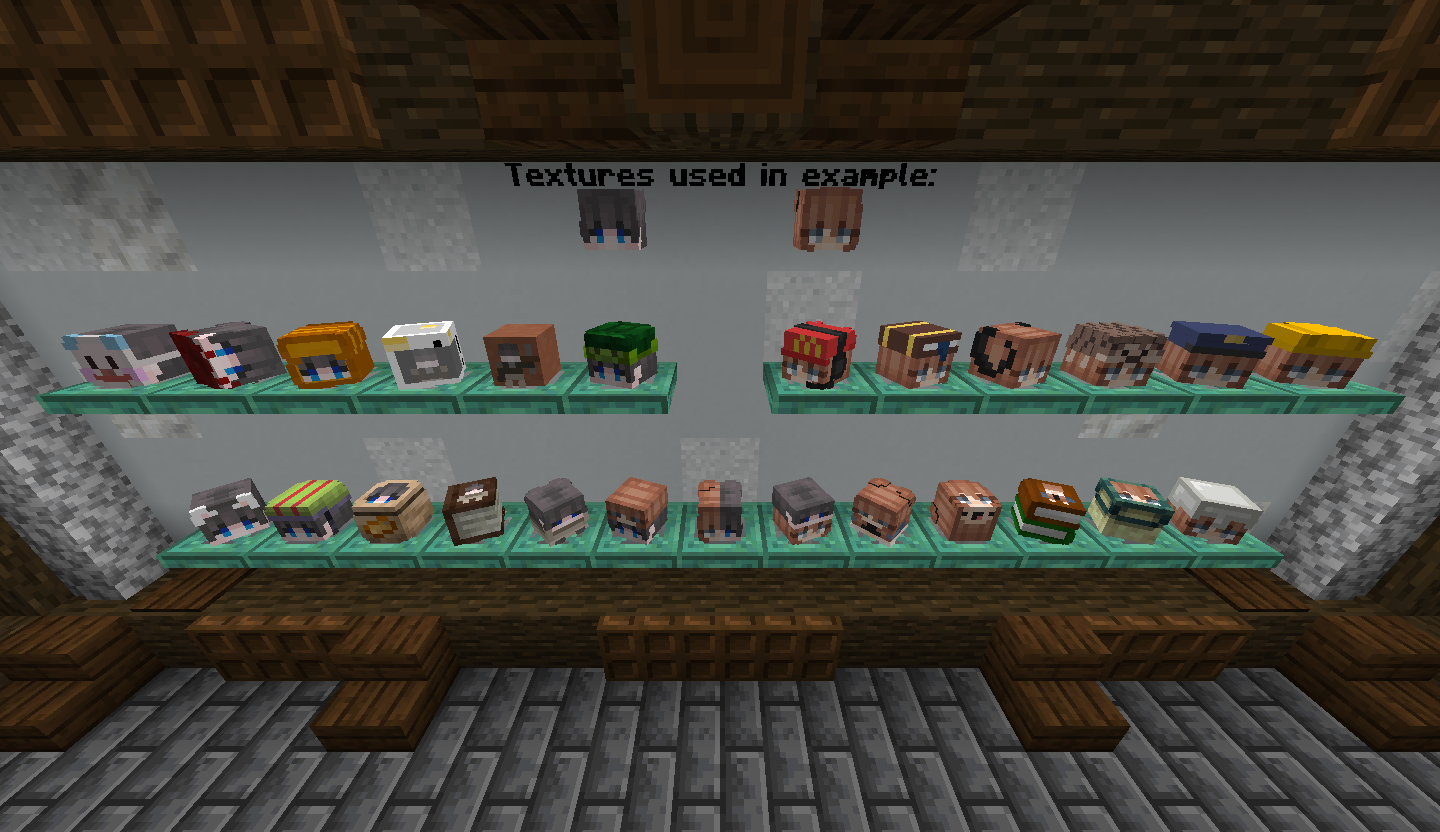
Easily customize your character's head in seconds and instantly apply the new skin.
The head generator allows you to add accessories like glasses, hats, masks, beards, and more.
You can also transform your skin into a plushie (aka: mini, figurine, etc.),
create a pixel art representation of your skin for a book cover, etc.
The default resource pack currently includes:
- 230 texture heads
- 50 model heads
For instructions on how to add your own custom heads to the head generator, please refer to the Head Generator Wiki
Imagetext
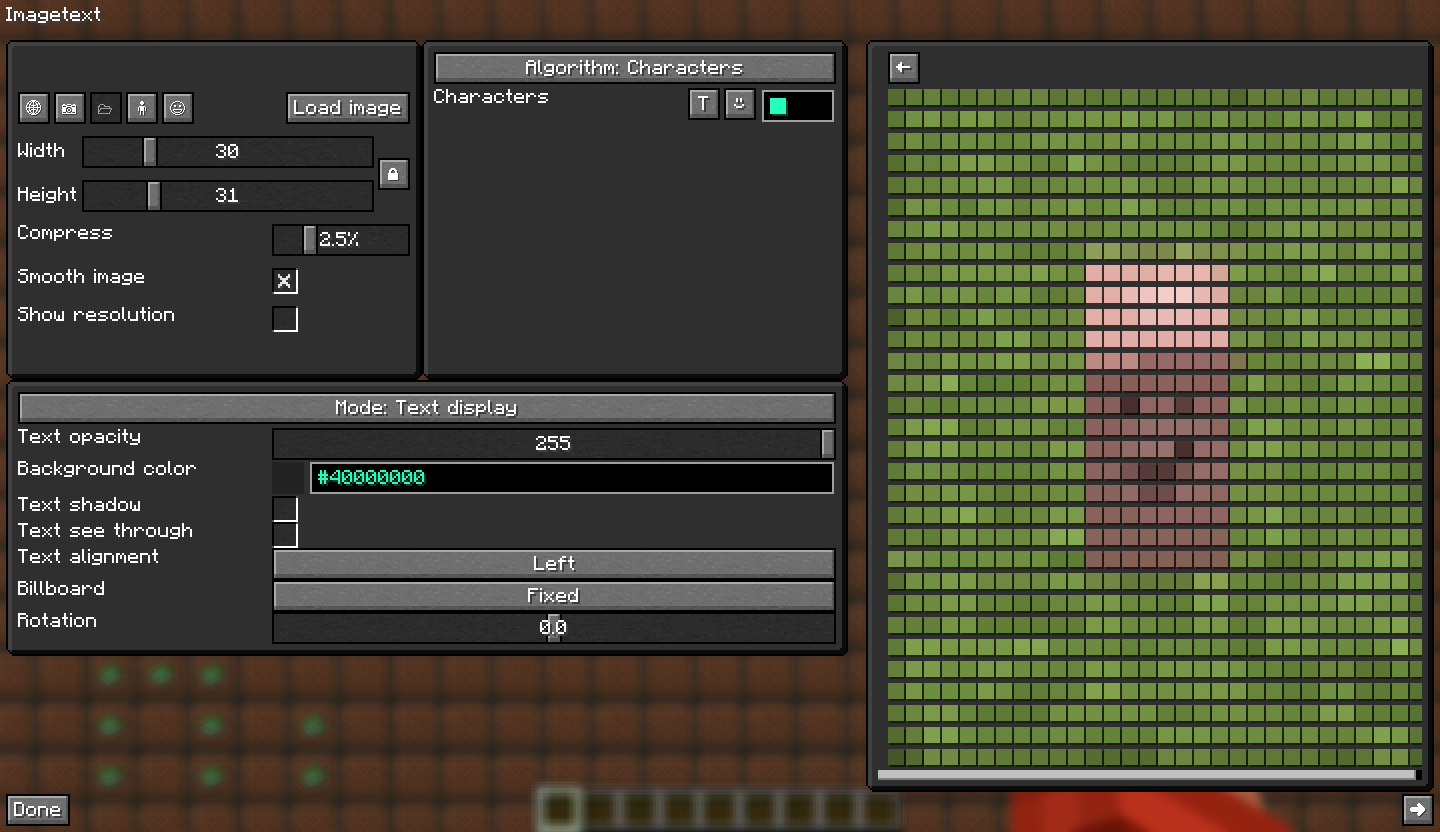
An image formed by colorful characters, supports many types of display and resolution up to 127x127 of the image as a result.
Types of display:
- Lore
- Book page
- Book tooltip
- Hologram (armor stands)
- Sign
- Text display
Algorithms:
- Characters
- Braille
Text format
Formatting of texts with colors, symbols, etc.
Types of formatting:
- Simple
- Gradient
- Rainbow
- Interleaved
- Placeholder API
Player Statue
Player Statue is 26 invisible armor stands with heads on their hands making a skin together.
It also allows 128x128 skins.
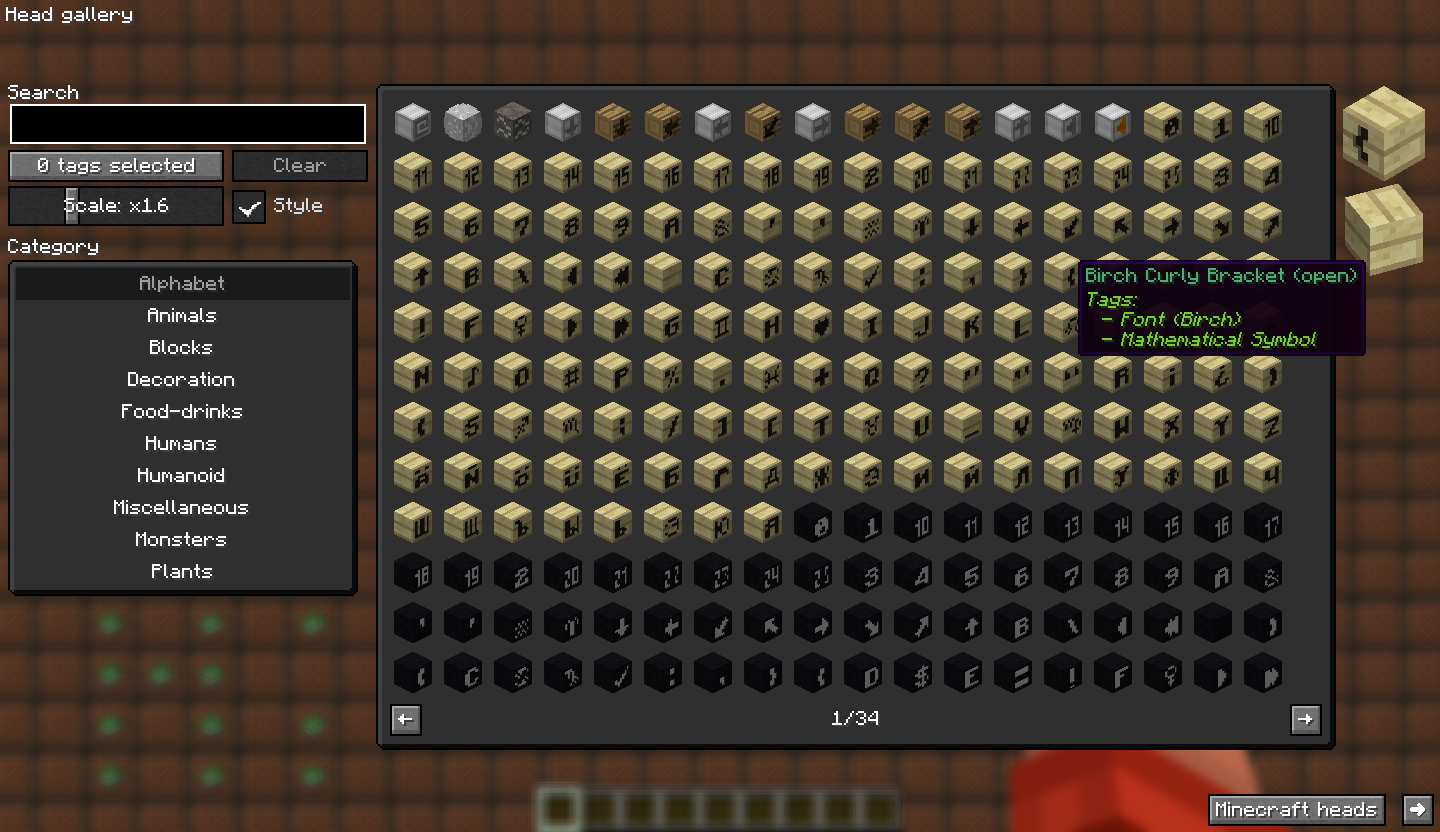
Head gallery
A gallery of 50,000+ heads provided by Minecraft-heads

Banner editor
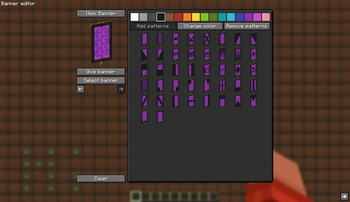
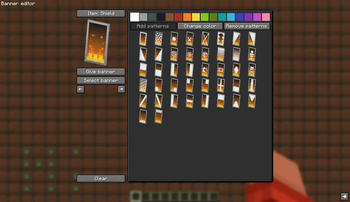
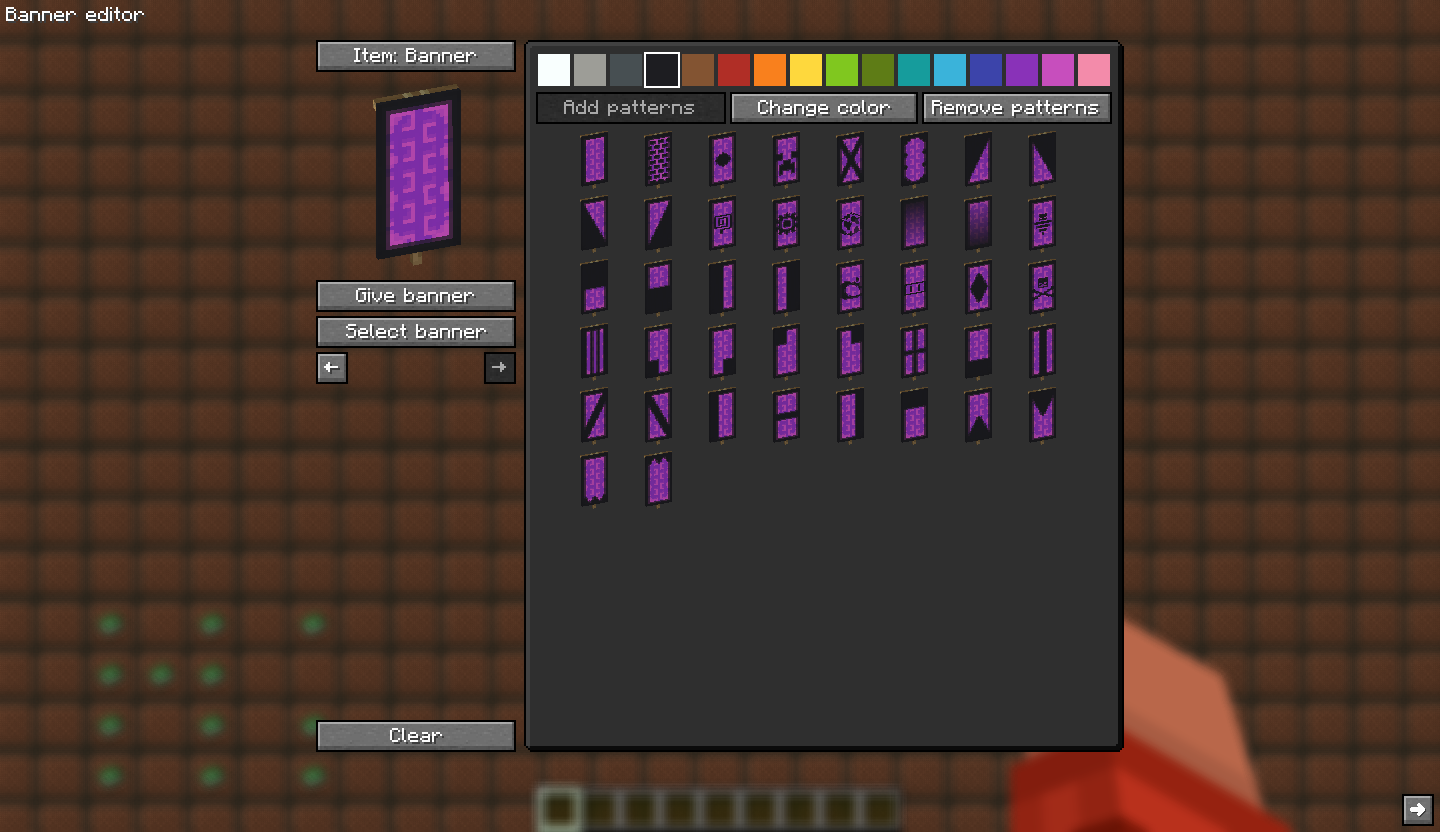
A banner editor is easier than having to place a loom and search for items, plus it is more convenient to use, and you can preview the banners better. It also has the option to change the color of the pattern you click and remove the pattern you want.
Encryptbook
Encryptbook is based on the concept of encrypting text with translations and being able to decrypt it with resource pack, it may not be very secure, but it can be decrypted from vanilla.
Item groups
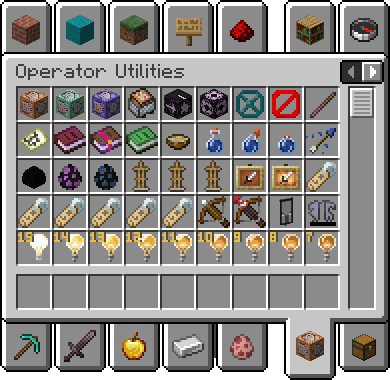
Operator utilities
An improved version of the one provided by Minecraft 1.19.3+
It includes:
- Access only with creative, op is not required
- Armor stand with arms
- Small armor stand
- Small armor stand with arms
- Invisible item frame
- Invisible glow item frame
- Special name tags with the description of use for each one
- Unobtainable paints (1.19+)
- All light states
- Ender dragon and wither spawn eggs
Note: the items op tab must be enabled in the vanilla configuration in order to view it.
Useful block states
A list of items that I think can be useful or at least curious/fun, these items have a tag called BlockStateTag that modifies their properties when placed.
Loot chests
All types of loot chest, or in other words: a list of chests which each time you open one for the first time has a different loot and all the chests there have different odds and items.
Incompatibilities
Resource packs
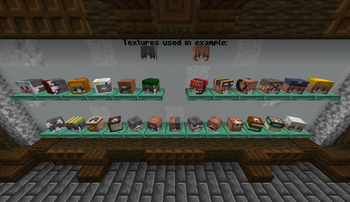
Resource packs that modify how the heads look in the hands as it affects how the Player Statue looks
Examples:
Translations
To contribute with the translation of a language or fix a bug in a language other than English you must use the Crowdin project of the mod, if you don't find your language and you want to translate it you can suggest it with an issue or post it in discord.
Special thanks to:
- Mineskin for being able to make Player Statue and Head Generator possible thanks to their API
- Logstone & Jespertheend for creating Player Statue (or at least doing something known)
- owo-lib and its contributors for making a fairly complete library
- Minecraft heads for having a great gallery of heads for Head Gallery
- Placeholder API for having an easy-to-use format for text formatting
- Symbol Chat for being a good complement for texts
- The past, present and future contributors of FZMM mod, including people who report bugs or give me suggestions
Disclaimer
The purpose of this mod is not to hack servers or anything related to exploits or bugs, it is simply a free tool to generate items, I am not responsible for what people do with those tools, nor will they be added features that can't be used creatively without damaging a server or players.
Verfügbare Versionen
FZMM auf deinem Client installieren
Mod-Loader lokal installieren
Installiere fabric für deine lokale Minecraft-Version.
Passende Datei herunterladen
Wähle die FZMM-Datei für fabric und Minecraft 26.2.
Mod installieren
Lege die .jar-Datei in deinem lokalen .minecraft/mods-Ordner ab und starte Minecraft neu. Eine Installation auf dem Server ist nicht nötig.
Kompatibilität
Mod-Loader
Minecraft-Versionen
26.2, 26.1.2, 26.1.1 (+21 weitere)
Server-seitig
✗ Nicht unterstütztEmpfohlener RAM
4 GB(min. 3 GB)Häufige Fragen
Muss FZMM auf dem Minecraft Server installiert werden?
Nein. Modrinth kennzeichnet FZMM serverseitig als nicht unterstützt. Installiere die Mod nur im lokalen Minecraft-Mods-Ordner. Dein Server kann unverändert bleiben, sofern die Mod-Seite keine zusätzliche Abhängigkeit nennt.
Welche Version und welchen Loader braucht FZMM?
Nutze eine Datei für fabric und exakt deine Minecraft-Version. Unterstützte Versionen sind unter anderem 26.2, 26.1.2, 26.1.1. Loader-Dateien sind nicht untereinander austauschbar.
FZMM funktioniert nicht – was kann ich prüfen?
Prüfe zuerst Minecraft-Version, Loader-Version und erforderliche Abhängigkeiten. Lege die .jar-Datei im lokalen .minecraft/mods-Ordner ab und entferne ältere Duplikate. Da die Mod clientseitig ist, löst mehr Server-RAM dieses Problem nicht.
Ähnliche Mods

![[ETF] Entity Texture Features](https://cdn.modrinth.com/data/BVzZfTc1/af683d206d50b05258d865b0d6e4aa2f2cee12f2_96.webp)
![[EMF] Entity Model Features](https://cdn.modrinth.com/data/4I1XuqiY/6e5bbd0d06b1741bfdab6c0cfab6de8fdaf0064c_96.webp)



Minecraft Server für deine Gruppe
FZMM bleibt auf deinem Client. Hoste dazu eine kompatible Welt für deine Mitspieler.