
Create: Interactive
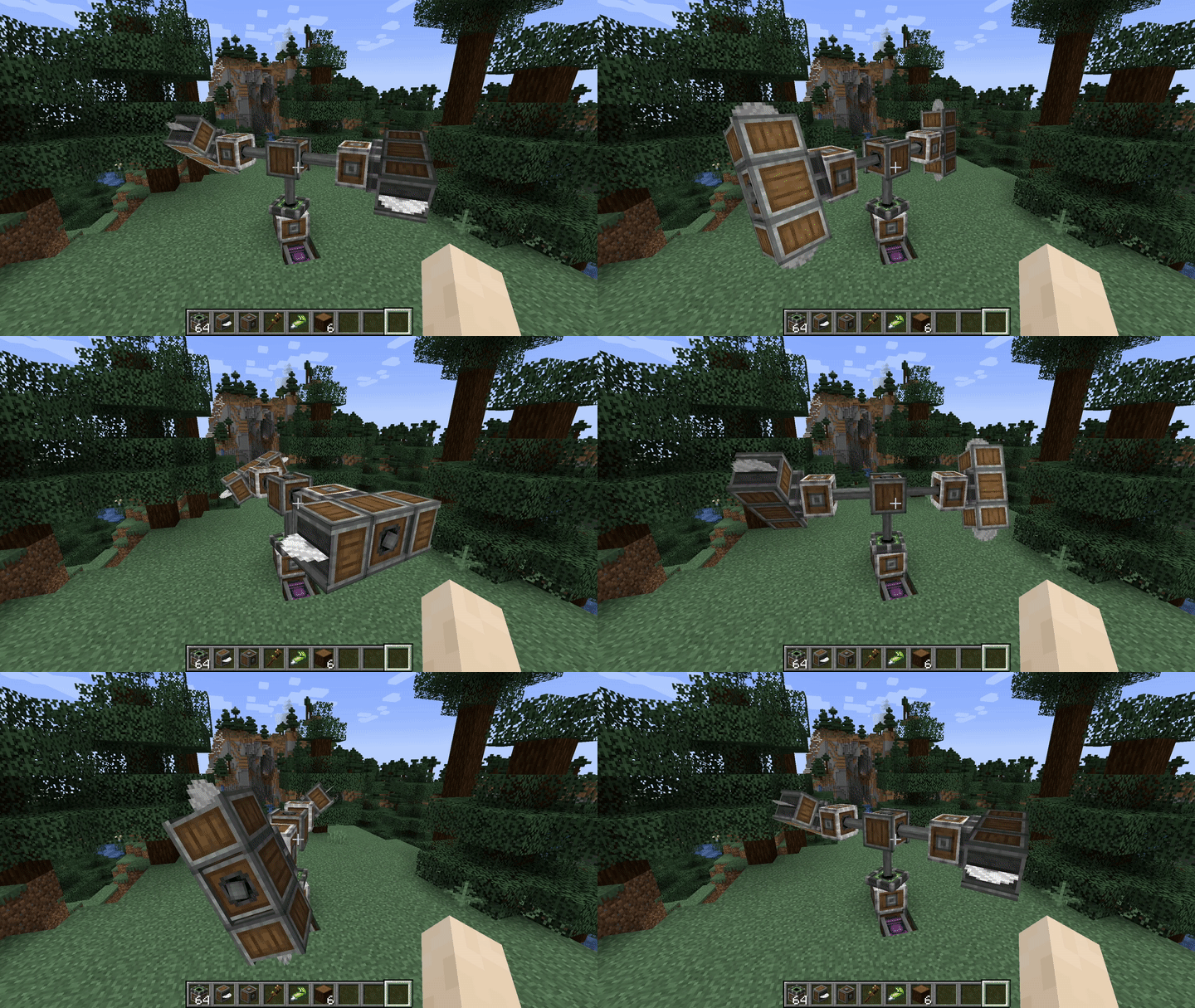
A rewrite of Create's contraptions using VS2 to allow for things like building on existing contraptions, stacked contraptions, train derailment and more!
Screenshots
Über diese Mod
Create: Interactive
Interact with your Create contraptions in ways never before possible! With Interactive, all contraptions behave just like Minecraft blocks, so build, break, stack, and cause controlled chaos to your heart's content!
"Help, my stuff isn't interactive"
As of the last few updates, you now need to put the "interact me block" on any contraption you want interactive. You can change this behavior in the server config, allowing for contraptions to be interactive by default again.
How to get to the config
Features
Train Derailment
- The big one everyone has been asking for, Trains can finally derail off of tracks!
- Trains also keep their momentum and can push other derailed trains while still on their tracks!
Rotation Propagator Bearing
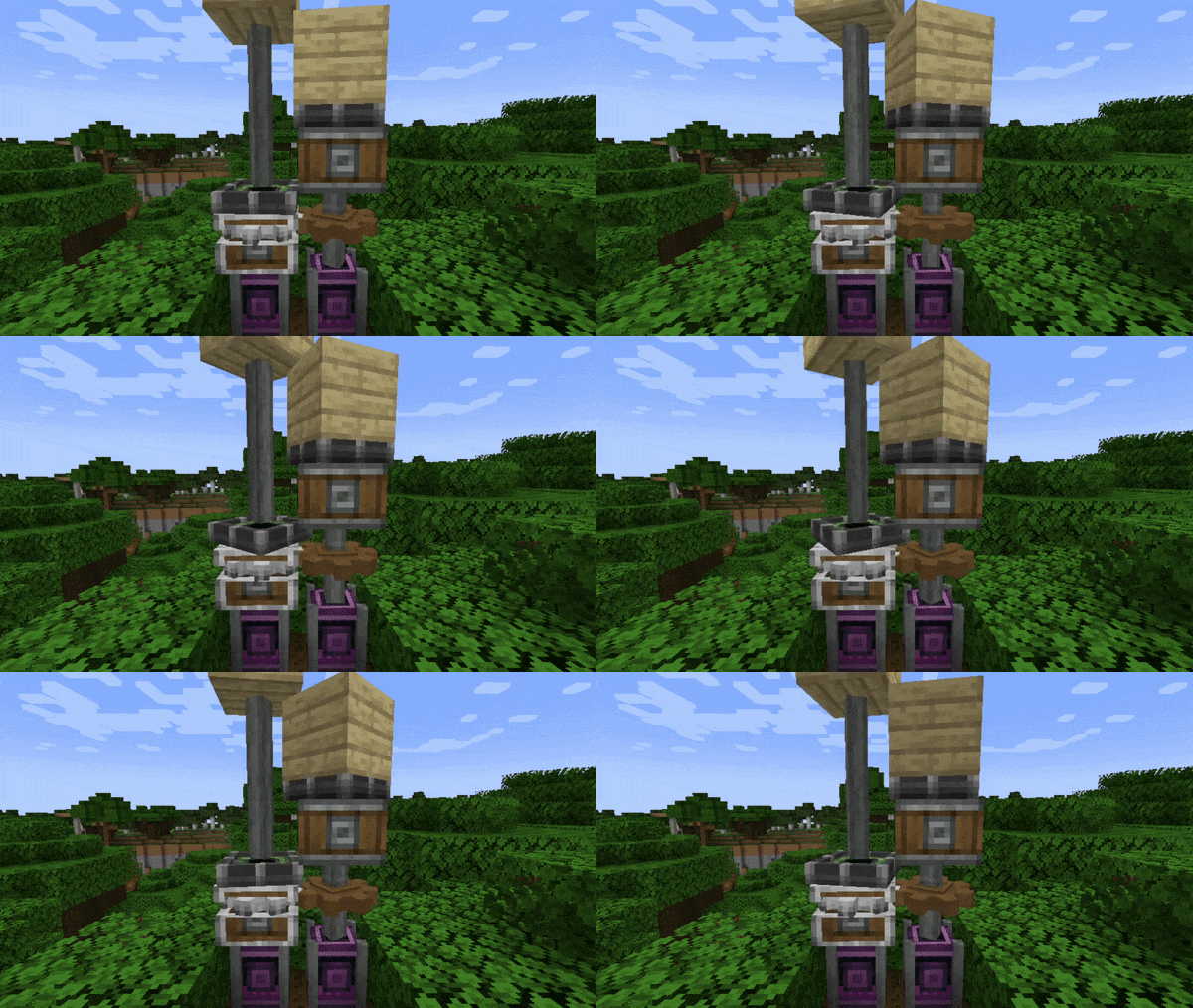
- A modified mechanical bearing that propagates rotation to its contraption.
- Especially useful for Sub-Contraptions!
Interactive Contraptions
- Place and destroy blocks on contraptions just like regular Minecraft!
Train Buffer Stop
- By default trains will roll off of tracks when they reach the end of the line!
- Use Train Buffer Stops to prevent your train from rolling off the tracks.
Check out our Discord for News & Updates

Verfügbare Versionen
Create: Interactive auf dem Server installieren
Server bestellen
Bestelle einen Minecraft Java Server mit mindestens 4 GB RAM (6 GB empfohlen).
fabric Loader setzen
Wähle im Panel unter "Egg" den fabric-Loader und die passende Minecraft-Version (1.20.1).
Mod installieren
Öffne den Mod-Browser im Dashboard und suche nach "Create: Interactive". Klicke "Installieren" – fertig! Alternativ: Lade die .jar via SFTP in den /mods Ordner.
Kompatibilität
Mod-Loader
Minecraft-Versionen
1.20.1, 1.19.2, 1.18.2
Server-seitig
✓ ErforderlichEmpfohlener RAM
6 GB(min. 4 GB)Häufige Fragen
Create: Interactive Server crasht beim Start – was tun?
Häufigste Ursache: falsche fabric-Version oder zu wenig RAM. Prüfe im Server-Log (latest.log), ob ein "OutOfMemoryError" oder "Mixin"-Fehler auftritt. Bei Mado Hosting: Stelle sicher, dass mindestens 4 GB RAM zugewiesen sind und der Loader zur Mod-Version passt (1.20.1). Über das Panel kannst du den Loader mit einem Klick wechseln.
Ist Create: Interactive mit fabric und forge kompatibel?
Create: Interactive unterstützt offiziell fabric, forge für Minecraft 1.20.1, 1.19.2, 1.18.2. Achtung: Forge- und Fabric-Mods sind NICHT untereinander kompatibel – wähle einen Loader und bleibe dabei. Im Mado Dashboard werden inkompatible Loader-Kombinationen automatisch erkannt.
Server laggt mit Create: Interactive – wie optimiere ich die Performance?
Empfohlener RAM: 6 GB (+1 GB pro 5 Spieler). Prüfe mit /spark profiler, ob Create: Interactive den meisten Tick-Time verbraucht. Häufige Fixes: Server-View-Distance auf 8-10 reduzieren, bei Forge "performant" oder "starlight" als Zusatz-Mod installieren. Bei Mado Hosting läuft dein Server auf NVMe-SSDs mit dedizierten CPU-Kernen für minimale Latenz.
Ähnliche Mods





Modded Server mieten
Installiere Create: Interactive mit nur einem Klick auf deinem Server.