
Create: Interactive
A rewrite of Create's contraptions using VS2 to allow for things like building on existing contraptions, stacked contraptions, train derailment and more!
Screenshots
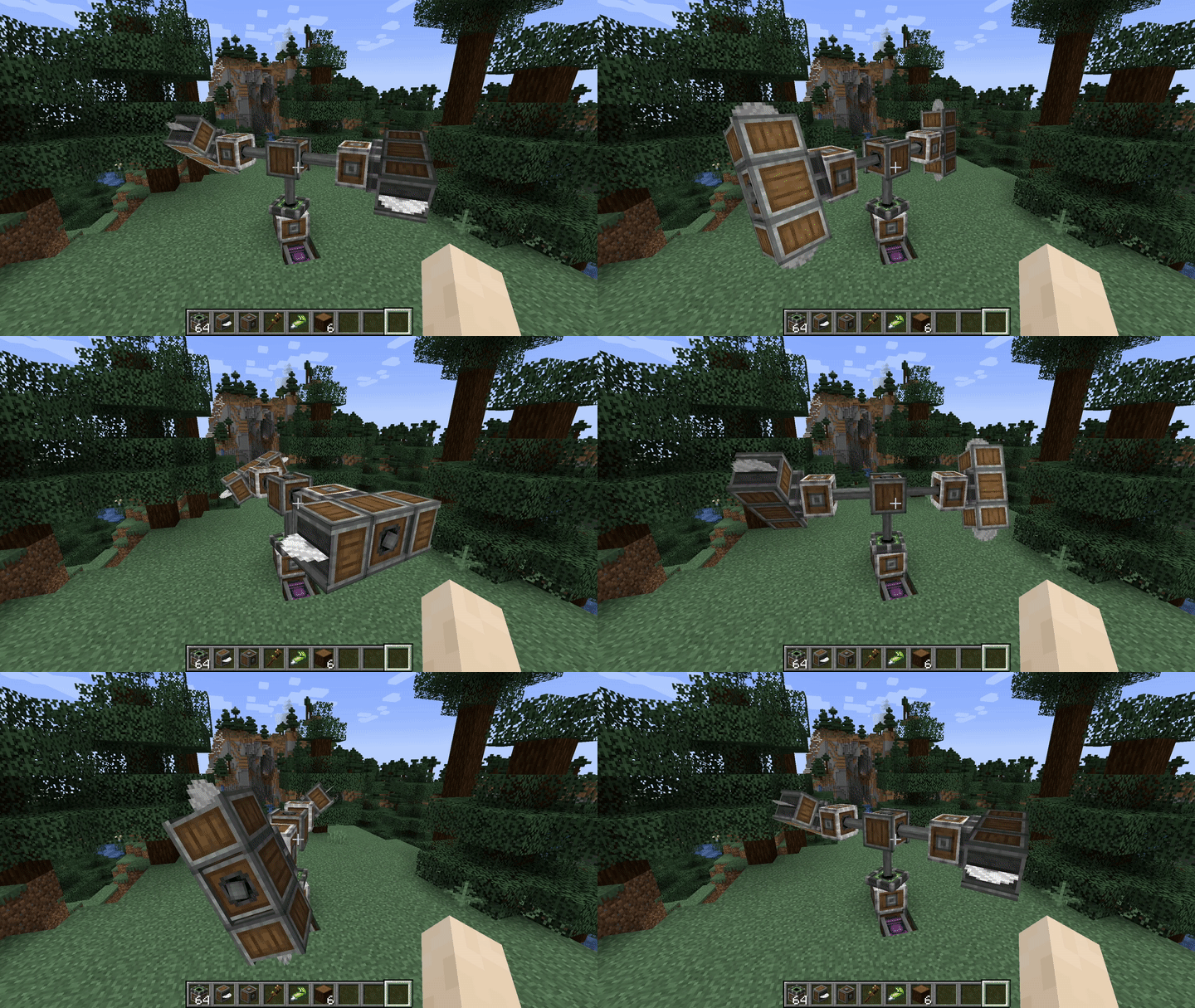
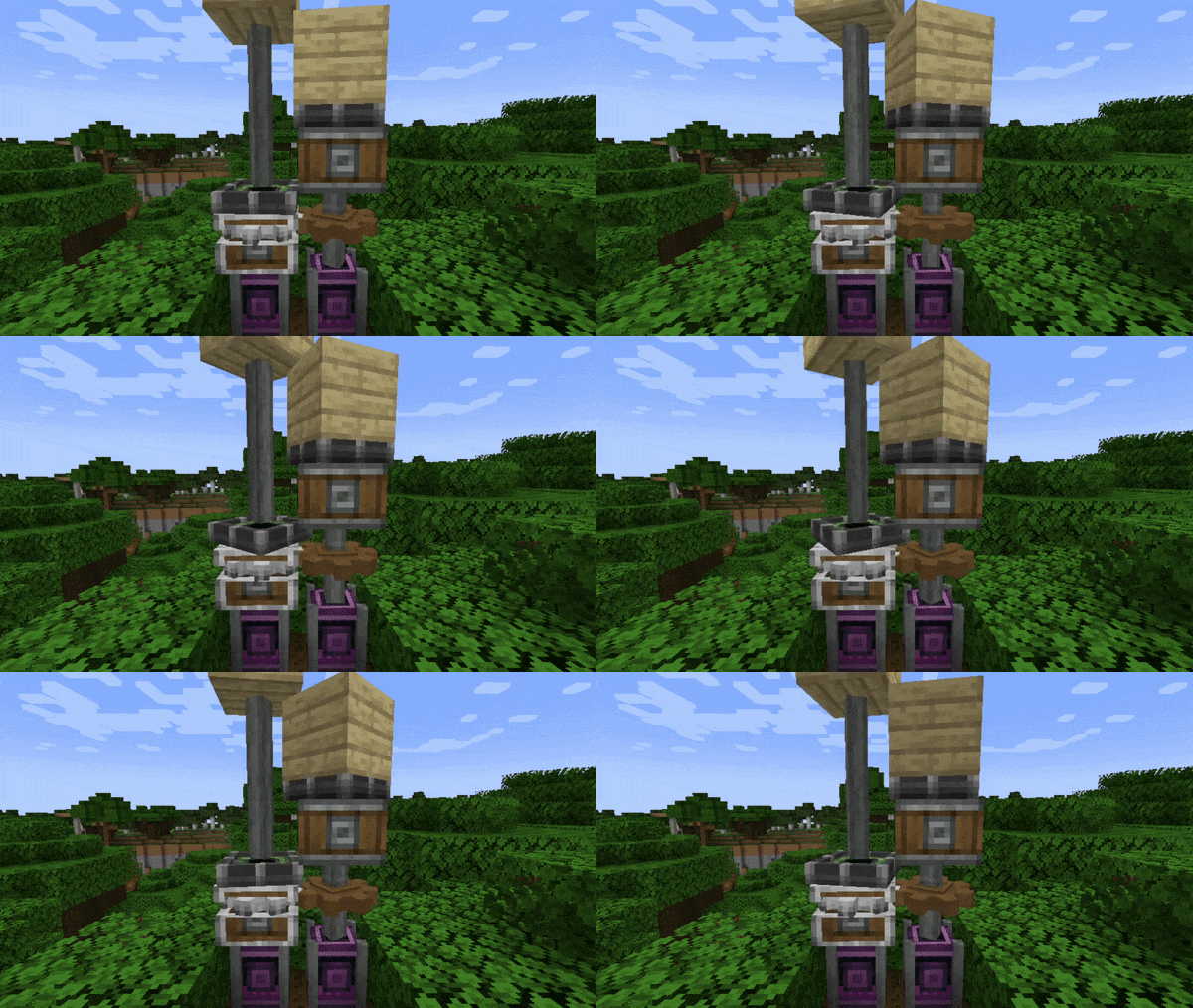
About this Mod
Create: Interactive
Interact with your Create contraptions in ways never before possible! With Interactive, all contraptions behave just like Minecraft blocks, so build, break, stack, and cause controlled chaos to your heart's content!
"Help, my stuff isn't interactive"
As of the last few updates, you now need to put the "interact me block" on any contraption you want interactive. You can change this behavior in the server config, allowing for contraptions to be interactive by default again.
How to get to the config
Features
Train Derailment
- The big one everyone has been asking for, Trains can finally derail off of tracks!
- Trains also keep their momentum and can push other derailed trains while still on their tracks!
Rotation Propagator Bearing
- A modified mechanical bearing that propagates rotation to its contraption.
- Especially useful for Sub-Contraptions!
Interactive Contraptions
- Place and destroy blocks on contraptions just like regular Minecraft!
Train Buffer Stop
- By default trains will roll off of tracks when they reach the end of the line!
- Use Train Buffer Stops to prevent your train from rolling off the tracks.
Check out our Discord for News & Updates

Available Versions
How to Install Create: Interactive on Your Server
Order Server
Order a Minecraft Java server with at least 4 GB RAM (6 GB recommended).
Set fabric Loader
In the panel under "Egg", select the fabric loader and matching Minecraft version (1.20.1).
Install Mod
Open the mod browser in the dashboard and search for "Create: Interactive". Click "Install" – done! Alternatively, upload the .jar via SFTP to the /mods folder.
Compatibility
Mod Loaders
Minecraft Versions
1.20.1, 1.19.2, 1.18.2
Server-side
✓ RequiredRecommended RAM
6 GB(min. 4 GB)Frequently Asked Questions
Create: Interactive server crashes on startup – what to do?
Most common cause: wrong fabric version or insufficient RAM. Check the server log (latest.log) for "OutOfMemoryError" or "Mixin" errors. With Mado Hosting: ensure at least 4 GB RAM is allocated and the loader matches the mod version (1.20.1). You can switch loaders with one click in the panel.
Is Create: Interactive compatible with fabric and forge?
Create: Interactive officially supports fabric, forge for Minecraft 1.20.1, 1.19.2, 1.18.2. Note: Forge and Fabric mods are NOT cross-compatible – pick one loader and stick with it. The Mado dashboard automatically detects incompatible loader combinations.
Server lagging with Create: Interactive – how to optimize performance?
Recommended RAM: 6 GB (per 5 players). Use /spark profiler to check if Create: Interactive consumes the most tick time. Common fixes: reduce server view-distance to 8-10, install "performant" or "starlight" as supplementary mods on Forge. With Mado Hosting, your server runs on NVMe SSDs with dedicated CPU cores for minimal latency.
Similar Mods





Rent Modded Server
Install Create: Interactive with just one click on your server.