Iron's Spells 'n Spellbooks
A magic mod bringing back the classic RPG spellcasting fantasy. (irons spells and spellbooks)
Über diese Mod




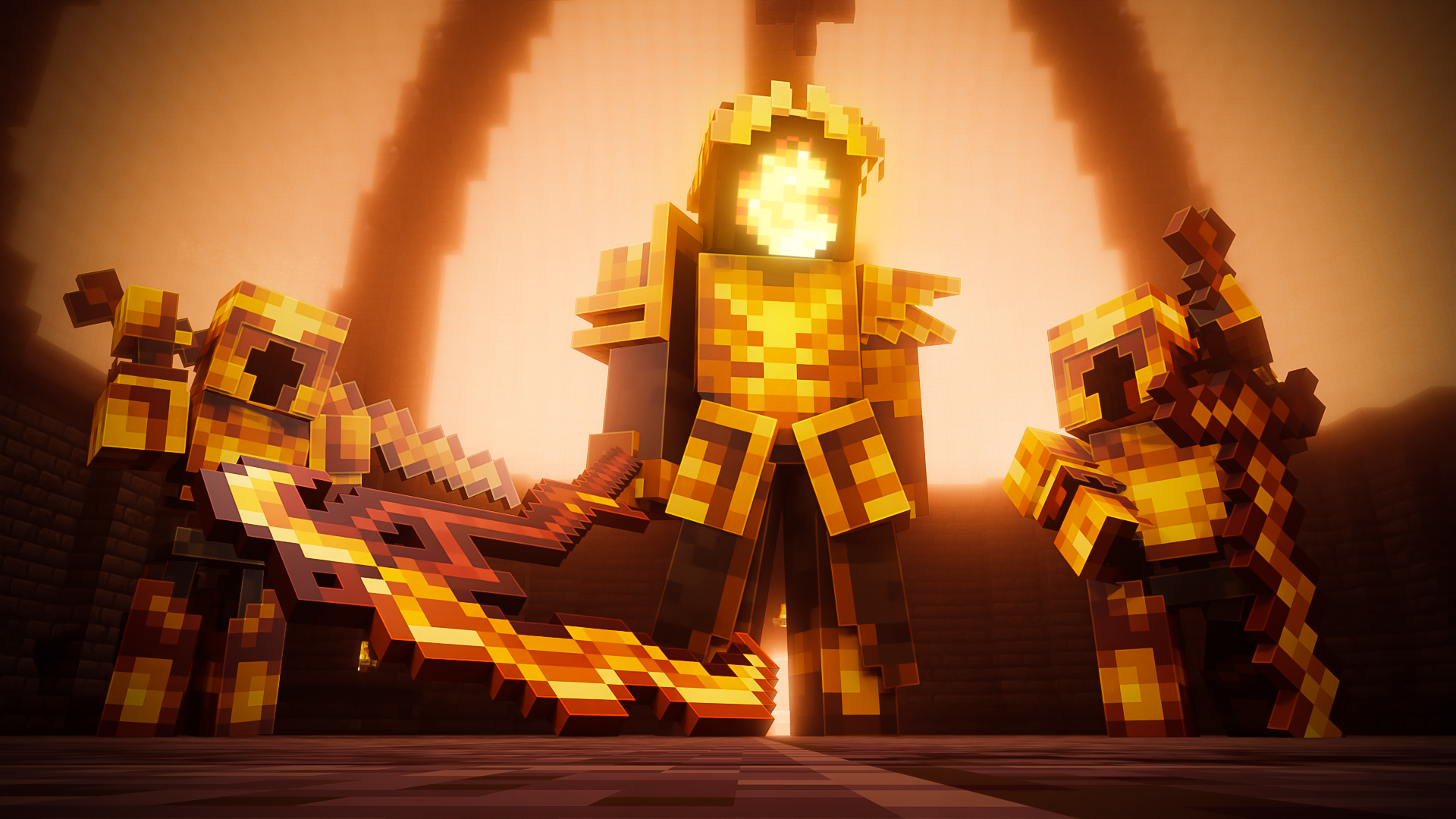
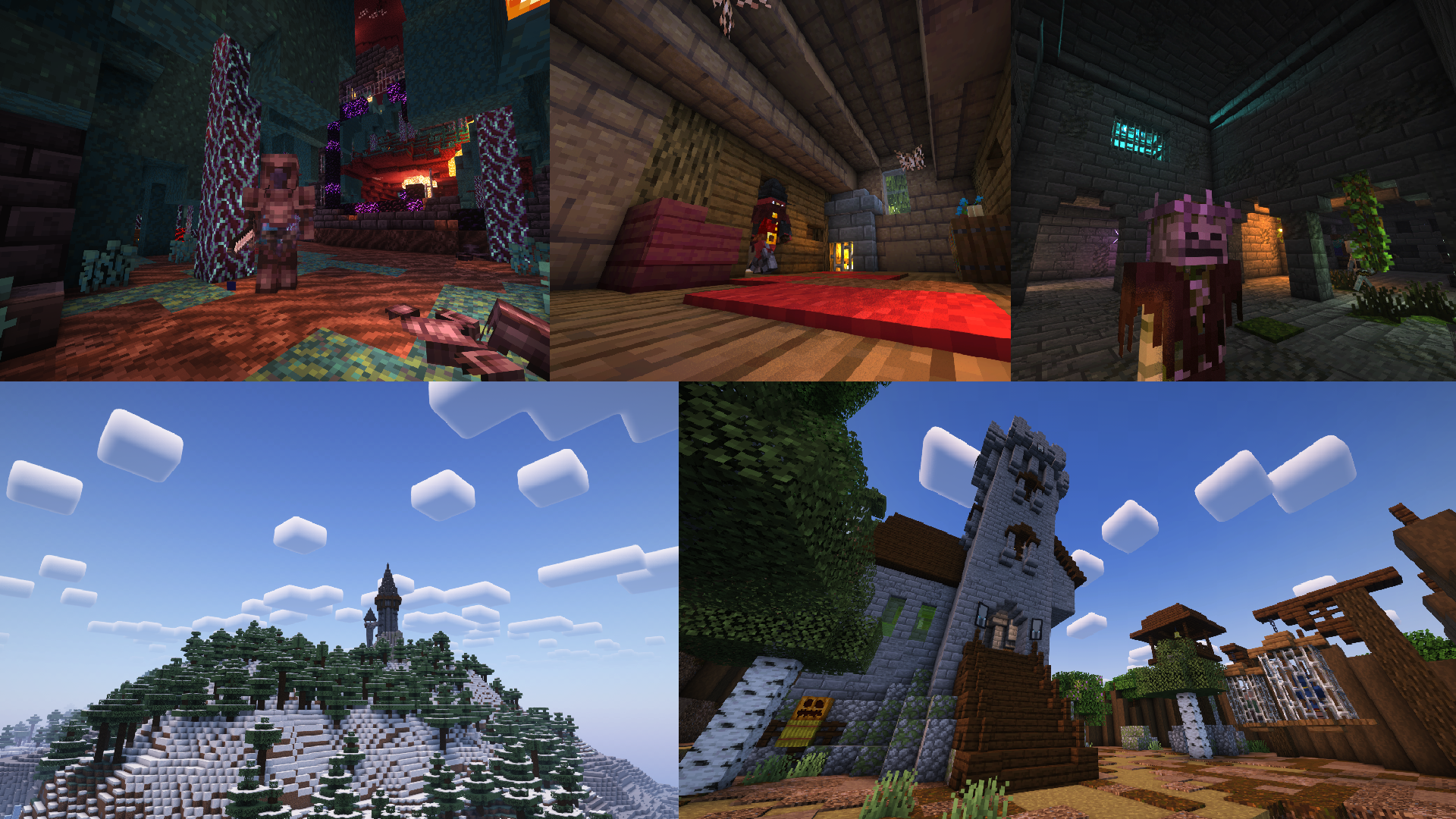
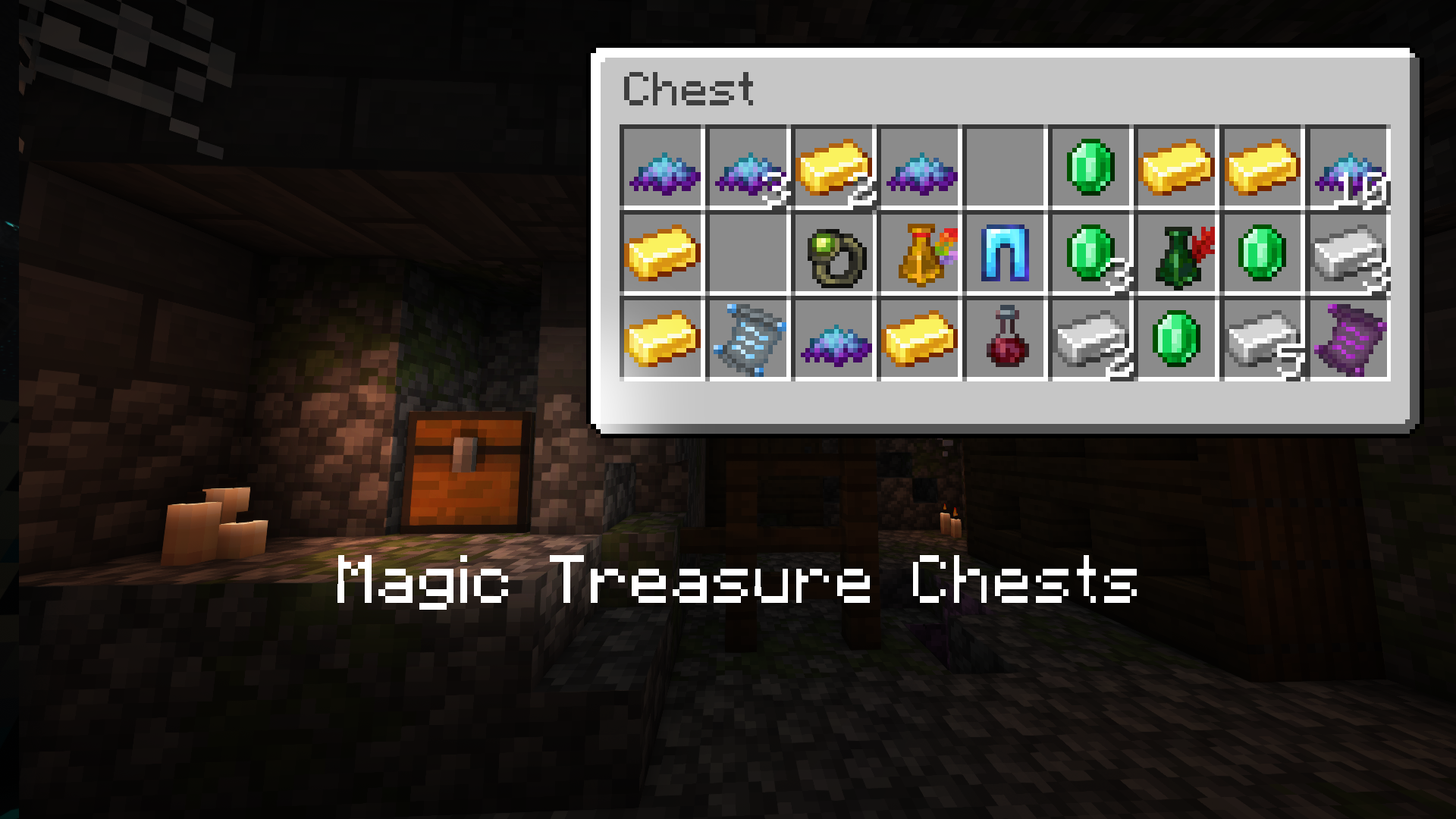
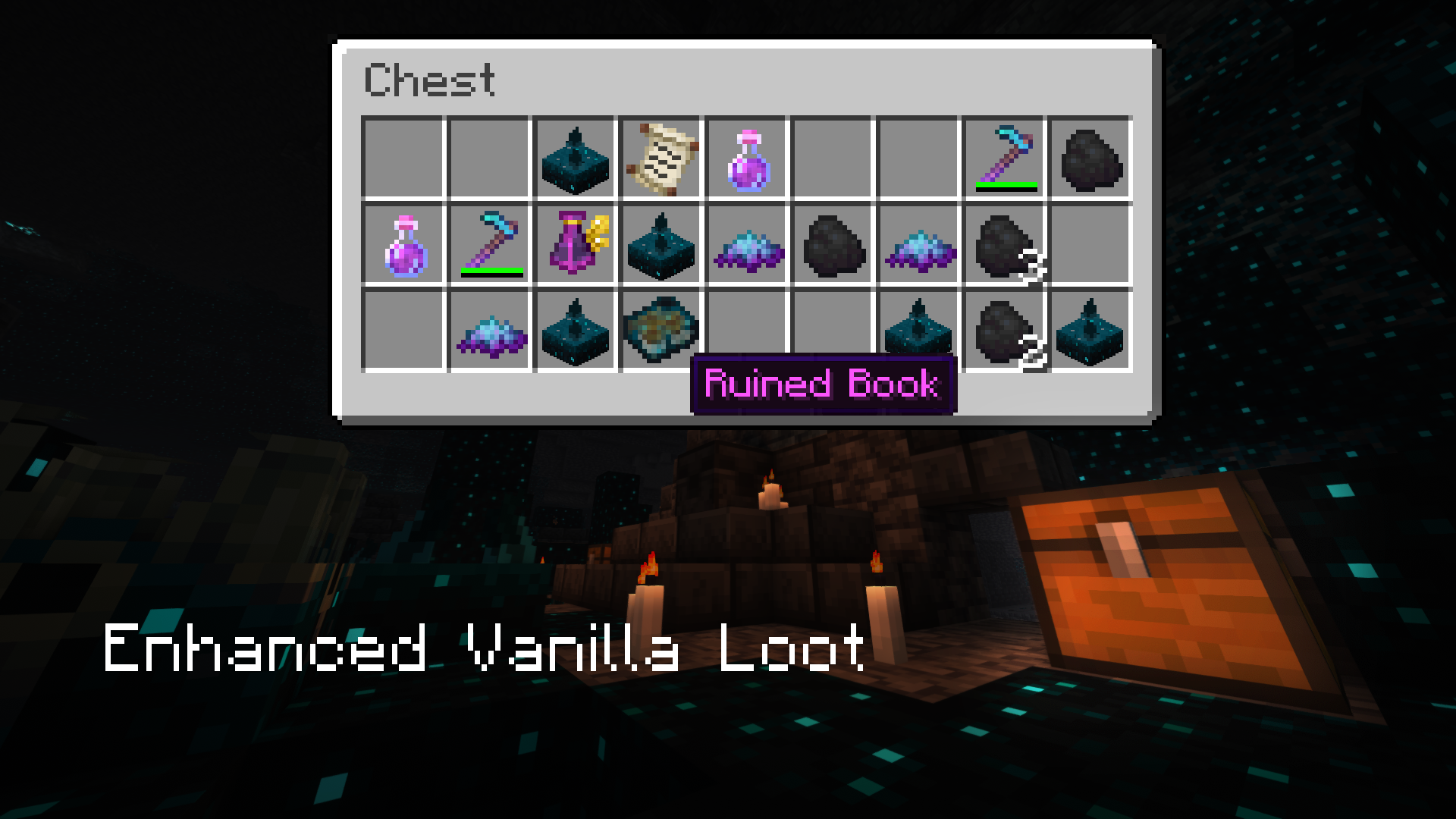
Iron's Spells 'n Spellbooks introduces the classic RPG spellcasting fantasy to the game. Fight dangerous wizards, raid a plethora of structures, delve through dungeons, collect resources and spells, and find powerful magical artifacts!
Featuring:
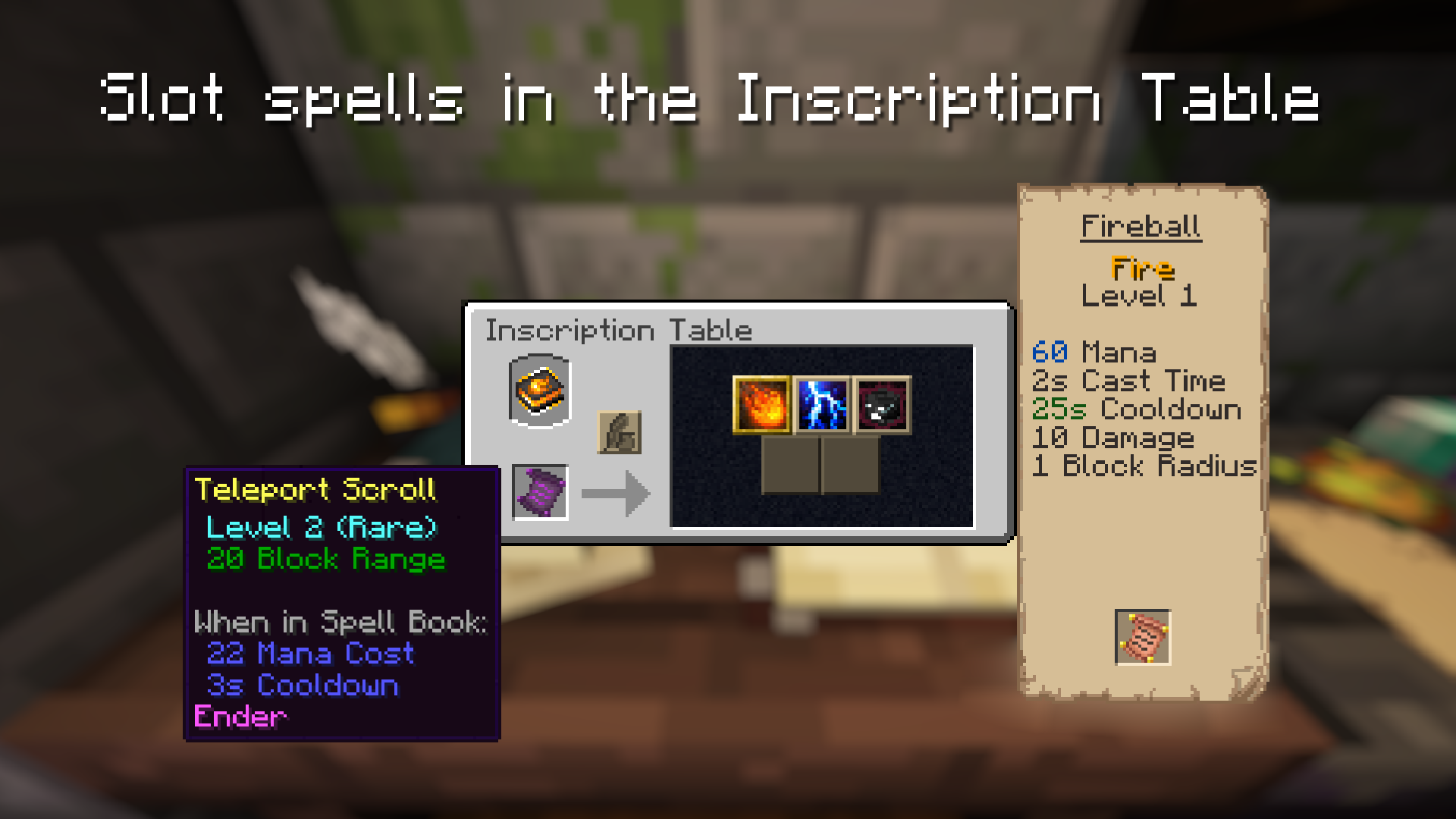
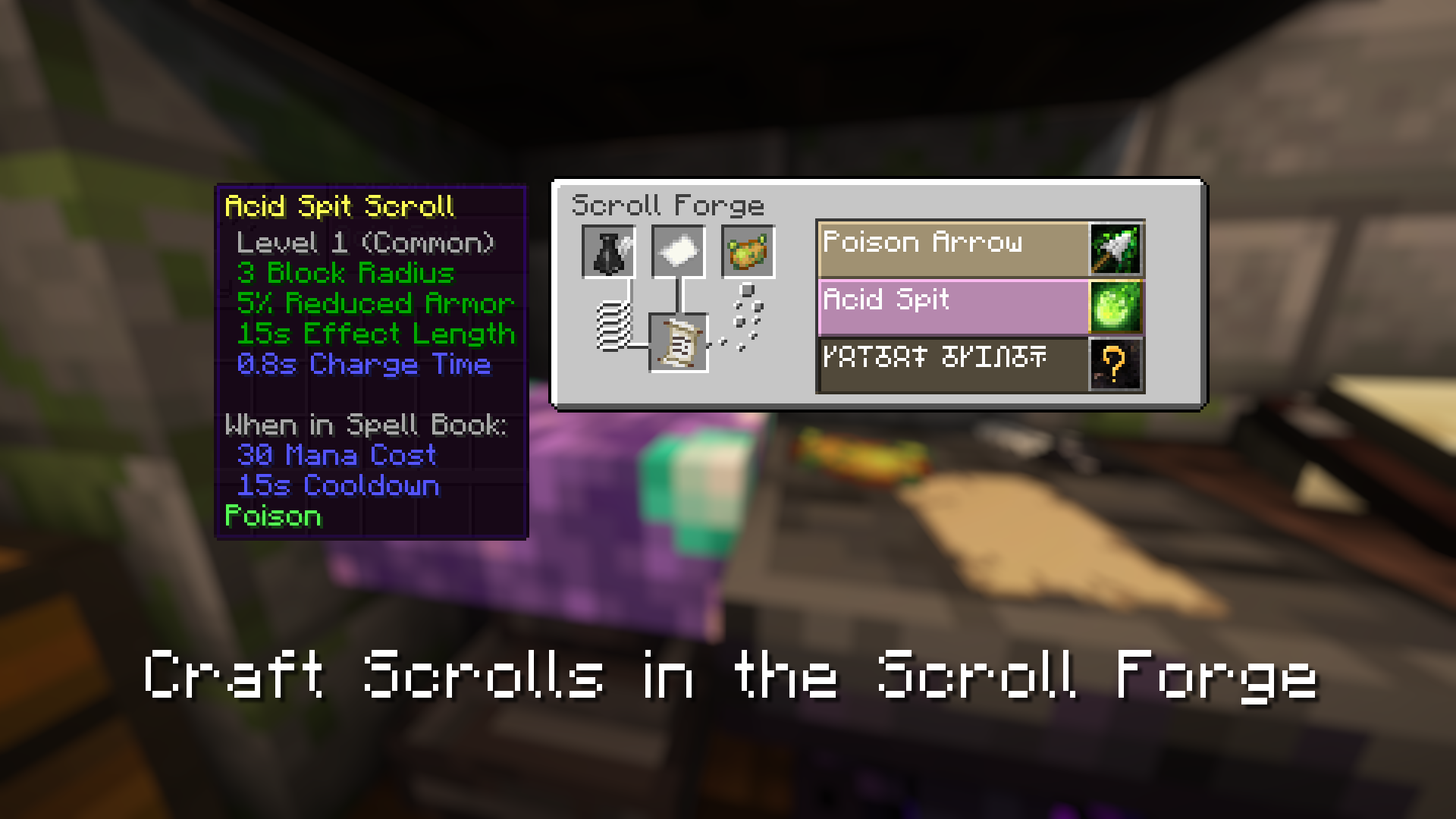
- Over 100 upgradable spells
- 2 Spellcasting Bosses
- 9 Spellcasting Enemies/Allies/Merchants
- 12 wizard armor sets
- 11 randomly generated structures
- Weapon Imbuement and Armor Upgrade Systems
- Extensive configuration options (including per-spell settings)
- Native compatibility with JEI, JEED, Apotheosis, Tetra, Better Combat, Patchouli, and others!
- And much more!
FAQ:
Q: How do I get started with Spells 'n Spellbooks?
A: https://www.iron.wiki/progression/
Q: Will there be a port to 1.20.1 (or any other versions/modloader)
A: TLDR: No. These mods are a hobby project and development for a single version takes months of personal commitment. However, they are open-source and open to community contributions: https://github.com/iron431/. Early access is available on Patreon (https://www.patreon.com/Iron431)
Q: My Models are are broken/won’t render
A: If you have Optifine, it’s that. Optifine is meant for vanilla clients. Use the many alternatives (such as Oculus) that work with forge
For Developers:
Support:

Verfügbare Versionen
Iron's Spells 'n Spellbooks auf dem Server installieren
Server bestellen
Bestelle einen Minecraft Java Server mit mindestens 3 GB RAM (4 GB empfohlen).
forge Loader setzen
Wähle im Panel unter "Egg" den forge-Loader und die passende Minecraft-Version (1.21.1).
Mod installieren
Öffne den Mod-Browser im Dashboard und suche nach "Iron's Spells 'n Spellbooks". Klicke "Installieren" – fertig! Alternativ: Lade die .jar via SFTP in den /mods Ordner.
Kompatibilität
Mod-Loader
Minecraft-Versionen
1.21.1, 1.21, 1.20.1 (+2 weitere)
Server-seitig
✓ ErforderlichEmpfohlener RAM
4 GB(min. 3 GB)Häufige Fragen
Iron's Spells 'n Spellbooks Server crasht beim Start – was tun?
Häufigste Ursache: falsche forge-Version oder zu wenig RAM. Prüfe im Server-Log (latest.log), ob ein "OutOfMemoryError" oder "Mixin"-Fehler auftritt. Bei Mado Hosting: Stelle sicher, dass mindestens 3 GB RAM zugewiesen sind und der Loader zur Mod-Version passt (1.21.1). Über das Panel kannst du den Loader mit einem Klick wechseln.
Ist Iron's Spells 'n Spellbooks mit forge und neoforge kompatibel?
Iron's Spells 'n Spellbooks unterstützt offiziell forge, neoforge für Minecraft 1.21.1, 1.21, 1.20.1. Im Mado Dashboard werden inkompatible Loader-Kombinationen automatisch erkannt.
Server laggt mit Iron's Spells 'n Spellbooks – wie optimiere ich die Performance?
Empfohlener RAM: 4 GB (+1 GB pro 8 Spieler). Prüfe mit /spark profiler, ob Iron's Spells 'n Spellbooks den meisten Tick-Time verbraucht. Häufige Fixes: Server-View-Distance auf 8-10 reduzieren, bei Forge "performant" oder "starlight" als Zusatz-Mod installieren. Bei Mado Hosting läuft dein Server auf NVMe-SSDs mit dedizierten CPU-Kernen für minimale Latenz.
Ähnliche Mods




Modded Server mieten
Installiere Iron's Spells 'n Spellbooks mit nur einem Klick auf deinem Server.