Iron's Spells 'n Spellbooks
A magic mod bringing back the classic RPG spellcasting fantasy. (irons spells and spellbooks)
About this Mod




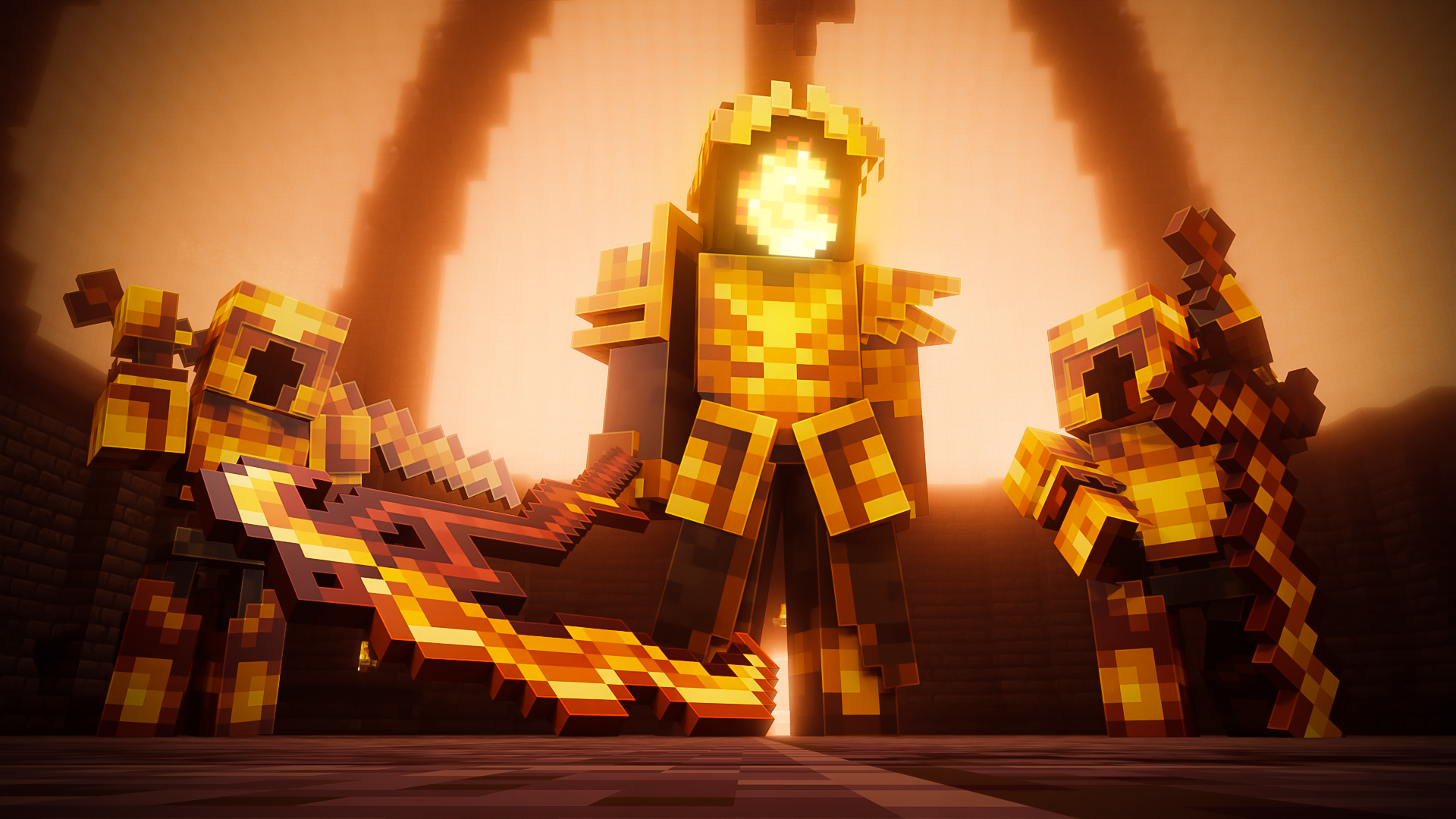
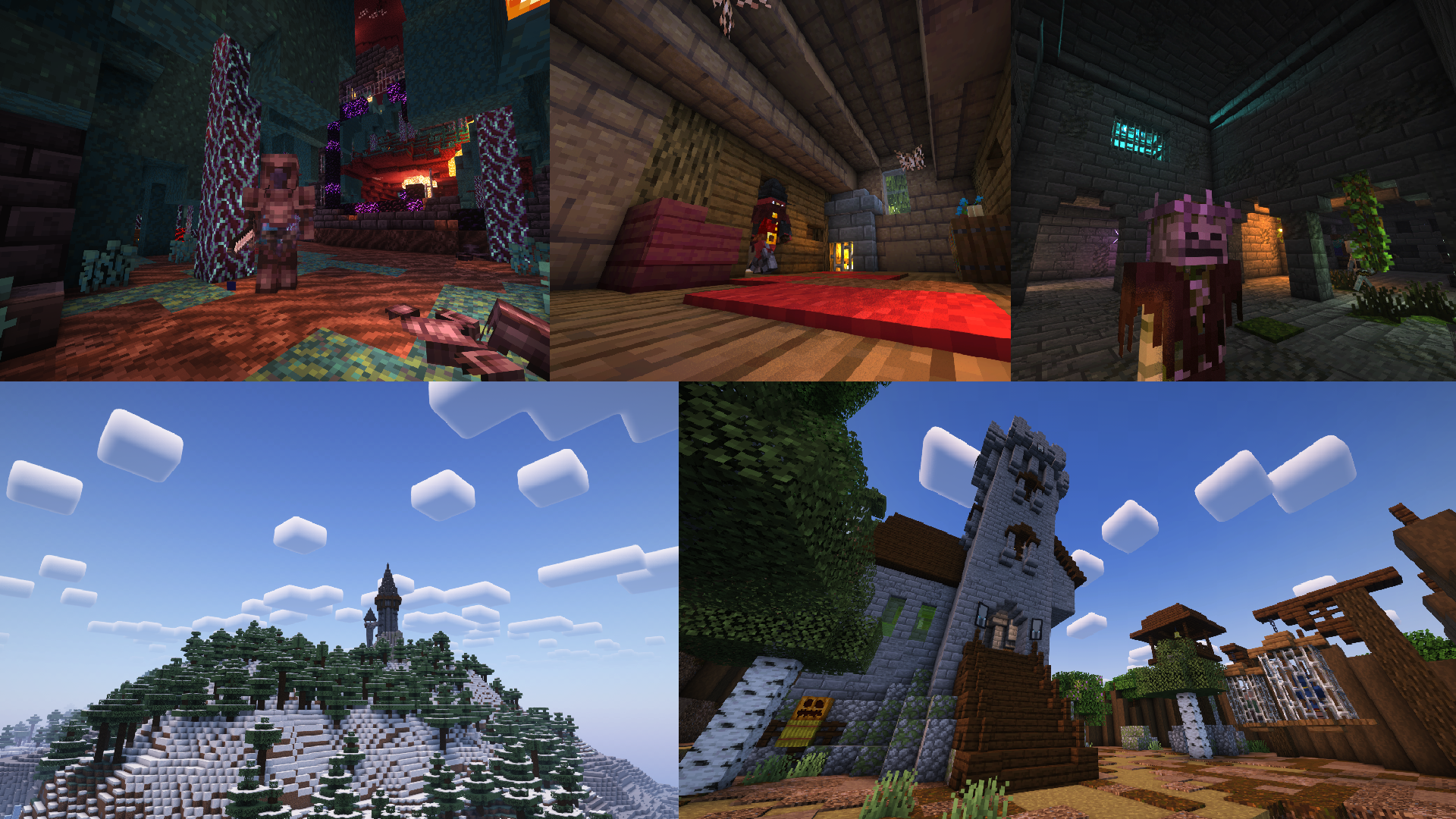
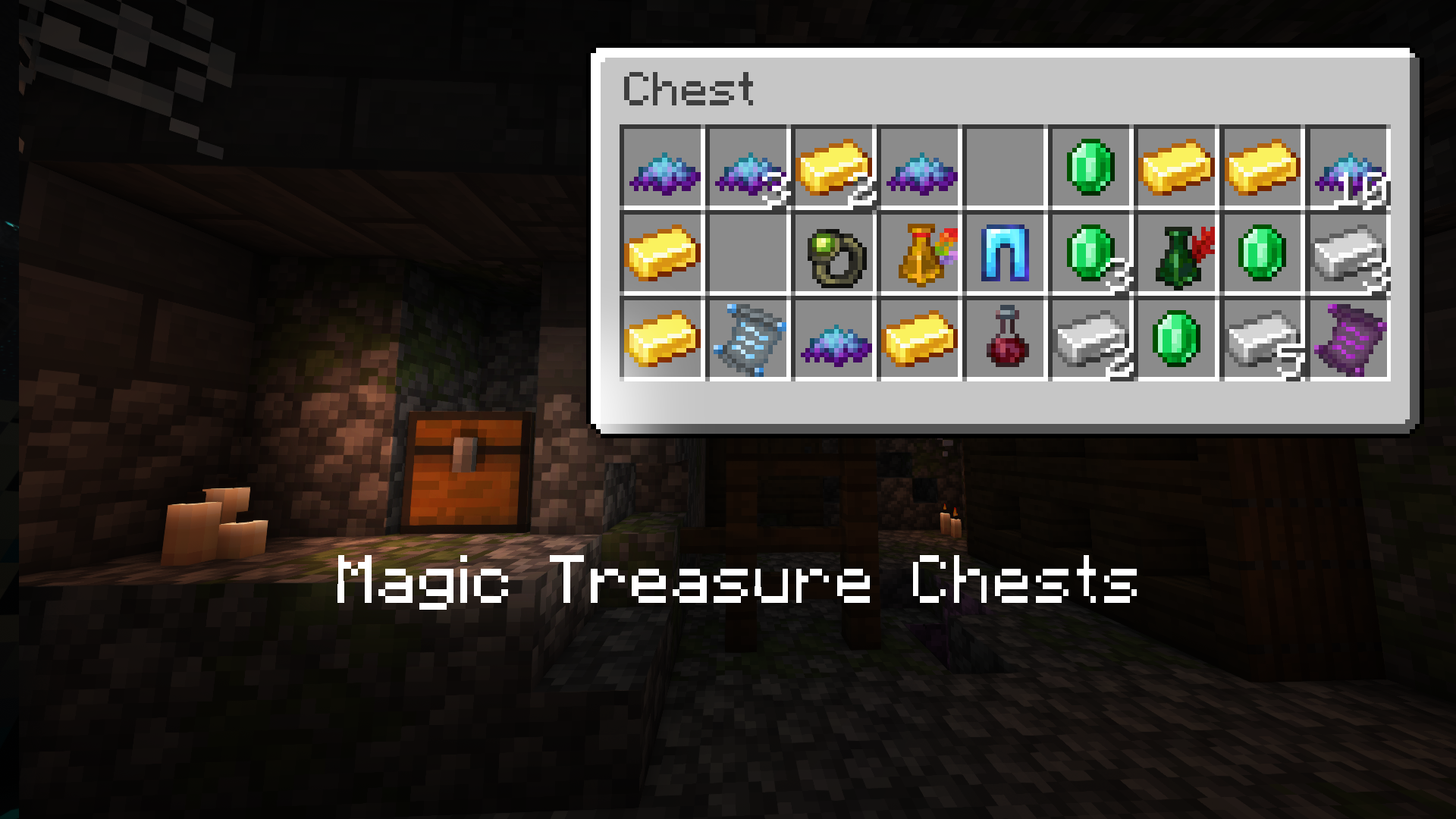
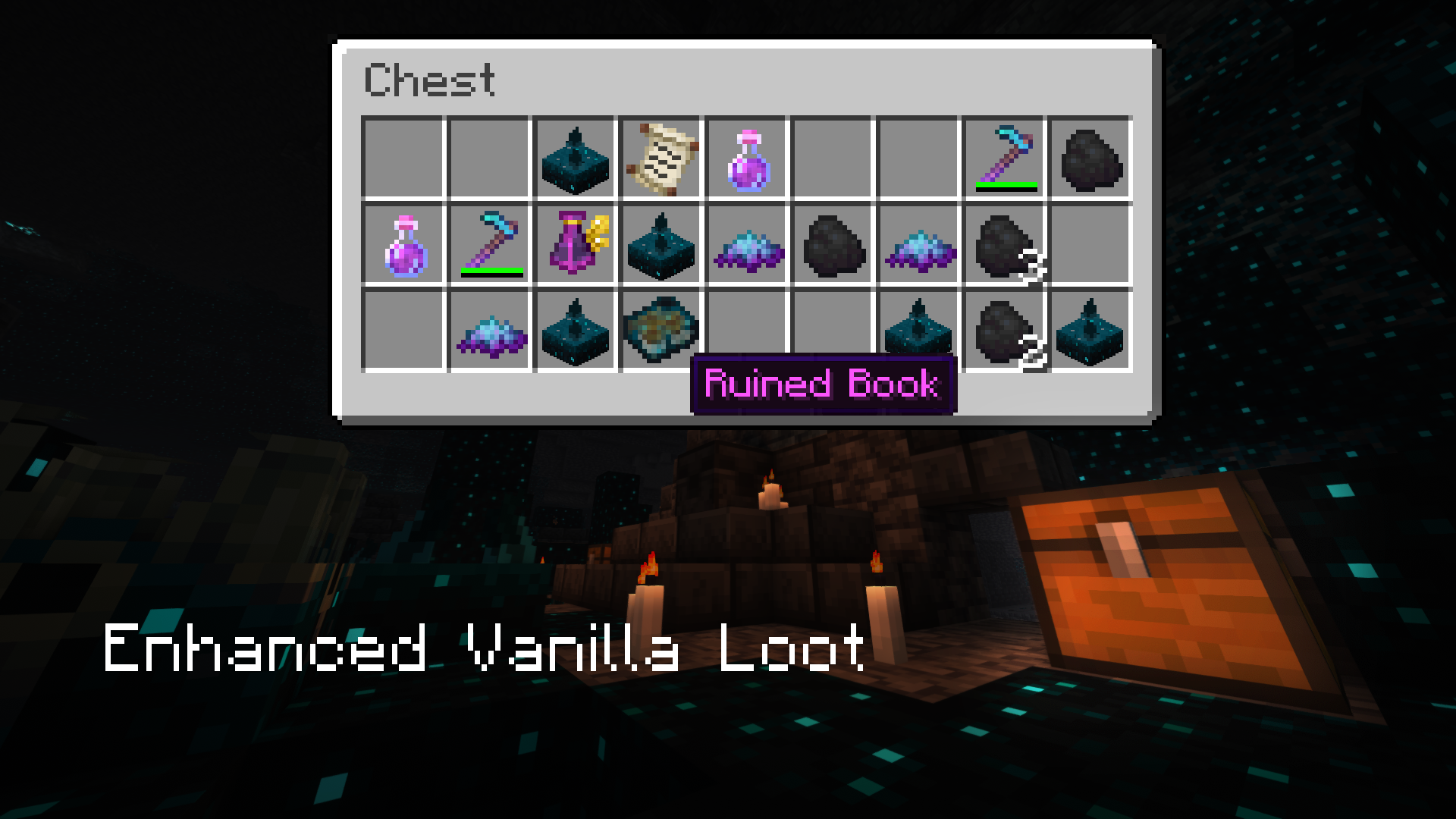
Iron's Spells 'n Spellbooks introduces the classic RPG spellcasting fantasy to the game. Fight dangerous wizards, raid a plethora of structures, delve through dungeons, collect resources and spells, and find powerful magical artifacts!
Featuring:
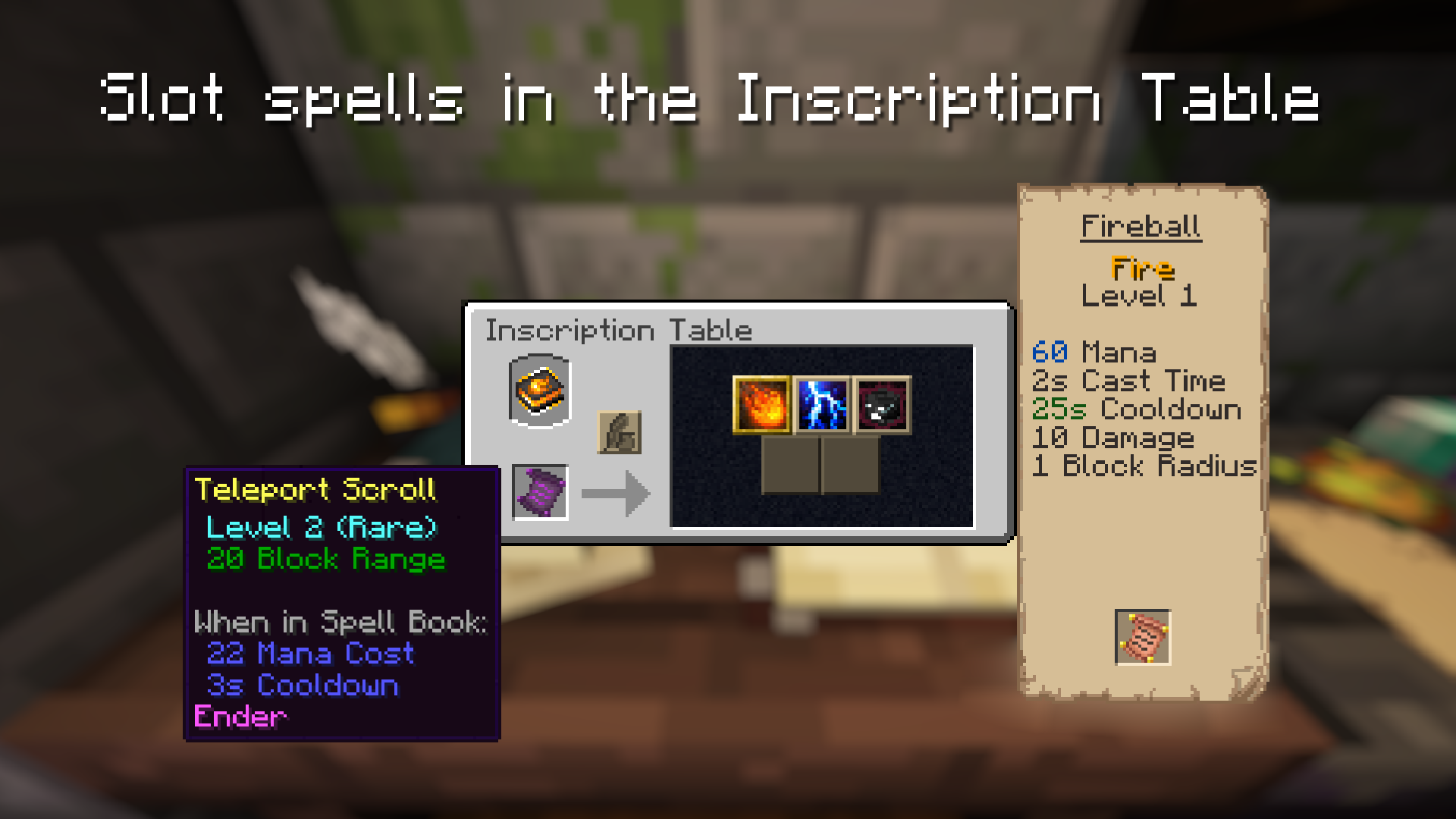
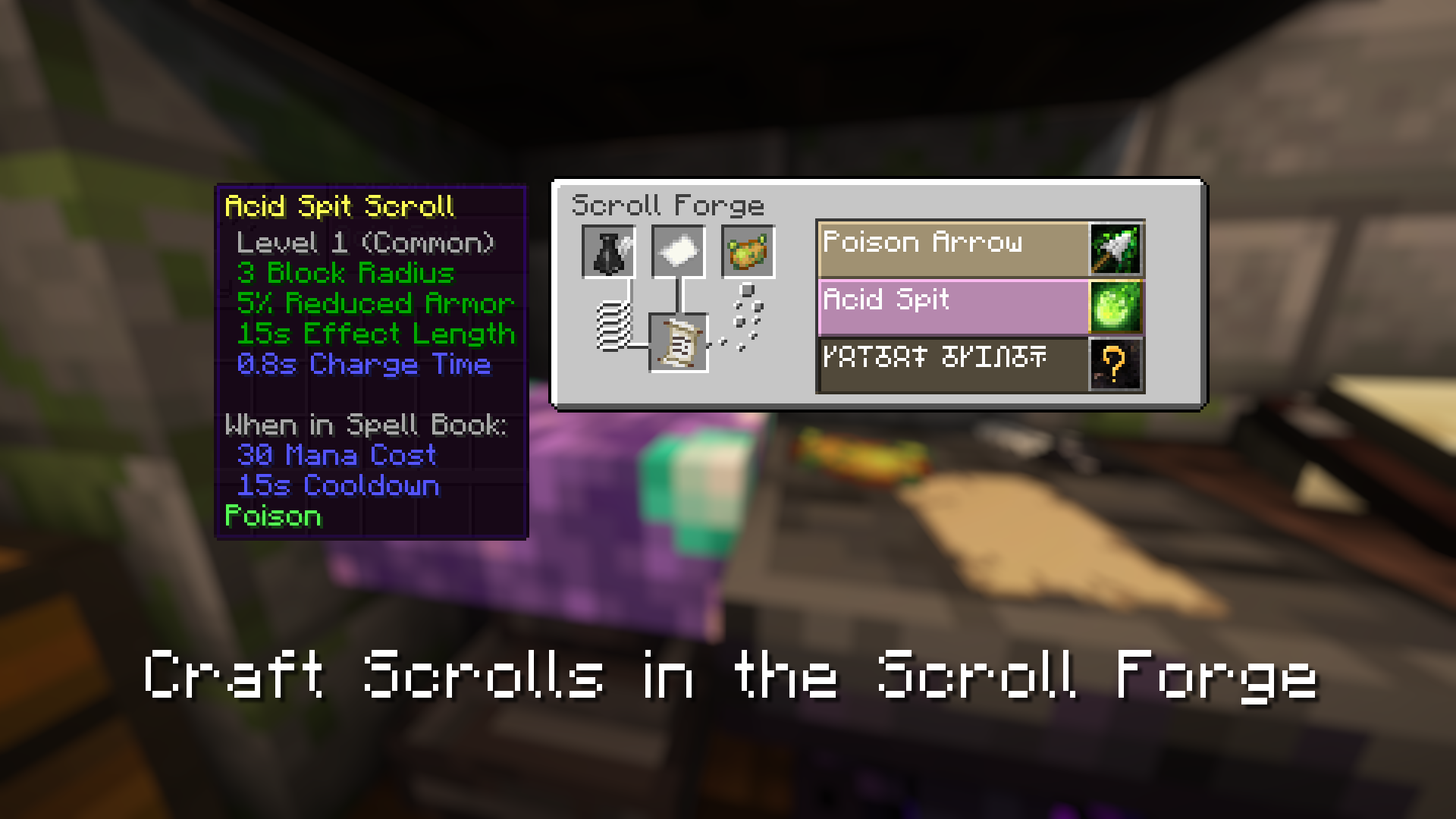
- Over 100 upgradable spells
- 2 Spellcasting Bosses
- 9 Spellcasting Enemies/Allies/Merchants
- 12 wizard armor sets
- 11 randomly generated structures
- Weapon Imbuement and Armor Upgrade Systems
- Extensive configuration options (including per-spell settings)
- Native compatibility with JEI, JEED, Apotheosis, Tetra, Better Combat, Patchouli, and others!
- And much more!
FAQ:
Q: How do I get started with Spells 'n Spellbooks?
A: https://www.iron.wiki/progression/
Q: Will there be a port to 1.20.1 (or any other versions/modloader)
A: TLDR: No. These mods are a hobby project and development for a single version takes months of personal commitment. However, they are open-source and open to community contributions: https://github.com/iron431/. Early access is available on Patreon (https://www.patreon.com/Iron431)
Q: My Models are are broken/won’t render
A: If you have Optifine, it’s that. Optifine is meant for vanilla clients. Use the many alternatives (such as Oculus) that work with forge
For Developers:
Support:

Available Versions
How to Install Iron's Spells 'n Spellbooks on Your Server
Order Server
Order a Minecraft Java server with at least 3 GB RAM (4 GB recommended).
Set forge Loader
In the panel under "Egg", select the forge loader and matching Minecraft version (1.21.1).
Install Mod
Open the mod browser in the dashboard and search for "Iron's Spells 'n Spellbooks". Click "Install" – done! Alternatively, upload the .jar via SFTP to the /mods folder.
Compatibility
Mod Loaders
Minecraft Versions
1.21.1, 1.21, 1.20.1 (+2 more)
Server-side
✓ RequiredRecommended RAM
4 GB(min. 3 GB)Frequently Asked Questions
Iron's Spells 'n Spellbooks server crashes on startup – what to do?
Most common cause: wrong forge version or insufficient RAM. Check the server log (latest.log) for "OutOfMemoryError" or "Mixin" errors. With Mado Hosting: ensure at least 3 GB RAM is allocated and the loader matches the mod version (1.21.1). You can switch loaders with one click in the panel.
Is Iron's Spells 'n Spellbooks compatible with forge and neoforge?
Iron's Spells 'n Spellbooks officially supports forge, neoforge for Minecraft 1.21.1, 1.21, 1.20.1. The Mado dashboard automatically detects incompatible loader combinations.
Server lagging with Iron's Spells 'n Spellbooks – how to optimize performance?
Recommended RAM: 4 GB (per 8 players). Use /spark profiler to check if Iron's Spells 'n Spellbooks consumes the most tick time. Common fixes: reduce server view-distance to 8-10, install "performant" or "starlight" as supplementary mods on Forge. With Mado Hosting, your server runs on NVMe SSDs with dedicated CPU cores for minimal latency.
Similar Mods




Rent Modded Server
Install Iron's Spells 'n Spellbooks with just one click on your server.