
Island Utils
A client-side utility mod for MCC Island
Screenshots

Über diese Mod
Island Utils
A client-side utility mod for MCC Island
Requires Minecraft 1.20 or higher, Yet Another Config Lib and Noxesium

For issues and support check issues on GitHub or join the Discord
This mod is not an official product or endorced by Noxcrew (MCCI) in any way.
Game music was created by Issac Wilkins, all credits go to them and Noxcrew.
Utilities
- Event music to the games on Island
- Custom Volume slider for music and sound effects
- Confirmation screen when clicking "Disconnect" during games
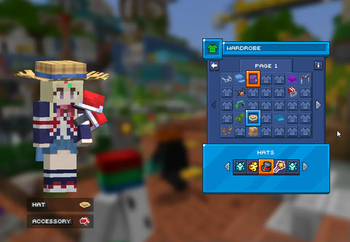
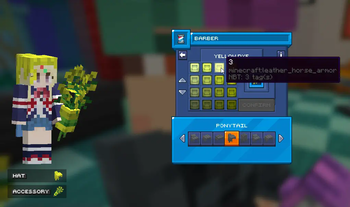
- Preview of your character when in the wardrobe or shops
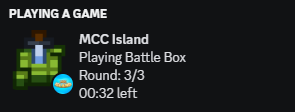
- Discord Presence
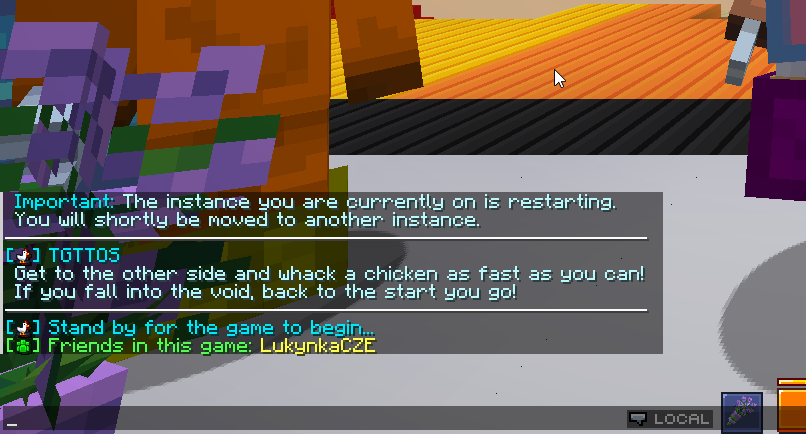
- Message to show friends in the same game
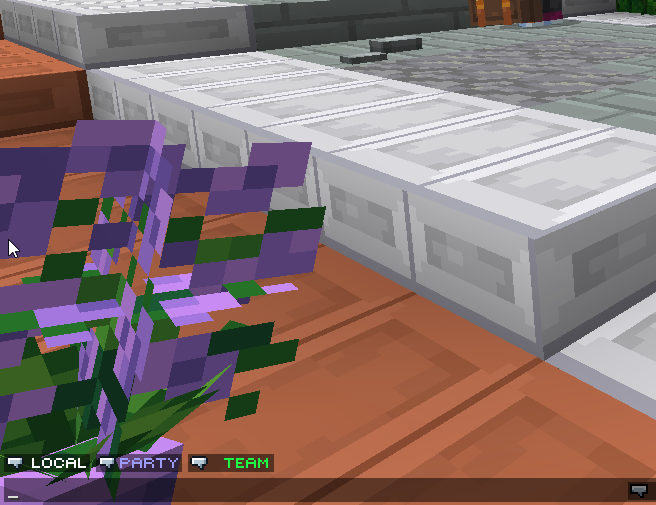
- Buttons above the chat box to switch between chat channels
- Split Timer for Parkour Warrior: Dojo
- Notifications for when Items you're crafting are complete
- Command for seeing how long your items have left in the Forge or assembler
Verfügbare Versionen
Island Utils auf deinem Client installieren
Mod-Loader lokal installieren
Installiere fabric für deine lokale Minecraft-Version.
Passende Datei herunterladen
Wähle die Island Utils-Datei für fabric und Minecraft 1.21.11.
Mod installieren
Lege die .jar-Datei in deinem lokalen .minecraft/mods-Ordner ab und starte Minecraft neu. Eine Installation auf dem Server ist nicht nötig.
Kompatibilität
Mod-Loader
Minecraft-Versionen
1.21.11, 1.21.8, 1.21.7 (+16 weitere)
Server-seitig
✗ Nicht unterstütztEmpfohlener RAM
4 GB(min. 3 GB)Häufige Fragen
Muss Island Utils auf dem Minecraft Server installiert werden?
Nein. Modrinth kennzeichnet Island Utils serverseitig als nicht unterstützt. Installiere die Mod nur im lokalen Minecraft-Mods-Ordner. Dein Server kann unverändert bleiben, sofern die Mod-Seite keine zusätzliche Abhängigkeit nennt.
Welche Version und welchen Loader braucht Island Utils?
Nutze eine Datei für fabric und exakt deine Minecraft-Version. Unterstützte Versionen sind unter anderem 1.21.11, 1.21.8, 1.21.7. Loader-Dateien sind nicht untereinander austauschbar.
Island Utils funktioniert nicht – was kann ich prüfen?
Prüfe zuerst Minecraft-Version, Loader-Version und erforderliche Abhängigkeiten. Lege die .jar-Datei im lokalen .minecraft/mods-Ordner ab und entferne ältere Duplikate. Da die Mod clientseitig ist, löst mehr Server-RAM dieses Problem nicht.
Ähnliche Mods




![[ETF] Entity Texture Features](https://cdn.modrinth.com/data/BVzZfTc1/af683d206d50b05258d865b0d6e4aa2f2cee12f2_96.webp)

Minecraft Server für deine Gruppe
Island Utils bleibt auf deinem Client. Hoste dazu eine kompatible Welt für deine Mitspieler.