
MAmbience
MAmbience adds a large amount of dynamic ambient effects to minecraft. This includes ambient sounds, visual (particle based) and advanced footstep sounds. All of this while remaining fully compatible with vanilla clients using a simple resourcepack.
Screenshots
Über diese Mod
MAmbience adds a large amount of dynamic ambient effects to minecraft.
This includes ambient sounds that get played depending of the players immediate surroundings.
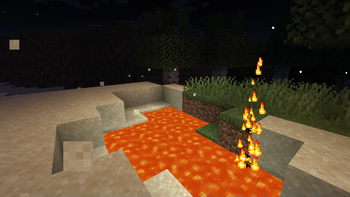
As well as some visual (particle based) effects like Lava Jets, Fireflies and sand blowing in the desert winds.
Lastly it includes advanced footstep sounds based on Dynamic Surroundings. (For Player Entities only)
All of this while remaining fully compatible with vanilla clients (a resourcepack is required to be able to hear the new sounds)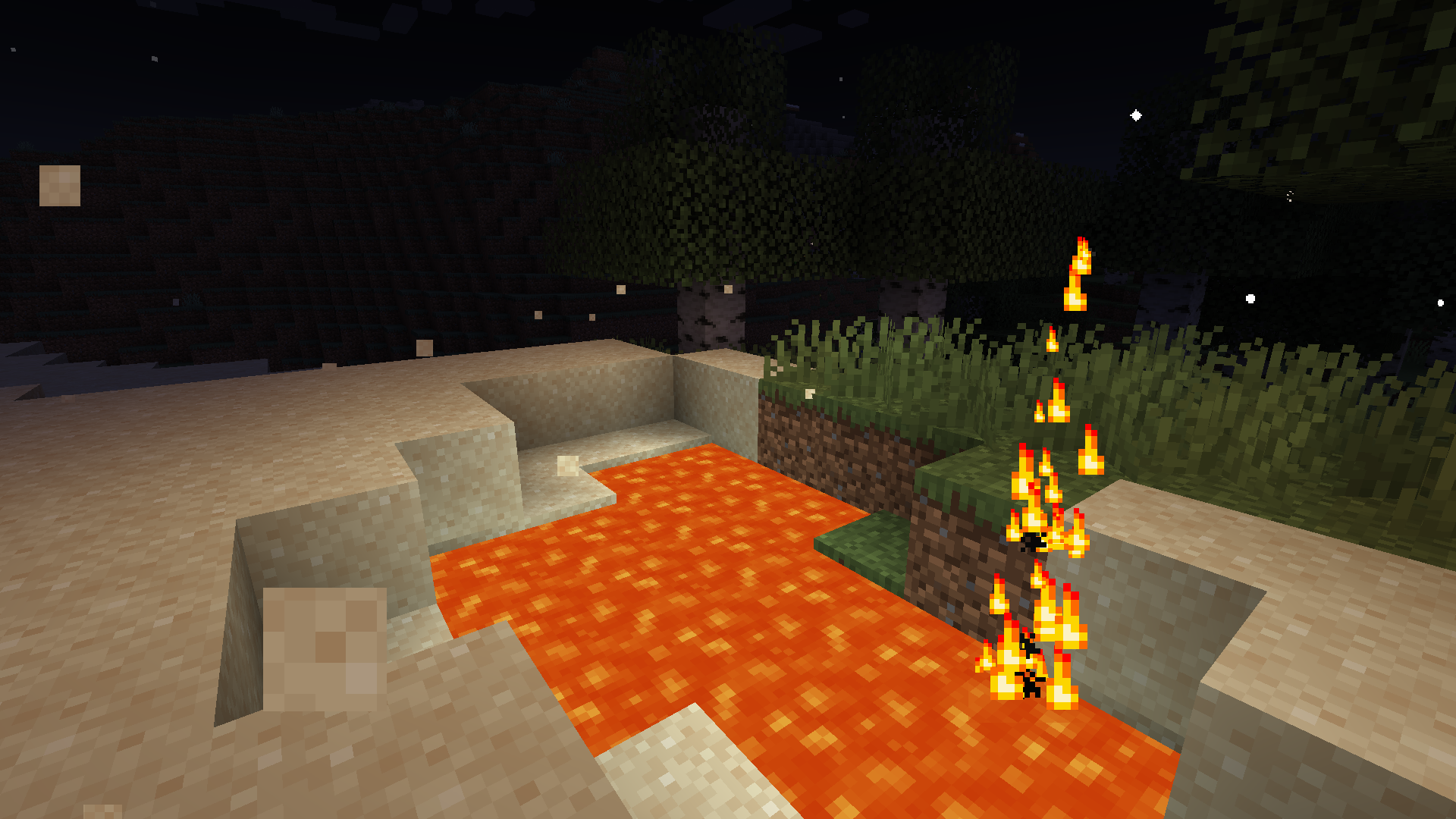
While MAmbience comes with a large default setup of effects all of them and their conditions are fully data defined and adjustable using datapacks.
In case only some of the functionality is wanted, the three sepparate systems can be disabled with simple toggles in the central config file or directly ingame using the modmenu mod list.
Vanilla Clients can connect to any server running MAmbience:
Vanilla Clients have to use the corresponding resource pack (modrinth does not allow to directly upload it as an additional file for this mod, see next section) to be able to hear the sounds.
Resource Pack (only required when using vanilla client):
A download link to the fitting Resourcepack is provided on the download page of each Version. Currently not possible on modrinth.
Alternatively you can extract the resourcepack from the mod:
To export the resourcepack matching a mod/plugin version run the jar file with this command (adjust the command to fit your version of course):
java -cp Mambience-5.3.0+1.19.4.jar me.andre111.mambience.resources.RPGenerator
Verfügbare Versionen
MAmbience auf dem Server installieren
Server bestellen
Bestelle einen Minecraft Java Server mit mindestens 3 GB RAM (4 GB empfohlen).
fabric Loader setzen
Wähle im Panel unter "Egg" den fabric-Loader und die passende Minecraft-Version (1.21.1).
Mod installieren
Öffne den Mod-Browser im Dashboard und suche nach "MAmbience". Klicke "Installieren" – fertig! Alternativ: Lade die .jar via SFTP in den /mods Ordner.
Kompatibilität
Mod-Loader
Minecraft-Versionen
1.21.1, 1.21, 1.20.6 (+5 weitere)
Server-seitig
~ OptionalEmpfohlener RAM
4 GB(min. 3 GB)Häufige Fragen
MAmbience Server crasht beim Start – was tun?
Häufigste Ursache: falsche fabric-Version oder zu wenig RAM. Prüfe im Server-Log (latest.log), ob ein "OutOfMemoryError" oder "Mixin"-Fehler auftritt. Bei Mado Hosting: Stelle sicher, dass mindestens 3 GB RAM zugewiesen sind und der Loader zur Mod-Version passt (1.21.1). Über das Panel kannst du den Loader mit einem Klick wechseln.
Ist MAmbience mit fabric kompatibel?
MAmbience unterstützt offiziell fabric für Minecraft 1.21.1, 1.21, 1.20.6. Im Mado Dashboard werden inkompatible Loader-Kombinationen automatisch erkannt.
Server laggt mit MAmbience – wie optimiere ich die Performance?
Empfohlener RAM: 4 GB (+1 GB pro 8 Spieler). Prüfe mit /spark profiler, ob MAmbience den meisten Tick-Time verbraucht. Häufige Fixes: Server-View-Distance auf 8-10 reduzieren, bei Forge "performant" oder "starlight" als Zusatz-Mod installieren. Bei Mado Hosting läuft dein Server auf NVMe-SSDs mit dedizierten CPU-Kernen für minimale Latenz.
Ähnliche Mods

![[ETF] Entity Texture Features](https://cdn.modrinth.com/data/BVzZfTc1/af683d206d50b05258d865b0d6e4aa2f2cee12f2_96.webp)
![[EMF] Entity Model Features](https://cdn.modrinth.com/data/4I1XuqiY/6e5bbd0d06b1741bfdab6c0cfab6de8fdaf0064c_96.webp)



Modded Server mieten
Installiere MAmbience mit nur einem Klick auf deinem Server.