
More Axolotl Variants Mod
Adds more axolotl variants!
Screenshots
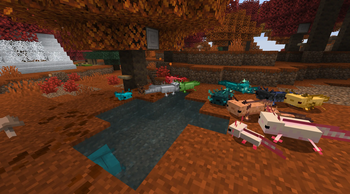
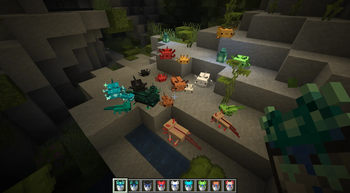
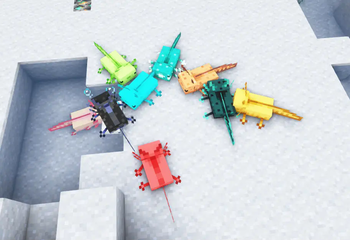
Über diese Mod







This mod simply adds more axolots into vanilla Minecraft (they have their own nbt tag, starting from 5 to 14).
Has compatibility with Axolotl Bucket Fix v1.1.1+ (Fabric Only)
Requires More Axolotl Variants API since version 1.2.0.
Summon command:
/summon minecraft:axolotl [pos] {Variant:"mavm:<variantname>"}
Skulk Axolotl and Glowxolotl can be only be get by breeding!


1.0.8 Update has changed textures to fit newer axolotl texture changes.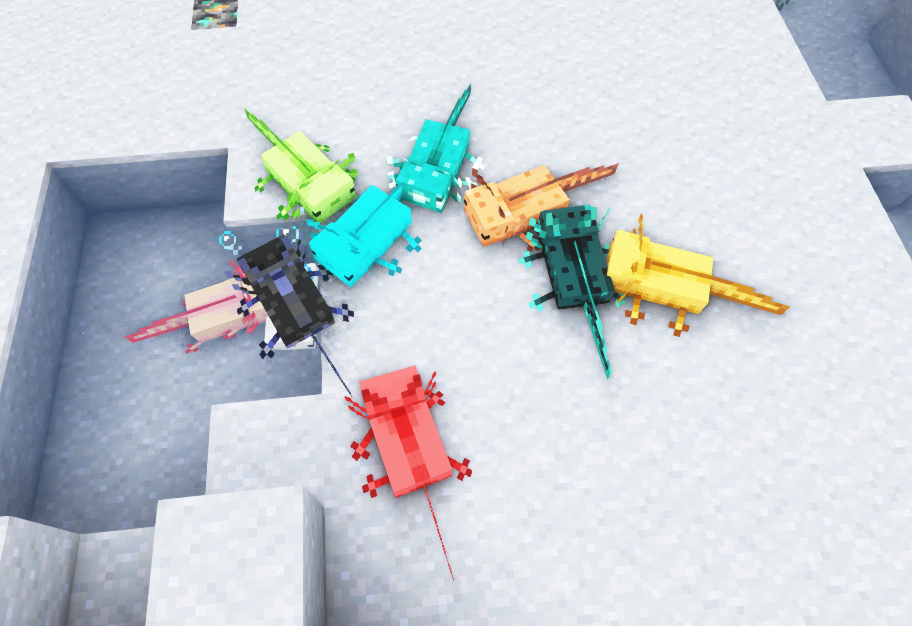
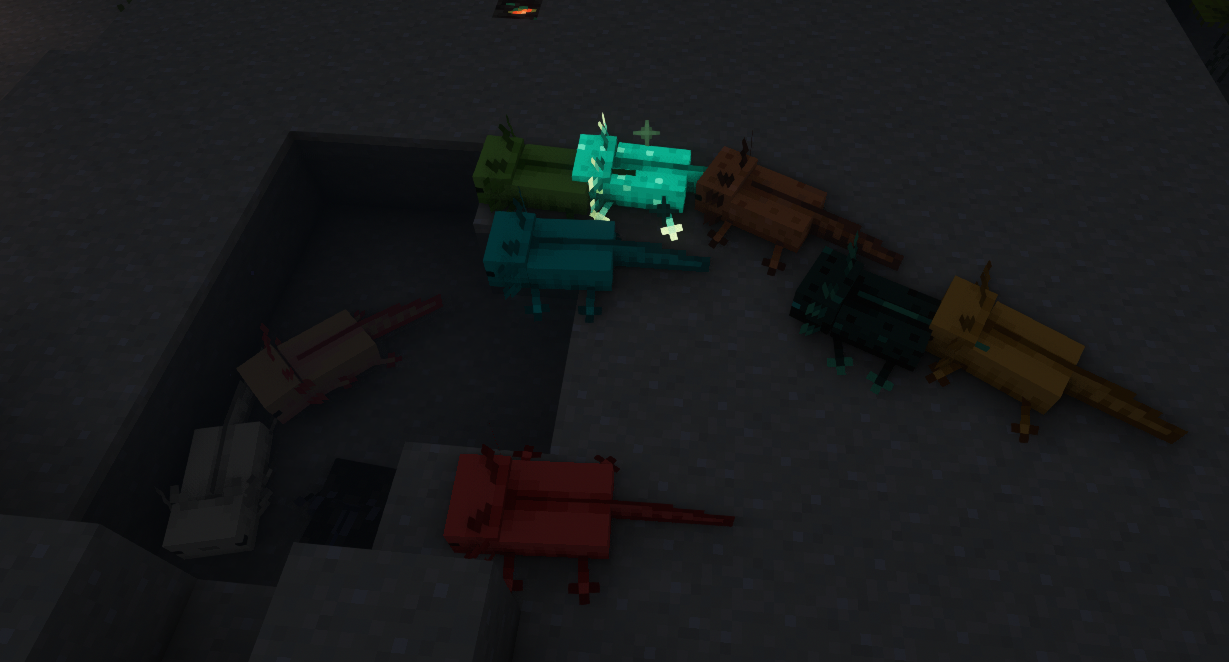
Axolotl list:
Lucia, Wilder, Golden, Green, Skulk, Dark, Red, Glowxolotl, White, Cyanide.
Small support to Glowxolotl (The only axolotl that i made a texture for ^^)

Verfügbare Versionen
More Axolotl Variants Mod auf dem Server installieren
Server bestellen
Bestelle einen Minecraft Java Server mit mindestens 3 GB RAM (4 GB empfohlen).
fabric Loader setzen
Wähle im Panel unter "Egg" den fabric-Loader und die passende Minecraft-Version (26.3).
Mod installieren
Öffne den Mod-Browser im Dashboard und suche nach "More Axolotl Variants Mod". Klicke "Installieren" – fertig! Alternativ: Lade die .jar via SFTP in den /mods Ordner.
Kompatibilität
Mod-Loader
Minecraft-Versionen
26.3, 26.3-pre-2, 26.2 (+28 weitere)
Server-seitig
✓ ErforderlichEmpfohlener RAM
4 GB(min. 3 GB)Häufige Fragen
More Axolotl Variants Mod Server crasht beim Start – was tun?
Häufigste Ursache: falsche fabric-Version oder zu wenig RAM. Prüfe im Server-Log (latest.log), ob ein "OutOfMemoryError" oder "Mixin"-Fehler auftritt. Bei Mado Hosting: Stelle sicher, dass mindestens 3 GB RAM zugewiesen sind und der Loader zur Mod-Version passt (26.3). Über das Panel kannst du den Loader mit einem Klick wechseln.
Ist More Axolotl Variants Mod mit fabric und forge und neoforge und quilt kompatibel?
More Axolotl Variants Mod unterstützt offiziell fabric, forge, neoforge, quilt für Minecraft 26.3, 26.3-pre-2, 26.2. Achtung: Forge- und Fabric-Mods sind NICHT untereinander kompatibel – wähle einen Loader und bleibe dabei. Im Mado Dashboard werden inkompatible Loader-Kombinationen automatisch erkannt.
Server laggt mit More Axolotl Variants Mod – wie optimiere ich die Performance?
Empfohlener RAM: 4 GB (+1 GB pro 8 Spieler). Prüfe mit /spark profiler, ob More Axolotl Variants Mod den meisten Tick-Time verbraucht. Häufige Fixes: Server-View-Distance auf 8-10 reduzieren, bei Forge "performant" oder "starlight" als Zusatz-Mod installieren. Bei Mado Hosting läuft dein Server auf NVMe-SSDs mit dedizierten CPU-Kernen für minimale Latenz.
Ähnliche Mods
![[EMF] Entity Model Features](https://cdn.modrinth.com/data/4I1XuqiY/6e5bbd0d06b1741bfdab6c0cfab6de8fdaf0064c_96.webp)


Modded Server mieten
Installiere More Axolotl Variants Mod mit nur einem Klick auf deinem Server.