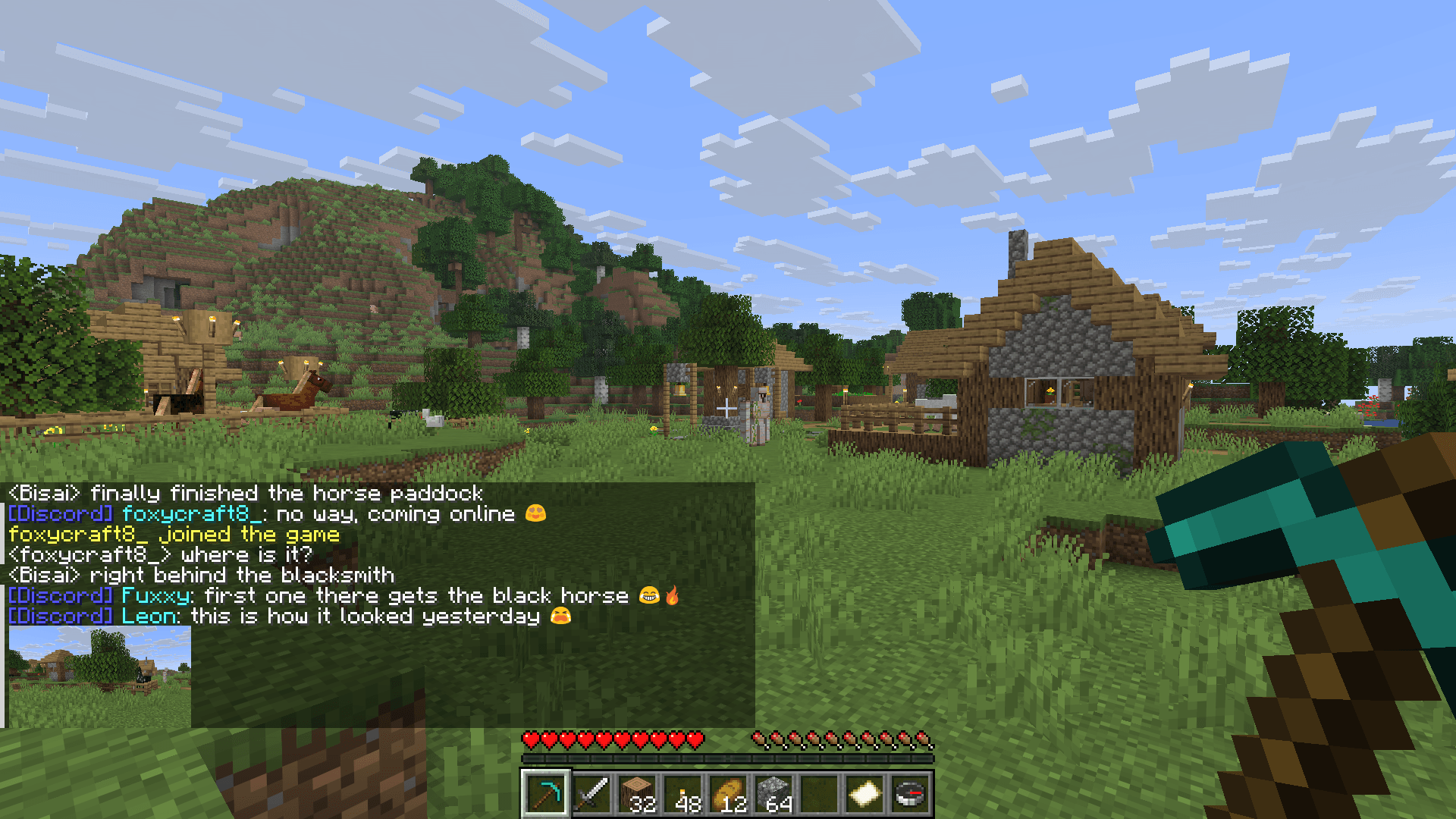

Modrinth · Fabric, Forge, NeoForge, Quilt · Client-Mod
MC-Sync
MC-Sync ist eine clientseitige Mod. Du installierst sie auf deinem Rechner, auf dem Server ist sie nicht nötig.
Two-way chat between your Minecraft server and a Discord channel, plus server status, whitelist and alerts. No open port needed. Companion plugin for the Minecraft Sync Discord bot.
- Downloads
- 10.1K
- Autor
- LeonBisai
- Loader
- Fabric, Forge, NeoForge, Quilt
- Minecraft
- 1.10 – 26.3
- Aktualisiert
- –
Screenshots
So sieht MC-Sync aus


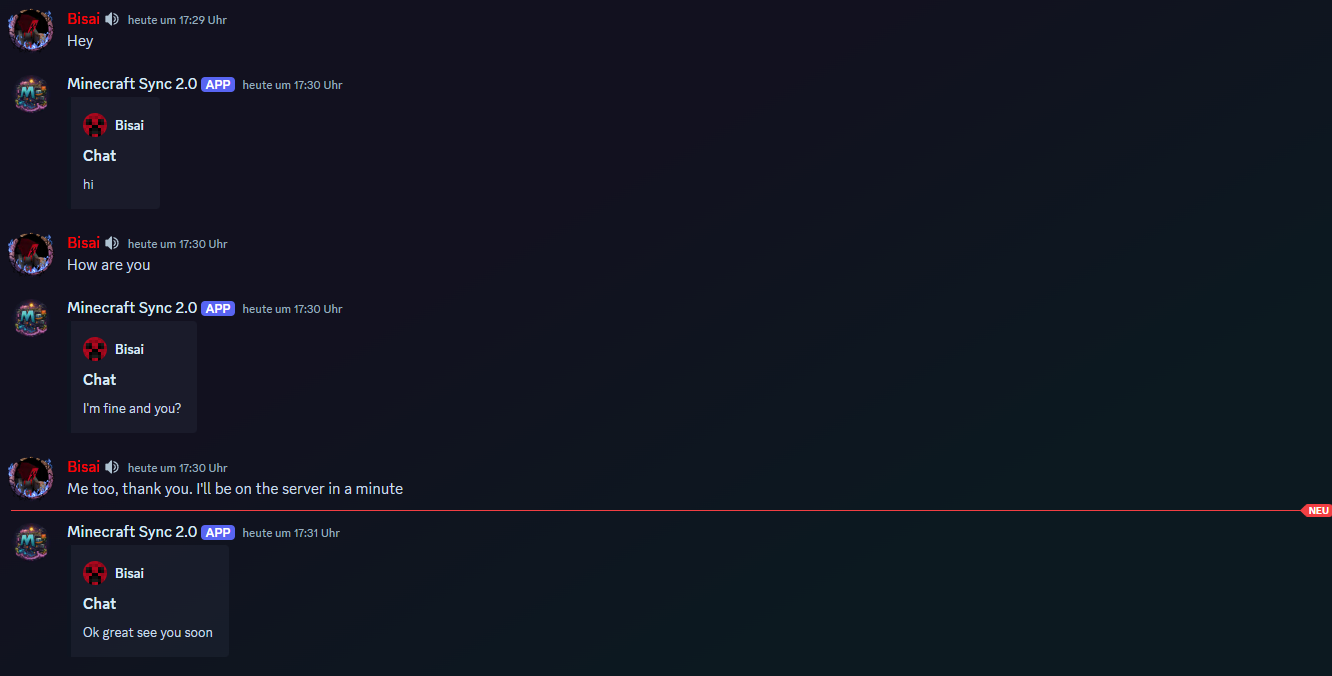
Bilder: MC-Sync auf Modrinth, vom Projektteam veröffentlicht.
Einrichtung
MC-Sync auf deinem Client installieren
Clientseitige Mods laufen nur auf deinem Rechner. Mehr Server-RAM ändert an ihrer Leistung nichts.
- 01
Loader lokal installieren
Installiere Fabric oder Forge oder NeoForge oder Quilt für deine Minecraft-Version in deinem Launcher.
- 02
Datei herunterladen
Lade die MC-Sync-Datei für deinen Loader und exakt deine Minecraft-Version herunter, zum Beispiel 26.3.
- 03
In den Mods-Ordner legen
Lege die .jar-Datei in den lokalen Ordner .minecraft/mods und entferne ältere Duplikate.
- 04
Starten
Starte Minecraft mit dem Loader-Profil. Auf dem Server musst du nichts ändern.
- Auf dem Server
- Unbekannt
- Auf dem Client
- Unbekannt
- Loader
- Fabric, Forge, NeoForge, Quilt
- Minecraft
- 26.3, 26.2, 26.1.2 +64 weitere
- Lizenz
- LicenseRef-All-Rights-Reserved
Versionen
Veröffentlichte Versionen
Nimm die Datei, die zu Loader und Minecraft-Version deines Servers passt. Server und Spieler brauchen dieselbe Version.
MC-Sync · Modrinth- MC-Sync 2.2.20 for spigot 1.8.8-1.9.321. November 2026Minecraft 1.8.8, 1.8.9, 1.9, 1.9.1, 1.9.2, 1.9.3 · spigot
- MC-Sync 2.2.20 for forge 1.8.8-1.9.321. November 2026Minecraft 1.8.8, 1.8.9, 1.9, 1.9.1, 1.9.2, 1.9.3 · Forge
- MC-Sync 2.2.20 for spigot 1.9.4-1.10.121. November 2026Minecraft 1.9.4, 1.10, 1.10.1 · spigot
- MC-Sync 2.2.20 for forge 1.9.4-1.10.121. November 2026Minecraft 1.9.4, 1.10, 1.10.1 · Forge
- MC-Sync 2.2.20 for spigot 1.10.2-1.11.121. November 2026Minecraft 1.10.2, 1.11, 1.11.1 · spigot
Originalbeschreibung des Projektautors
Description
This solution was specifically developed for the Minecraft Sync 2.0 Discord Bot.
Together, the bot and this integration allow you to seamlessly synchronize the Minecraft chat with a Discord chat.
This enables you to connect chats between both platforms in real time effortlessly!
Invite the bot via the following link: bot invite link
Support: support discord server
Website: https://mc-sync.eu
Email: [email protected]
Setup
After the first startup, the token is generated automatically.
If needed, it can be adjusted in the following file: config.yml.
Configuration
Obtain the Token
Invite the Discord bot to your server and execute /chat-sync add.
Copy the generated token!Install the Plugin/Mod
Upload the plugin or mod to your server and restart it.
Once the server is running, paste the token into theconfig.ymlfile and restart it again.
I hope this guide helps you set everything up smoothly.
If you have any questions, feel free to reach out anytime! 😊
Muss MC-Sync auf dem Minecraft Server installiert werden?
Nein. Modrinth kennzeichnet MC-Sync serverseitig als nicht unterstützt. Installiere die Mod nur im lokalen Mods-Ordner. Dein Server kann unverändert bleiben, sofern die Projektseite keine zusätzliche Abhängigkeit nennt.
Welche Version und welchen Loader braucht MC-Sync?
Nutze eine Datei für Fabric, Forge, NeoForge, Quilt und exakt deine Minecraft-Version. Unterstützt werden unter anderem 26.3, 26.2, 26.1.2. Dateien für verschiedene Loader sind nicht austauschbar.
MC-Sync funktioniert nicht – was kann ich prüfen?
Prüfe zuerst Minecraft-Version, Loader-Version und erforderliche Abhängigkeiten. Da die Mod clientseitig ist, löst mehr Server-RAM das Problem nicht.
Ähnliche Mods
Beliebte Mods aus derselben Kategorie
 Server-fähig

VeinMiner
von Miraculixx
Mine the whole vein on mining a single ore/block. Make the tedious mining experience to something satisfying and fun! FTB Ultimine alternative
 Server-fähig

Geckolib
von Gecko
A 3D animation library for entities, blocks, items, armor, and more!
 Nur Client

VeinMiner Hotkey
von Miraculixx
Veinminer Addon - Use a hotkey to veinmine with a dynamic crosshair & block highlighting
 Server-fähig

Fzzy Config
von fzzyhmstrs
Config API with automatic GUIs, powerful validation options, server-client sync, and more!
Mods für deinen eigenen Server gesucht?
Im Katalog findest du Mods, die auf Minecraft Servern laufen.