
Outline Effects
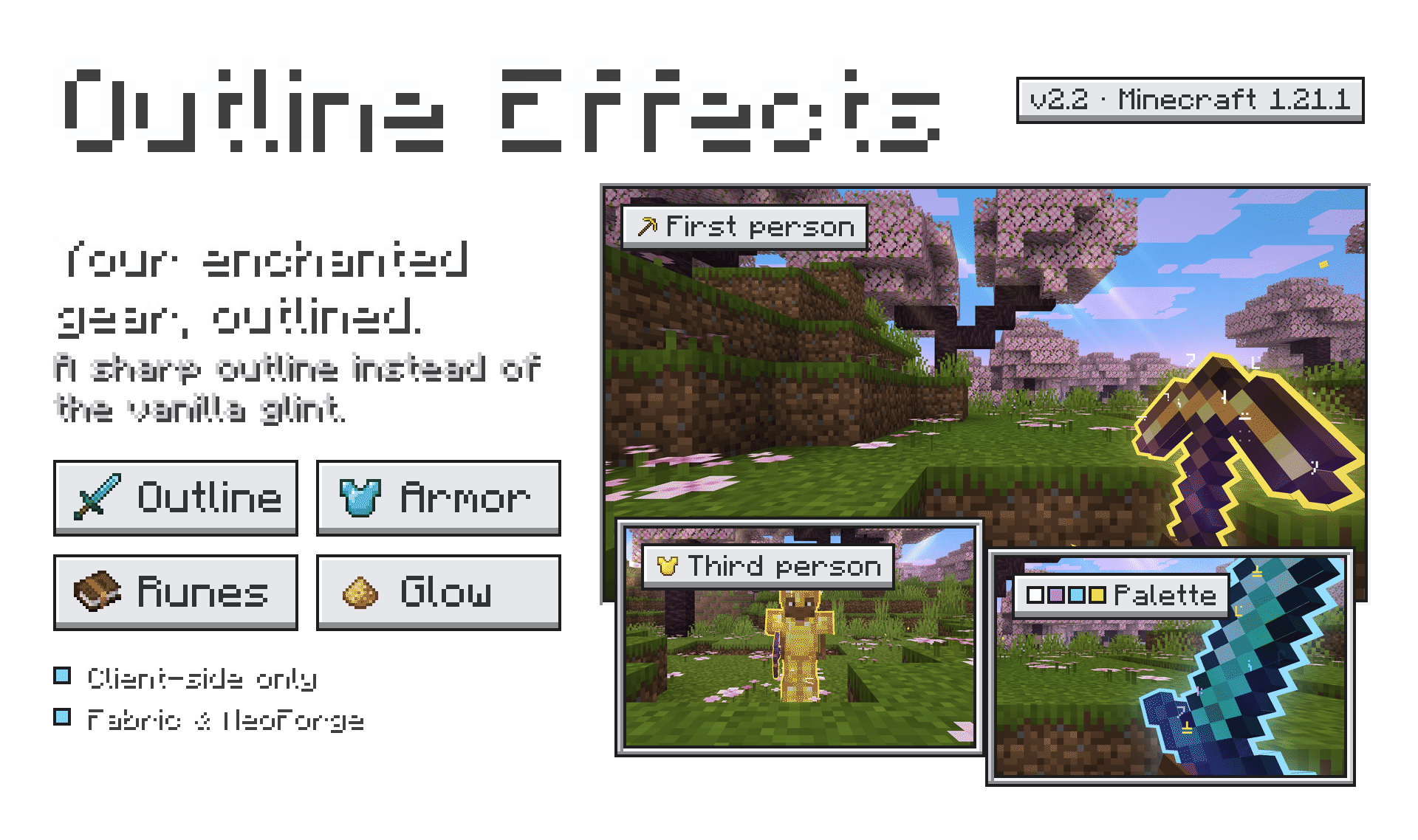
Outline effects for enhantment tools with punchy!
Screenshots
![1.1 [update]](https://cdn.modrinth.com/data/tzMIGXhD/images/265e9f8cb358616d47ffe797d8bdd4ae4d9a4d9c_350.webp)
![1.1 [update]](https://cdn.modrinth.com/data/tzMIGXhD/images/f2af1a6795a037759df41da633f18bef75261102_350.webp)
Über diese Mod
Compatibility
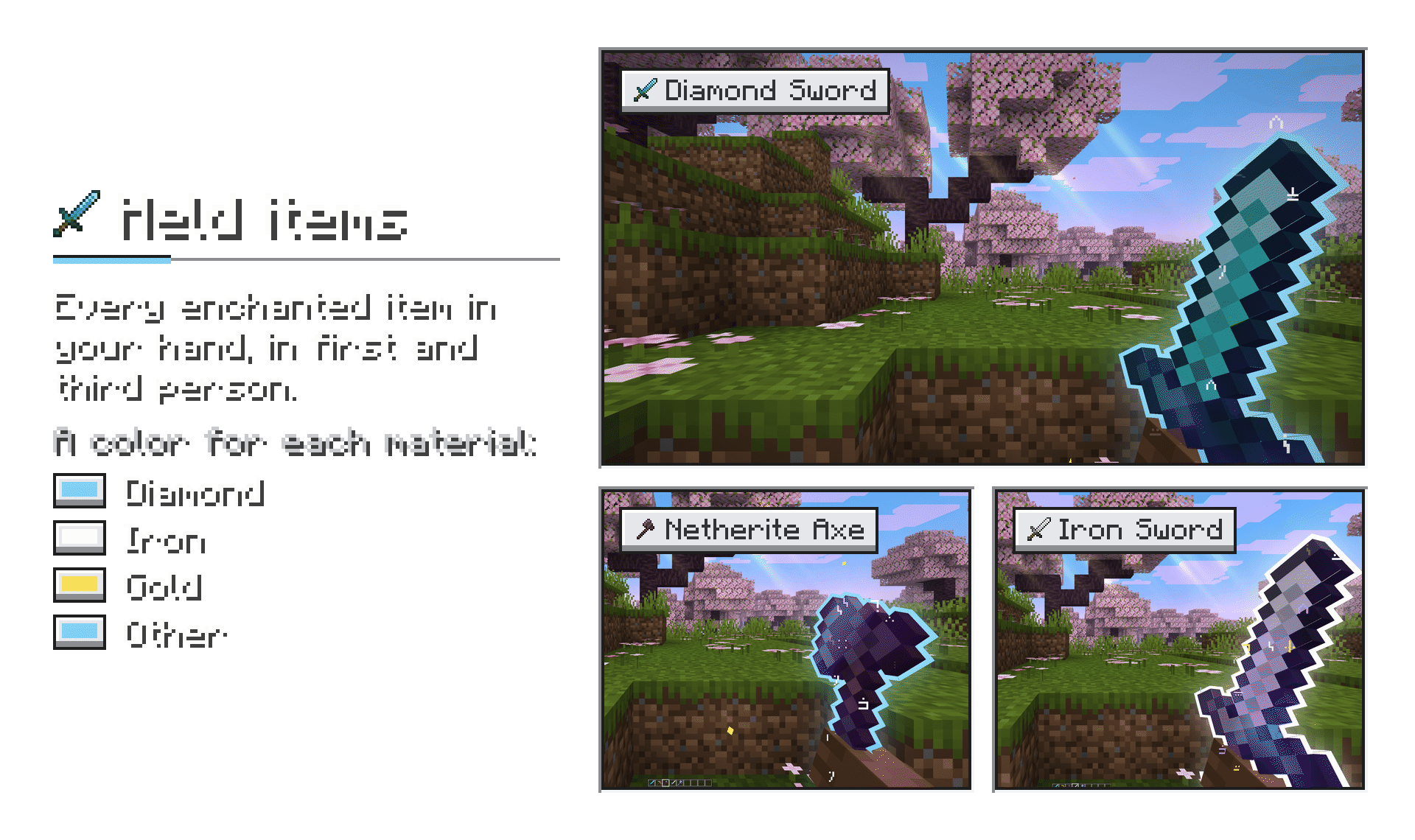
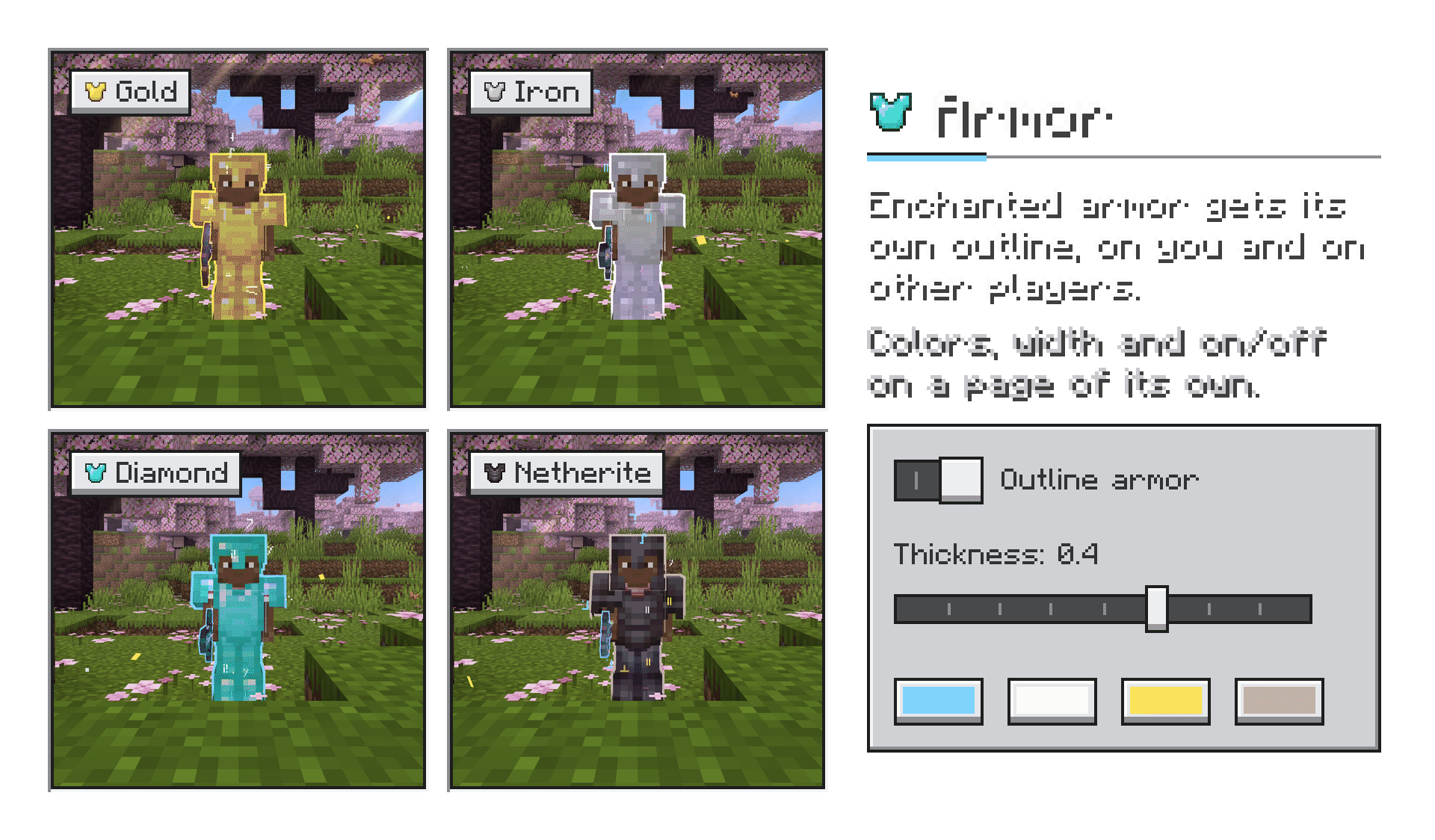
- Any mod, any item. The outline follows the vanilla enchantment glint, so every enchanted item gets it — vanilla or modded tools, weapons and armor alike. No per-mod setup needed.
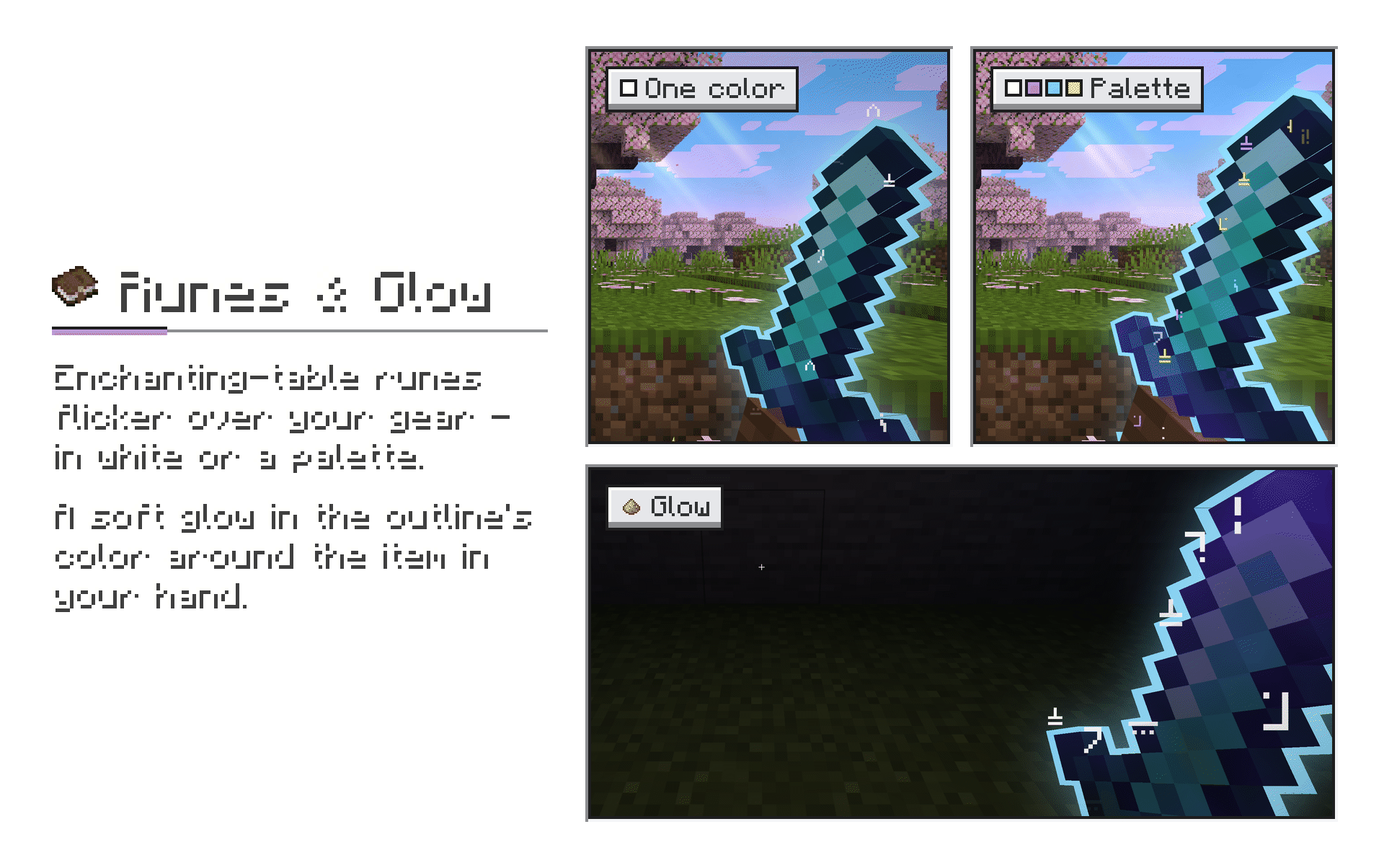
- Resource packs. Works with retextured items and with 3D item models from resource packs; runes sit on the model itself.
- Tested alongside: Hold My Items, LambDynamicLights, Visual Effects+ (Polytone), Punchy.
- Client-side only. Nothing to install on the server — works in singleplayer and on any server.
Dependencies
| Fabric 1.21.1 | NeoForge 1.21.1 | |
|---|---|---|
| Fabric API | required | — |
| YetAnotherConfigLib | optional, for the settings screen | optional, for the settings screen |
| Mod Menu | optional, opens the settings screen | — |
| LambDynamicLights | optional, lights up the world around glowing items | optional, same |
Without YACL the mod runs with its defaults; settings can still be changed in config/hmioutline.json.
Roadmap
- In-game quick settings panel — change everything live, on a key, without leaving the game
- Runes and outline for the trident and the shield
- Glow in third person
- Runes and glow for the 1.20.1 versions
- More Minecraft versions
Verfügbare Versionen
Outline Effects auf deinem Client installieren
Mod-Loader lokal installieren
Installiere fabric für deine lokale Minecraft-Version.
Passende Datei herunterladen
Wähle die Outline Effects-Datei für fabric und Minecraft 1.21.1.
Mod installieren
Lege die .jar-Datei in deinem lokalen .minecraft/mods-Ordner ab und starte Minecraft neu. Eine Installation auf dem Server ist nicht nötig.
Kompatibilität
Mod-Loader
Minecraft-Versionen
1.21.1, 1.20.1
Server-seitig
✗ Nicht unterstütztEmpfohlener RAM
4 GB(min. 3 GB)Häufige Fragen
Muss Outline Effects auf dem Minecraft Server installiert werden?
Nein. Modrinth kennzeichnet Outline Effects serverseitig als nicht unterstützt. Installiere die Mod nur im lokalen Minecraft-Mods-Ordner. Dein Server kann unverändert bleiben, sofern die Mod-Seite keine zusätzliche Abhängigkeit nennt.
Welche Version und welchen Loader braucht Outline Effects?
Nutze eine Datei für fabric, neoforge und exakt deine Minecraft-Version. Unterstützte Versionen sind unter anderem 1.21.1, 1.20.1. Loader-Dateien sind nicht untereinander austauschbar.
Outline Effects funktioniert nicht – was kann ich prüfen?
Prüfe zuerst Minecraft-Version, Loader-Version und erforderliche Abhängigkeiten. Lege die .jar-Datei im lokalen .minecraft/mods-Ordner ab und entferne ältere Duplikate. Da die Mod clientseitig ist, löst mehr Server-RAM dieses Problem nicht.
Ähnliche Mods

![[ETF] Entity Texture Features](https://cdn.modrinth.com/data/BVzZfTc1/af683d206d50b05258d865b0d6e4aa2f2cee12f2_96.webp)
![[EMF] Entity Model Features](https://cdn.modrinth.com/data/4I1XuqiY/6e5bbd0d06b1741bfdab6c0cfab6de8fdaf0064c_96.webp)



Minecraft Server für deine Gruppe
Outline Effects bleibt auf deinem Client. Hoste dazu eine kompatible Welt für deine Mitspieler.