
ParticleAnimationLib
A particle animation library mod to create cool particle effects super easily!
Screenshots
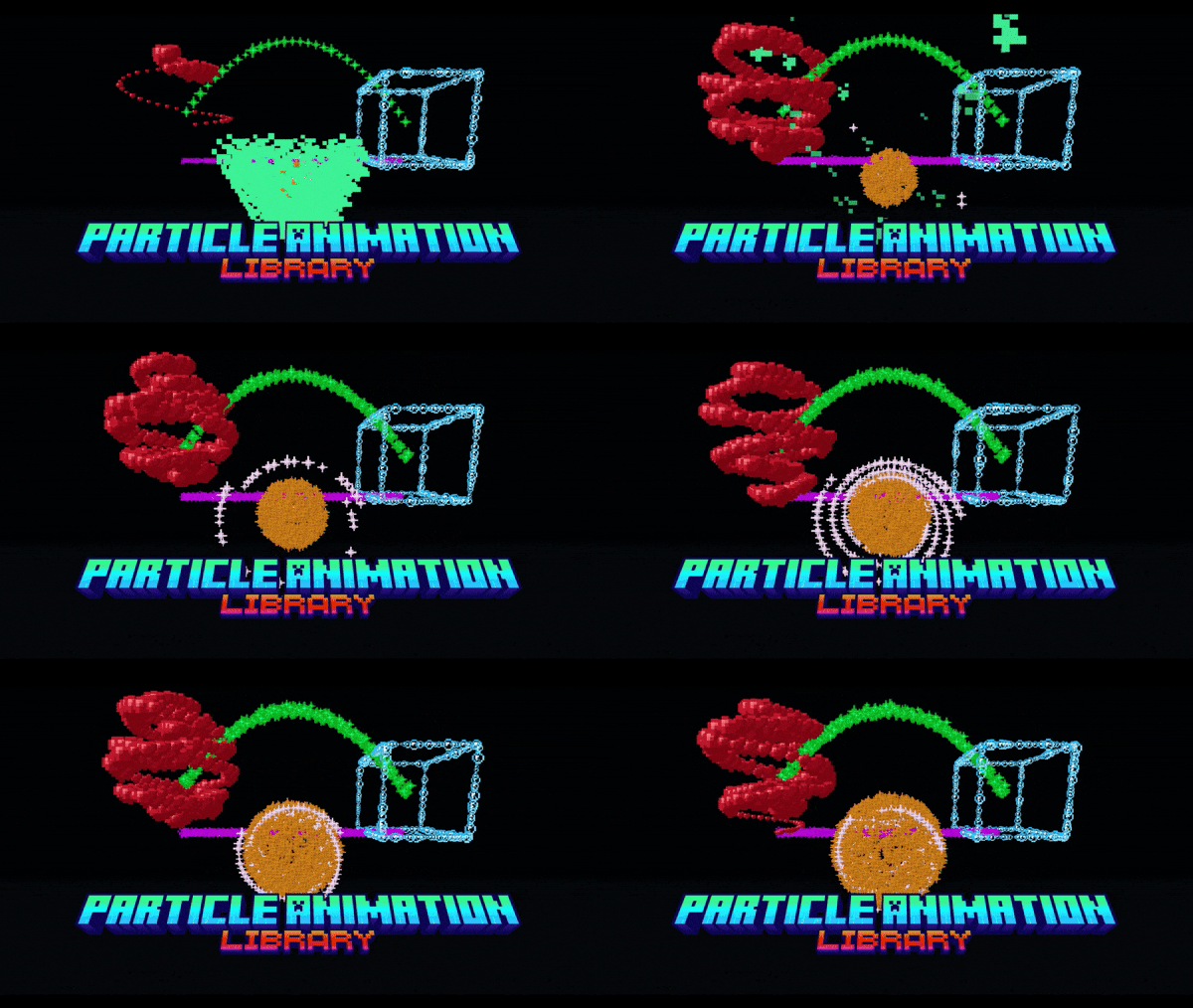

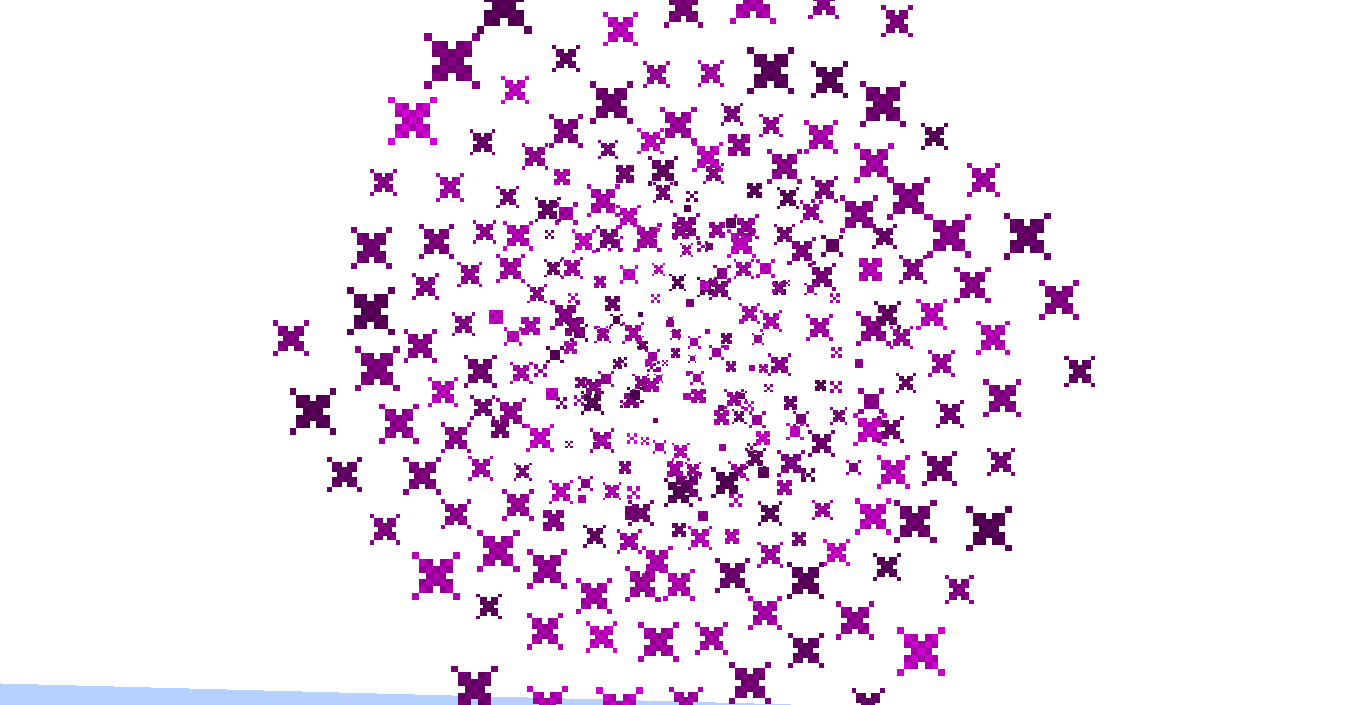
Über diese Mod
Do you want to create cool particle effects such as cones, cubes, spheres, and vortices but don't know how? Well, then this mod is for you!
It is mainly a developer utility, but as a player you can play around with the commands, especially to try out the effects before implementing them with code. It is also fully serverside, meaning you won't need it on the client. It is inspirerd by the EffectLib plugin as you may have guessed.
Currently available effects:
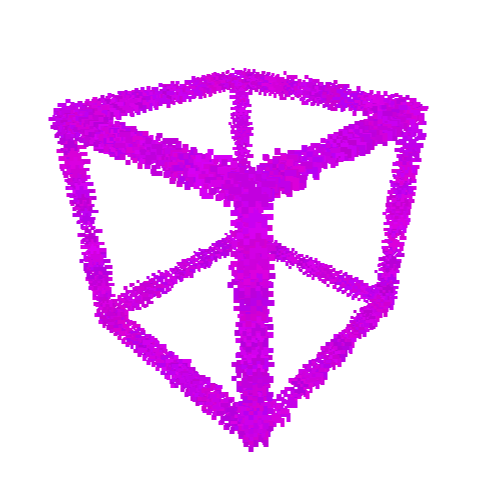
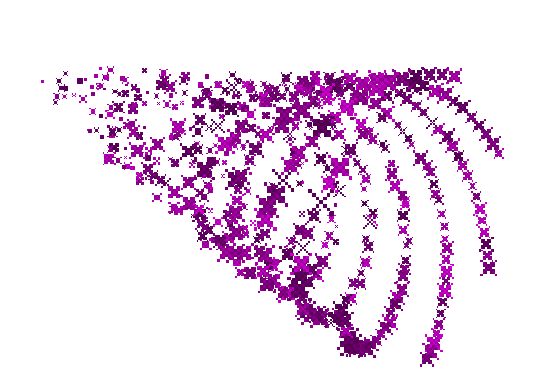
- [3D] Animated Sphere, Sphere, Cuboid, Vortex, Cone, Donut
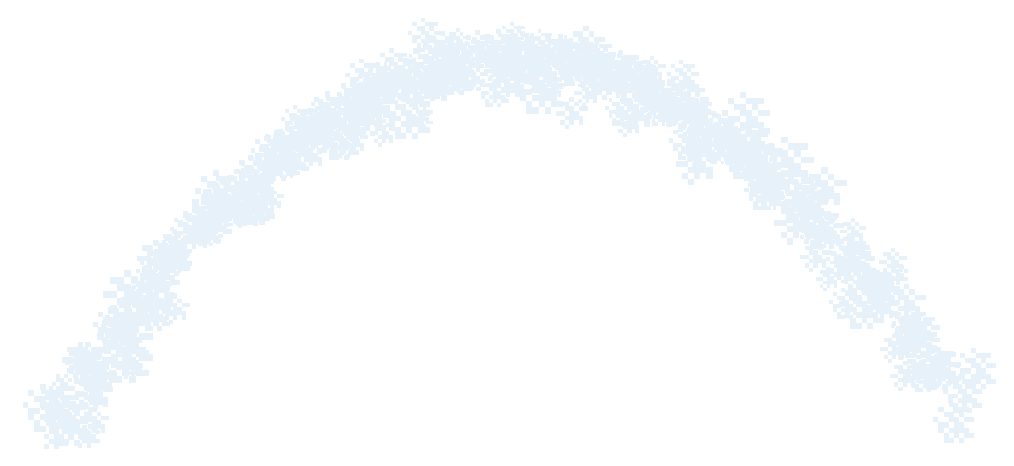
- [2D] Arc, Line, Animated Circle, Colored and BW Images, Text
At present time this mod is in beta, meaning that stuff could still break or change a bit. And some effects are still missing
A forge/neoforge version may come in the future, but I first want to get the fabric/quilt all done before starting the port. Sorry! (It most likely will work with Syntra connector for the time being)
The best way to enjoy this mod is with other people on a server, so you can use the code EMALIGHTDEV on Nodecraft for discount!
How to use this mod
This mod on its own, is only intended for developers. But don't worry, if you are a player and still want to try out all of the amazing effects (albeit with some limitations currently) you can do so by install ParticleAnimationLibCommands.
Yes, I know, the commands are a bit long and confusing, that's why I've also started working on a wiki, that you can find right here!
How to create the effects?
All of the effects are in the effects package and you can create a new effect simply by creating a new effect object or you can use their builder method, kinda like the Block properties.
Then you can use your preferred flavour of #run() method to activate the effect:
//Constructor pseudocode with runFor example
Effect effect = new Effect(ServerWorld world, ParticleEffect effect, Vec3d originPos, int particles, Other stuff...)
effect.runFor(5);

//Builder pseudocode with run and setIterations example (20 ticks = 1 second)
Effect effect = Effect.builder(ServerWorld world, ParticleEffect effect, Vec3d originPos).particles(10).anotherOption(true).build;
effect.setIterations(5*20);
effect.run();
Note: when using the builder you will need to always supply the world particle effect and origin pos to the method, beacuse every animation effect uses them and it is assumed they are not null. You can change them later if you need to.
TLDR; you are forced to supply them in order to make the effect work instead of crashing!
Demo of some of the effects from version 0.0.1
How to manipulate the animation effect?
Every effect has its own getters and setters, so you can use those to change the settings before calling the run method. You can also provide a lamda that will execute each tickt that the effect is active to the run/runFor method. For more information about what each setting does please refer to the javadoc of the constructor for that effect.
How do I use the commands?
First of all, you must install the companion mod ParticleAnimationLibCommands.
You can use either pal or particleanimationlib and then use tab-completition to create your effects. You can even have a preview of each effect by using /pal <effect> demo <particle> <pos>!
Please refer to the wiki for more information!
For developers:
Add this library into your build.gradle as a dependency
repositories {
    maven {
        name = "Modrinth"
        url = "https://api.modrinth.com/maven"
        content {
            includeGroup "maven.modrinth"
        }
    }
}

dependencies {
    modImplementation "maven.modrinth:particleanimationlib:<version>"
}
You can get the version number from the modrinth versions page.
Credit
This mod is based on the bukkit plugin EffectLib by elBukkit team, check it out too! The effects are taken from there and tweaked to be compatible with modding, occasionally adding extra functionality.
License
This library is available under MIT license
Verfügbare Versionen
ParticleAnimationLib auf dem Server installieren
Server bestellen
Bestelle einen Minecraft Java Server mit mindestens 3 GB RAM (4 GB empfohlen).
fabric Loader setzen
Wähle im Panel unter "Egg" den fabric-Loader und die passende Minecraft-Version (26.1.2).
Mod installieren
Öffne den Mod-Browser im Dashboard und suche nach "ParticleAnimationLib". Klicke "Installieren" – fertig! Alternativ: Lade die .jar via SFTP in den /mods Ordner.
Kompatibilität
Mod-Loader
Minecraft-Versionen
26.1.2, 26.1.1, 26.1 (+28 weitere)
Server-seitig
✓ ErforderlichEmpfohlener RAM
4 GB(min. 3 GB)Häufige Fragen
ParticleAnimationLib Server crasht beim Start – was tun?
Häufigste Ursache: falsche fabric-Version oder zu wenig RAM. Prüfe im Server-Log (latest.log), ob ein "OutOfMemoryError" oder "Mixin"-Fehler auftritt. Bei Mado Hosting: Stelle sicher, dass mindestens 3 GB RAM zugewiesen sind und der Loader zur Mod-Version passt (26.1.2). Über das Panel kannst du den Loader mit einem Klick wechseln.
Ist ParticleAnimationLib mit fabric und forge und neoforge und quilt kompatibel?
ParticleAnimationLib unterstützt offiziell fabric, forge, neoforge, quilt für Minecraft 26.1.2, 26.1.1, 26.1. Achtung: Forge- und Fabric-Mods sind NICHT untereinander kompatibel – wähle einen Loader und bleibe dabei. Im Mado Dashboard werden inkompatible Loader-Kombinationen automatisch erkannt.
Server laggt mit ParticleAnimationLib – wie optimiere ich die Performance?
Empfohlener RAM: 4 GB (+1 GB pro 8 Spieler). Prüfe mit /spark profiler, ob ParticleAnimationLib den meisten Tick-Time verbraucht. Häufige Fixes: Server-View-Distance auf 8-10 reduzieren, bei Forge "performant" oder "starlight" als Zusatz-Mod installieren. Bei Mado Hosting läuft dein Server auf NVMe-SSDs mit dedizierten CPU-Kernen für minimale Latenz.
Ähnliche Mods

![[ETF] Entity Texture Features](https://cdn.modrinth.com/data/BVzZfTc1/af683d206d50b05258d865b0d6e4aa2f2cee12f2_96.webp)
![[EMF] Entity Model Features](https://cdn.modrinth.com/data/4I1XuqiY/6e5bbd0d06b1741bfdab6c0cfab6de8fdaf0064c_96.webp)



Modded Server mieten
Installiere ParticleAnimationLib mit nur einem Klick auf deinem Server.