
Modrinth · Fabric
PvP BOT auf deinem Minecraft Server
PvP BOT läuft auf Minecraft Servern mit Fabric. Bestell deinen Server, stell den Loader im Panel ein und installiere die Mod mit einem Klick im Mod-Browser.
A mod for Minecraft Fabric that adds smart PvP bots
- Downloads
- 317.4K
- Autor
- Stepan1411
- Loader
- Fabric
- Minecraft
- 1.21.10 – 1.21.11
- Aktualisiert
- –
Screenshots
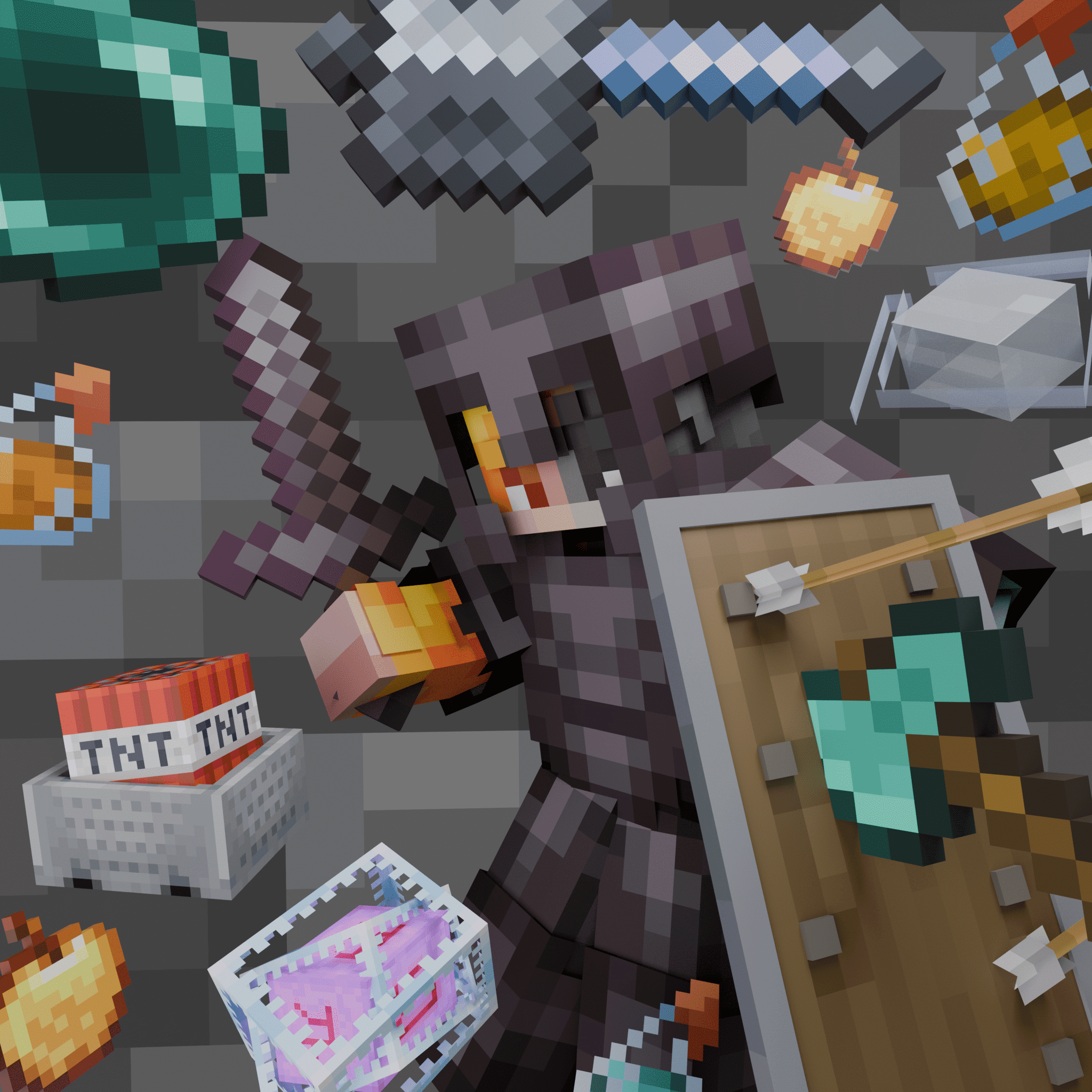
So sieht PvP BOT aus


Bilder: PvP BOT auf Modrinth, vom Projektteam veröffentlicht.
Einrichtung
PvP BOT auf dem Server installieren
Server und Spieler brauchen denselben Loader und dieselbe Minecraft-Version. Sichere die Welt, bevor du Mods hinzufügst oder aktualisierst.
- 01
Konfigurieren
4 GB RAM sind vorausgewählt. Laufzeit und Add-ons wählst du selbst, bezahlt wird per Kreditkarte oder PayPal.
- 02
Loader einstellen
Stell im Panel die Serversoftware auf Fabric und wähl die passende Minecraft-Version, zum Beispiel 1.21.11.
- 03
Mod installieren
Such im Mod-Browser nach „PvP BOT“ und installiere die Version für deinen Loader. Alternativ lädst du die .jar per SFTP in den Ordner mods. Erforderliche Abhängigkeiten stehen auf der Projektseite.
- 04
Verbinden
PvP BOT ist auf dem Client nicht nötig. Spieler verbinden sich über die Serveradresse aus dem Panel.
- Auf dem Server
- Erforderlich
- Auf dem Client
- Nicht nötig
- Loader
- Fabric
- Minecraft
- 1.21.11, 1.21.10
- Lizenz
- LicenseRef-All-Rights-Reserved
Das Panel
Mods installieren, Fehler finden.
Echte Screenshots aus dem Mado Panel. Beides ist bei jedem Minecraft Server enthalten.
Mod-Browser
Modrinth und CurseForge direkt im Panel.
Der Browser filtert nach deiner Minecraft-Version. Mods installierst du mit einem Klick, ohne .jar-Dateien hochzuladen.

KI-Crash-Analyse
Wenn ein Mod crasht, liest die Analyse das Log.
Mods scheitern oft an einer falschen Loader-Version, Java-Version oder fehlenden Abhängigkeit. Die Analyse nennt eine wahrscheinliche Ursache und einen Lösungsvorschlag.

Versionen
Veröffentlichte Versionen
Nimm die Datei, die zu Loader und Minecraft-Version deines Servers passt. Server und Spieler brauchen dieselbe Version.
PvP BOT · Modrinth- 0.0.15beta26. Juni 2026Minecraft 1.21.11 · Fabric
- 0.0.14alpha14. März 2026Minecraft 1.21.10, 1.21.11 · Fabric
Originalbeschreibung des Projektautors
An advanced mod for Minecraft Fabric that adds AI bots for PvP
This mod adds bots to the server with advanced combat AI, a faction system, automatic equipment, and navigation. Bots can fight players, mobs, and each other, using a variety of weapons and tactics.




Need a paper version? Then check the PPvPBot
🎮 Main Features
🤖 Bot Management
- Bot spawn with unique names (random name generation)
- Mass spawn of up to 50 bots simultaneously
- Automatic restoration of bots after a server restart
- Synchronization of the bot list with the server
⚔️ Combat System
- Advanced combat AI with various tactics
- Critical hits when jumping
- Many weapon types:
- Melee: swords, axes
- Ranged: bows, crossbows
- Mace with jumping attacks (wind charges)
- Crystal PVP (obsidian + crystals)
- Anchor PVP (respawn anchor + glowstone)
- Auto-potions healing, strength, speed, fire resistance
- Shield mechanics - blocking, shield breaking, mace defense prediction
🛡️ Utilities and Survival
- Auto-equip armor and weapons
- Auto-totem offhand
- Auto-shield on low HP
- Auto-food
- Auto-repair armor with Mending XP bottles
- Cobweb use to slow enemies
🚶 Navigation and Movement
- Bunny hop for faster travel
- Adjustable speed
- Wander mode when no target
- Retreat on low HP
- Smart navigation to targets
- Combat strafing
- Path following system
👥 Faction System
- Faction creation for bots
- Hostile relations - set factions as enemies for automatic combat
- Member Management - add/remove bots and players
- Faction-wide commands - attack, give items, follow paths
- Friendly Fire toggle
🎒 Kit System
- Creating kits from your inventory
- Giving kits to bots and factions
- Saving kits across restarts
🛤️ Path System
- Create paths for bots to follow
- Add waypoints to paths
- Loop mode - back-and-forth or circular movement
- Walk types - bhop, sprint, or walk
- Visual indicators - particles showing path points and lines
- Distribute bots evenly along a path
🎯 Realism
- Miss Chance
- Mistake Chance - attack wrong direction
- Shield Break Chance
📊 Live Stats Dashboard
- Real-time bot statistics — total spawns, kills, damage, active bots
- Live graphs — server activity history with downsampling (500 points max)
- Top names — most frequently spawned bot names
- All-time records — max online servers and max active bots
- Server-Sent Events — instant dashboard updates
- History stored in DuckDB — efficient time-series storage, 30-day retention
- Backend — standalone Velocity plugin with embedded HTTP server
- Dashboard URL: http://pvpbotstats.survivalworld.win/
📋 Commands
Basic Commands
/pvpbot spawn [name]          - Spawn a bot (random name if not specified)
/pvpbot remove <name>         - Remove a bot
/pvpbot removeall             - Remove all bots
/pvpbot reload                - Reload all configurations
Bot Management
/pvpbot bot-management list              - List all active bots
/pvpbot bot-management inventory <name>  - Show bot's inventory
/pvpbot bot-management mass-spawn <count> - Spawn multiple bots (1-50)
/pvpbot bot-management attack <bot> <target> - Order bot to attack
/pvpbot bot-management stop-attack <bot>     - Stop bot from attacking
Settings
/pvpbot settings                          - Show all settings
/pvpbot settings auto-armor [true/false]  - Auto-equip armor
/pvpbot settings auto-weapon [true/false] - Auto-equip weapons
/pvpbot settings drop-armor [true/false]  - Drop worse armor
/pvpbot settings drop-weapon [true/false] - Drop worse weapons
/pvpbot settings drop-distance <1-10>     - Item pickup distance
/pvpbot settings interval <1-100>         - Check interval (ticks)
/pvpbot settings combat [true/false]      - Enable combat
/pvpbot settings revenge [true/false]     - Revenge mode
/pvpbot settings auto-target [true/false] - Auto target search
/pvpbot settings target-players [true/false] - Attack players
/pvpbot settings target-mobs [true/false]    - Attack mobs
/pvpbot settings target-bots [true/false]    - Attack other bots
/pvpbot settings criticals [true/false]      - Critical hits
/pvpbot settings ranged [true/false]         - Use bow/crossbow
/pvpbot settings mace [true/false]           - Use mace
/pvpbot settings attack-cooldown <1-40>      - Attack cooldown (ticks)
/pvpbot settings melee-range <2-6>           - Melee range
/pvpbot settings move-speed <0.1-2.0>        - Movement speed
/pvpbot settings view-distance <5-128>       - Target search range
/pvpbot settings retreat [true/false]        - Retreat when low HP
/pvpbot settings auto-totem [true/false]     - Auto-equip totem
/pvpbot settings totem-priority [true/false] - Totem over shield
/pvpbot settings auto-shield [true/false]    - Auto-use shield
/pvpbot settings shield-break [true/false]   - Break shields with axe
/pvpbot settings shield-break-chance <0-100> - Shield break chance (%)
/pvpbot settings shield-hold-ticks <10-200>  - Max shield hold ticks
/pvpbot settings shield-raise-ticks <2-40>   - Shield raise ticks
/pvpbot settings shield-mace [true/false]    - Raise shield vs mace
/pvpbot settings prefer-sword [true/false]   - Prefer sword over axe
/pvpbot settings auto-eat [true/false]       - Auto-eat food
/pvpbot settings auto-potion [true/false]    - Auto-use potions
/pvpbot settings auto-mend [true/false]      - Auto-repair armor
/pvpbot settings bhop [true/false]           - Bunny hop
/pvpbot settings idle [true/false]           - Wander without target
/pvpbot settings idle-radius <3-50>          - Wander radius
/pvpbot settings friendly-fire [true/false]  - Damage allies
/pvpbot settings miss-chance <0-100>         - Miss chance (%)
/pvpbot settings mistake-chance <0-100>      - Mistake chance (%)
/pvpbot settings aim-speed <3-45>            - Rotation speed
/pvpbot settings special-names [true/false]      - Use special names
/pvpbot settings bot-leave-on-death [true/false] - Remove on death
/pvpbot settings attack-invincible [true/false]  - Attack creative/spectator
/pvpbot settings safe-spawn [true/false]         - Random offset on spawn
/pvpbot settings clear-on-remove [true/false]    - Clear inventory on kill
/pvpbot settings shield-mace [true/false]        - Raise shield vs mace
/pvpbot settings view-distance <5-128>           - Target search range
/pvpbot settings max-mass-spawn <50-10000>       - Max bots per mass-spawn
/pvpbot settings profile-lagg-fix [true/false]   - Prevent lag on bot spawn
Ranged Combat Settings
/pvpbot settings ranged-min-range <3.0-20.0>     - Min bow distance
/pvpbot settings ranged-optimal-range <10.0-50.0> - Ideal bow distance
/pvpbot settings ranged-max-range <15.0-100.0>   - Max bow engagement range
/pvpbot settings bow-draw-ticks <5-100>           - Bow full draw time
/pvpbot settings arrow-prediction [true/false]    - Predictive bow aiming
/pvpbot settings ranged-strafe [true/false]       - Strafe while shooting bow
/pvpbot settings ranged-retreat [true/false]      - Retreat with bow when close
Critical & Misc Settings
/pvpbot settings crit-fall-ticks <1-10>          - Falling ticks for crit
/pvpbot settings shield-hold-ticks <10-200>      - Max shield hold ticks
/pvpbot settings shield-raise-ticks <2-40>       - Shield raise anticipation
/pvpbot settings aim-speed <3.0-90.0>            - Rotation speed
Faction Commands
/pvpbot faction list                          - List all factions
/pvpbot faction create <name>                 - Create a faction
/pvpbot faction delete <name>                 - Delete a faction
/pvpbot faction info <faction>                - Faction information
/pvpbot faction add <faction> <player>        - Add player/bot
/pvpbot faction remove <faction> <player>     - Remove player/bot
/pvpbot faction add-near <faction> <radius>   - Add nearby bots
/pvpbot faction add-all <faction>             - Add all bots
/pvpbot faction hostile <f1> <f2> [true/false] - Set hostile
/pvpbot faction attack <faction> <target>     - All bots attack
/pvpbot faction give <faction> <item>         - Give item to all
/pvpbot faction path start <faction> <path>   - Start path
/pvpbot faction path stop <faction>           - Stop path
/pvpbot faction tp <faction> <x y z|player>   - Teleport entire faction gradually
Faction Kit Commands
/pvpbot faction kit give-kit <faction> <kit>      - Give kit to all members
/pvpbot faction kit give-kit-random <faction> <kit1> <w1>% [<kit2> <w2>% ...] - Give random weighted kit
Kit Commands
/pvpbot kit create-kit <name>                         - Create a kit from your inventory
/pvpbot kit delete-kit <name>                         - Delete a kit
/pvpbot kit kits                                      - List all kits
/pvpbot kit give-kit <player> <kit>                   - Give kit to a player/bot
/pvpbot kit give-kit-near <kit> [radius]              - Give kit to nearby bots
/pvpbot kit give-kit-near-random <radius> <kit1> <w1>% [<kit2> <w2>% ...] - Give random weighted kit to bots within radius
Path Commands
/pvpbot path create <name>                    - Create a new path
/pvpbot path delete <name>                    - Delete a path
/pvpbot path add-point <name>                 - Add waypoint (current pos)
/pvpbot path remove-point <name> [index]      - Remove waypoint
/pvpbot path clear <name>                     - Remove all waypoints
/pvpbot path list                             - List all paths
/pvpbot path info <name>                      - Show path information
/pvpbot path loop <name> <true/false>         - Toggle loop mode
/pvpbot path walk-type <name> <type>          - Set walk type (bhop/sprint/walk)
/pvpbot path show <name> <true/false>         - Toggle visualization
/pvpbot path start <bot> <path>               - Make bot follow path
/pvpbot path stop <bot>                       - Stop bot from following
/pvpbot path distribute <path>                - Distribute bots evenly
/pvpbot path start-near <path> <radius>       - Start path for nearby bots
/pvpbot path stop-all <path>                  - Stop all bots on path
🖼️ Screenshots
- Bots in battle

Faction system


Crystal PVP in action


Mass bot spawn

Path system in action


🔗 Links
- Modrinth: https://modrinth.com/mod/pvp-bot-fabric
- GitHub: https://github.com/Stepan1411/pvp-bot-fabric
- Issues: https://github.com/Stepan1411/pvp-bot-fabric/issues
- Wiki: https://stepan1411.github.io/pvpbot-docs.html
- Live Stats Dashboard: http://pvpbotstats.survivalworld.win/
Have a nice pvp! 🎮
PvP BOT Server crasht beim Start – was tun?
Häufige Ursachen: Loader- oder Minecraft-Version passen nicht zur Mod-Datei, eine Abhängigkeit fehlt oder der RAM reicht nicht. Such im Log (latest.log) nach „OutOfMemoryError“, „Mixin“ oder fehlenden Mods. Bei Mado wertet die KI-Crash-Analyse das Log aus und schlägt eine Ursache vor. Loader und Version änderst du im Panel.
Mit welchem Loader läuft PvP BOT?
Laut Modrinth unterstützt PvP BOT Fabric für Minecraft 1.21.11, 1.21.10.
Wie viel RAM braucht ein Server mit PvP BOT?
Als Orientierung 3–4 GB für einen Server mit dieser Mod. Das ist eine Schätzung, keine gemessene Mindestanforderung. Weitere Mods, viele Spieler und große Sichtweiten brauchen mehr. Ob eine Mod die Tick-Zeit belastet, siehst du mit dem spark-Profiler.
Ähnliche Mods
Beliebte Mods aus derselben Kategorie
 Server-fähig

VeinMiner
von Miraculixx
Mine the whole vein on mining a single ore/block. Make the tedious mining experience to something satisfying and fun! FTB Ultimine alternative
 Server-fähig

Geckolib
von Gecko
A 3D animation library for entities, blocks, items, armor, and more!
 Nur Client

VeinMiner Hotkey
von Miraculixx
Veinminer Addon - Use a hotkey to veinmine with a dynamic crosshair & block highlighting
 Server-fähig

Fzzy Config
von fzzyhmstrs
Config API with automatic GUIs, powerful validation options, server-client sync, and more!
Bereit für deinen Server mit PvP BOT?
4 GB RAM ab 8,00 € im Monat. 35 % auf den 1. Monat mit MADO35.