
Room For Two
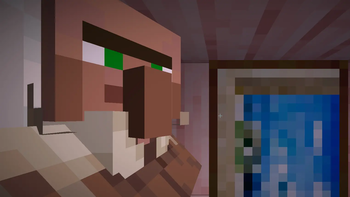
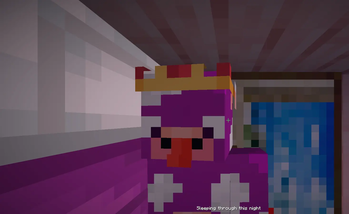
Lets you share a bed with a villager or another player.
Screenshots
Über diese Mod
💤 Room For Two
- Adds the ability for multiple players to sleep in a bed.
- When there are more than two players, they start to stack on top of each other!
- Changes your camera view while sleeping in a bed to the direction you are facing.
- Change your position preference to front, back, left or right using
/sleeppos [position]
| Player | Villager |
|---|---|
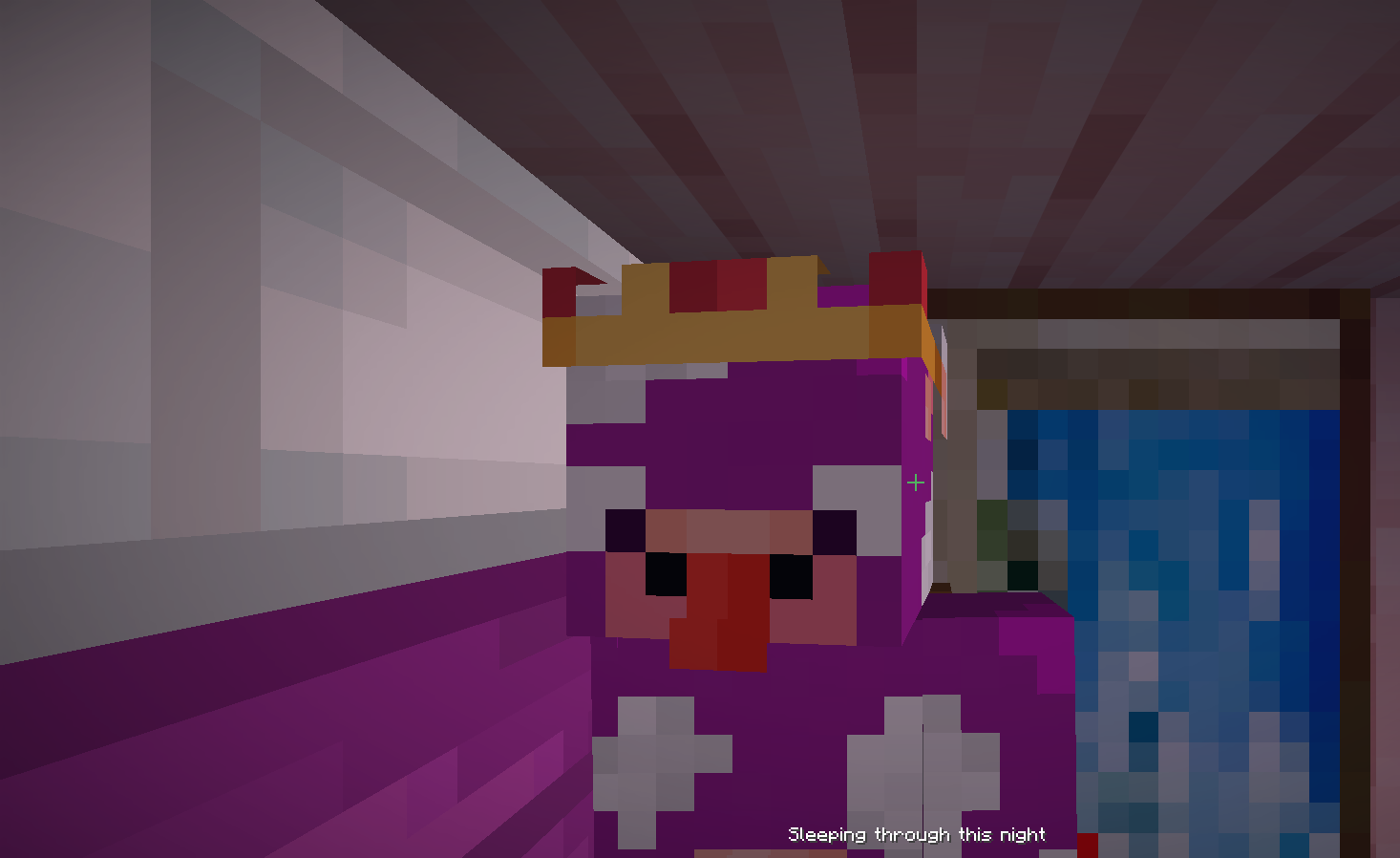 |
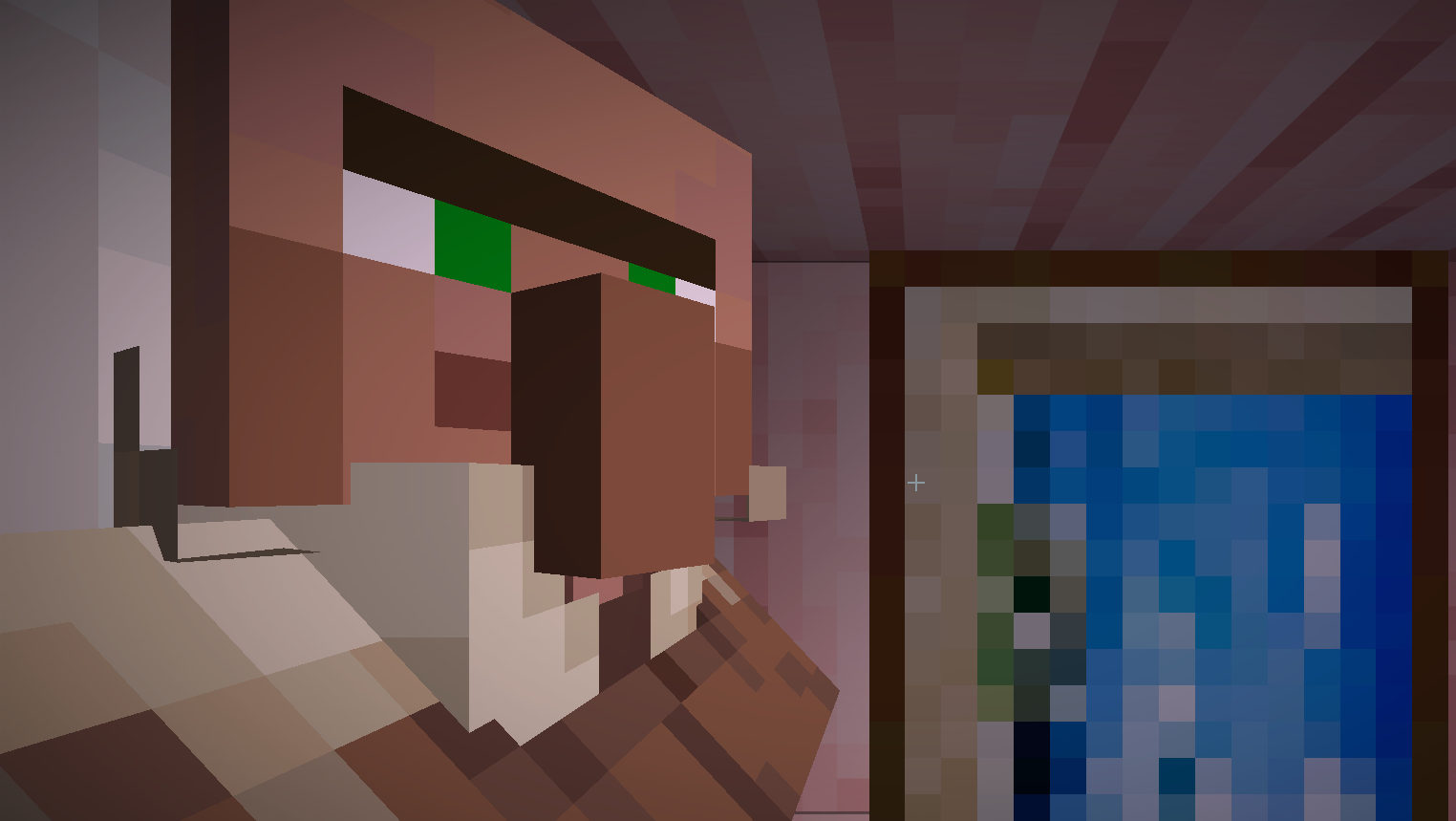 |
Here's a video of the mod from fireydude:
🗺️ Roadmap
Planned Features
These are subject to change, and I'm open for any feedback (Open a GitHub issue or DM me on Twitter). The goal I want for this mod is to keep it fairly simplistic, this means no new blocks or items.
- Better camera when entering the bed not in first person
⚙️ Modpack Usage
Room for Two is free to be used in any custom modpacks as long as credit is provided. However, compatibility with existing mods has not been tested for. I do not permit for any sort of monetisation or generative AI usage.
🐛 Issues
If you happen to experience any issues while using this mod, please report it to our GitHub issue tracker! Please be as clear as possible when reporting any bugs or issues. Please note the mod is currently in an BETA state, so expect things to not be perfect yet.
Verfügbare Versionen
Room For Two auf dem Server installieren
Server bestellen
Bestelle einen Minecraft Java Server mit mindestens 3 GB RAM (4 GB empfohlen).
fabric Loader setzen
Wähle im Panel unter "Egg" den fabric-Loader und die passende Minecraft-Version (26.3).
Mod installieren
Öffne den Mod-Browser im Dashboard und suche nach "Room For Two". Klicke "Installieren" – fertig! Alternativ: Lade die .jar via SFTP in den /mods Ordner.
Kompatibilität
Mod-Loader
Minecraft-Versionen
26.3, 26.2, 26.1.2 (+15 weitere)
Server-seitig
✓ ErforderlichEmpfohlener RAM
4 GB(min. 3 GB)Häufige Fragen
Room For Two Server crasht beim Start – was tun?
Häufigste Ursache: falsche fabric-Version oder zu wenig RAM. Prüfe im Server-Log (latest.log), ob ein "OutOfMemoryError" oder "Mixin"-Fehler auftritt. Bei Mado Hosting: Stelle sicher, dass mindestens 3 GB RAM zugewiesen sind und der Loader zur Mod-Version passt (26.3). Über das Panel kannst du den Loader mit einem Klick wechseln.
Ist Room For Two mit fabric und forge und neoforge kompatibel?
Room For Two unterstützt offiziell fabric, forge, neoforge für Minecraft 26.3, 26.2, 26.1.2. Achtung: Forge- und Fabric-Mods sind NICHT untereinander kompatibel – wähle einen Loader und bleibe dabei. Im Mado Dashboard werden inkompatible Loader-Kombinationen automatisch erkannt.
Server laggt mit Room For Two – wie optimiere ich die Performance?
Empfohlener RAM: 4 GB (+1 GB pro 8 Spieler). Prüfe mit /spark profiler, ob Room For Two den meisten Tick-Time verbraucht. Häufige Fixes: Server-View-Distance auf 8-10 reduzieren, bei Forge "performant" oder "starlight" als Zusatz-Mod installieren. Bei Mado Hosting läuft dein Server auf NVMe-SSDs mit dedizierten CPU-Kernen für minimale Latenz.
Ähnliche Mods






Modded Server mieten
Installiere Room For Two mit nur einem Klick auf deinem Server.