
Essential Mod
Enhance your Minecraft with one simple mod. Host worlds for free, chat with friends, and so much more!
Screenshots
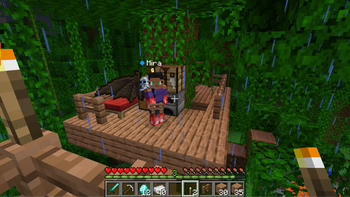
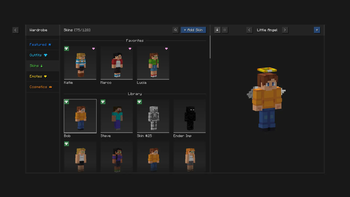
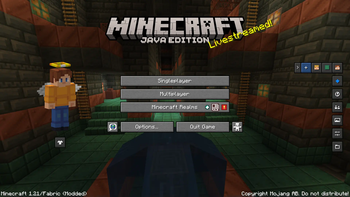
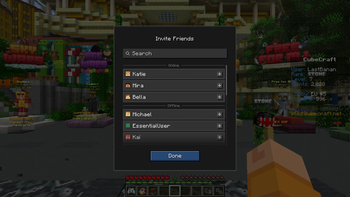
Über diese Mod


Enhance your Minecraft with one simple mod.
Fast, friendly, and for everyone!

Host your Minecraft world for free, invite your
friends, and play together, in just a few clicks!
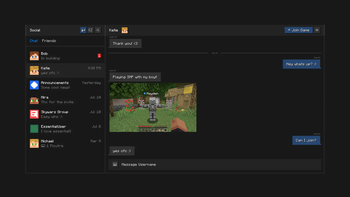
Stay connected with your friends, all inside of Minecraft.
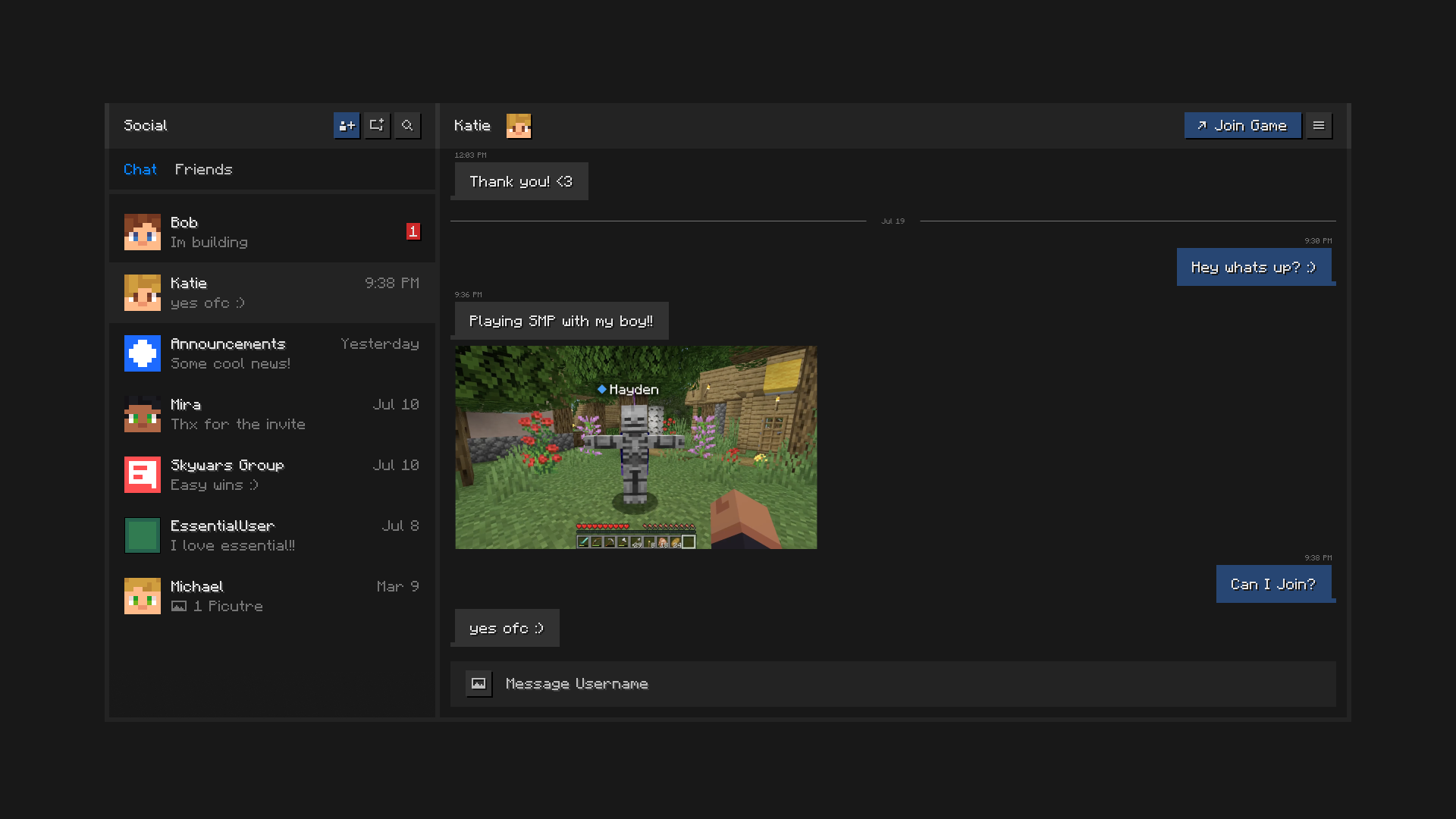
Chat, create groups, share pictures, and send invites to worlds and servers.

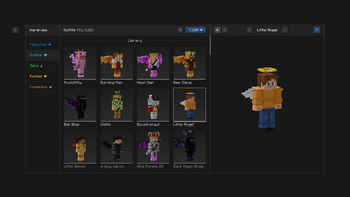
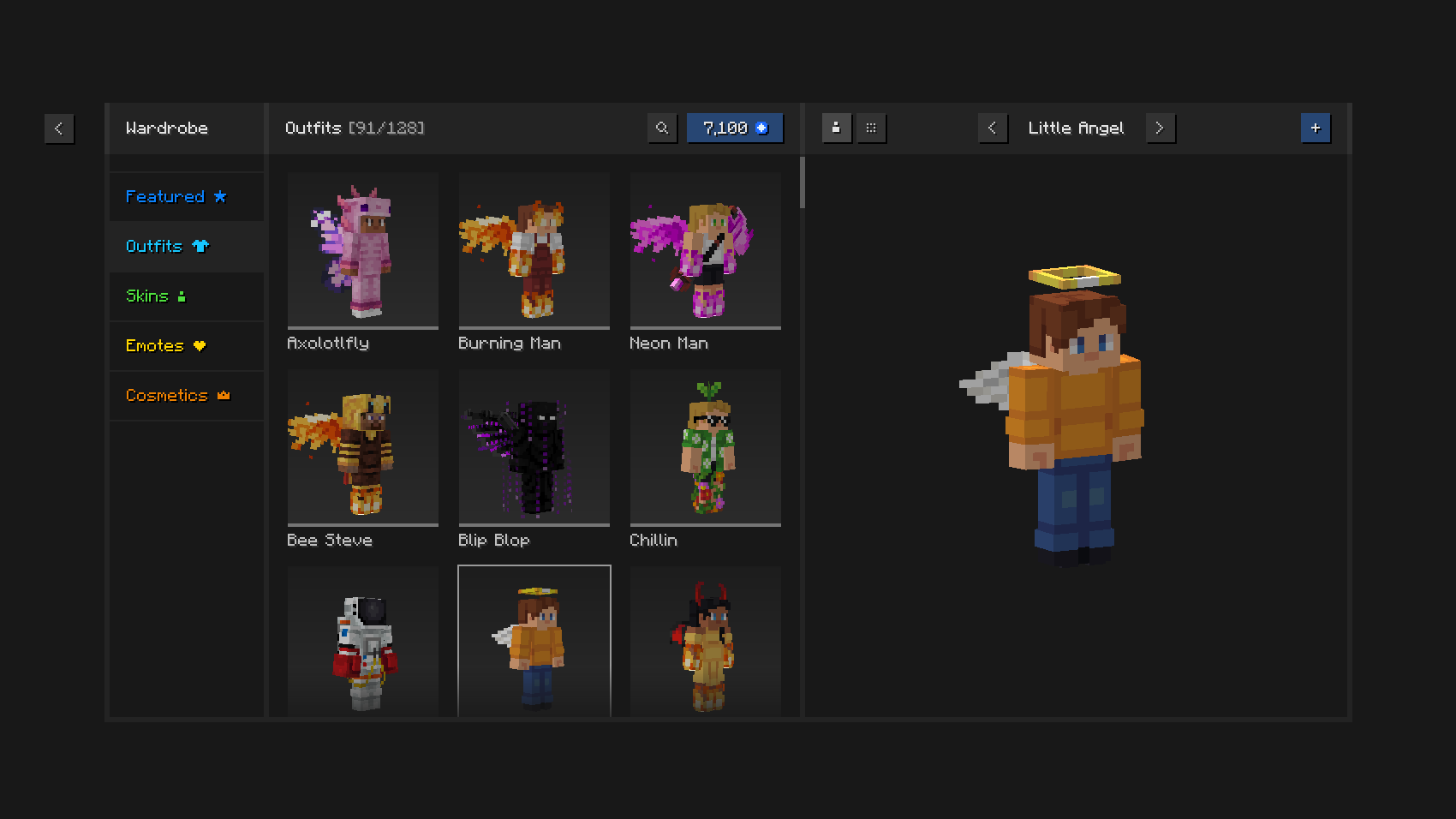
Play in style with unique outfits and cosmetics,
the in-game skin manager, and expressive emotes.

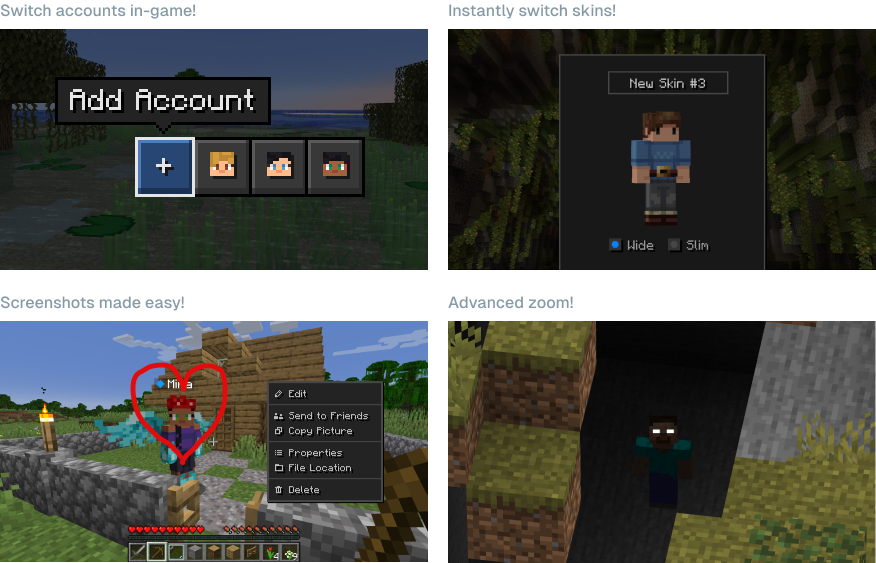
Save time and effort using
Essential’s powerful capabilities.

Can I use Essential with other mods and modpacks?
Yes, Essential is widely compatible with other mods, and makes a great addition to your
favorite modpack. You can easily host modded worlds for you and your friends, for free,
just make sure they have the same mods installed.
What Minecraft versions does Essential support?
Essential mod supports the most popular versions of Minecraft Java Edition (1.8, 1.12, 1.16 to 26.3) and both Fabric and Forge modloaders.
How does Essential’s world hosting work?
Essential uses industry leading peer-to-peer technology and the power of your PC’s hardware to empower you to host Minecraft worlds and invite your friends with ease and for free.

© ModCore Inc, Spark Universe GmbH 2026
Verfügbare Versionen
Essential Mod auf deinem Client installieren
Mod-Loader lokal installieren
Installiere fabric für deine lokale Minecraft-Version.
Passende Datei herunterladen
Wähle die Essential Mod-Datei für fabric und Minecraft 26.3.
Mod installieren
Lege die .jar-Datei in deinem lokalen .minecraft/mods-Ordner ab und starte Minecraft neu. Eine Installation auf dem Server ist nicht nötig.
Kompatibilität
Mod-Loader
Minecraft-Versionen
26.3, 26.2, 26.1.2 (+31 weitere)
Server-seitig
✗ Nicht unterstütztEmpfohlener RAM
4 GB(min. 3 GB)Häufige Fragen
Muss Essential Mod auf dem Minecraft Server installiert werden?
Nein. Modrinth kennzeichnet Essential Mod serverseitig als nicht unterstützt. Installiere die Mod nur im lokalen Minecraft-Mods-Ordner. Dein Server kann unverändert bleiben, sofern die Mod-Seite keine zusätzliche Abhängigkeit nennt.
Welche Version und welchen Loader braucht Essential Mod?
Nutze eine Datei für fabric, forge, neoforge und exakt deine Minecraft-Version. Unterstützte Versionen sind unter anderem 26.3, 26.2, 26.1.2. Loader-Dateien sind nicht untereinander austauschbar.
Essential Mod funktioniert nicht – was kann ich prüfen?
Prüfe zuerst Minecraft-Version, Loader-Version und erforderliche Abhängigkeiten. Lege die .jar-Datei im lokalen .minecraft/mods-Ordner ab und entferne ältere Duplikate. Da die Mod clientseitig ist, löst mehr Server-RAM dieses Problem nicht.
Ähnliche Mods





Minecraft Server für deine Gruppe
Essential Mod bleibt auf deinem Client. Hoste dazu eine kompatible Welt für deine Mitspieler.