
Sable Assembly Fix
Fixes item duplication during Sable assembly/disassembly by preventing non-Clearable block entities from dropping their contents. Works with any mod - Keg, cabinets, baskets, Item Drains, Sophisticated Storage, etc. No configuration needed.
Screenshots
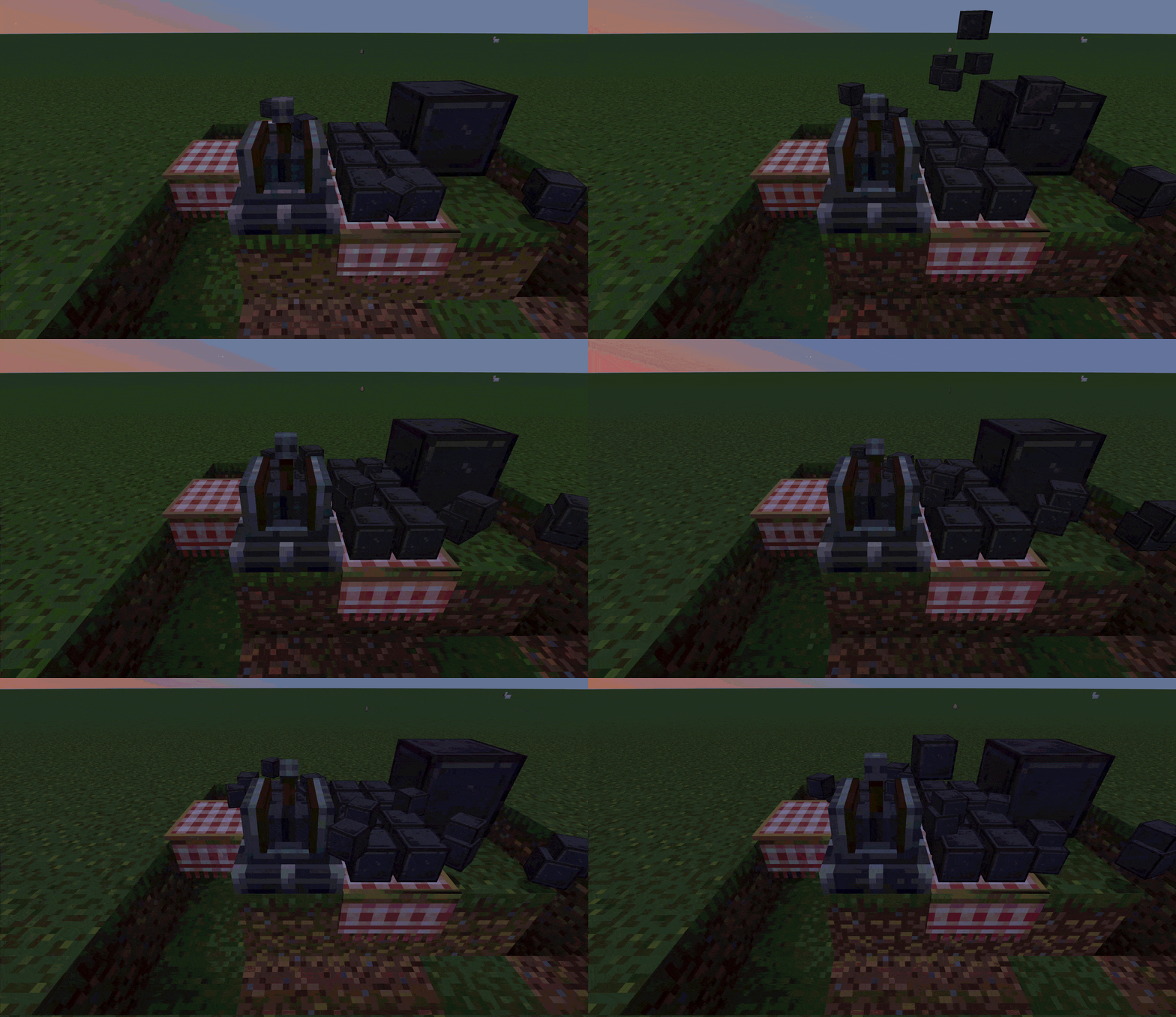
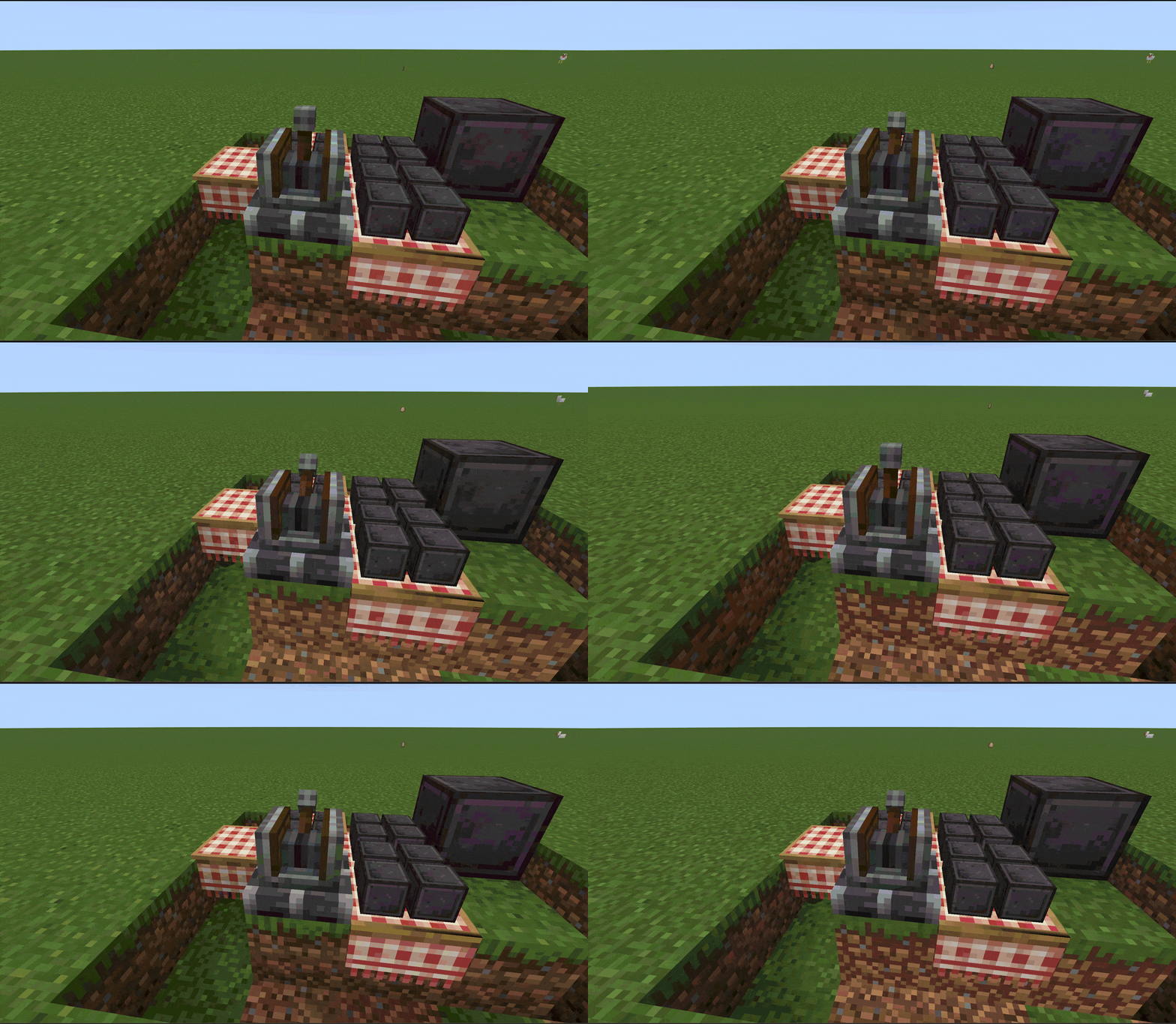
Über diese Mod
Overview
Sable Assembly Fix fixes an item duplication bug that occurs during Sable assembly/disassembly for block entities that do not implement the Clearable interface.
The Problem
Sable's SubLevelAssemblyHelper.moveBlocks() calls Clearable.tryClear() on every block entity during the assembly process. The issue is:
- For block entities that implement Clearable (e.g. chests, hoppers) — works fine, contents are properly cleared
- For block entities that do NOT implement Clearable (e.g. TableCloth, Mechanical Arm, Ejector, etc.) — tryClear() is a no-op, nothing happens
- The block is destroyed and its items drop into the world, but the NBT data containing the item inventory is still there
- When the block is recreated in the sub-level, the NBT items are read back
- Result: the same items exist both on the ground and inside the block — item duplication
Triggering this bug is trivially cheap:
simply toggle the ship between physics mode and block mode (or vice versa) — each transition triggers assembly/disassembly, which duplicates the contents of any non-Clearable block entity on the ship. No expensive resources or complex setup required.
How It Works
A single @Redirect mixin intercepts the Clearable.tryClear() call inside SubLevelAssemblyHelper.moveBlocks() :
- If the block entity implements Clearable → passes through normally, no intervention
- If the block entity does not implement Clearable → calls level.removeBlockEntity(pos) to remove the block entity entirely, preventing it from dropping any contents
Affected Block Entities (Create + Addons)
| Block Entity | Items per dupe |
|---|---|
| TableCloth | up to 4 |
| Mechanical Arm | entire held stack (e.g. 64 items at once) |
Plus any modded BE with inventory that doesn't implement Clearable.
Note: The Mechanical Arm is especially severe — it duplicates the entire held stack in one operation. If the arm is holding a full stack of 64 items, you get 64 duplicated items per assembly/disassembly cycle.
Any modded block entity with an inventory that doesn't implement Clearable is also affected.
Configuration
A whitelist system is included. The config file config/sableassemblyfix/whitelist.json is automatically created on first launch.
Add block entity IDs to the whitelist to skip the fix (e.g. if a mod handles Clearable on its own). Requires a game restart to reload.
Dependencies
- NeoForge >=21.1.228
- Sable >=2.0
- Create: Aeronautics >=1.0.2
License
MIT
Verfügbare Versionen
Sable Assembly Fix auf dem Server installieren
Server bestellen
Bestelle einen Minecraft Java Server mit mindestens 3 GB RAM (4 GB empfohlen).
neoforge Loader setzen
Wähle im Panel unter "Egg" den neoforge-Loader und die passende Minecraft-Version (1.21.1).
Mod installieren
Öffne den Mod-Browser im Dashboard und suche nach "Sable Assembly Fix". Klicke "Installieren" – fertig! Alternativ: Lade die .jar via SFTP in den /mods Ordner.
Kompatibilität
Mod-Loader
Minecraft-Versionen
1.21.1
Server-seitig
✓ ErforderlichEmpfohlener RAM
4 GB(min. 3 GB)Häufige Fragen
Sable Assembly Fix Server crasht beim Start – was tun?
Häufigste Ursache: falsche neoforge-Version oder zu wenig RAM. Prüfe im Server-Log (latest.log), ob ein "OutOfMemoryError" oder "Mixin"-Fehler auftritt. Bei Mado Hosting: Stelle sicher, dass mindestens 3 GB RAM zugewiesen sind und der Loader zur Mod-Version passt (1.21.1). Über das Panel kannst du den Loader mit einem Klick wechseln.
Ist Sable Assembly Fix mit neoforge kompatibel?
Sable Assembly Fix unterstützt offiziell neoforge für Minecraft 1.21.1. Im Mado Dashboard werden inkompatible Loader-Kombinationen automatisch erkannt.
Server laggt mit Sable Assembly Fix – wie optimiere ich die Performance?
Empfohlener RAM: 4 GB (+1 GB pro 8 Spieler). Prüfe mit /spark profiler, ob Sable Assembly Fix den meisten Tick-Time verbraucht. Häufige Fixes: Server-View-Distance auf 8-10 reduzieren, bei Forge "performant" oder "starlight" als Zusatz-Mod installieren. Bei Mado Hosting läuft dein Server auf NVMe-SSDs mit dedizierten CPU-Kernen für minimale Latenz.
Ähnliche Mods






Modded Server mieten
Installiere Sable Assembly Fix mit nur einem Klick auf deinem Server.