
Sable Assembly Fix
Fixes item duplication during Sable assembly/disassembly by preventing non-Clearable block entities from dropping their contents. Works with any mod - Keg, cabinets, baskets, Item Drains, Sophisticated Storage, etc. No configuration needed.
Screenshots
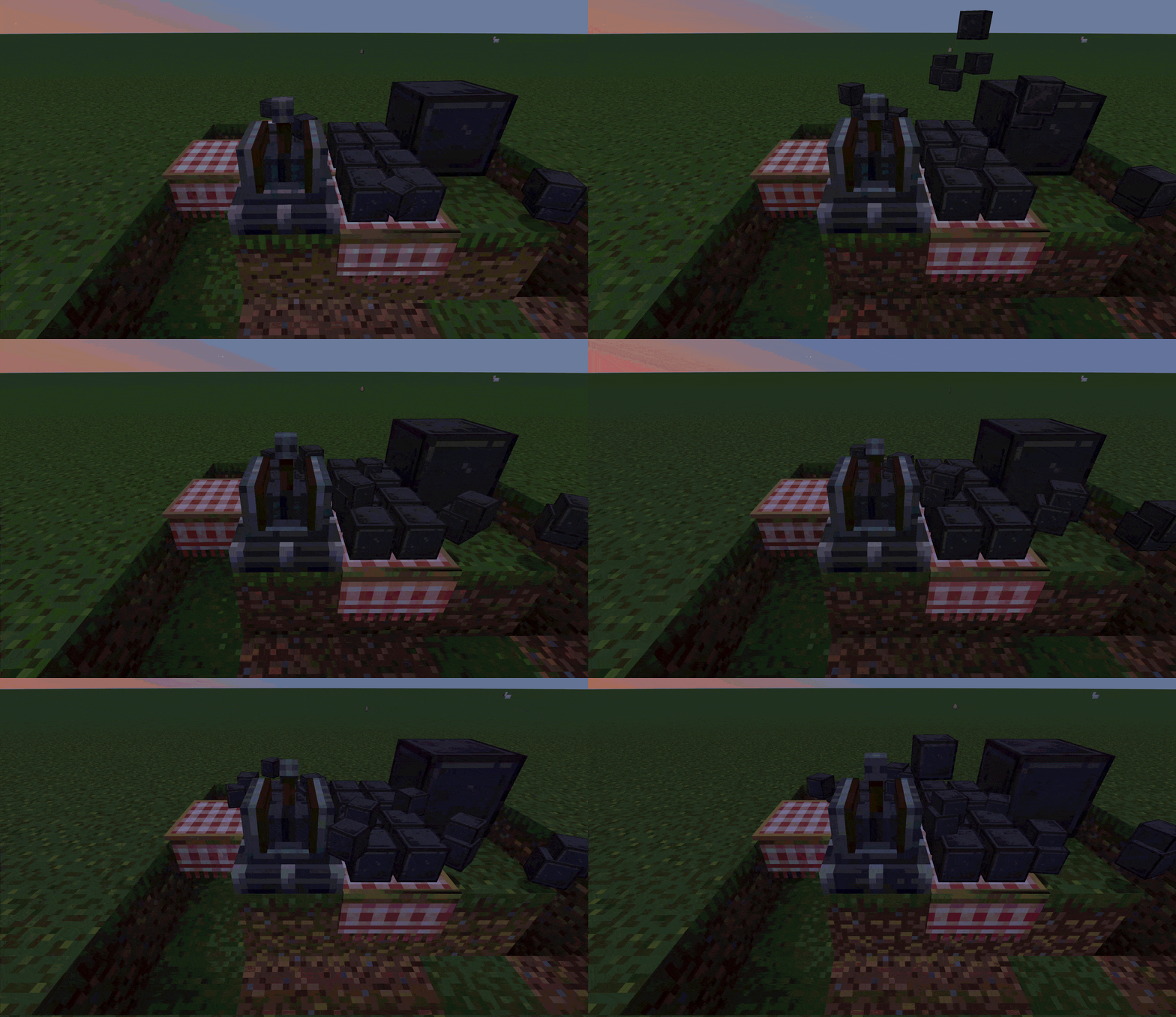
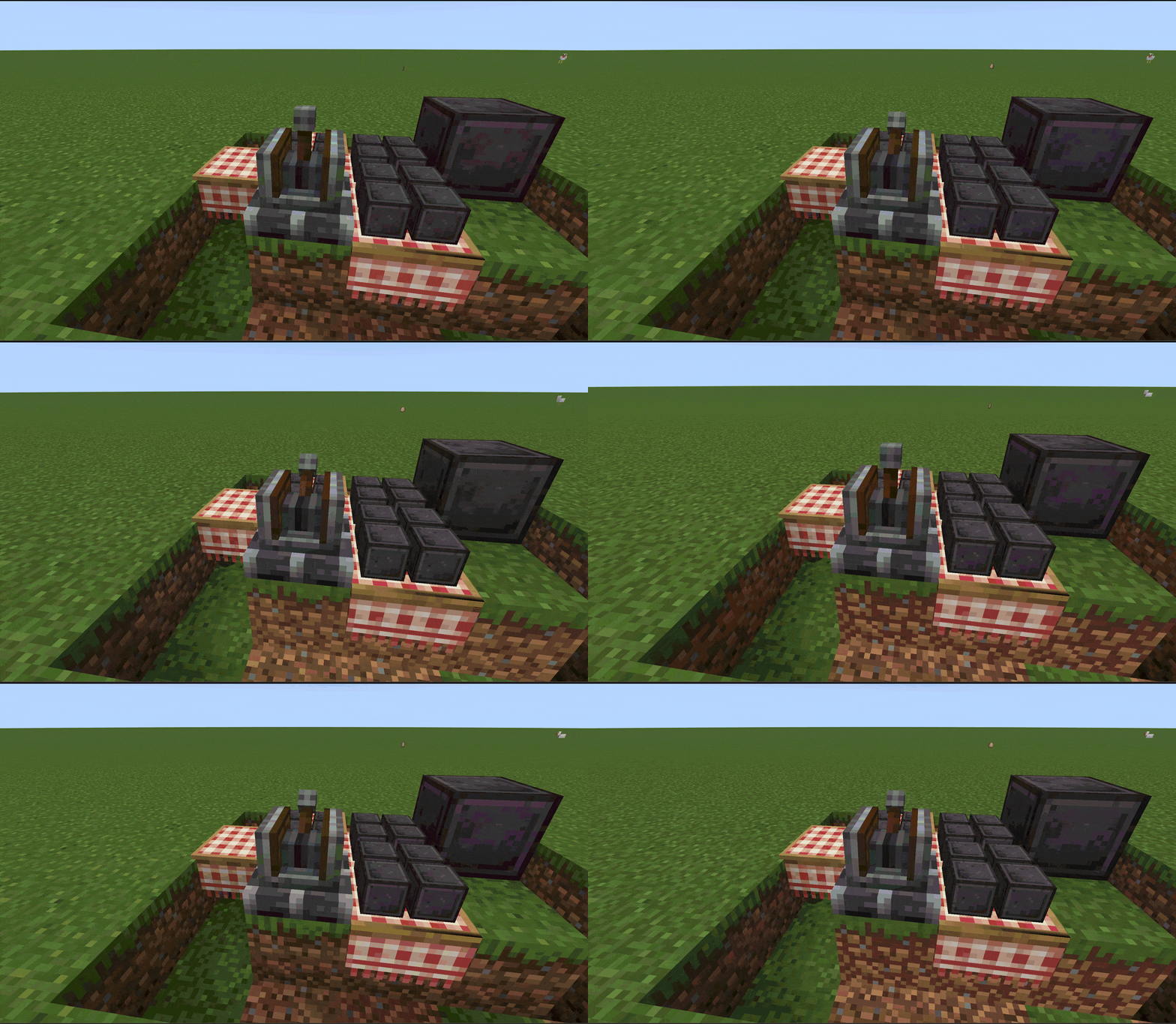
About this Mod
Overview
Sable Assembly Fix fixes an item duplication bug that occurs during Sable assembly/disassembly for block entities that do not implement the Clearable interface.
The Problem
Sable's SubLevelAssemblyHelper.moveBlocks() calls Clearable.tryClear() on every block entity during the assembly process. The issue is:
- For block entities that implement Clearable (e.g. chests, hoppers) — works fine, contents are properly cleared
- For block entities that do NOT implement Clearable (e.g. TableCloth, Mechanical Arm, Ejector, etc.) — tryClear() is a no-op, nothing happens
- The block is destroyed and its items drop into the world, but the NBT data containing the item inventory is still there
- When the block is recreated in the sub-level, the NBT items are read back
- Result: the same items exist both on the ground and inside the block — item duplication
Triggering this bug is trivially cheap:
simply toggle the ship between physics mode and block mode (or vice versa) — each transition triggers assembly/disassembly, which duplicates the contents of any non-Clearable block entity on the ship. No expensive resources or complex setup required.
How It Works
A single @Redirect mixin intercepts the Clearable.tryClear() call inside SubLevelAssemblyHelper.moveBlocks() :
- If the block entity implements Clearable → passes through normally, no intervention
- If the block entity does not implement Clearable → calls level.removeBlockEntity(pos) to remove the block entity entirely, preventing it from dropping any contents
Affected Block Entities (Create + Addons)
| Block Entity | Items per dupe |
|---|---|
| TableCloth | up to 4 |
| Mechanical Arm | entire held stack (e.g. 64 items at once) |
Plus any modded BE with inventory that doesn't implement Clearable.
Note: The Mechanical Arm is especially severe — it duplicates the entire held stack in one operation. If the arm is holding a full stack of 64 items, you get 64 duplicated items per assembly/disassembly cycle.
Any modded block entity with an inventory that doesn't implement Clearable is also affected.
Configuration
A whitelist system is included. The config file config/sableassemblyfix/whitelist.json is automatically created on first launch.
Add block entity IDs to the whitelist to skip the fix (e.g. if a mod handles Clearable on its own). Requires a game restart to reload.
Dependencies
- NeoForge >=21.1.228
- Sable >=2.0
- Create: Aeronautics >=1.0.2
License
MIT
Available Versions
How to Install Sable Assembly Fix on Your Server
Order Server
Order a Minecraft Java server with at least 3 GB RAM (4 GB recommended).
Set neoforge Loader
In the panel under "Egg", select the neoforge loader and matching Minecraft version (1.21.1).
Install Mod
Open the mod browser in the dashboard and search for "Sable Assembly Fix". Click "Install" – done! Alternatively, upload the .jar via SFTP to the /mods folder.
Compatibility
Mod Loaders
Minecraft Versions
1.21.1
Server-side
✓ RequiredRecommended RAM
4 GB(min. 3 GB)Frequently Asked Questions
Sable Assembly Fix server crashes on startup – what to do?
Most common cause: wrong neoforge version or insufficient RAM. Check the server log (latest.log) for "OutOfMemoryError" or "Mixin" errors. With Mado Hosting: ensure at least 3 GB RAM is allocated and the loader matches the mod version (1.21.1). You can switch loaders with one click in the panel.
Is Sable Assembly Fix compatible with neoforge?
Sable Assembly Fix officially supports neoforge for Minecraft 1.21.1. The Mado dashboard automatically detects incompatible loader combinations.
Server lagging with Sable Assembly Fix – how to optimize performance?
Recommended RAM: 4 GB (per 8 players). Use /spark profiler to check if Sable Assembly Fix consumes the most tick time. Common fixes: reduce server view-distance to 8-10, install "performant" or "starlight" as supplementary mods on Forge. With Mado Hosting, your server runs on NVMe SSDs with dedicated CPU cores for minimal latency.
Similar Mods






Rent Modded Server
Install Sable Assembly Fix with just one click on your server.