Modrinth · Forge
Sanity: Descent Into Madness auf deinem Minecraft Server
Sanity: Descent Into Madness läuft auf Minecraft Servern mit Forge. Bestell deinen Server, stell den Loader im Panel ein und installiere die Mod mit einem Klick im Mod-Browser.
Brings the sanity mechanic from Don't Starve into Minecraft
- Downloads
- 1.6M
- Autor
- croissantnova
- Loader
- Forge
- Minecraft
- 1.16 – 1.20.1
- Aktualisiert
- –
Screenshots
So sieht Sanity: Descent Into Madness aus


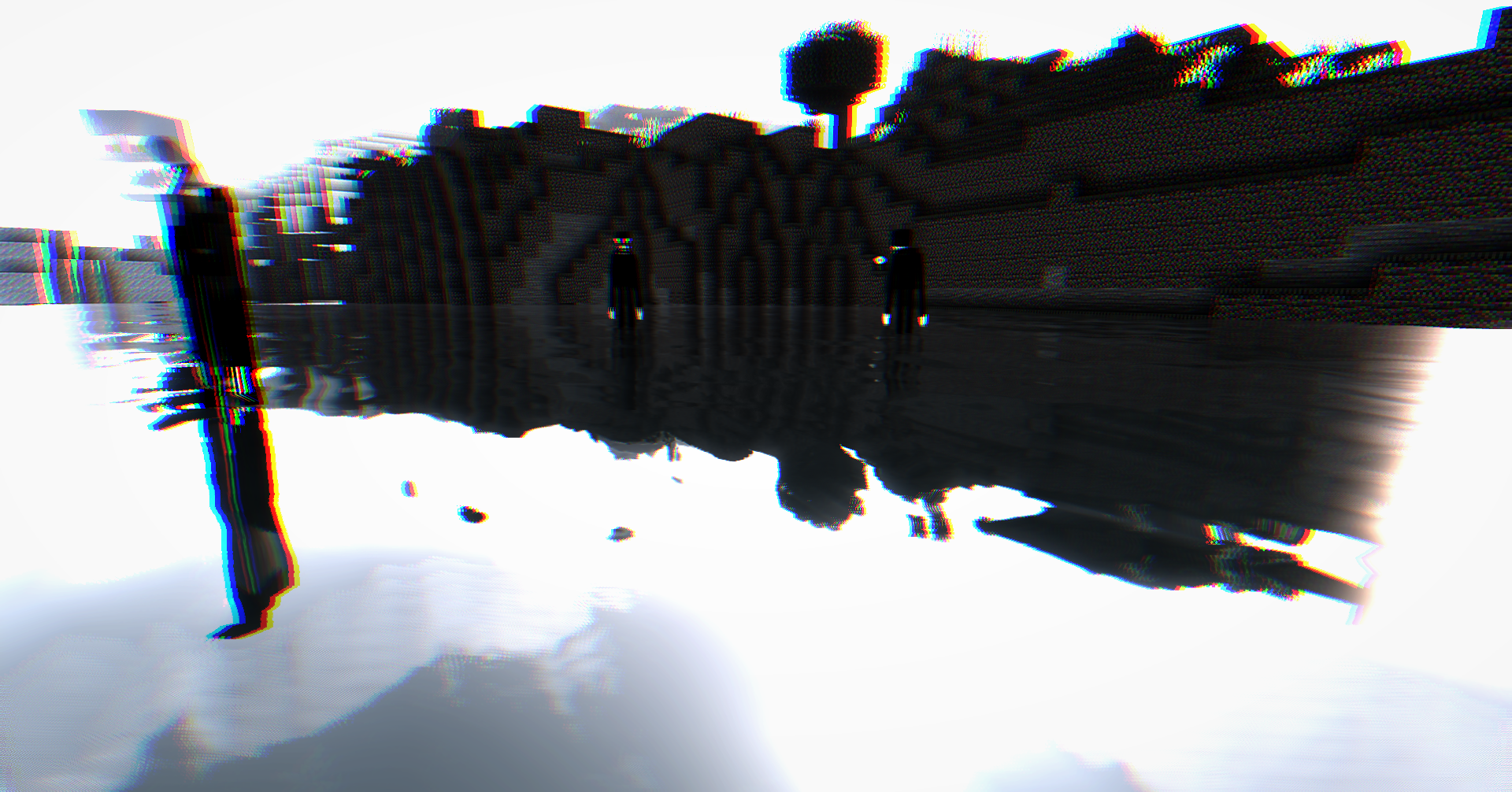
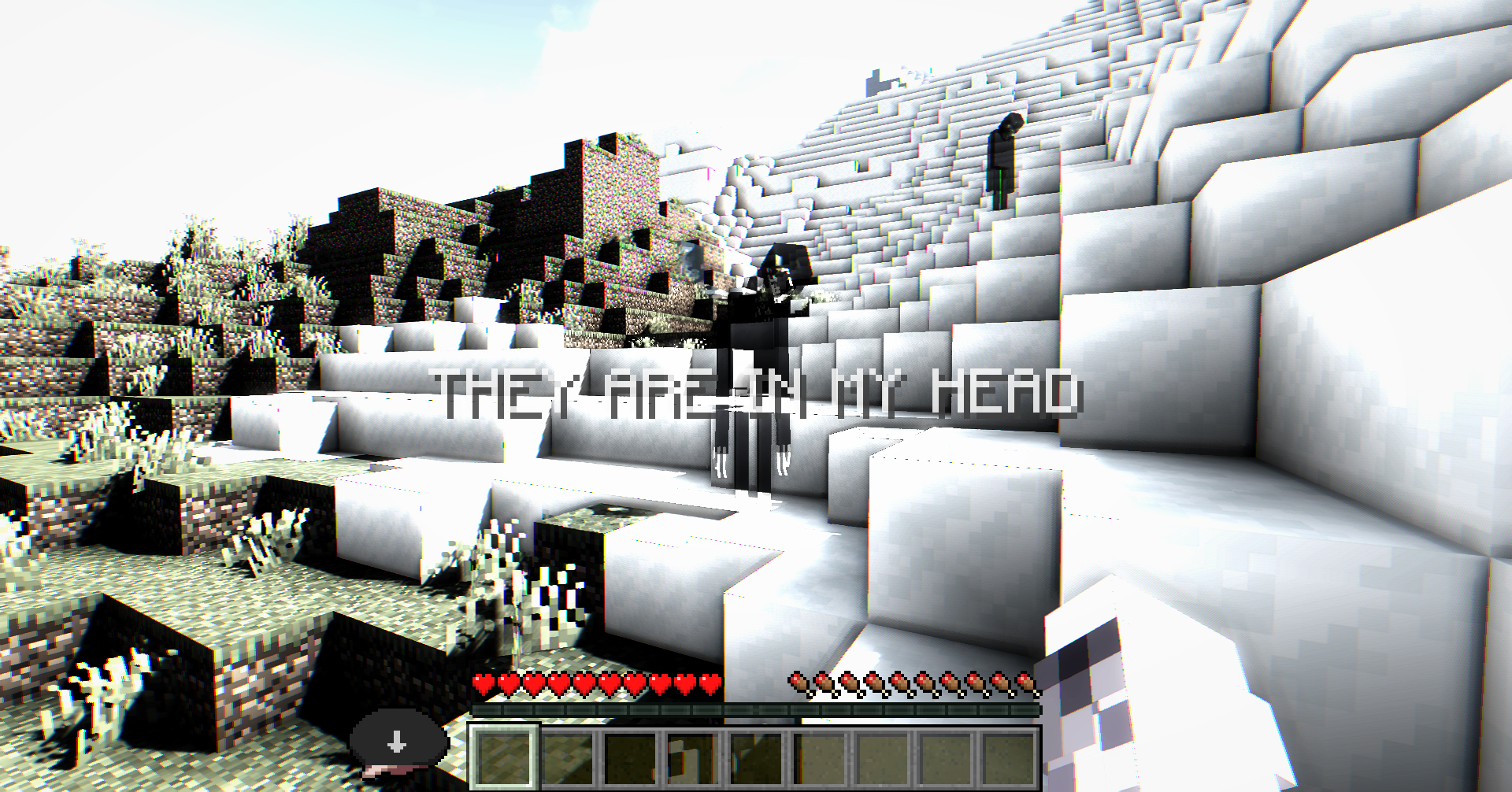

Bilder: Sanity: Descent Into Madness auf Modrinth, vom Projektteam veröffentlicht.
Einrichtung
Sanity: Descent Into Madness auf dem Server installieren
Server und Spieler brauchen denselben Loader und dieselbe Minecraft-Version. Sichere die Welt, bevor du Mods hinzufügst oder aktualisierst.
- 01
Konfigurieren
4 GB RAM sind vorausgewählt. Laufzeit und Add-ons wählst du selbst, bezahlt wird per Kreditkarte oder PayPal.
- 02
Loader einstellen
Stell im Panel die Serversoftware auf Forge und wähl die passende Minecraft-Version, zum Beispiel 1.20.1.
- 03
Mod installieren
Such im Mod-Browser nach „Sanity: Descent Into Madness“ und installiere die Version für deinen Loader. Alternativ lädst du die .jar per SFTP in den Ordner mods. Erforderliche Abhängigkeiten stehen auf der Projektseite.
- 04
Verbinden
Alle Spieler installieren Sanity: Descent Into Madness in derselben Version lokal und verbinden sich über die Serveradresse aus dem Panel.
- Auf dem Server
- Erforderlich
- Auf dem Client
- Erforderlich
- Loader
- Forge
- Minecraft
- 1.20.1, 1.20, 1.19.4 +12 weitere
- Lizenz
- MIT License
Das Panel
Mods installieren, Fehler finden.
Echte Screenshots aus dem Mado Panel. Beides ist bei jedem Minecraft Server enthalten.
Mod-Browser
Modrinth und CurseForge direkt im Panel.
Der Browser filtert nach deiner Minecraft-Version. Mods installierst du mit einem Klick, ohne .jar-Dateien hochzuladen.

KI-Crash-Analyse
Wenn ein Mod crasht, liest die Analyse das Log.
Mods scheitern oft an einer falschen Loader-Version, Java-Version oder fehlenden Abhängigkeit. Die Analyse nennt eine wahrscheinliche Ursache und einen Lösungsvorschlag.

Versionen
Veröffentlichte Versionen
Nimm die Datei, die zu Loader und Minecraft-Version deines Servers passt. Server und Spieler brauchen dieselbe Version.
Sanity: Descent Into Madness · Modrinth- Sanity: Descent Into Madness 1.1.09. Juli 2023Minecraft 1.18, 1.18.1, 1.18.2 · Forge
- Sanity: Descent Into Madness 1.1.09. Juli 2023Minecraft 1.19, 1.19.1, 1.19.2 · Forge
- Sanity: Descent Into Madness 1.1.04. Juli 2023Minecraft 1.20, 1.20.1 · Forge
- Sanity: Descent Into Madness 1.1.04. Juli 2023Minecraft 1.19.4 · Forge
- Sanity: Descent Into Madness 1.0.022. Juni 2023Minecraft 1.16, 1.16.1, 1.16.2, 1.16.3, 1.16.4, 1.16.5 · Forge
Originalbeschreibung des Projektautors
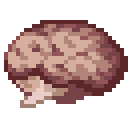
Sanity: Descent Into Madness
A Minecraft mod that brings the sanity mechanic from Don't Starve into Minecraft.
Requirements


When updating, make sure to delete the config file so it's recreated and new config changes are applied. You would have to backup your own changes though.
Description
This mod adds a new vital for you to manage - sanity, your mental health scale.
Failing to keep your sanity at high levels may have drastic consequences on your survival,
including fatal outcome.
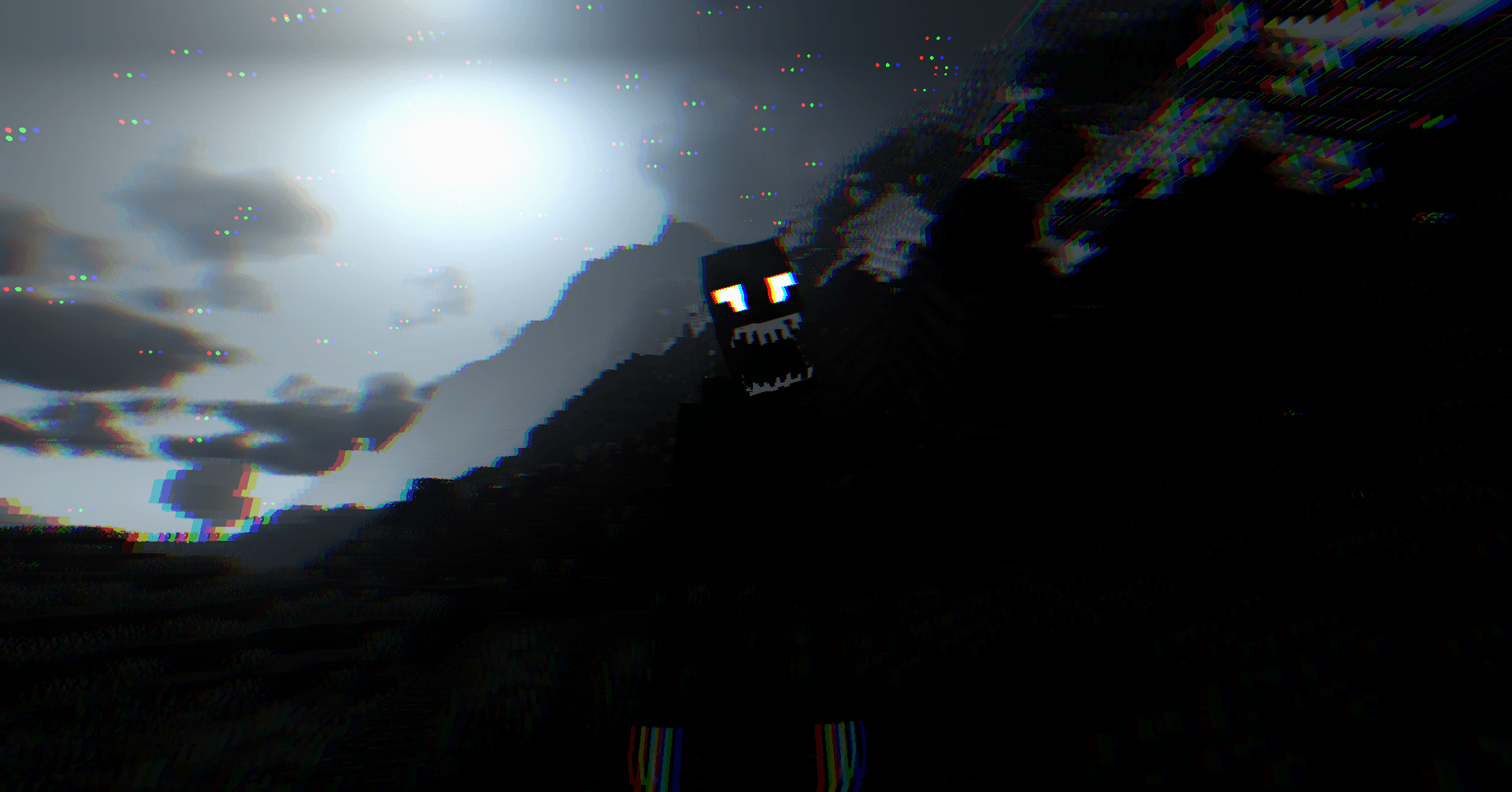
As your sanity drops, you start hearing and seeing things, your vision becomes muddy and blurry,
as well as your mind cloudy, until eventually you start getting attacked by the creations of your own mind, inner entities.
Certain mobs will also react accordingly to your unstable mental condition...
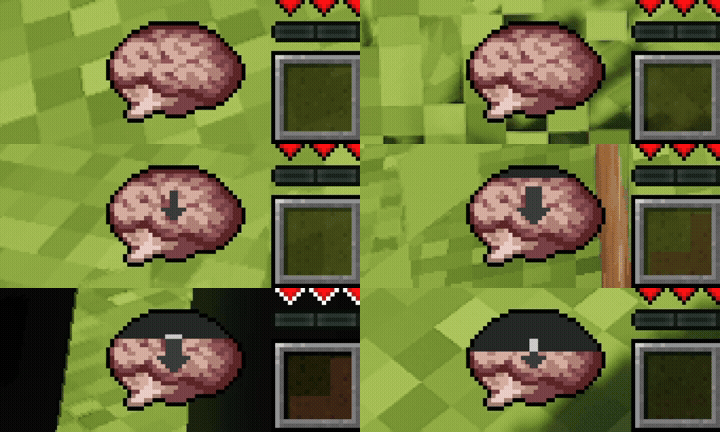
There are multiple ways to restore your sanity, as well as multiple ways to lose it. Visit the wiki to see them all.
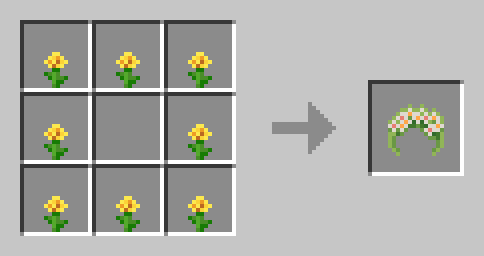
The first thing you might want to do, however, is to craft a garland from any small flowers you encounter on your journey.
This nice little accessory should help you stay sane for a bit longer. Be wary, though, that water makes it wither away much faster!
Details
The mod is highly configurable, see configuration file.
The mod also supports dimension-specific configuration in config/sanitydim/dimension/custom_config.toml.
You're free to include this mod in your modpacks.
Known bugs
- mc1.16: currently there's a bug with entities' animations, but it shouldn't affect gameplay much
Credits
croissantnova - programmer and artist,
toujourspareil - artist.
Sound effects provided by Zapsplat
License
See license.
Sanity: Descent Into Madness Server crasht beim Start – was tun?
Häufige Ursachen: Loader- oder Minecraft-Version passen nicht zur Mod-Datei, eine Abhängigkeit fehlt oder der RAM reicht nicht. Such im Log (latest.log) nach „OutOfMemoryError“, „Mixin“ oder fehlenden Mods. Bei Mado wertet die KI-Crash-Analyse das Log aus und schlägt eine Ursache vor. Loader und Version änderst du im Panel.
Mit welchem Loader läuft Sanity: Descent Into Madness?
Laut Modrinth unterstützt Sanity: Descent Into Madness Forge für Minecraft 1.20.1, 1.20, 1.19.4.
Wie viel RAM braucht ein Server mit Sanity: Descent Into Madness?
Als Orientierung 3–4 GB für einen Server mit dieser Mod. Das ist eine Schätzung, keine gemessene Mindestanforderung. Weitere Mods, viele Spieler und große Sichtweiten brauchen mehr. Ob eine Mod die Tick-Zeit belastet, siehst du mit dem spark-Profiler.
Ähnliche Mods
Beliebte Mods aus derselben Kategorie
 Nur Client

Sodium Extra
von FlashyReese
A Sodium addon that adds features that shouldn't be in Sodium.
 Server-fähig
VeinMiner
von Miraculixx
Mine the whole vein on mining a single ore/block. Make the tedious mining experience to something satisfying and fun! FTB Ultimine alternative
 Nur Client

Remove Reloading Screen
von dima_dencep
Makes resource packs load in the background, allowing you to do other things while waiting!
 Server-fähig

Sinytra Connector
von Su5eD
Lets you play Fabric mods on NeoForge
Bereit für deinen Server mit Sanity: Descent Into Madness?
4 GB RAM ab 8,00 € im Monat. 35 % auf den 1. Monat mit MADO35.