Modrinth · Forge
Sanity: Descent Into Madness on your Minecraft server
Sanity: Descent Into Madness runs on Minecraft servers with Forge. Order your server, set the loader in the panel and install the mod with one click in the mod browser.
Brings the sanity mechanic from Don't Starve into Minecraft
- Downloads
- 1.6M
- Author
- croissantnova
- Loader
- Forge
- Minecraft
- 1.16 – 1.20.1
- Updated
- –
Screenshots
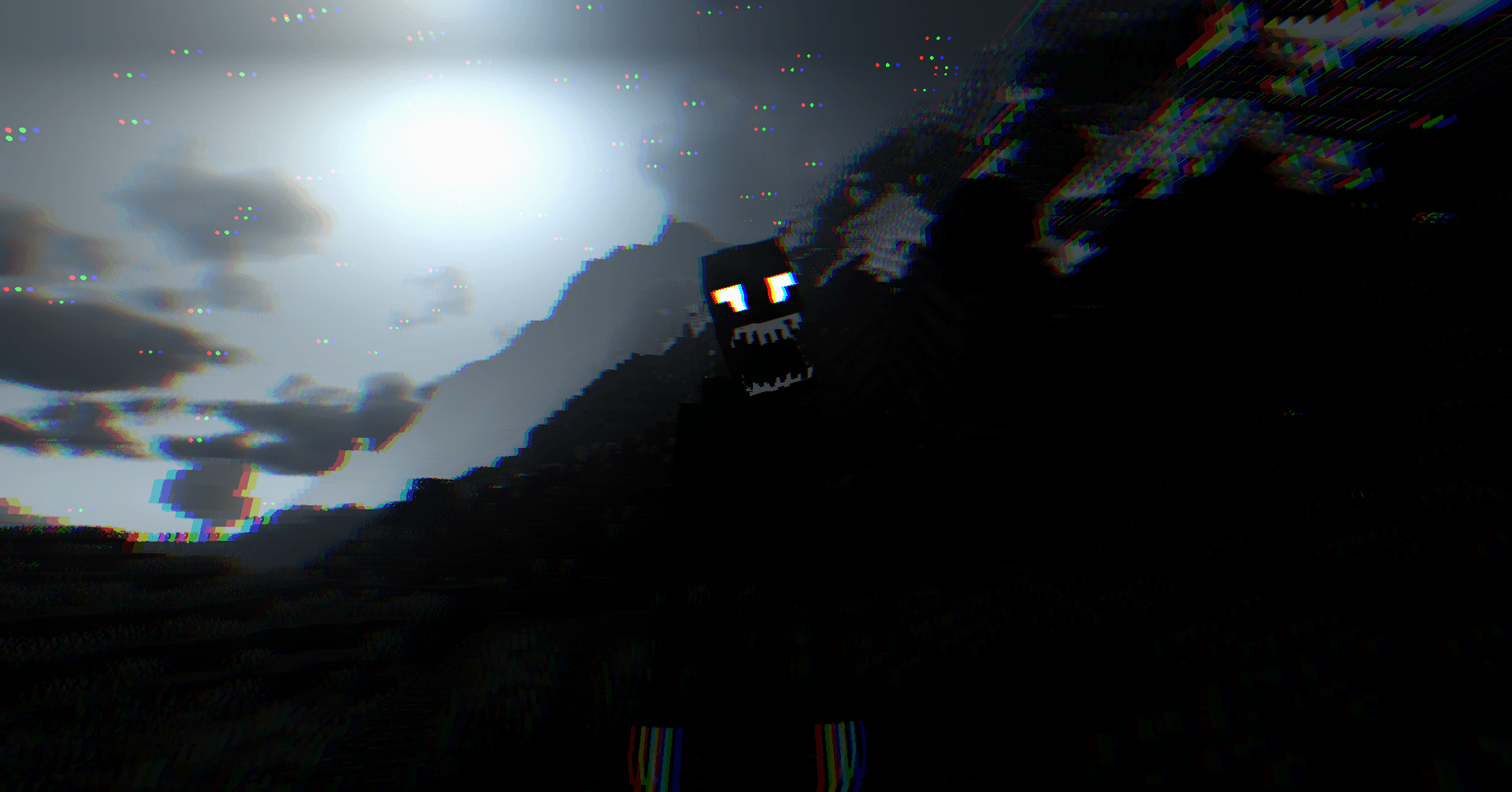
What Sanity: Descent Into Madness looks like


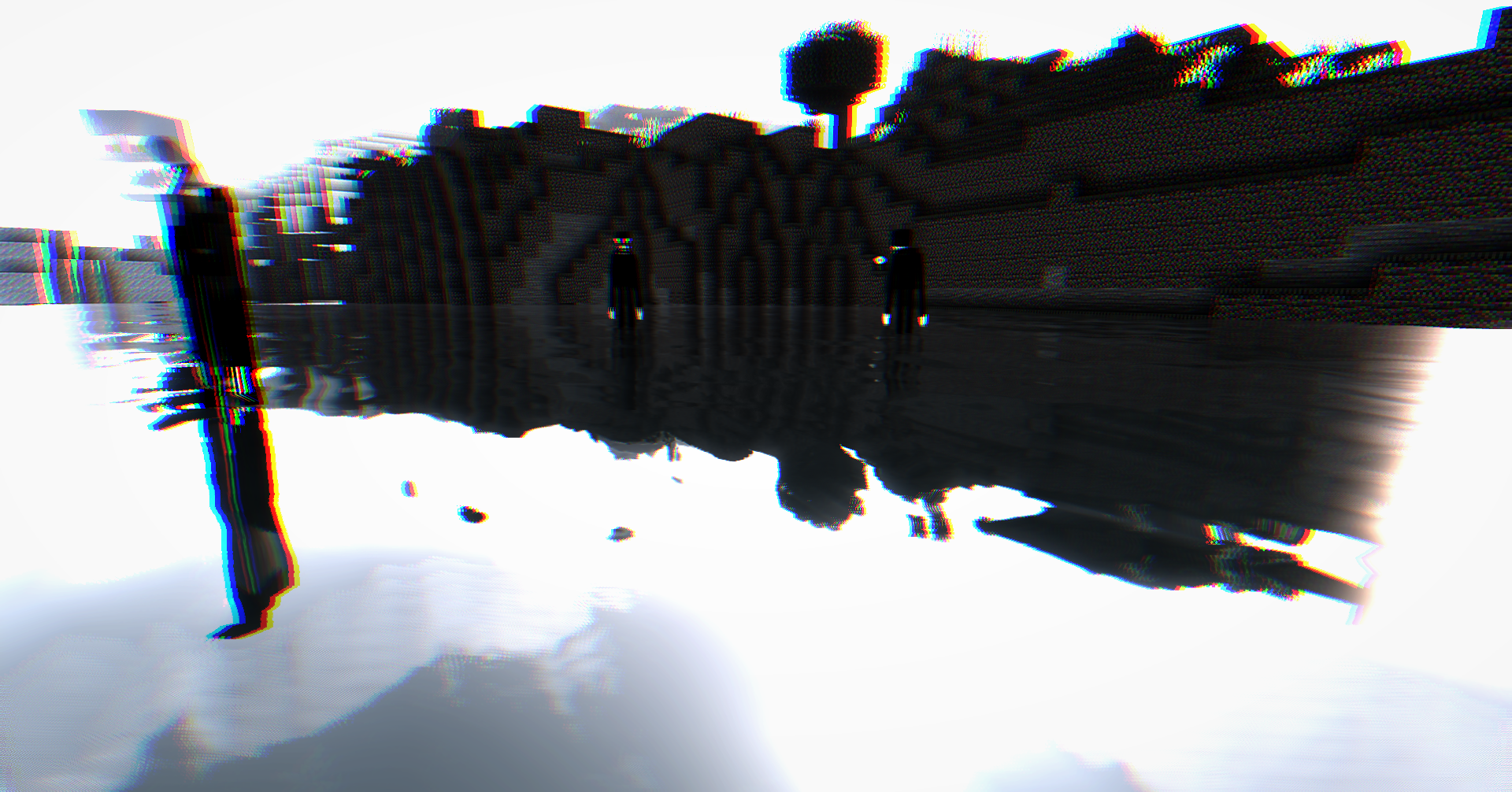


Images: Sanity: Descent Into Madness on Modrinth, published by the project team.
Setup
Install Sanity: Descent Into Madness on your server
The server and players need the same loader and Minecraft version. Back up the world before adding or updating mods.
- 01
Configure
4 GB of RAM is preselected. You choose the term and add-ons and pay by credit card or PayPal.
- 02
Set the loader
In the panel, set the server software to Forge and choose the matching Minecraft version, for example 1.20.1.
- 03
Install the mod
Search the mod browser for “Sanity: Descent Into Madness” and install the release for your loader. Alternatively, upload the .jar to the mods folder via SFTP. Required dependencies are listed on the project page.
- 04
Connect
Every player installs the same Sanity: Descent Into Madness release locally and connects using the server address from the panel.
- On the server
- Required
- On the client
- Required
- Loader
- Forge
- Minecraft
- 1.20.1, 1.20, 1.19.4 +12 more
- License
- MIT License
The panel
Install mods, find errors.
Real screenshots from the Mado panel. Both come with every Minecraft server.
Mod browser
Modrinth and CurseForge, right in the panel.
The browser filters by your Minecraft version. Install mods with one click, without uploading .jar files.

AI crash analysis
When a mod crashes, the analyzer reads the log.
Mods often fail on a wrong loader version, Java version or missing dependency. The analyzer names a likely cause and suggests a fix.

Releases
Published releases
Pick the file that matches your server’s loader and Minecraft version. The server and players need the same release.
Sanity: Descent Into Madness · Modrinth- Sanity: Descent Into Madness 1.1.0July 9, 2023Minecraft 1.18, 1.18.1, 1.18.2 · Forge
- Sanity: Descent Into Madness 1.1.0July 9, 2023Minecraft 1.19, 1.19.1, 1.19.2 · Forge
- Sanity: Descent Into Madness 1.1.0July 4, 2023Minecraft 1.20, 1.20.1 · Forge
- Sanity: Descent Into Madness 1.1.0July 4, 2023Minecraft 1.19.4 · Forge
- Sanity: Descent Into Madness 1.0.0June 22, 2023Minecraft 1.16, 1.16.1, 1.16.2, 1.16.3, 1.16.4, 1.16.5 · Forge
Original description by the project author

Sanity: Descent Into Madness
A Minecraft mod that brings the sanity mechanic from Don't Starve into Minecraft.
Requirements


When updating, make sure to delete the config file so it's recreated and new config changes are applied. You would have to backup your own changes though.
Description
This mod adds a new vital for you to manage - sanity, your mental health scale.
Failing to keep your sanity at high levels may have drastic consequences on your survival,
including fatal outcome.
As your sanity drops, you start hearing and seeing things, your vision becomes muddy and blurry,
as well as your mind cloudy, until eventually you start getting attacked by the creations of your own mind, inner entities.
Certain mobs will also react accordingly to your unstable mental condition...

There are multiple ways to restore your sanity, as well as multiple ways to lose it. Visit the wiki to see them all.
The first thing you might want to do, however, is to craft a garland from any small flowers you encounter on your journey.
This nice little accessory should help you stay sane for a bit longer. Be wary, though, that water makes it wither away much faster!

Details
The mod is highly configurable, see configuration file.
The mod also supports dimension-specific configuration in config/sanitydim/dimension/custom_config.toml.
You're free to include this mod in your modpacks.
Known bugs
- mc1.16: currently there's a bug with entities' animations, but it shouldn't affect gameplay much
Credits
croissantnova - programmer and artist,
toujourspareil - artist.
Sound effects provided by Zapsplat
License
See license.
Sanity: Descent Into Madness server crashes on startup – what to do?
Common causes: the loader or Minecraft version does not match the mod file, a dependency is missing, or RAM is too low. Check the log (latest.log) for “OutOfMemoryError”, “Mixin” or missing mods. At Mado, the AI crash analysis reads the log and suggests a cause. You can change the loader and version in the panel.
Which loader does Sanity: Descent Into Madness run on?
According to Modrinth, Sanity: Descent Into Madness supports Forge for Minecraft 1.20.1, 1.20, 1.19.4.
How much RAM does a server with Sanity: Descent Into Madness need?
As guidance, 3–4 GB for a server with this mod. This is an estimate, not a measured minimum. More mods, many players and long view distances need more. The spark profiler shows whether a mod is costing tick time.
Similar mods
Popular mods in the same category
 Client only

Sodium Extra
by FlashyReese
A Sodium addon that adds features that shouldn't be in Sodium.
 Server-ready

VeinMiner
by Miraculixx
Mine the whole vein on mining a single ore/block. Make the tedious mining experience to something satisfying and fun! FTB Ultimine alternative
 Client only

Remove Reloading Screen
by dima_dencep
Makes resource packs load in the background, allowing you to do other things while waiting!
 Server-ready

Sinytra Connector
by Su5eD
Lets you play Fabric mods on NeoForge
Ready for your server with Sanity: Descent Into Madness?
4 GB of RAM from €8.00 per month. 35% off your first month with MADO35.